
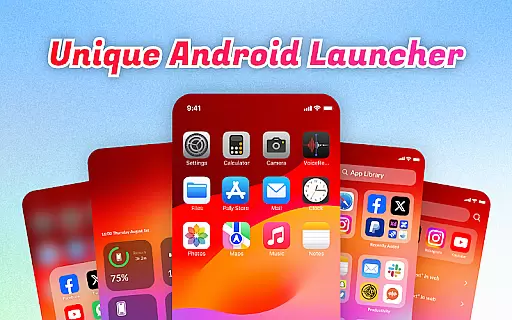
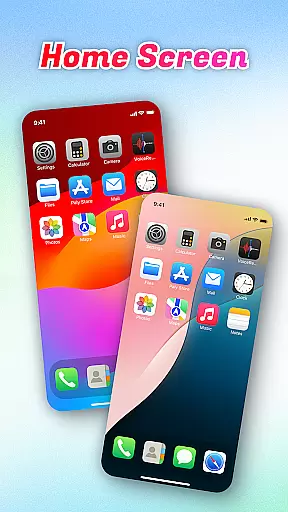
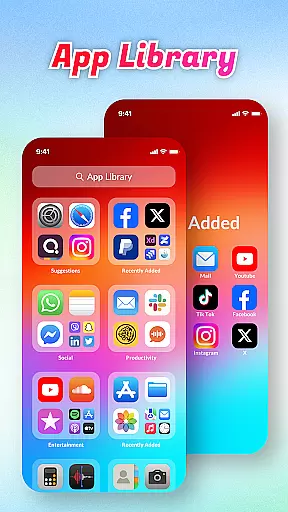
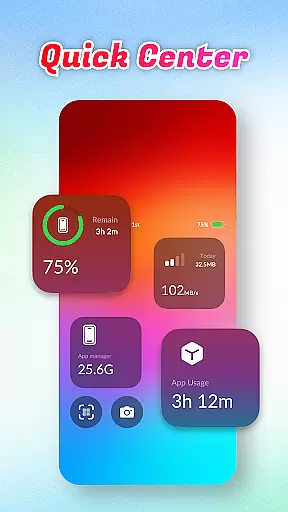
OS Launcher Theme is a personalization app that enhances your device's interface with advanced features. It offers an App Library to organize apps into categories, reducing clutter and improving navigation. The Quick Center provides instant access to essential tools like flashlight and settings through a simple swipe-up gesture.
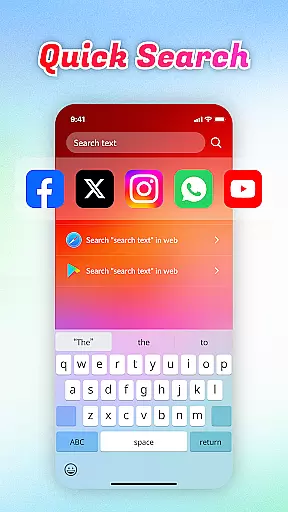
With Quick Search, users can find apps or web content rapidly using keyword search functionality. The app also includes a built-in QR Scanner for seamless scanning without switching applications. Battery Info and Data Usage features help monitor battery health, charging status, and track data usage to prevent overages, while the App Manager identifies storage-heavy apps.
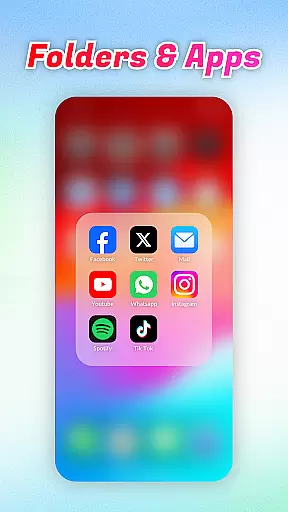
OS Launcher Theme stands out with its comprehensive feature set tailored for user convenience. The App Library automatically sorts installed apps into intuitive categories, streamlining app management. Quick Center transforms the user experience by providing one-tap access to frequently used functions such as flashlight and settings.
Quick Search enables rapid location of apps or online content via keyword input, saving time and effort. The integrated QR Scanner eliminates the need for additional scanning apps, offering a unified solution. Battery Info delivers detailed insights into battery performance and charging patterns, while Data Usage allows precise tracking of mobile data consumption.
The App Manager empowers users to identify and manage apps consuming excessive storage space, ensuring optimal device performance. These features collectively enhance productivity and streamline daily device interactions.
OS Launcher Theme offers a wide array of customization options that cater to individual preferences and needs.
The App Library feature automatically sorts apps into categories, reducing clutter and personalizing the user's home screen layout. This helps users find their apps more intuitively based on usage patterns and preferences.
Quick Center provides easy access to essential functions like flashlight and settings with just a swipe and tap, enhancing the convenience factor for users who prefer quick adjustments without navigating through menus.
With Quick Search, finding apps or web content is expedited through keyword searches, allowing users to tailor their search experience according to their habits and needs.
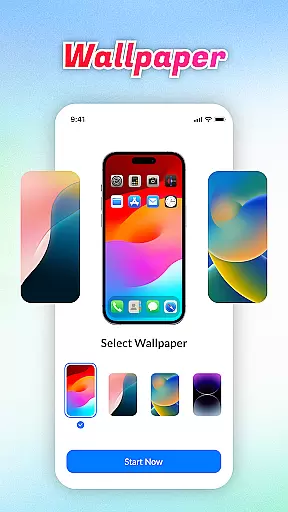
Theme compatibility in OS Launcher Theme ensures that visual elements are consistent across the interface, providing a seamless aesthetic experience.
Built-in features such as the QR Scanner and Battery Info display information in a cohesive manner that aligns with the overall theme design, maintaining visual harmony throughout the user's interaction with different functionalities.
Data Usage tracking and App Manager both integrate smoothly within the themed environment, presenting critical data in an easily digestible format while preserving the stylistic integrity of the launcher theme.
This attention to compatibility extends to various devices and screen sizes, ensuring that all visual aspects of the launcher remain visually pleasing regardless of the hardware it is displayed on.
User-friendly interface
Efficient app organization
Convenient quick access tools
Integrated QR code scanning
Comprehensive battery monitoring
Limited customization options
Higher storage requirements
Potential compatibility issues
Occasional performance lags
Ads in free version

Classic analogue watch face. For wear os devices.
 4.60
4.60
A Colorful and Minimal icon pack in an Outline Style - Over 13,600 icons!
4.70
A launcher for Samsung Good Lock and Good Guardians modules without ads
4.70
Shimeji adds cute animated characters to your screen, lively and fun.
4.70
Run multiple accounts of the same app on a single device
4.10
Want to make your phone more special than ever?
4.60
Customize your home screen with stunning themes, blur, widgets & icons.
4.60
Embrace the Night. Unleash the power of darkness with Raven Dark Icon Pack
4.60
Custom ringtones songs, music ringtones for Android phones
4.60
Sparkle your screen with Glitter Wallpapers For Girls and Cute Backgrounds!
4.80
400+ Beautifully crafted widgets inspired by NOTHING.
4.70
Ultra realistic high quality analog watch face for Wear OS.
4.60
Add cute Shimeji pets to screen, interact with them and relax with cute motions
4.60
Icons made of colorful linear lines
4.60
Turn text & photos into stunning AI videos, art, and creative visual stories.
4.50
Your home screen, just the way you like it.
4.30
Adult video chat, dating, making friends, random matching
4.20
Transform your phone with stunning video wallpapers and a unique, personal touch
3.80
Adorable pets roam and play right on your phone screen!
3.30


User Reviews