
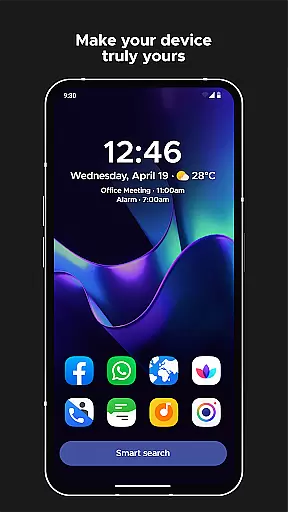
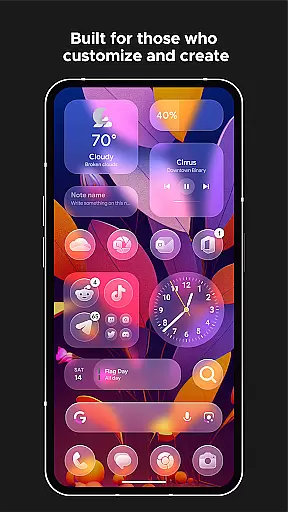
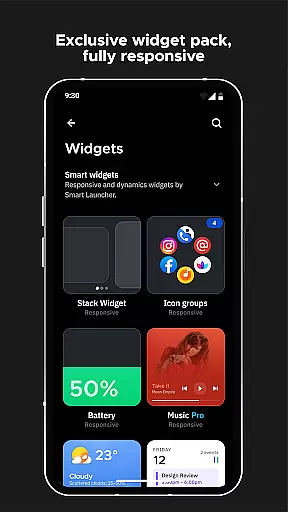
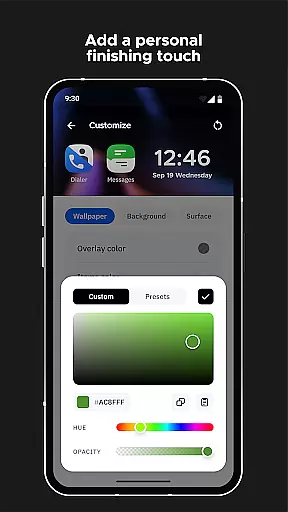
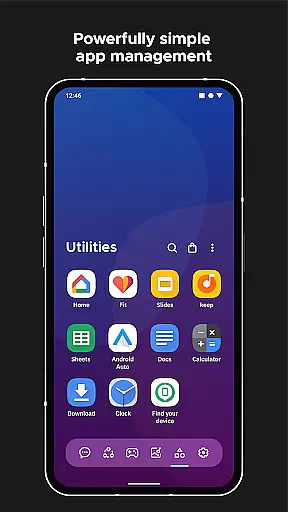
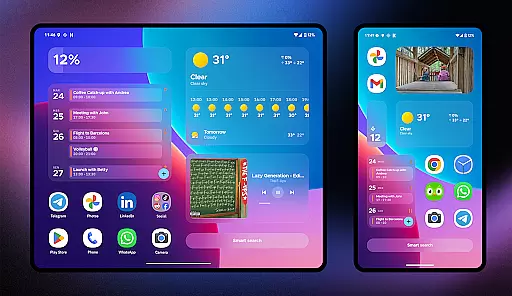
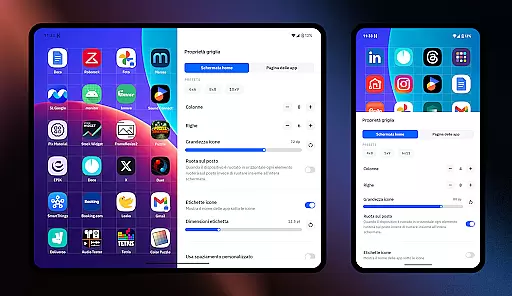
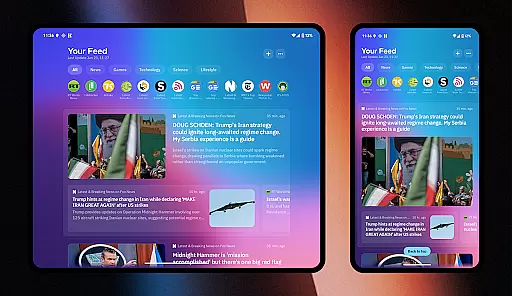
Smart Launcher 6 is a cutting-edge home screen replacement app designed to enhance the Android experience. It introduces an innovative interface that automatically organizes apps into categories, saving users the hassle of manual sorting. The app's adaptive features extend to its ambient theme engine, which dynamically adjusts colors to match your wallpaper, ensuring a visually cohesive experience.
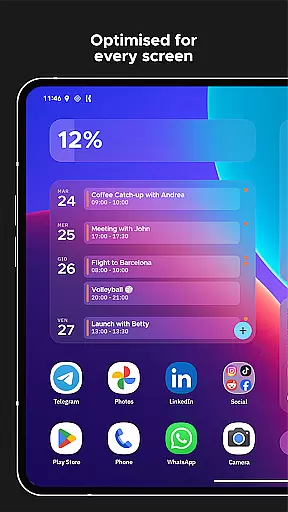
Beyond aesthetics, Smart Launcher 6 focuses on practicality with its one-hand optimized layout and responsive built-in widgets. The powerful search functionality allows quick access to apps, contacts, and even web searches. With support for adaptive icons, customizable gestures, and notification indicators, this launcher combines convenience with personalization. Whether you're looking to improve efficiency or simply want a more beautiful home screen, Smart Launcher 6 delivers both form and function.
Smart Launcher 6 distinguishes itself through its array of intelligent features. The automatic app sorting system intelligently categorizes applications, eliminating the need for manual organization while maintaining optimal accessibility. This feature alone has set a new standard in home screen management, influencing even major players like Apple to adopt similar concepts in their iOS ecosystem.
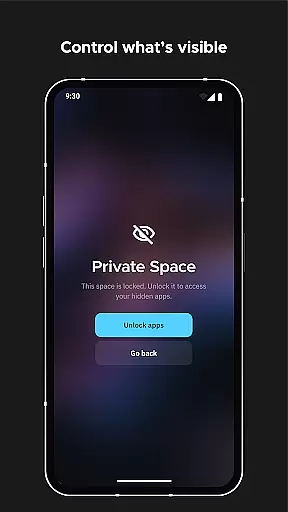
The launcher's customization capabilities are equally impressive. Users can modify every aspect of the visual presentation, from theme colors to fonts, allowing for truly unique home screen designs. The inclusion of adaptive icons brings modern design elements to all devices, regardless of Android version. Practical features like gesture controls, immersive mode, and app protection with PIN security demonstrate the app's commitment to both convenience and privacy.
Additional innovations include the smart search bar for rapid information retrieval, a comprehensive widget system for enhanced productivity, and an integrated wallpaper picker with backup functionality. These features work in harmony to create a home screen experience that adapts to users' needs while maintaining exceptional performance and stability.
Smart Launcher 6 offers an extensive range of customization options that allow users to tailor their home screen to their personal preferences. This includes the ability to modify every single color within the theme, unlocking infinite possibilities for color combinations.
The launcher supports adaptive icons, a feature introduced with Android 8.0 Oreo, which is now available for any Android device. These adaptive icons not only provide customizable shapes but also ensure beautiful and larger visuals, enhancing the overall aesthetic of your home screen.
Furthermore, Smart Launcher allows you to change fonts on the home screen by choosing from thousands of fonts available through Google Fonts. This level of customization ensures that your device truly reflects your style and meets your functional needs.
With these comprehensive customization features, users can create a personalized and visually appealing home screen environment that enhances both usability and enjoyment.
Theme compatibility in Smart Launcher 6 ensures that all visual elements on your home screen work seamlessly together. The Ambient Theme feature automatically adjusts the colors of the theme to match your wallpaper, providing a cohesive and harmonious look every time you change it.
This dynamic theming extends to the responsive built-in widgets included with the launcher. These widgets adapt to the current theme settings, maintaining visual consistency across the home screen and ensuring a polished appearance.
Additionally, the support for adaptive icons means that app icons will always align with the chosen theme, regardless of their original design. This creates a unified and professional look throughout the interface.
By maintaining high standards of theme compatibility, Smart Launcher 6 delivers a visually integrated experience that enhances both the functionality and aesthetic appeal of your Android device's home screen.
Automatic app sorting
Ambient theme matching
One-hand optimized design
Powerful search functionality
Extensive customization options
Paid premium features
Steeper learning curve
Higher system requirements
Occasional compatibility issues
Limited stock Android feel

Ninja Turtles Cowabunga SE watch face for Wear OS
 4.50
4.50
Ultimate widget creator. Design custom widgets for a truly unique home screen!
3.90
Customizable screen pets that play, climb, and keep you company.
4.50 4.50
4.50
Your go to Weather App & Home Screen. Get your weather at a swipe of a finger!
3.80
300+ widgets inspired by Material You and Material 3 expressive design.
4.60
350+ widgets with a premium glass-style finish, perfect for home & lock screens.
4.70
A minimalist productivity launcher. One-hand-friendly. Zero ads.
4.70
Custom ringtones songs, music ringtones for Android phones
4.60
Gun Chase - Let the chase begin.
4.80
A launcher for Samsung Good Lock and Good Guardians modules without ads
4.70
Stunningly Different look with Line Icons and Neon Colors
4.60
Classic analogue watch face. For wear os devices.
4.60
Unique Android Launcher
4.60
Transform your device in a game console
4.40
Unique Fonts, typefaces and stylish text. Fonts for Instagram, Whatsapp & others
4.20 4.10
4.10
Customize glowing edges, wallpapers, and caller screen with EdgeAura.
3.50
Modern Glass Icon Pack with glossy icons, clean minimal theme & aesthetic style
4.4


User Reviews