
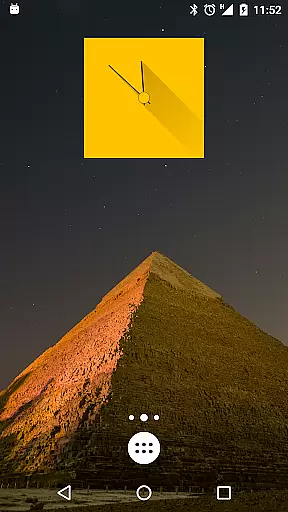
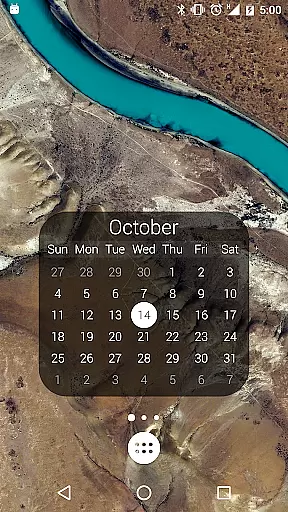
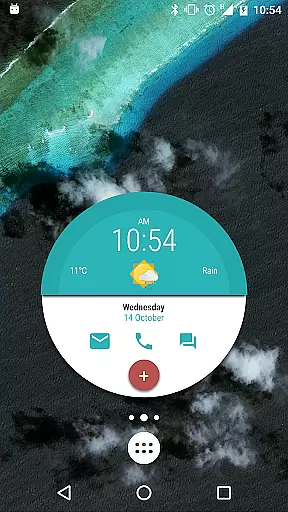
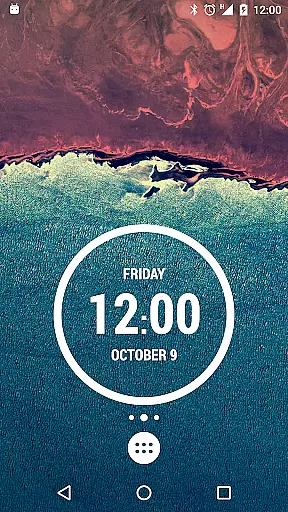
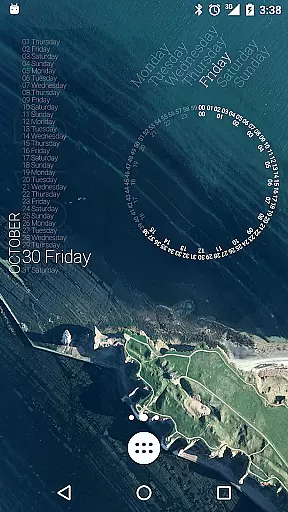
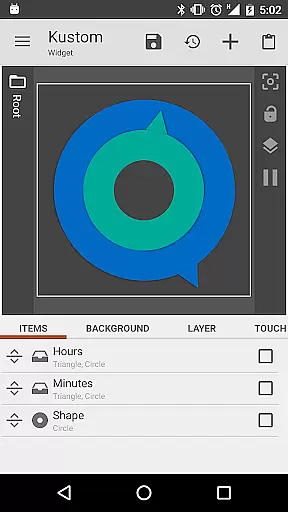
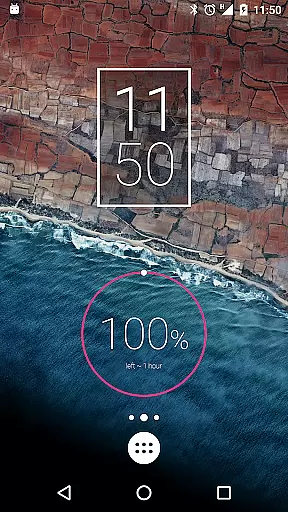
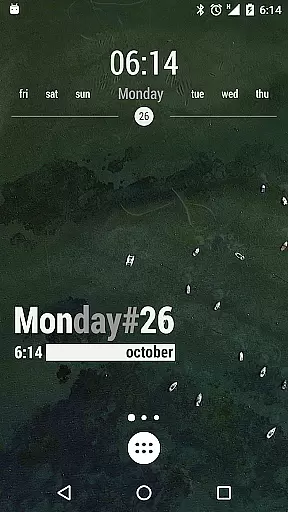
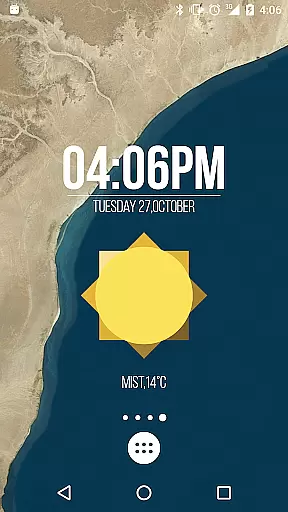
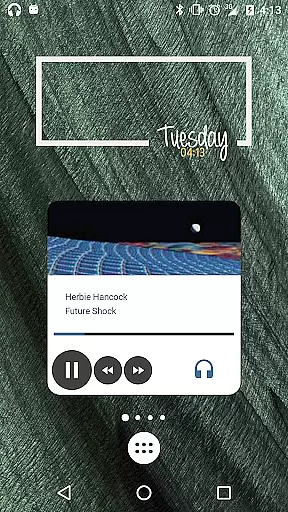
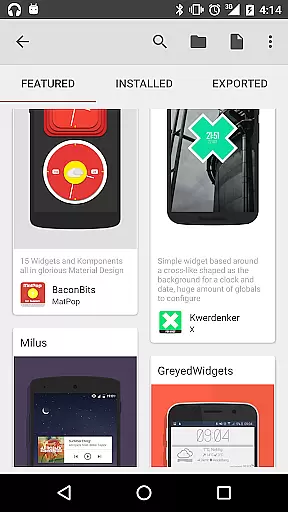
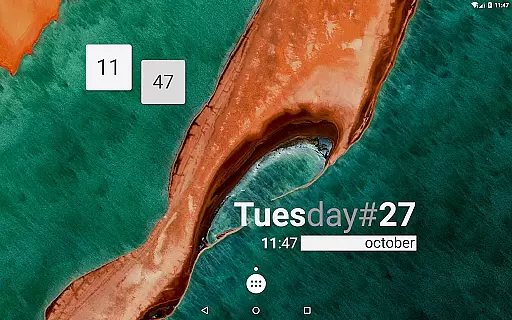
KWGT Kustom Widget Maker is the ultimate tool for personalizing your Android home screen. This powerful widget maker allows you to design custom widgets that display any data you need, exactly how you want it. With a robust WYSIWYG editor, you can create unique layouts using text, shapes, images, and interactive elements.
The app supports advanced features like complex logic programming, dynamic data downloads, and Tasker integration, making it perfect for power users who demand more from their widgets. Whether you're creating aesthetic photo widgets, detailed weather displays, or sophisticated system monitors, KWGT provides all the tools necessary to build a truly personalized phone experience.
KWGT stands out with its comprehensive set of features designed for maximum customization. The WYSIWYG editor offers total control over text formatting, including custom fonts, colors, sizes, and effects such as 3D transformations and shadows. You can also work with various shapes and images, applying professional-grade layering techniques like gradients and color filters.
For those seeking advanced functionality, KWGT supports complex logic through a full programming language, dynamic data retrieval via HTTP, RSS, and XML parsing, and seamless Tasker integration. These features enable the creation of highly interactive and data-rich widgets, ranging from custom music players to fitness trackers, ensuring your home screen is both beautiful and functional.
Customization is at the heart of KWGT Kustom Widget Maker, allowing users to break free from the monotony of preset widgets. With an extensive suite of design tools, users can craft widgets that reflect their personal style and needs.
The app provides total text control with custom fonts, colors, sizes, and effects such as 3D transformations and shadows. Users are not limited to text alone; they can incorporate shapes, images, and Scalable Vector Graphics (SVG), layering them with professional-grade precision.
Interactive elements can be added to widgets, enabling actions such as launching apps or toggling settings. This level of customization ensures that each widget is not only visually appealing but also functional and unique to the user's workflow.
By offering complex logic and dynamic data capabilities, KWGT allows for widgets that can display a vast array of information, from weather details to system stats, ensuring that users have exactly what they need at their fingertips.
Theme compatibility in KWGT Kustom Widget Maker ensures that the widgets you create will seamlessly integrate with your device's aesthetic. Whether you prefer a minimalist look or something more elaborate, KWGT supports a theme's visual language.
Users can match their widgets with their current Android theme, using consistent color schemes, fonts, and design elements. The flexibility extends to photo galleries and music players, which can be designed to either stand out or blend in with the overall home screen design.
With support for various data-rich widgets like weather and fitness trackers, KWGT maintains thematic consistency without sacrificing functionality. This means your weather or fitness widget can be both informative and thematically coherent.
Ultimately, KWGT empowers users to maintain a cohesive look across their devices while enjoying the benefits of personalized, data-driven widgets that enhance their digital experience.
User-friendly interface
Highly customizable options
Advanced logic programming
Dynamic data capabilities
Active community support
Steeper learning curve
Paid pro version needed
Ads in free version
Requires technical knowledge
Occasional bugs reported

Transform your phone with Launcher iOS 26 - Smooth & elegant iOS experience
 4.50
4.50
Personalize your phone with stunning HD and 4K wallpapers!
4.70
Romantic Kiss Stickers App. Start romantic messaging now!
4.30
Custom edge gestures for volume control, brightness, apps, and shortcuts.
4.1
Your go to Weather App & Home Screen. Get your weather at a swipe of a finger!
3.80
Crystal-clear, square icon provides a sleek and sophisticated visual upgrade
4.00
One 8 icons glass color version
4.80
Struggling to find apps? Use this app to locate and open any app on your phone!
2.20
Magic fluids wallpaper 4D: Relax with stunning fluid simulation wallpaper app
4.20
Shimeji adds cute animated characters to your screen, lively and fun.
4.70
Icons made of colorful linear lines
4.60
Ultra realistic gold analog watch face with lots of customization options.
4.50
AI-powered Copilot. Personalized keyboard with gifs, stickers & themes
4.40
Launcher OS™ Pro without ads help make your phone simple and pretty
4.30
Your home screen, just the way you like it.
4.30
Design your screen with unique, vibrant clocks
3.80
Emoji Maker app - Design custom emojis and effortlessly blend them with Mixer
3.80
Prank your friends with realistic broken screen and cracked HD effects!
4.5
⭐ OneUI inspired Fluffy Icon Pack – Soft. Stylish. Standout. ⭐
4.3


User Reviews