
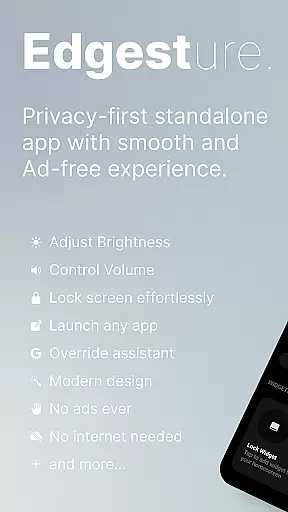
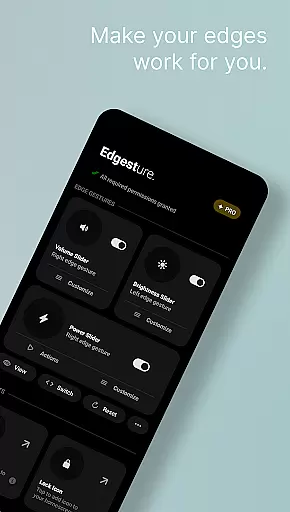
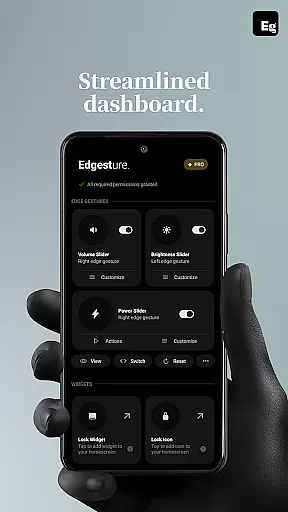
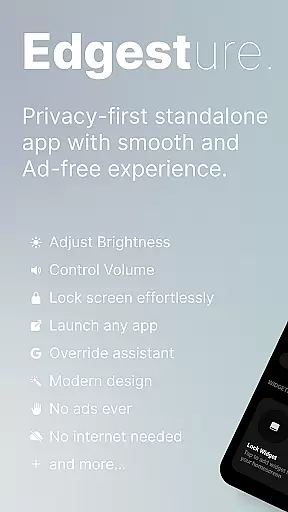
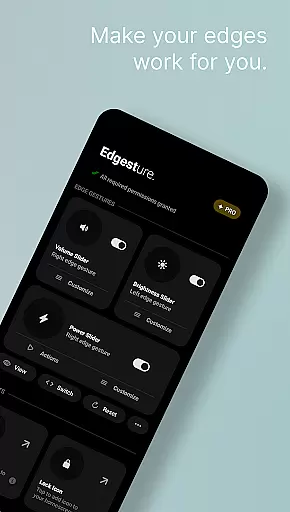

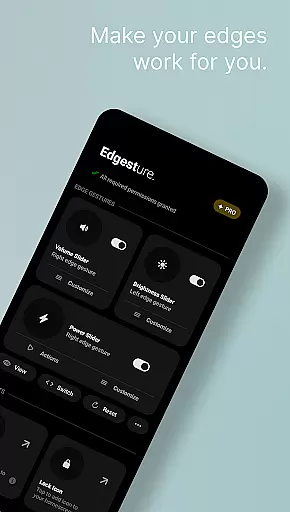
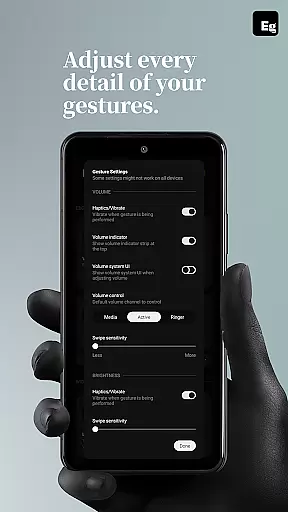
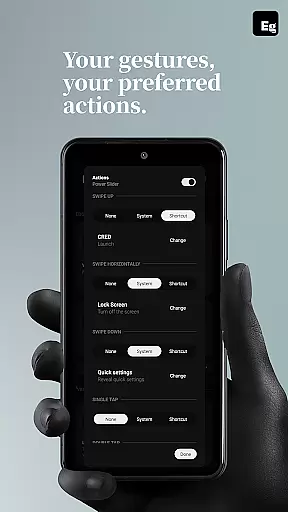
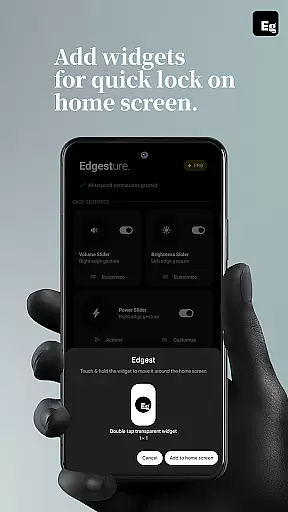
Edgest is a powerful personalisation tool that revolutionises how users interact with their smartphones through intuitive gesture controls. The app allows seamless navigation and instant access to favourite apps and actions using customisable edge gestures, making daily tasks faster and more efficient.
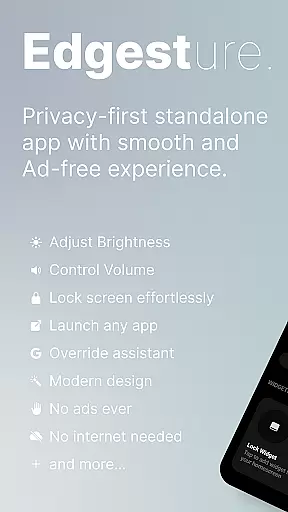
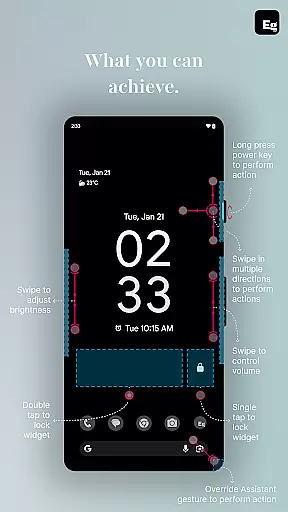
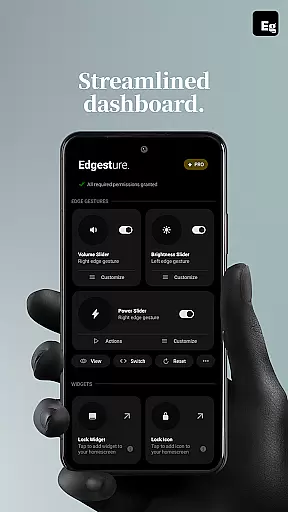
Key features include volume and brightness control directly from the screen's edge, personalised gesture shortcuts for launching apps or toggling settings, and lock screen widgets for effortless device locking. With its focus on simplicity and user experience, Edgest ensures no ads, tracking, or hidden charges while delivering a lightweight yet highly functional solution.
This app is ideal for users seeking enhanced productivity and convenience in their smartphone experience. Whether it's managing media playback, accessing quick settings, or creating tailored shortcuts, Edgest adapts to individual needs, offering a smoother and more intuitive way to control your device.
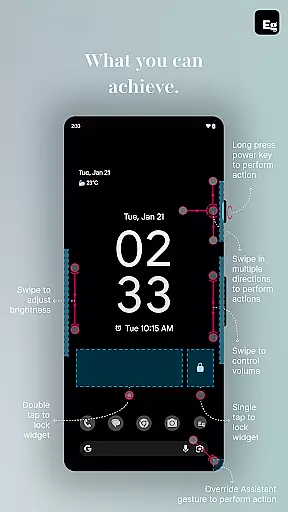
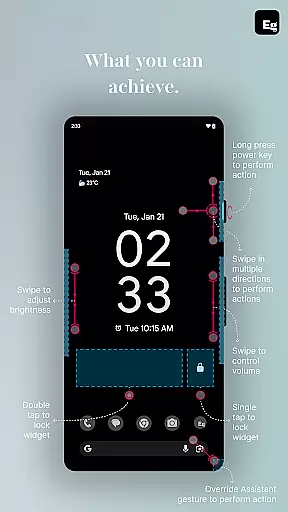
Edgest stands out with its comprehensive suite of features designed to optimise smartphone interactions. The app introduces smart edge gestures that allow users to perform essential functions like opening apps, adjusting settings, or returning to the home screen with simple swipes or taps.
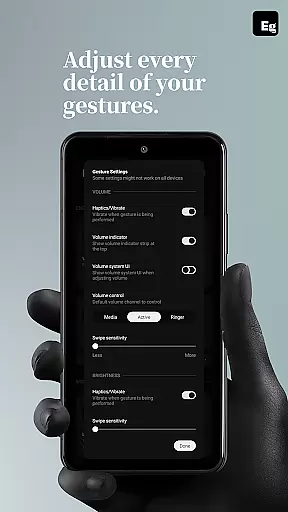
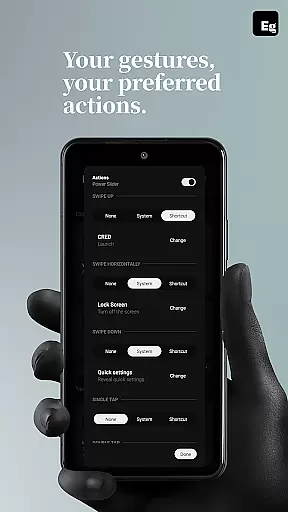
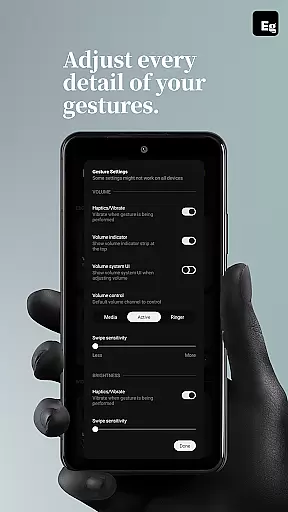
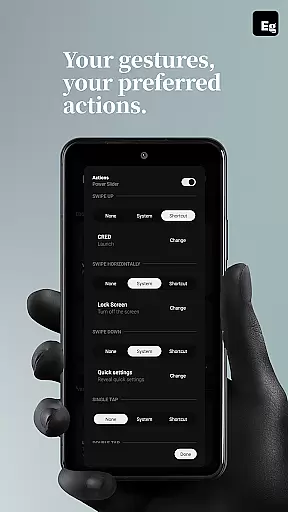
One of its core strengths is the ability to customise gestures extensively. Users can assign specific actions to different types of gestures, such as swipe, tap, or long press, ensuring a personalised experience. Additionally, the inclusion of quick settings tiles enhances productivity by providing instant access to frequently used actions without leaving the current app.
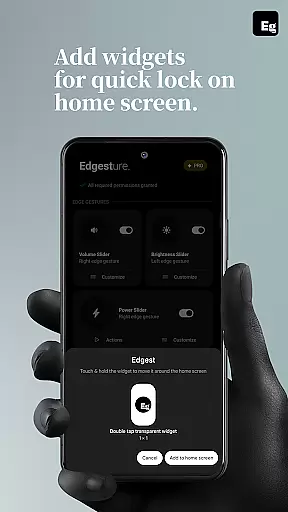
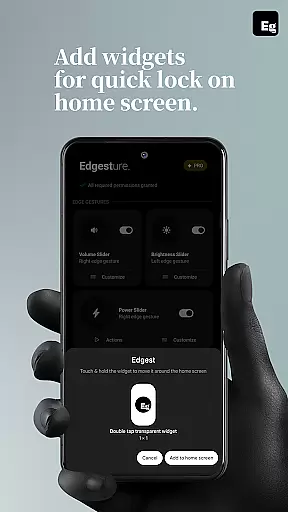
Other notable features include lock screen widgets for single or double-tap locking, media control via gestures, and the ability to override assistant triggers. These functionalities not only simplify navigation but also significantly boost efficiency, making Edgest an indispensable tool for those looking to maximise their device's potential.
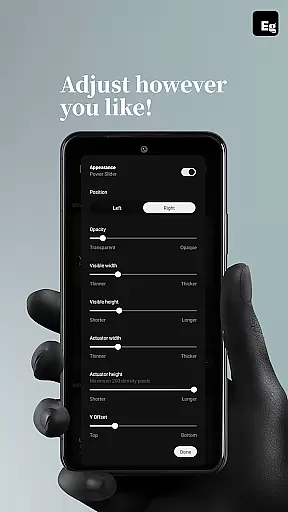
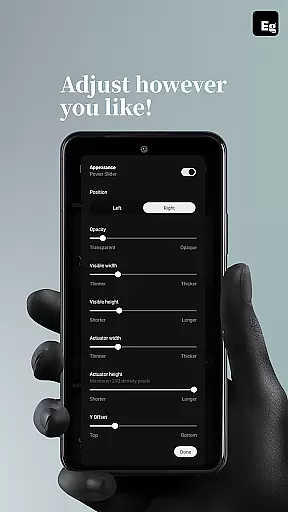
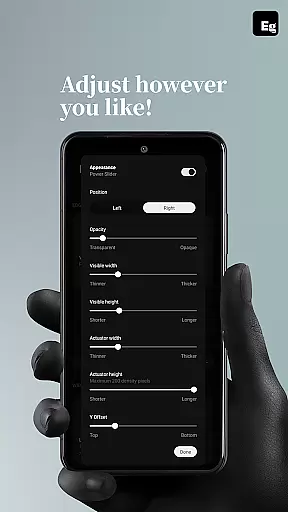
Edgest offers an extensive range of customization options that allow users to tailor their device's functionality according to personal preferences. With the ability to create custom gestures for launching apps, opening system menus, or triggering shortcuts, users can design a personalized navigation experience.
The app supports various gesture types including swipe, tap, and long press, each of which can be assigned unique actions. This level of customization extends to controlling media playback, adjusting volume and brightness, and even locking the screen with simple gestures.
Users benefit from enhanced productivity and convenience as they can execute daily tasks faster without navigating through multiple screens. The highly customizable nature of Edgest ensures that whether it's opening a favorite app or returning to the home screen, every action is just a gesture away.
While Edgest focuses primarily on gesture-based navigation and control, its seamless integration with the deviceu2019s existing theme ensures a cohesive user interface experience. Users won't experience any disruption in their visual experience when using Edgest's features alongside their chosen device themes.
This compatibility allows users to maintain aesthetic consistency across their device while enjoying the added functionality that Edgest provides. Whether you prefer a light or dark mode, Edgest works unobtrusively within your selected theme parameters.
By ensuring that all custom gestures and controls blend effortlessly into the current UI/UX design language of the device, Edgest maintains an intuitive and visually pleasing environment. This attention to detail enhances overall usability without compromising on style or thematic preferences.
Intuitive gesture navigation
Highly customisable options
No ads or tracking
Lightweight and battery-friendly
Enhances productivity
Limited to Android devices
Requires accessibility permissions
Some features may need technical understanding
Premium version might be costly
Not suitable for all user levels

A retro cartoon style watch face and a punch right in the face of the copyright
 4.60
4.60
3D, live, and moving wallpapers & themes in 4K and HD for your device.
4.50
Fingerprint Lock Screen & Live Animations with 4K Wallpapers as Live Wallpaper
4.40
Gun Chase - Let the chase begin.
4.80
Turn text & photos into stunning AI videos, art, and creative visual stories.
4.50
Design your screen with unique, vibrant clocks
3.80
Your home screen, just the way you like it.
4.30
A minimalist productivity launcher. One-hand-friendly. Zero ads.
4.70
Custom ringtones songs, music ringtones for Android phones
4.60
400+ Beautifully crafted widgets inspired by NOTHING.
4.70
A launcher for Samsung Good Lock and Good Guardians modules without ads
4.70
Add cute Shimeji pets to screen, interact with them and relax with cute motions
4.60 4.50
4.50 4.50
4.50
AI-powered Copilot. Personalized keyboard with gifs, stickers & themes
4.40
Art & Emoji Keyboard with Cool Fonts, Cute Themes and Custom Designs.
4.40
Wear Os Watch Face - Seasonal - Animated Snow Effect - 9 Animals
4.20
Customizable flower power digital watch face for Wear OS watches.
4.00
Create unique, fun emojis with Funny Emoji Maker! Unlimited creativity!
4.00


User Reviews