
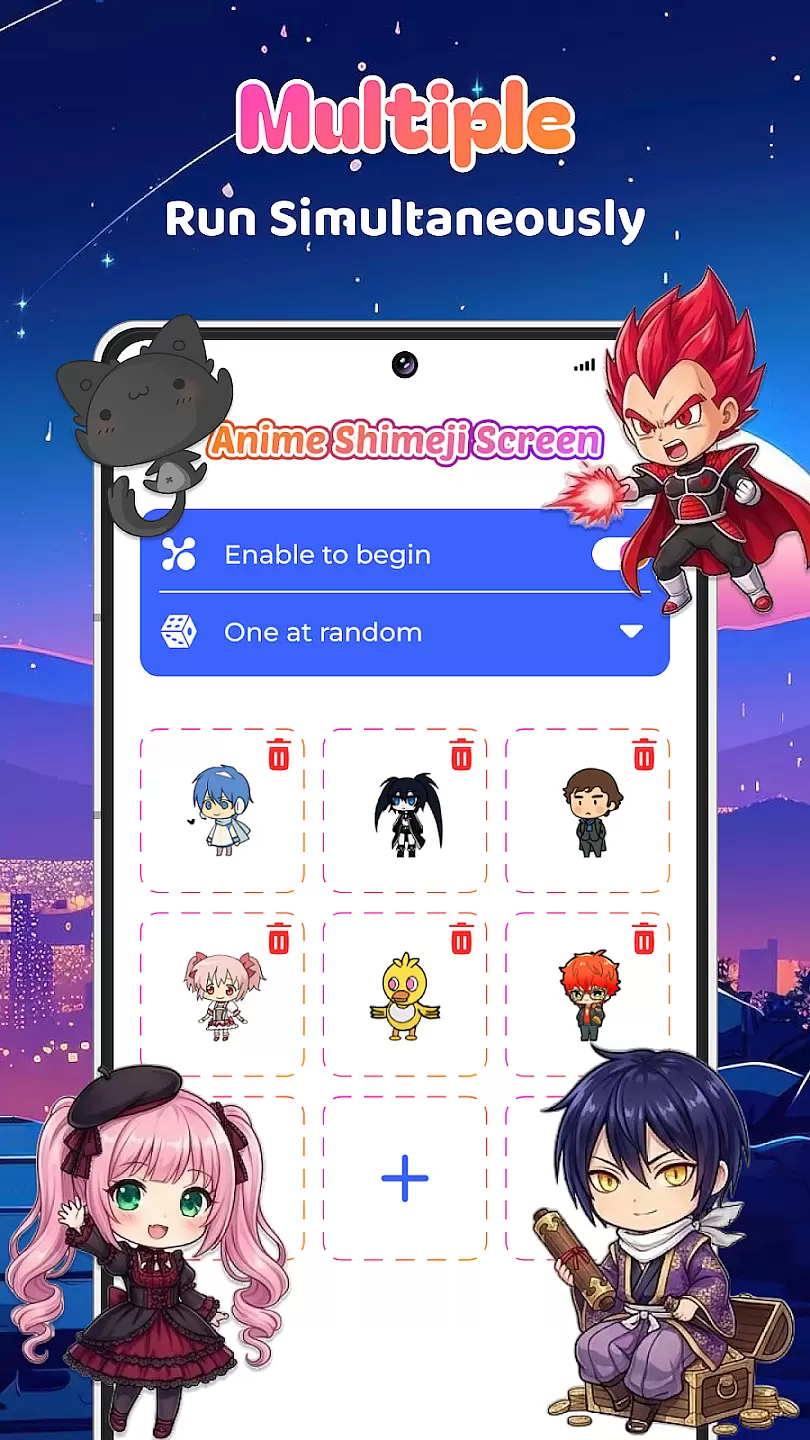
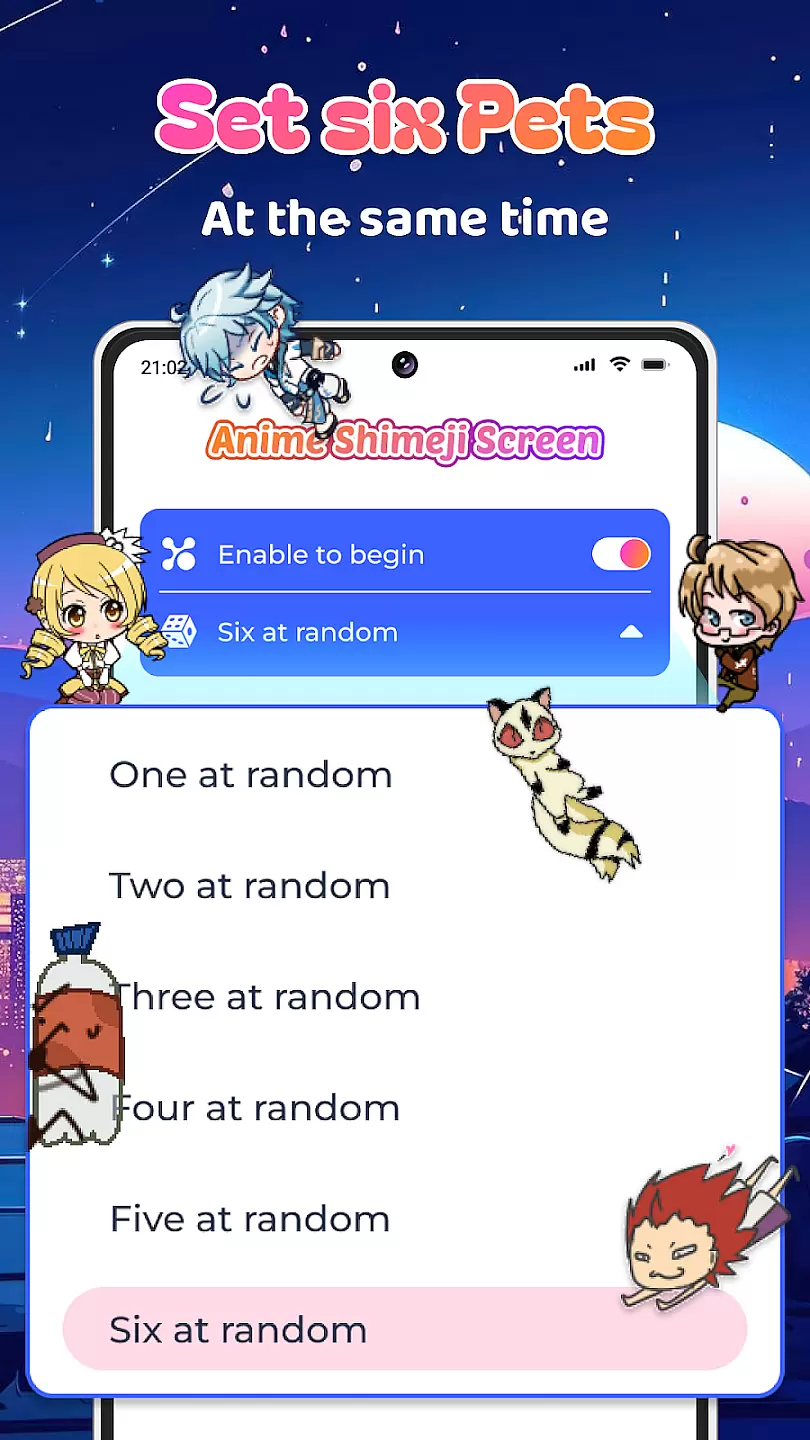
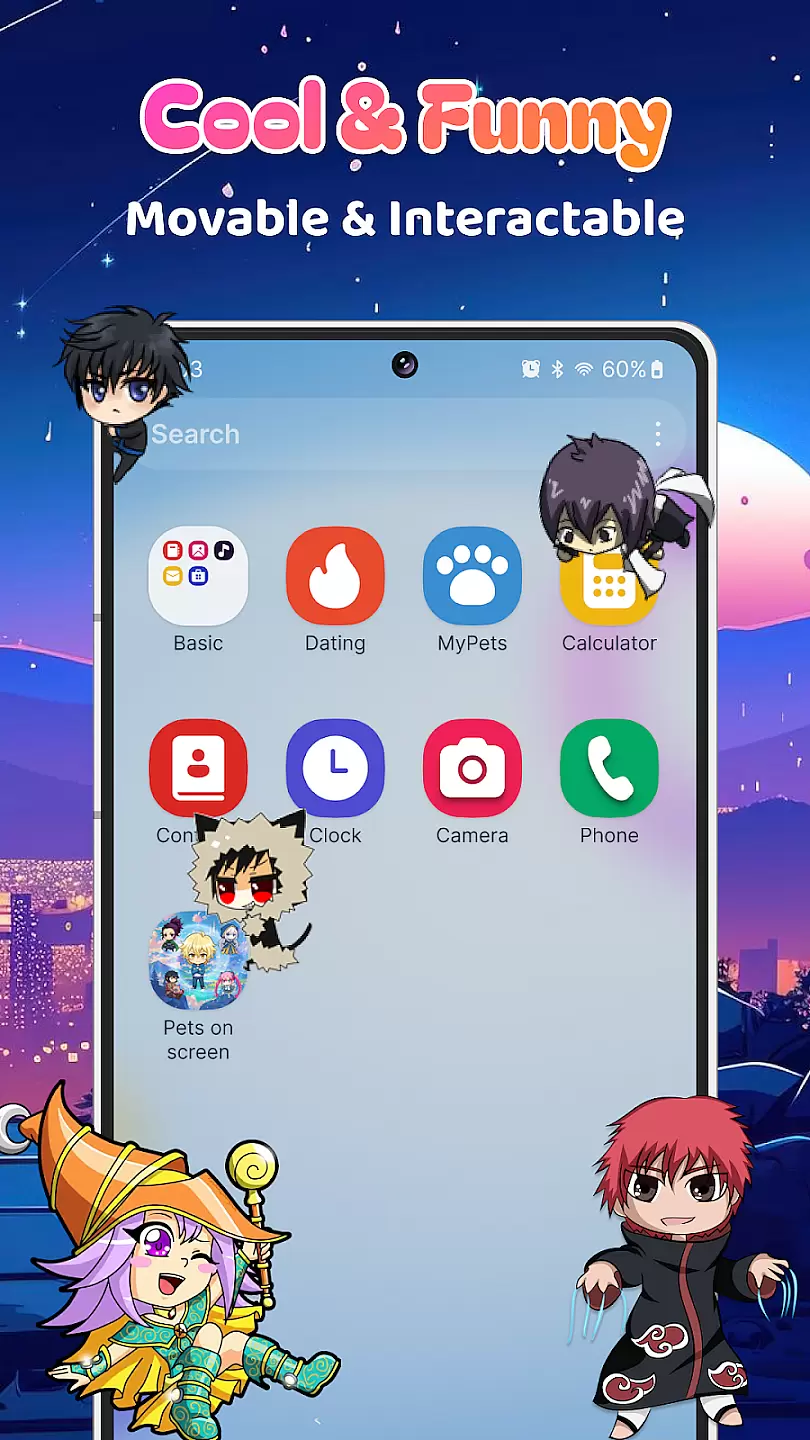
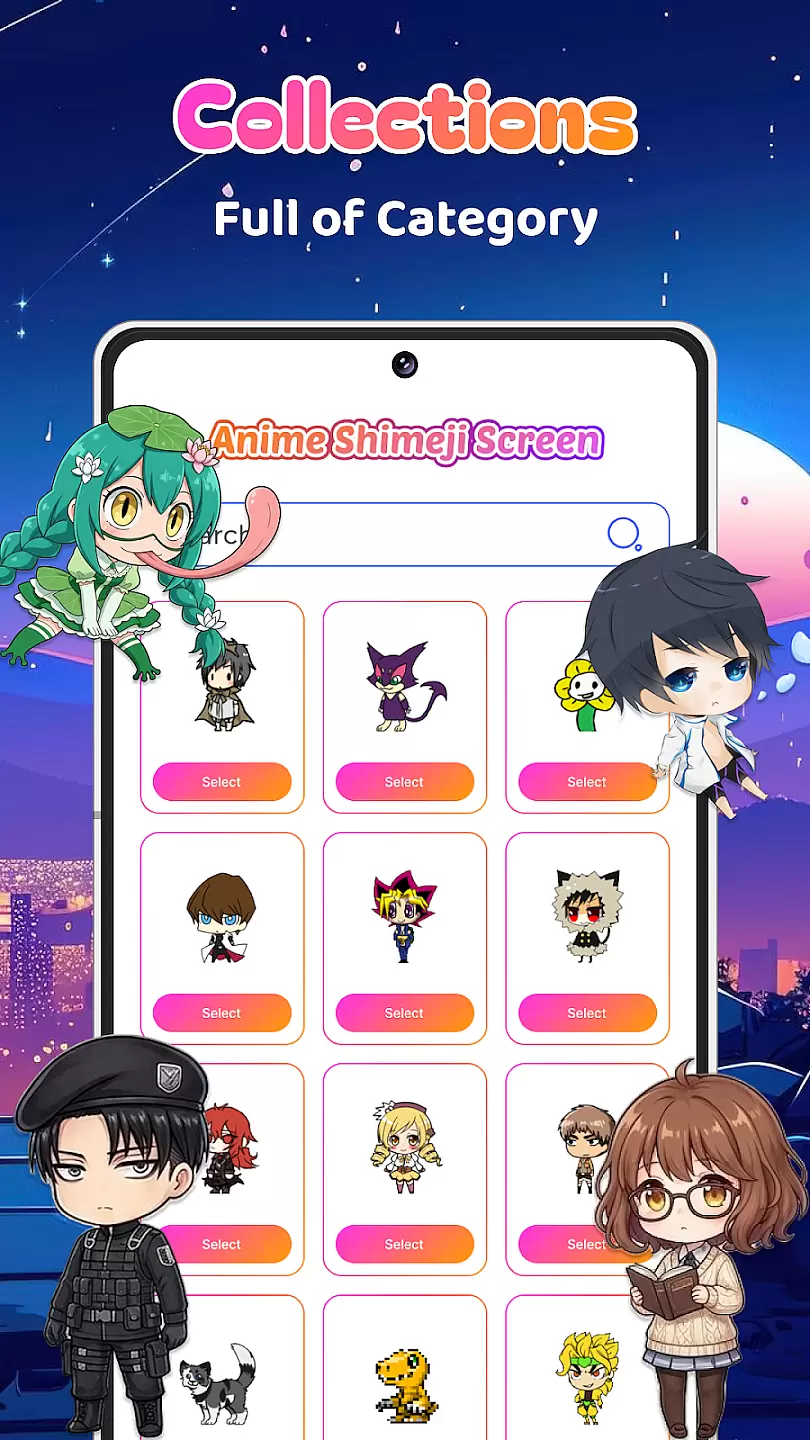
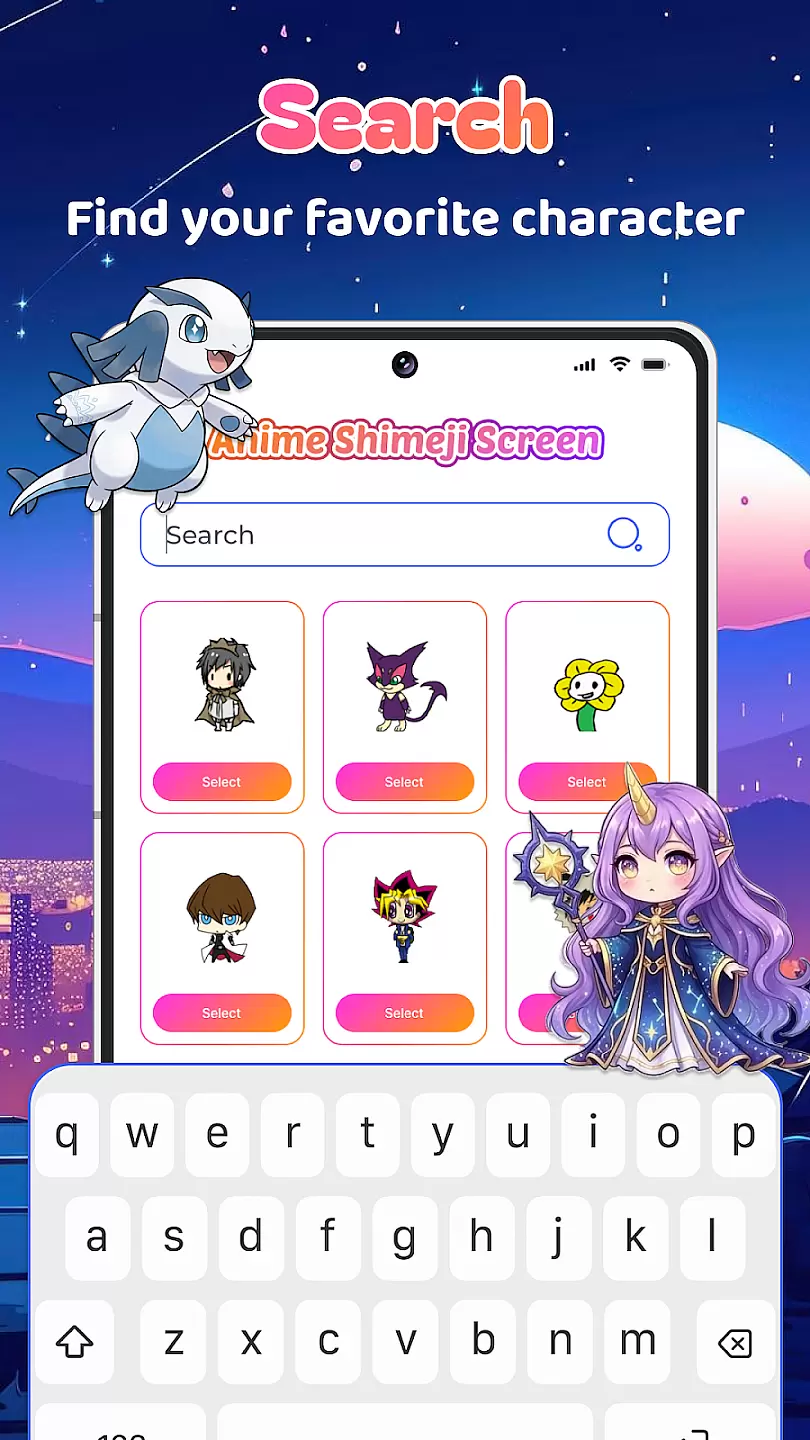
Live Anime Shimeji Screen Pets brings adorable anime characters to your mobile screen. This personalization app allows users to customize their device with interactive anime pets that move around the screen. Perfect for anime enthusiasts, it offers a unique way to make your device more lively and fun.
The app features various anime characters, each with unique animations and interactions. These virtual pets can be moved across the screen, resized, and customized with different settings. Whether you want a companion while working or simply enjoy anime aesthetics, this app provides both entertainment and personal expression.
Live Anime Shimeji Screen Pets stands out with its diverse selection of anime characters. Each character has been carefully designed with detailed animations that bring them to life. Users can choose from a variety of pets, each offering different behaviors and interactions.
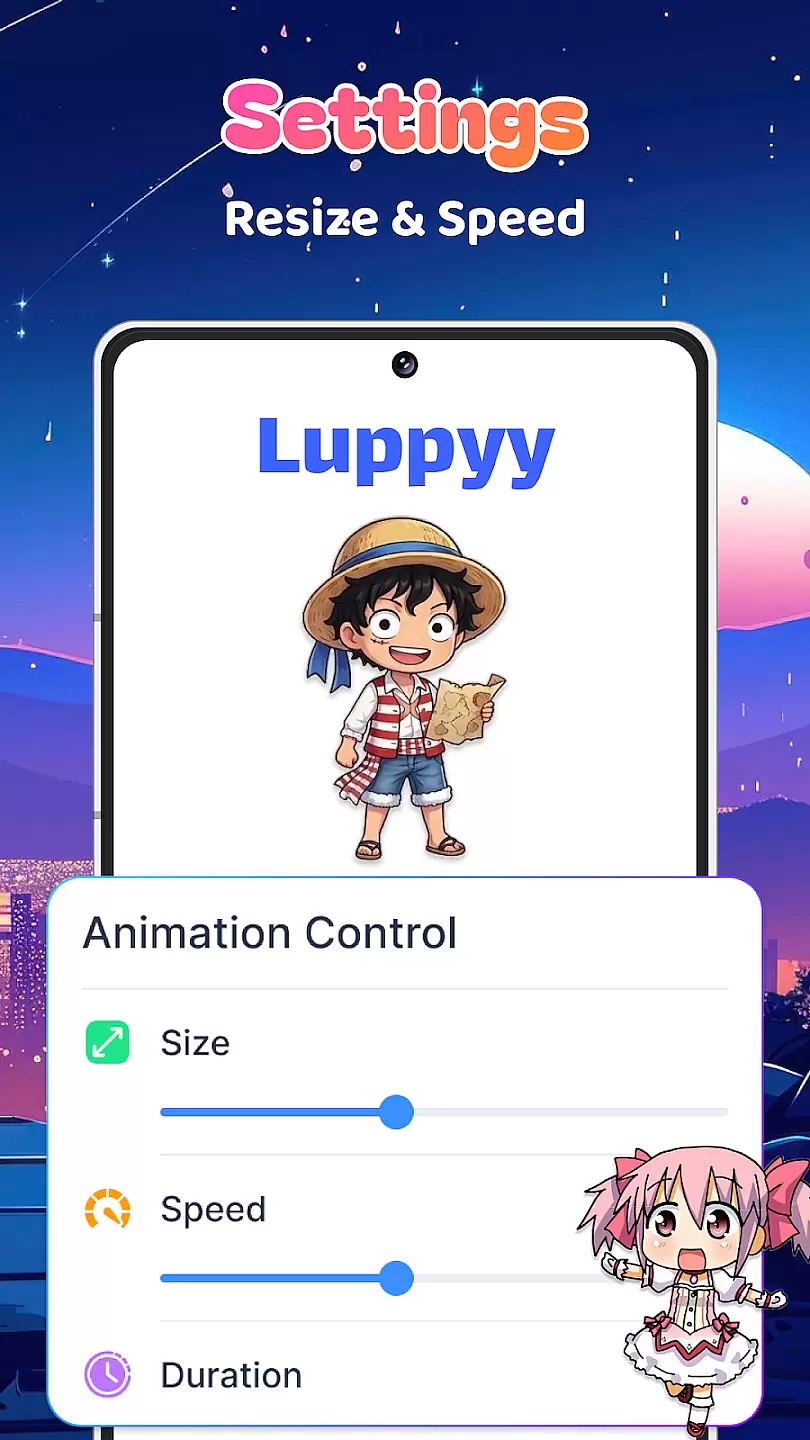
The app also includes customization options such as size adjustment, animation speed control, and layer positioning. These features ensure that your chosen pet perfectly fits your device setup. Additionally, regular updates introduce new characters and animations, keeping the experience fresh and engaging for users.
Customization is at the heart of Live Anime Shimeji Screen Pets, allowing users to tailor their virtual pet experience to match their personal preferences.
This app offers a wide array of customization options including different anime characters, each with unique animations and behaviors. Users can choose from various settings to control the appearance and actions of their screen pets, ensuring a personalized touch to their digital companion.
The ability to customize extends to layout and positioning on the screen, giving users the freedom to place their pets in the most convenient or visually appealing way. This flexibility ensures that the pets do not interfere with other tasks while still being visible for enjoyment.
By providing such diverse customization features, Live Anime Shimeji Screen Pets enhances user engagement and satisfaction, making it a standout choice for those looking to add a playful yet customizable element to their daily digital interactions.
Theme compatibility in Live Anime Shimeji Screen Pets ensures that the virtual pets can seamlessly integrate with various device themes and backgrounds.
This feature allows the app to automatically adjust the appearance of the anime characters based on the user's current device theme, whether it be light, dark, or any custom theme. Such adaptability guarantees that the pets remain visually appealing without clashing with the overall aesthetic of the device.
Moreover, users have the option to manually select specific themes within the app, further enhancing the visual harmony between their screen pets and device interface. This level of compatibility enriches the user experience by maintaining consistency across the deviceu2019s visual elements.
Ultimately, theme compatibility not only elevates the aesthetic value but also demonstrates the app's attention to detail and commitment to providing a cohesive and enjoyable user experience.
User-friendly interface
Wide selection of characters
Frequent updates
Customizable settings
High-quality animations
May drain battery faster
Limited free options
Some features require payment
Potential performance issues
Ads in the free version

Classic analogue watch face. For wear os devices.
 4.60
4.60
Beautiful realistic hybrid watch face with numerous customization options.
4.50
Interactive Miniature Painting Catalogue
3.30
More than 3000+ themes and 9000+ wallpapers for everybody!
4.10
Customize glowing edges, wallpapers, and caller screen with EdgeAura.
3.50
Launcher OS™ Pro without ads help make your phone simple and pretty
4.30
HappyLighting is a Bluetooth lamp control software.
3.40
300+ widgets inspired by Material You and Material 3 expressive design.
4.60
Cool custom fonts & keyboard themes! Symbols & font changer for Instagram
4.50
Dark icon pack based on One 8
4.80
Ultimate Gallery Lock App - Hide Pictures, Videos and Lock Apps Instantly!
4.60
300+ Beautifully crafted widgets inspired by OneUI.
4.60
Art & Emoji Keyboard with Cool Fonts, Cute Themes and Custom Designs.
4.40
Adult video chat, dating, making friends, random matching
4.20
Unleash Your Creativity and Connect with Loved Ones with Lockscreen Drawing!
4.20
Crystal-clear, square icon provides a sleek and sophisticated visual upgrade
4.00
Create unique, fun emojis with Funny Emoji Maker! Unlimited creativity!
4.00
Transform your phone with stunning video wallpapers and a unique, personal touch
3.80
Adorable pets roam and play right on your phone screen!
3.30


User Reviews