
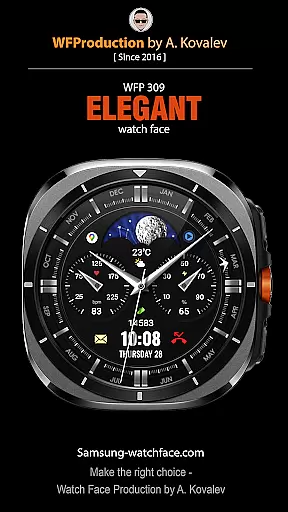

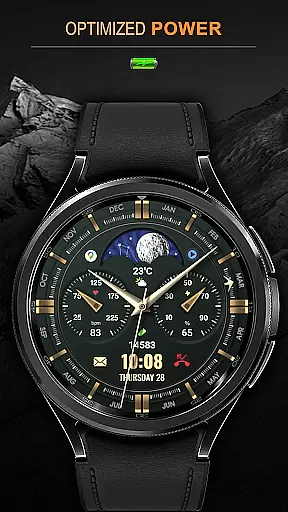
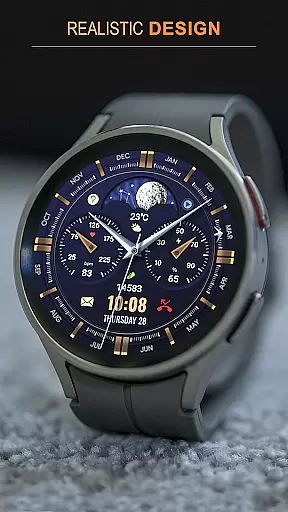
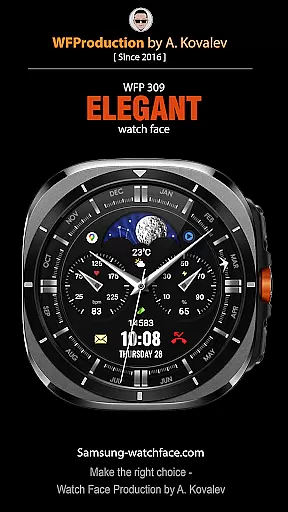

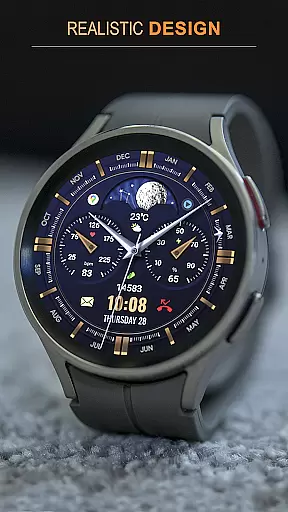
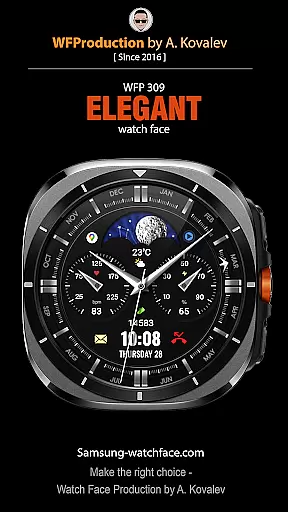
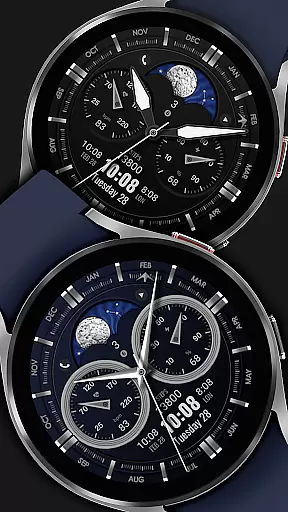
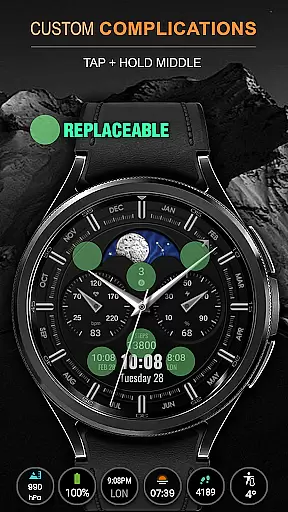
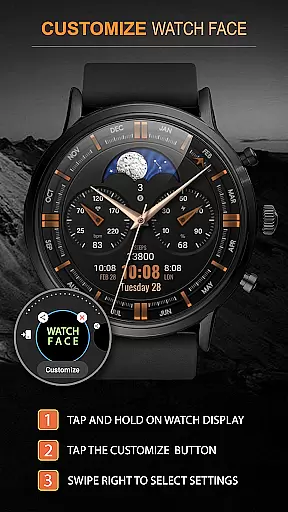
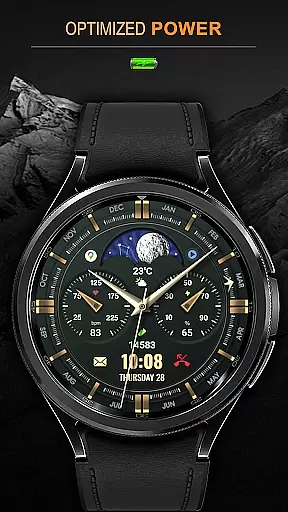
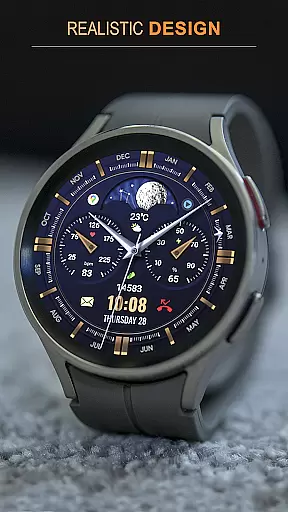
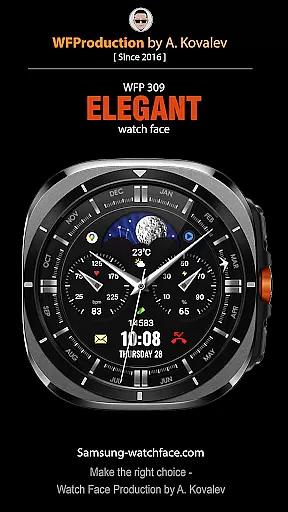
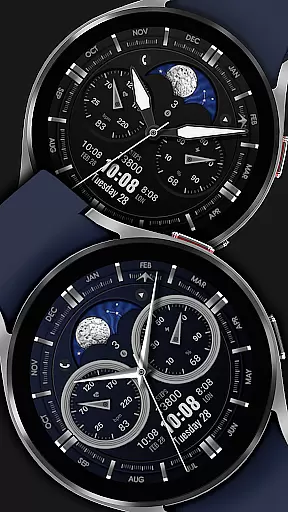
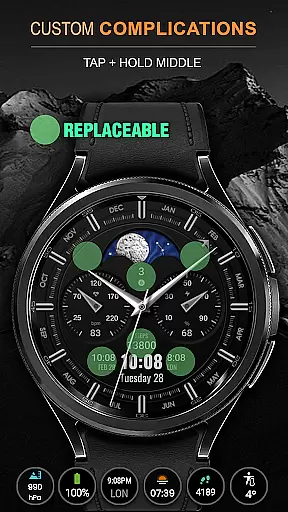
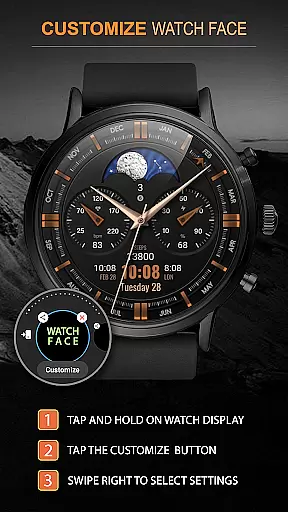
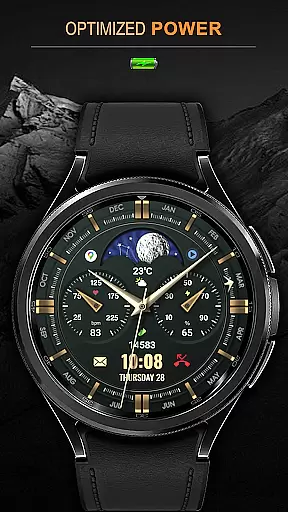
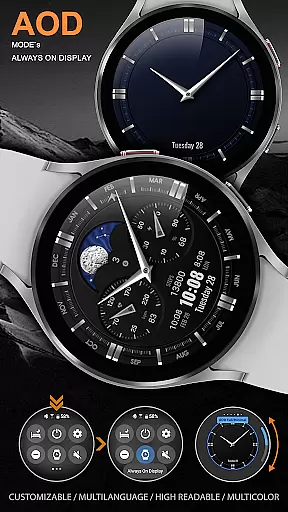
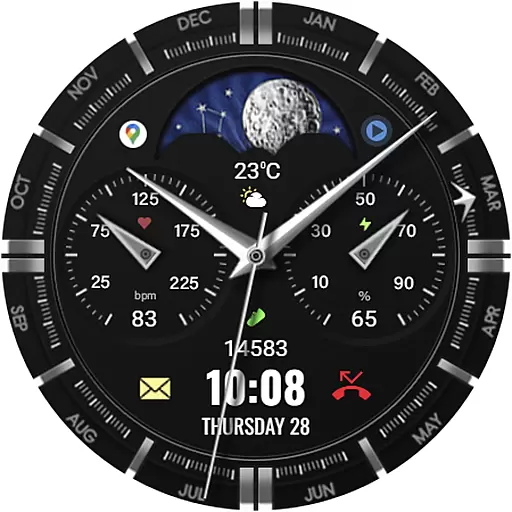
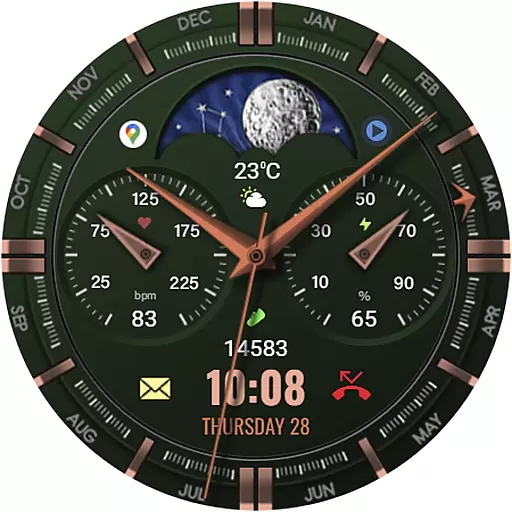
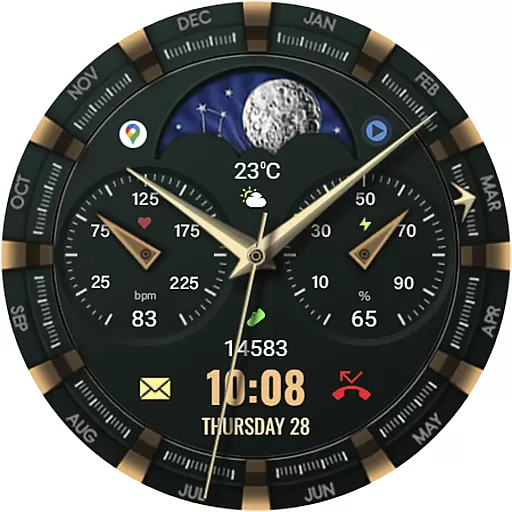
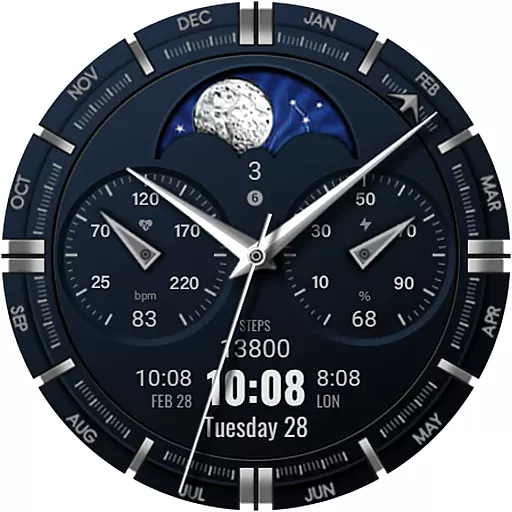
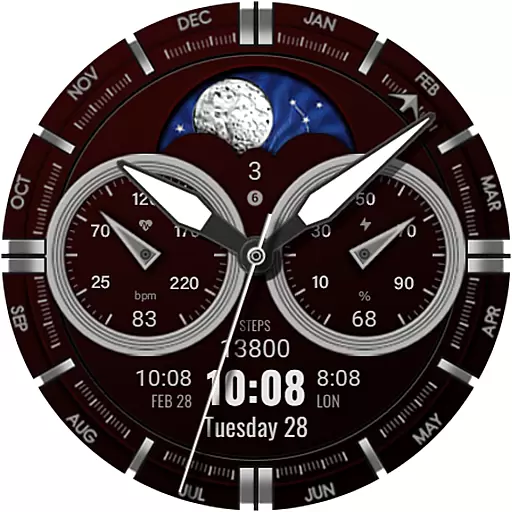
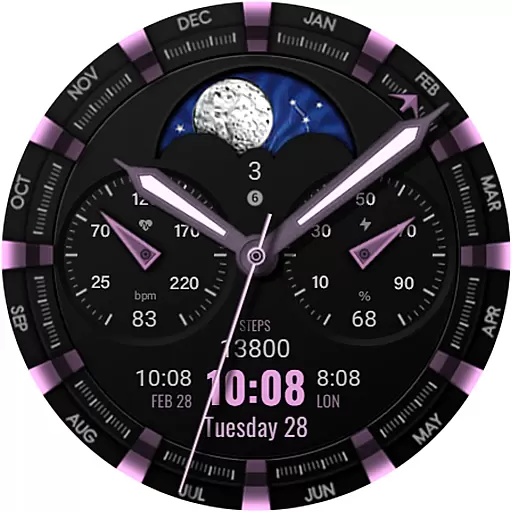
WFP 309 Elegant watch face is a sophisticated personalization tool designed for users seeking to enhance their smartwatch's appearance. This app supports devices with WearOS 4, API Level 30+, and offers an improved version of the watch face featuring an animated tourbillon. With detailed installation instructions and customization options available, it ensures a seamless setup process.
The watch face stands out with its elegant design and customizable features, including phone charge widgets, fitness tracking metrics, and multilingual support. Whether you're monitoring your daily activities or simply appreciating fine craftsmanship, this app provides both aesthetic appeal and practical functionality.
Users can enjoy promotional benefits such as 'Buy 1 - Get 1 free' deals while staying updated on news through various social media channels. The combination of high resolution, optimization, and low battery consumption makes it an ideal choice for those who value both style and performance in their wearable technology.
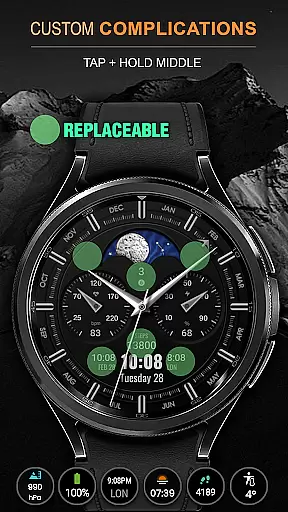
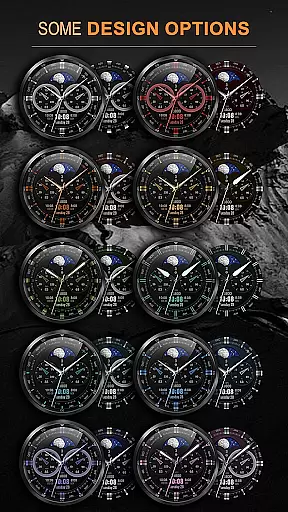
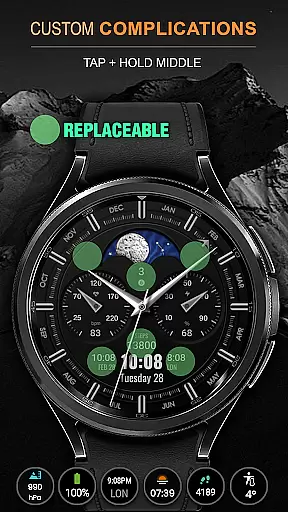
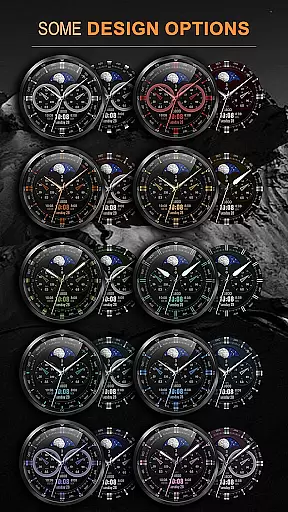
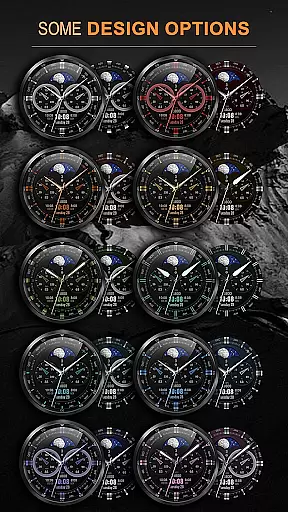
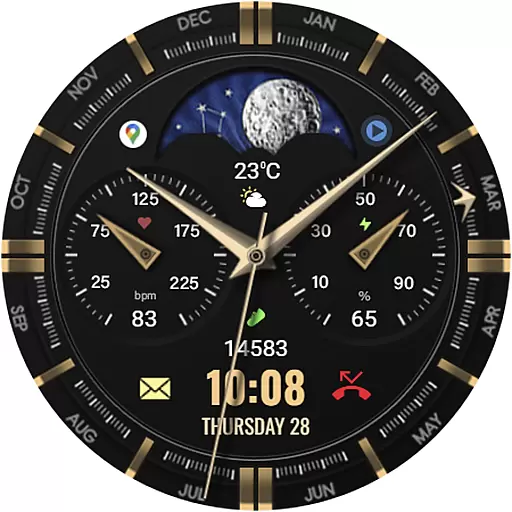
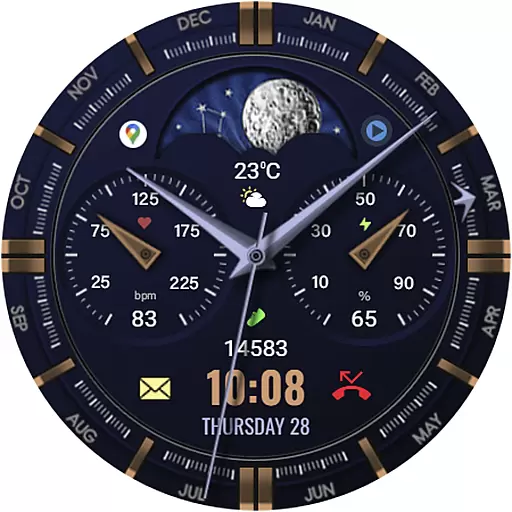
This app boasts an array of features that cater to diverse user preferences. It includes five complications and widgets, thirty color combinations, and supports both 12/24 hour time formats without leading zeros for the 12-hour format. Weather display options allow toggling between Fahrenheit and Celsius.
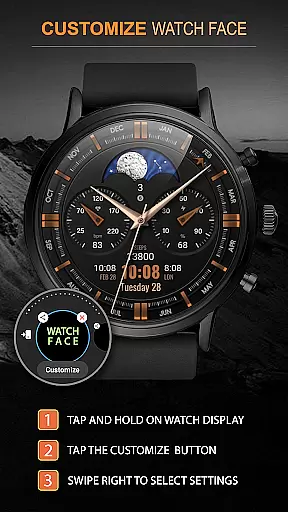
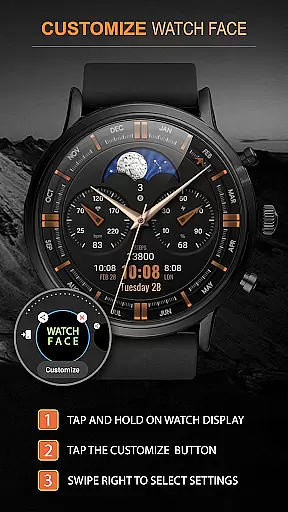
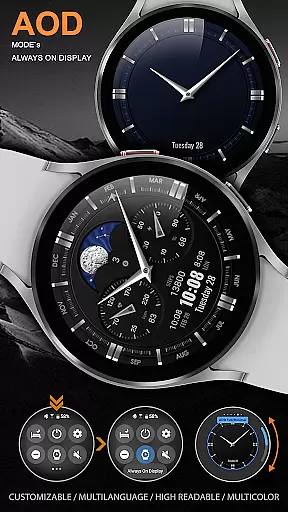
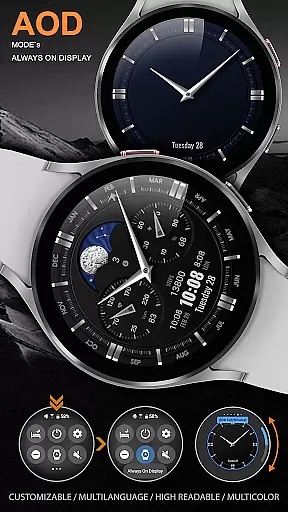
Customization extends to the display elements where users can choose between day/night indicators or moon phases, select from four types of hands, and six types of bezel indexes. Additionally, custom application shortcuts and AOD mode settings provide further personalization opportunities.
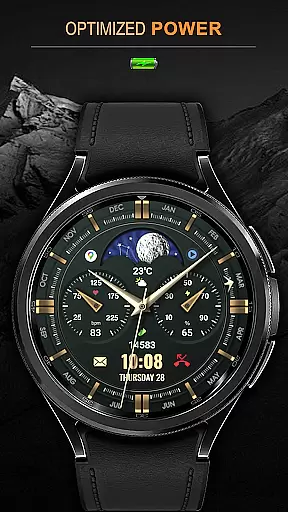
High optimization ensures smooth performance while maintaining low battery consumption. Multilingual support enhances accessibility, making it suitable for international audiences. Overall, these features collectively offer a versatile and engaging user experience tailored to individual tastes.
When it comes to personalizing your smartwatch, the WFP 309 Elegant watch face offers an impressive array of customization options. With support for 5 complications and widgets, users can tailor their watch face to display the information most important to them. Whether you're tracking your fitness goals or need quick access to weather updates, this feature ensures that your watch face is as functional as it is stylish.
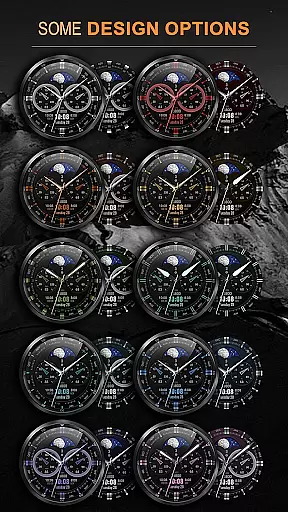
In addition to complications, the watch face provides 30 color combinations, allowing users to match their device to their personal style or mood. High resolution and optimization ensure that no matter the combination chosen, the display remains crisp and clear. The ability to switch between a 12 or 24-hour time format, along with options for Fahrenheit or Celsius temperature readings, further enhances its adaptability to individual preferences.
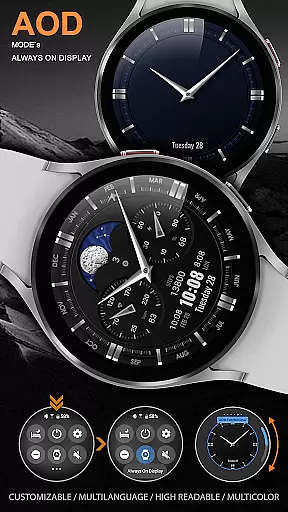
The WFP 309 takes personalization a step further by offering choices in design elements such as hands, bezel indexes, and AOD modes. Users can select from 4 types of hands and 6 types of bezel indexes, ensuring a unique look that suits their taste. Customizable AOD (Always-On Display) modes provide both full and minimal options, catering to those who prioritize either aesthetics or battery life.
Theme compatibility is crucial for users seeking a seamless visual experience across their devices, and the WFP 309 Elegant watch face excels in this area. Designed to support WearOS 4 and API Level 30+, this watch face guarantees that users will enjoy a cohesive aesthetic that aligns with the latest standards in wearable technology. Its compatibility ensures that whether you're using a Samsung or other WearOS devices, the transition between platforms is smooth and visually consistent.
Moreover, the multilingual support embedded within the WFP 309 makes it accessible to a global audience. This feature not only broadens its user base but also enriches the overall user experience by removing language barriers. Regardless of your location or preferred language, this watch face maintains its functionality and appeal without compromising on quality or performance.
For those interested in further personalization, custom application shortcuts are available, enhancing the integration between your watch and daily digital activities. These shortcuts allow for quick access to frequently used apps, streamlining your interaction with the device. Coupled with low battery consumption, these features make the WFP 309 Elegant watch face a practical yet stylish choice for any smartwatch user looking for theme consistency and efficiency.
Highly customizable
Low battery usage
Multilingual support
Optimized performance
Elegant design
Limited device compatibility
No advanced health metrics
Premium cost for full features
Complex setup for beginners
Fewer widget options

Bring adorable pets to life on your screen. Playful, interactive and full of fun
 4.60
4.60
Add cute Shimeji pets to screen, interact with them and relax with cute motions
4.60
Turn text & photos into stunning AI videos, art, and creative visual stories.
4.50
Choose your keyboard with RGB colors effect, themes, fonts, emojis.
4.60
Enjoy a variety of amazing live wallpapers and colorful EDGE lighting borders!
4.80
A minimalist productivity launcher. One-hand-friendly. Zero ads.
4.70
Amazing letter fonts in your messages and social statuses
4.70
Fast SMS & group chat - use GIFs and emojis from your home screen launcher.
4.50
Custom ringtones songs, music ringtones for Android phones
4.60
Dark icon pack based on One 8
4.80
Wallpaper HD 4K Live - Thousands of high-quality Anime backgrounds for you.
4.80
Ultra realistic high quality analog watch face for Wear OS.
4.60
Ultra realistic gold analog watch face with lots of customization options.
4.50
Beautiful realistic hybrid watch face with numerous customization options.
4.50
Your home screen, just the way you like it.
4.30
More than 3000+ themes and 9000+ wallpapers for everybody!
4.10
Transform your phone with stunning video wallpapers and a unique, personal touch
3.80 3.50
3.50
⭐ OneUI inspired Fluffy Icon Pack – Soft. Stylish. Standout. ⭐
4.1


User Reviews