
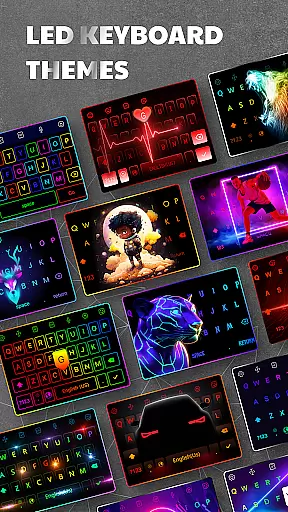
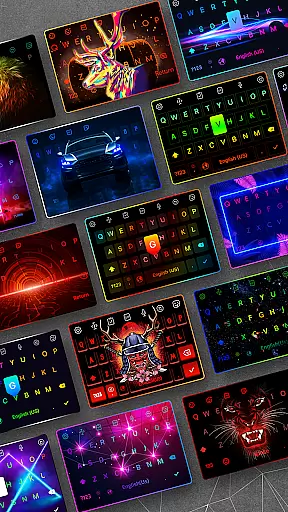
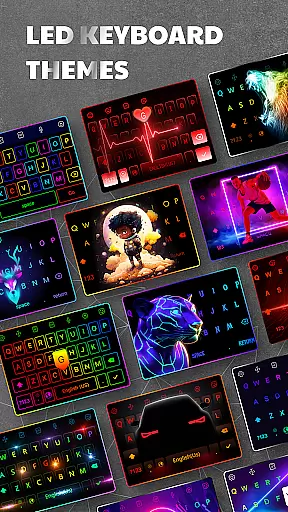
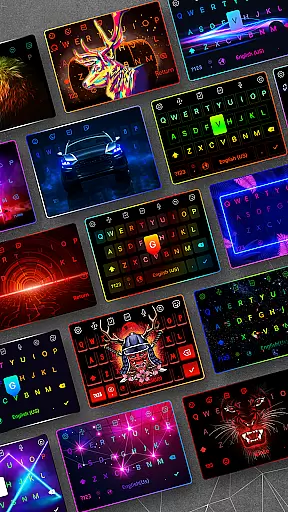
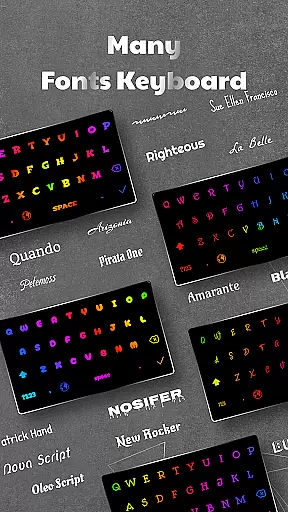
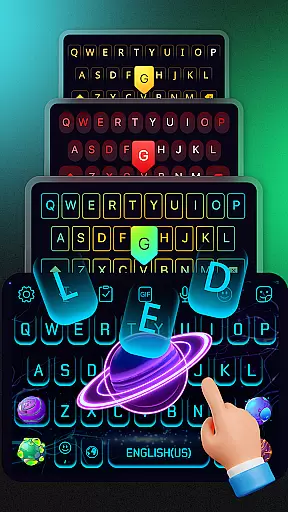
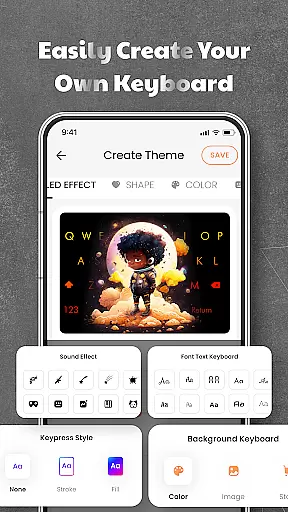

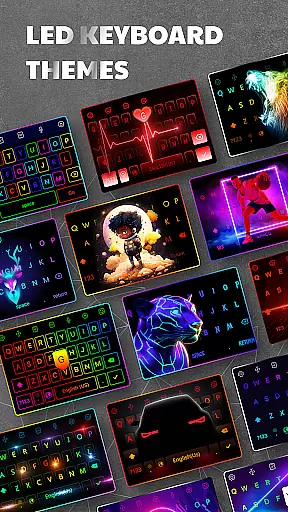
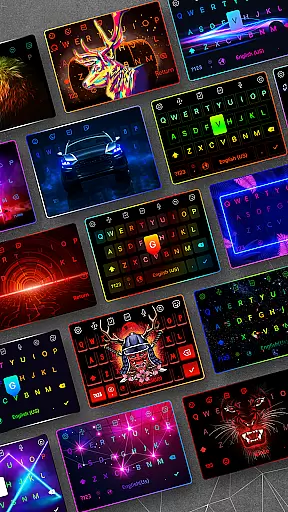
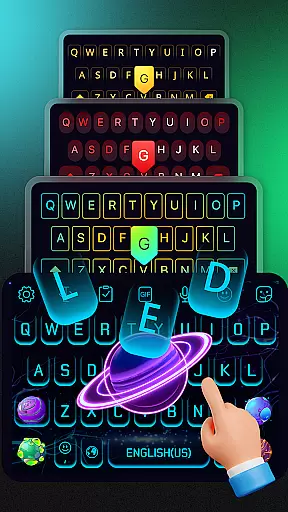
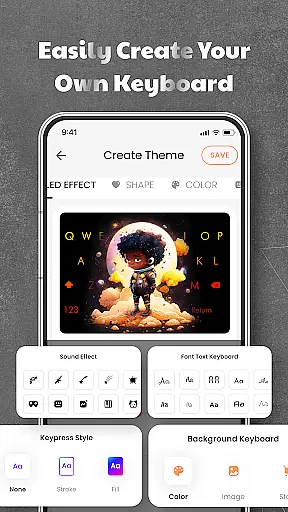
LED Keyboard is a feature-rich personalization app that transforms your Android typing experience through customizable keyboard themes and RGB lighting effects. The app offers over 500 unique themes, allowing users to personalize their keyboard backgrounds with photos or pre-designed templates. With support for dynamic lighting animations such as RGB, neon, and gradient effects, LED Keyboard enhances the visual appeal of your typing interface.
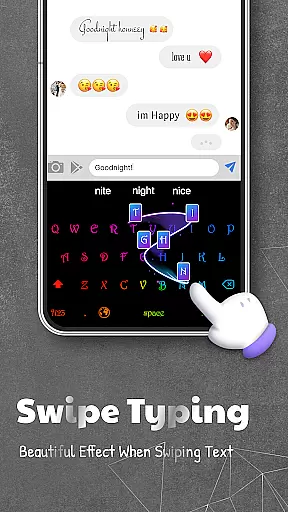
Beyond aesthetics, the app includes practical features like typing sound options, including mechanical keyboard and piano sounds, as well as smart typing tools such as swipe typing, auto-correction, and word suggestions. It supports multiple languages and layouts, making it versatile for global users. Whether you're looking to add flair to your chats with custom fonts and emojis or seeking a more functional typing experience, this app caters to both needs seamlessly.
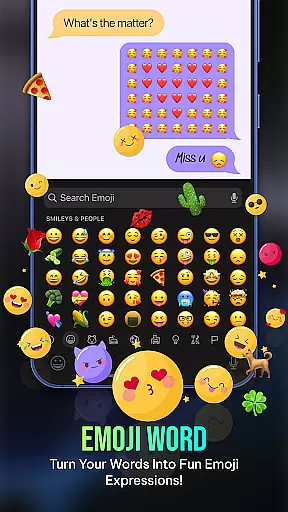
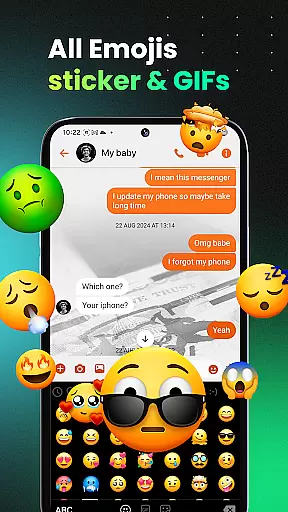
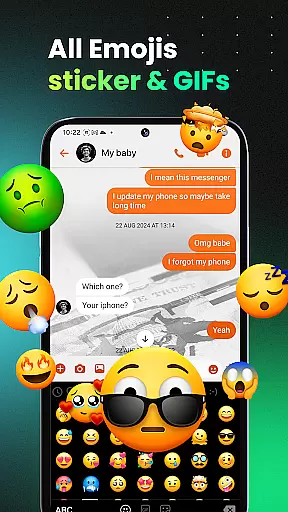
The app's ability to integrate with popular platforms like WhatsApp, Messenger, and TikTok ensures smooth sharing of emojis, GIFs, and stickers. Its privacy-conscious design ensures no sensitive data is collected, providing peace of mind while using the app. LED Keyboard is ideal for users who value both style and functionality in their mobile typing experience.
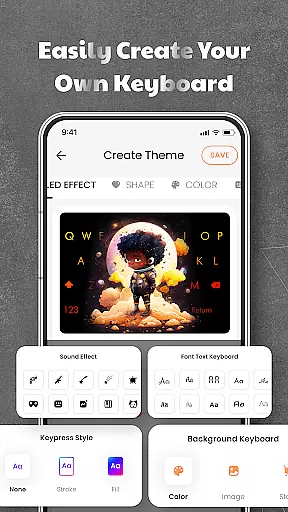
LED Keyboard stands out with its extensive customization capabilities. Users can choose from over 500 themes or upload personal images to create unique keyboard backgrounds. The RGB lighting effects include neon, gradient, and live typing animations, offering a visually engaging experience. Additionally, the app provides various typing sound effects, such as mechanical keyboard clicks and piano tones, adding an auditory layer to the typing process.
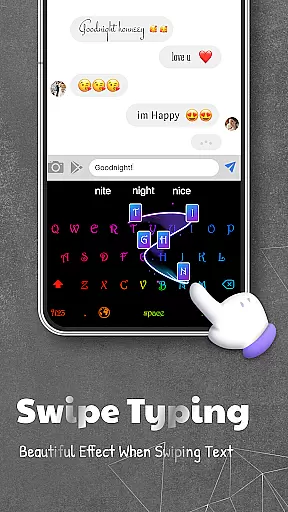
Smart typing features further enhance usability. The app supports QWERTY, AZERTY, and QWERTZ layouts, catering to different regional preferences. Tools like swipe typing, voice typing, and auto-correction improve typing speed and accuracy. The inclusion of multi-language dictionaries allows seamless switching between languages, while adjustable keyboard size and position ensure ergonomic use. These features collectively make LED Keyboard a powerful tool for efficient and enjoyable typing.
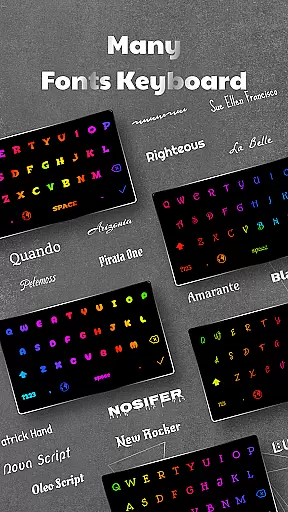
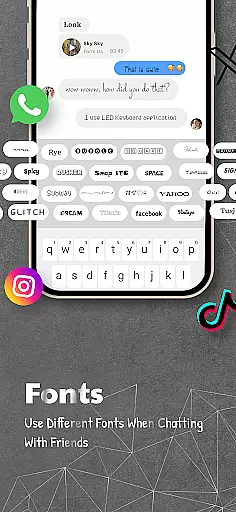
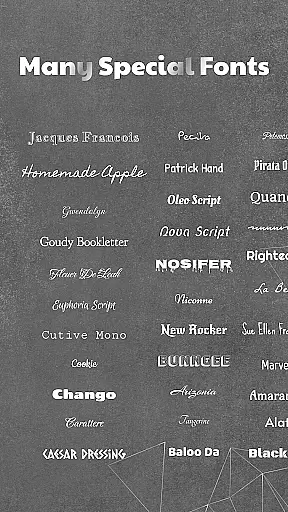
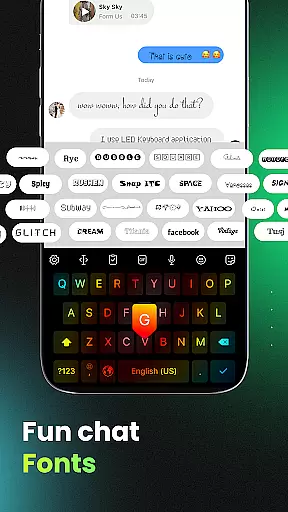
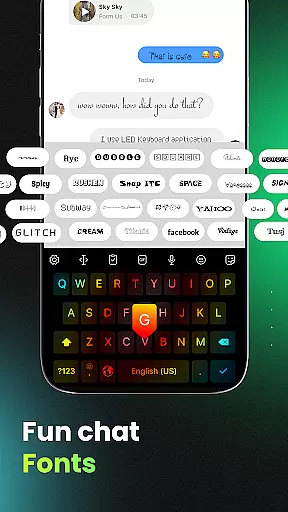
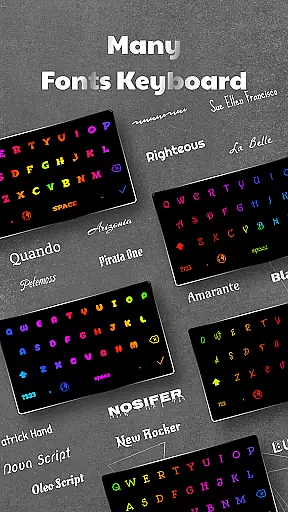
Integration with social platforms like WhatsApp and TikTok enables quick sharing of emojis, GIFs, and stickers. The app also offers stylish fonts for creating standout bios and captions. With its focus on user privacy, LED Keyboard ensures no personal data is stored or shared, making it a secure choice for customization enthusiasts.
LED Keyboard offers an extensive range of customization options that allow users to tailor their typing experience according to personal preferences. With over 500 themes to choose from, users can select keyboard backgrounds that resonate with their style or mood.
Beyond static themes, the app provides dynamic lighting effects such as RGB, neon, and gradient animations, which bring a unique visual experience to every keystroke. Users can also integrate personal photos as keyboard backgrounds, ensuring a truly personalized touch.
The feature set extends to auditory customization with various typing sound options including mechanical keyboard clicks, piano notes, and even water droplets. This auditory feedback not only enhances user engagement but also caters to individual sensory preferences.
By offering this level of customization, LED Keyboard ensures that each user's typing interface is distinctively theirs, promoting both aesthetic satisfaction and functional comfort in daily digital communication.
Theme compatibility in LED Keyboard is designed to provide seamless integration across different devices and operating systems. The app supports multiple keyboard layouts including QWERTY, AZERTY, and QWERTZ, ensuring consistent user experience regardless of the device being used.
Users can easily switch between languages while maintaining their preferred theme settings, thanks to the app's robust multi-language support. This flexibility allows for uninterrupted workflow and communication in various linguistic contexts without losing personalized visual elements.
The adjustable keyboard size and position features further enhance theme compatibility by allowing users to optimize their typing interface according to different screen dimensions and personal ergonomic preferences.
This comprehensive approach to theme compatibility ensures that users can maintain their customized typing environment across various devices and usage scenarios, providing both visual consistency and practical functionality throughout their digital interactions.
Highly customizable
Vibrant RGB effects
Multi-language support
Privacy-focused design
Smart typing tools
Occasional bugs
Ads in free version
Limited iOS features
Heavy on storage
Complex settings

Vertically oriented rectangular icons
 4.70
4.70
Bring adorable pets to life on your screen. Playful, interactive and full of fun
4.60
Dark icon pack based on One 8
4.80
Vibrant Adaptive Icons with Material You and Enhanced Monet Colors.
4.50
Design your screen with unique, vibrant clocks
3.80
Embrace the Night. Unleash the power of darkness with Raven Dark Icon Pack
4.60
Struggling to find apps? Use this app to locate and open any app on your phone!
2.20
Amazing letter fonts in your messages and social statuses
4.70
Custom ringtones songs, music ringtones for Android phones
4.60
400+ Beautifully crafted widgets inspired by NOTHING.
4.70
Personalize your phone with stunning HD and 4K wallpapers!
4.70
Unique Android Launcher
4.60
Ultra realistic gold analog watch face with lots of customization options.
4.50
Ninja Turtles Cowabunga SE watch face for Wear OS
4.50
Transform your phone with Launcher iOS 26 - Smooth & elegant iOS experience
4.50 4.50
4.50
Color phone with cool effects for call screen, flash alert & ringtones music
4.50
App Icon Changer & Shortcut Creator. Customize your icons without any watermarks
4.30
Magic fluids wallpaper 4D: Relax with stunning fluid simulation wallpaper app
4.20


User Reviews