
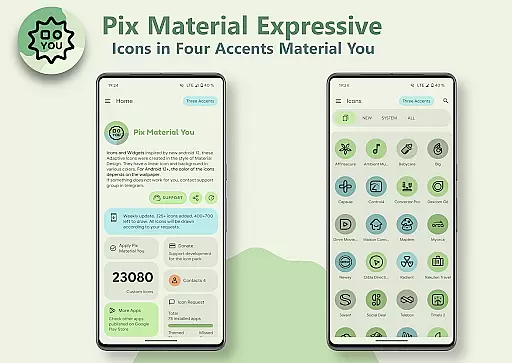
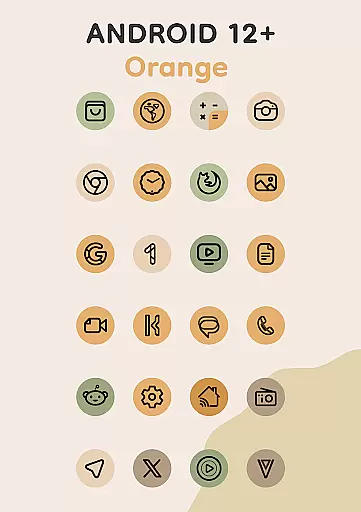
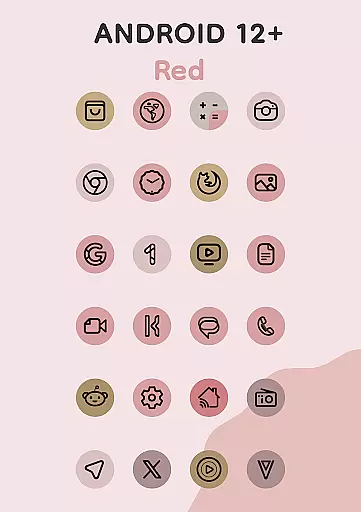
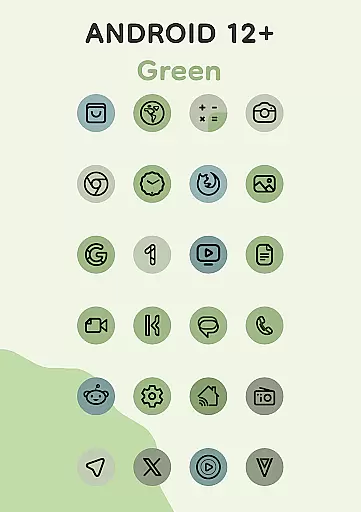
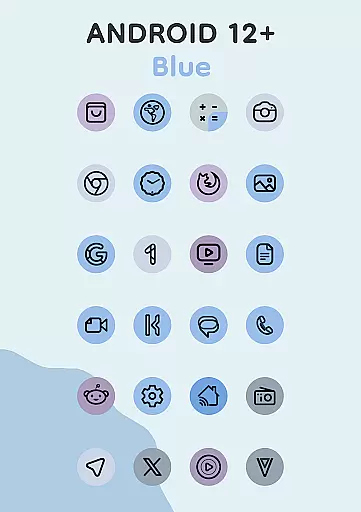
Pix Material Expressive Icons is a premium icon pack that brings your device to life with adaptive icons designed for full Material You support. This app goes beyond the standard Monet palette by introducing four expressive accent colors, making your icons visually striking while maintaining system harmony. Each icon features a clean linear outline and dynamically adjusts its background color based on your wallpaper, ensuring seamless integration with your device's color scheme.
With compatibility across various launchers and special optimization for Google Pixel devices, this app offers next-level personalization. The adaptive nature of the icons allows shape-shifting on supported launchers, giving you more customization options. Additionally, the innovative Icon-Widget feature provides unique widget styling that adapts to both light and dark themes, creating a cohesive look throughout your device.
This icon pack stands out with its comprehensive feature set tailored for personalization enthusiasts. Key features include full Material You support, enhanced Monet palette with additional accent colors, and dynamic background color adaptation based on wallpapers. The clean linear icon style delivers a modern aesthetic, while the adaptive icon shapes ensure compatibility with various custom launchers.
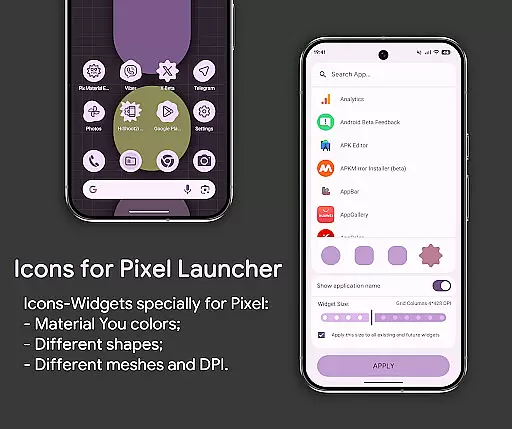
The Icon-Widget implementation revolutionizes widget customization for launchers that traditionally don't support icon packs. These widgets adapt their colors according to Material You principles and offer multiple customization options including icon shape selection from Material 3 Expressive designs, icon name customization, and precise size adjustments based on screen grid and DPI settings. The application also includes over 24,000 adaptive icons, clock widgets, music widgets, and specialized widgets for enhanced functionality.
For Android 12+ users, the app provides advanced color management capabilities, though requires reapplication after wallpaper changes for color updates. The package works optimally with recommended launchers like Nova Launcher, Smart Launcher, and others that support automatic color changes, while offering specific solutions for Pixel Launcher through Icon Widgets and OneUI Launcher via Theme Park.
When it comes to personalizing your device, Pix Material Expressive Icons offers an impressive array of customization options that go beyond the ordinary. This icon pack is not just about changing the appearance but creating a unique and harmonious style that resonates with your personal taste.
Each icon within the pack features a clean linear outline complemented by a background that dynamically shifts colors based on your wallpaper choice. This dynamic color change allows for seamless integration with your system's color scheme, ensuring that your device maintains a consistent look and feel across all interfaces.
The adaptive nature of these icons means they can alter their shape when used with supported custom launchers. This feature provides even more avenues for personalization, allowing users to tailor their device's aesthetics to their exact preferences. Whether you prefer rounded edges or more angular designs, the ability to modify icon shapes adds another layer of customization.
With full support for Material You and an enhanced Monet palette that includes four expressive accent colors, users can enjoy a modern look that stands out. The inclusion of various icon shapes, sizes, and animations ensures that every user can achieve a personalized experience that is both visually appealing and uniquely theirs.
Pix Material Expressive Icons excels in theme compatibility, ensuring that no matter which launcher you prefer, there's a way to integrate these icons seamlessly into your setup. For devices running Android 12 and above, the icon pack leverages Material You design principles, offering a cohesive visual experience that adapts to your chosen wallpaper and system-wide color settings.
For users of launchers like Nova Launcher, Smart Launcher, Hyperion, Niagara Launcher, AIO Launcher, and Stario Launcher, the process is automatic. These launchers support automatic color changes in Android 12+, meaning your icons will always match your current theme without manual intervention. This automation simplifies maintaining a consistent look as you switch between different themes or wallpapers.
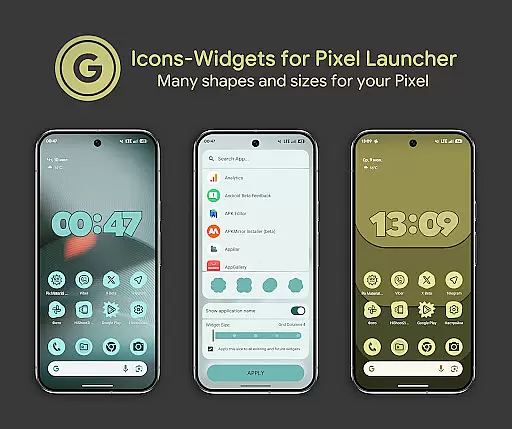
Pixel Launcher users aren't left out either; through the innovative Icon-Widget feature, individuals can enjoy similar theming capabilities. Icon-Widgets adapt their color based on the wallpaper and respect the deviceu2019s light or dark theme settings. Users have control over icon shape, name, and widget size, making these widgets nearly indistinguishable from native Pixel Launcher icons.
Even if you're using OneUI Launcher or other popular launchers such as Action Launcher, Ruthless Launcher, Lawnchair, and others, Pix Material Expressive Icons has got you covered. With comprehensive instructions available for applying the icon pack and accessing widgets, achieving theme consistency across different platforms has never been easier. Should any issues arise, dedicated technical support is accessible via Telegram, ensuring help is always at hand.
Full Material You support
Dynamic color adaptation
Extensive icon library
Innovative Icon-Widget
Wide launcher compatibility
Complex setup process
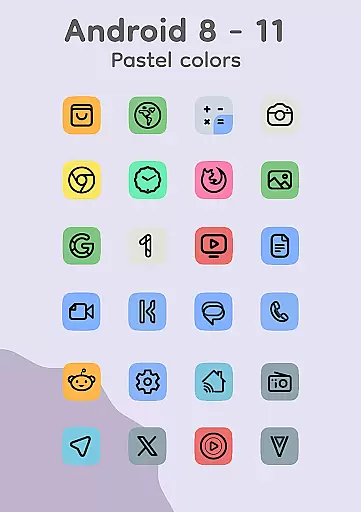
Limited Android 8-11 features
Requires manual updates
Premium price point
Technical expertise needed

Customizable Glass widgets. Over 360+ stunning widgets and more!
 4.70
4.70
Transform your phone with Launcher iOS 26 - Smooth & elegant iOS experience
4.50
Dark icon pack based on One 8
4.80
More than 3000+ themes and 9000+ wallpapers for everybody!
4.10
Unique Fonts, typefaces and stylish text. Fonts for Instagram, Whatsapp & others
4.20
Color phone with cool effects for call screen, flash alert & ringtones music
4.50
200+ Material Inspired Widgets
4.50
A minimalist productivity launcher. One-hand-friendly. Zero ads.
4.70
Fast SMS & group chat - use GIFs and emojis from your home screen launcher.
4.50
Only for Wear OS devices!
4.90
Glass style colourful icons with a One UI look and feel
4.60
Ultra realistic high quality analog watch face for Wear OS.
4.60
Ultimate Gallery Lock App - Hide Pictures, Videos and Lock Apps Instantly!
4.60
Choose your keyboard with RGB colors effect, themes, fonts, emojis.
4.60
Ninja Turtles Cowabunga SE watch face for Wear OS
4.50
Adult video chat, dating, making friends, random matching
4.20
Crystal-clear, square icon provides a sleek and sophisticated visual upgrade
4.00
Adaptive Dot Style IconPack with Light & Dark Theme.
3.70
⭐ OneUI inspired Fluffy Icon Pack – Soft. Stylish. Standout. ⭐
4.1


User Reviews