
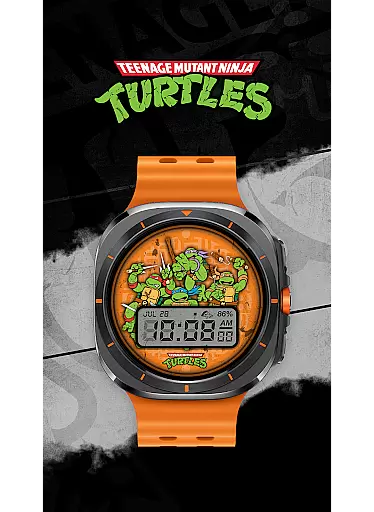
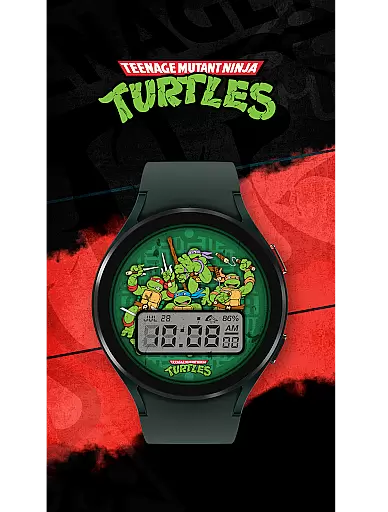
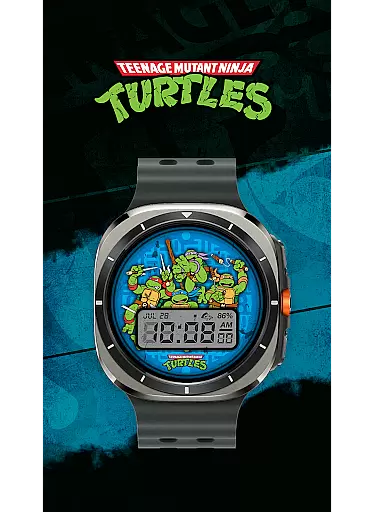
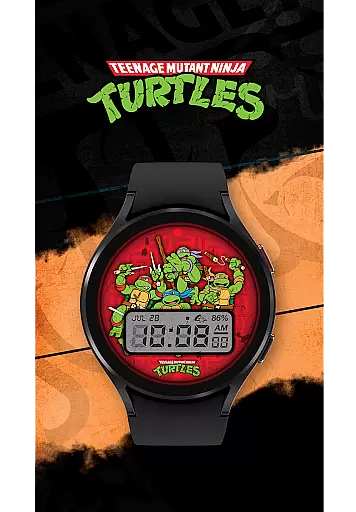
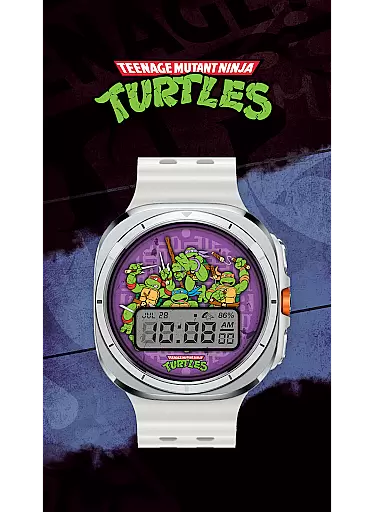
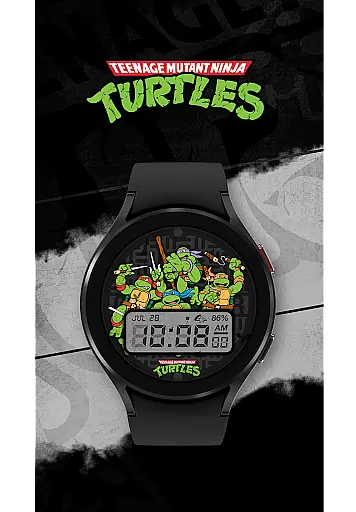
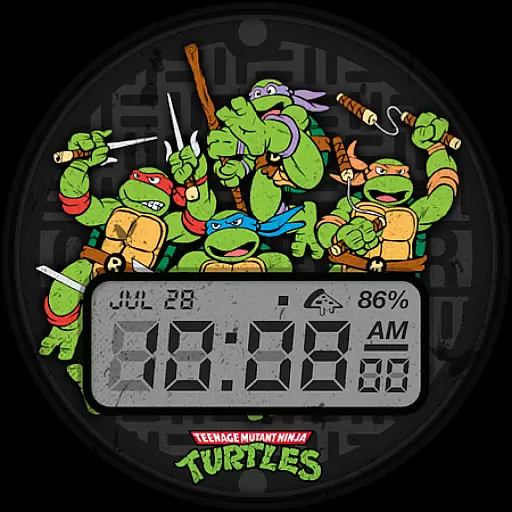
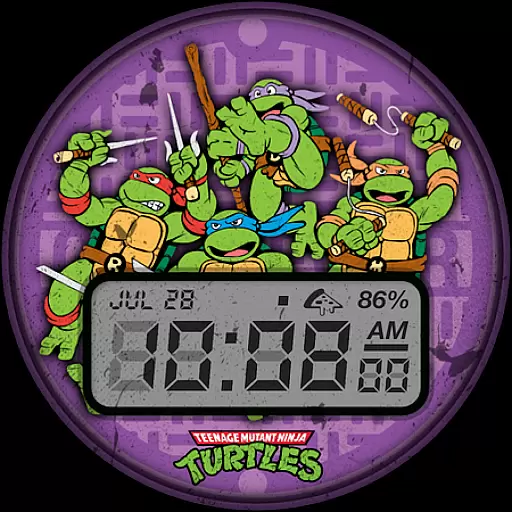
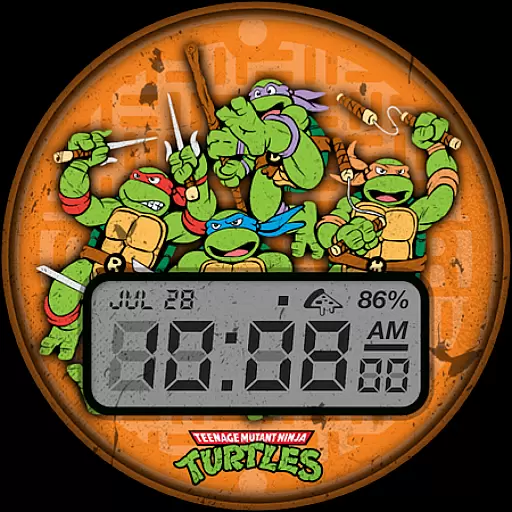
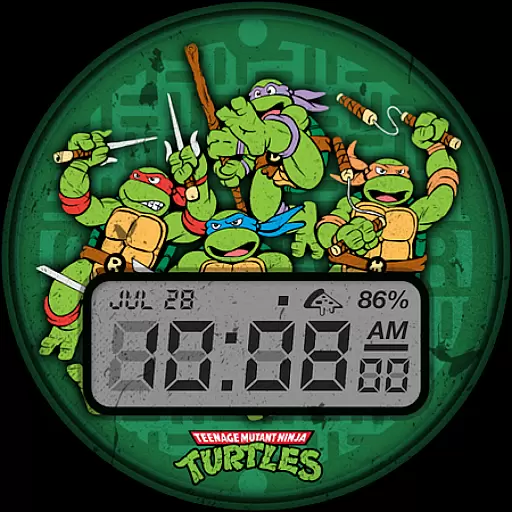
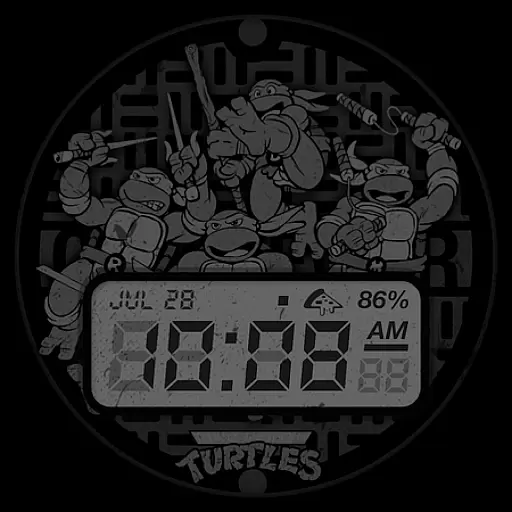
TMNT - Cowabunga SE Watch Face offers a retro-style experience for Wear OS smartwatch users, including compatibility with Galaxy Watch7 and Ultra. This watch face provides essential information at a glance, making it both functional and stylish.
Key features include a 12h/24h digital clock, date display, battery level indicator, and customizable complications. With six color options available, users can personalize their watch faces to match their preferences. Whether you're a fan of the Teenage Mutant Ninja Turtles or simply appreciate a classic design, this watch face brings both nostalgia and utility to your smartwatch.
Ideal for daily use, TMNT - Cowabunga SE enhances your smartwatch experience by combining practicality with a touch of retro flair, ensuring you stay connected while expressing your unique style.
TMNT - Cowabunga SE Watch Face stands out with its array of practical features designed for Wear OS smartwatches. The digital clock supports both 12h and 24h formats, catering to user preferences, while the date and battery level indicators provide essential information without cluttering the display.
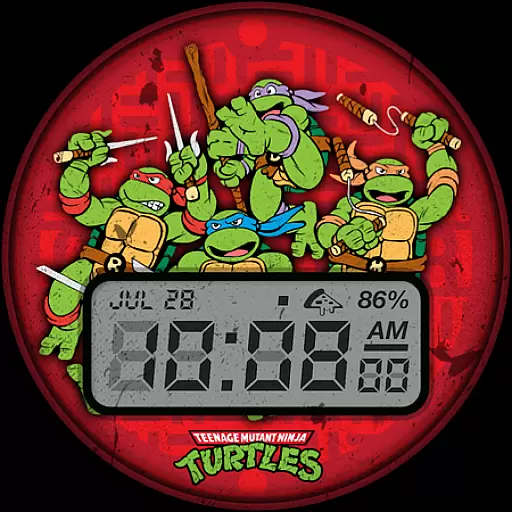
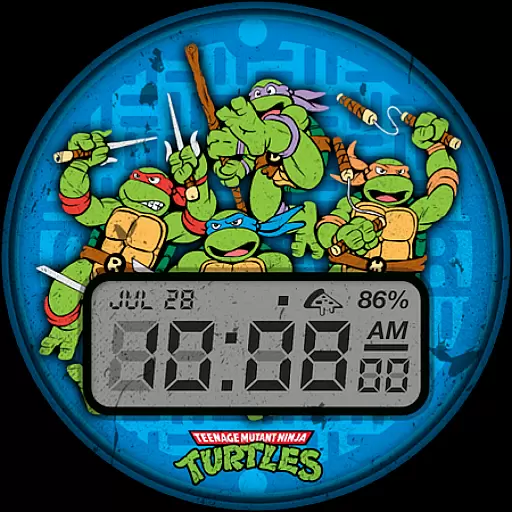
Customization is key with this watch face, offering a default complication showing the day and date that can be adjusted to suit individual needs. Additionally, users can choose from six vibrant color options, allowing for personalization that reflects their personality or matches their outfit.
The retro aesthetic combined with modern functionality ensures that TMNT - Cowabunga SE is not just visually appealing but also highly usable. Its compatibility across various devices, including Galaxy Watch7 and Ultra, makes it a versatile choice for those seeking a blend of nostalgia and contemporary smartwatch features.
Customization is at the heart of personalizing your smartwatch experience, and the TMNT - Cowabunga SE Watch Face excels in providing a range of options to suit individual preferences. With six distinct color options available, users can select a look that best matches their style or mood. The watch face also features a customizable complication, which by default displays the day and date but can be adjusted to show other information that is most useful to the wearer.
This level of customization ensures that each user's Wear OS smartwatch feels truly personal and unique. Whether you prefer a minimalist design with just the essentials or a more detailed interface with additional data points, this watch face caters to various tastes. Moreover, the ability to switch between 12-hour and 24-hour clock formats adds another layer of personal adjustment, accommodating international users and those who simply prefer one format over the other.
The inclusion of these customization features not only enhances the aesthetic appeal of the watch face but also improves its functionality. Users can tailor the display to prioritize the information they need most frequently, such as the time, date, or battery level. This thoughtful design approach empowers users to create an interface that aligns perfectly with their daily routines and personal preferences, making every interaction with their smartwatch both efficient and enjoyable.
Theme compatibility is crucial for ensuring that a watch face integrates seamlessly with a user's smartwatch system and maintains visual consistency across different devices. The TMNT - Cowabunga SE Watch Face is designed to be compatible with all Wear OS smartwatches, including newer models like the Galaxy Watch7 and Ultra. This broad compatibility means that regardless of the specific device model, users can enjoy a cohesive and visually appealing experience without worrying about discrepancies in how the watch face appears or functions.
By supporting a wide array of devices within the Wear OS ecosystem, the Cowabunga SE watch face demonstrates its commitment to accessibility and user satisfaction. It leverages the standardized design principles of Wear OS to deliver a retro-style interface that looks great on any supported device. This ensures that whether you're using a round or square watch face, the essential elements such as the digital clock, date, and battery level remain easily readable and aesthetically pleasing.
Furthermore, maintaining theme compatibility extends beyond mere aesthetics; it encompasses performance optimization as well. The developers have ensured that the watch face runs smoothly on all compatible devices, minimizing battery drain while maximizing responsiveness. This dedication to quality assurance provides peace of mind for users, knowing that their chosen watch face will perform reliably regardless of their specific hardware configuration. Ultimately, this focus on compatibility enhances the overall user experience, allowing individuals to express their personality through their smartwatch without compromising on functionality or performance.
Compatible with Wear OS
Customizable complications
Six color options
Retro-style design
Essential info at a glance
Limited to Wear OS
No advanced features
Basic customization
Few color choices
Not for all devices

Beautiful realistic hybrid watch face with numerous customization options.
 4.50
4.50
Customizable flower power digital watch face for Wear OS watches.
4.00
Fingerprint Lock Screen & Live Animations with 4K Wallpapers as Live Wallpaper
4.40
Interactive Miniature Painting Catalogue
3.30 4.10
4.10
Nothing Icon pack with more than 3750+ highly crafted icons.
4.70
300+ widgets inspired by Material You and Material 3 expressive design.
4.60
Enjoy a variety of amazing live wallpapers and colorful EDGE lighting borders!
4.80
Magic fluids wallpaper 4D: Relax with stunning fluid simulation wallpaper app
4.20
Wallpaper HD 4K Live - Thousands of high-quality Anime backgrounds for you.
4.80
Personalize your phone with stunning HD and 4K wallpapers!
4.70
A minimalist productivity launcher. One-hand-friendly. Zero ads.
4.70
Ultra realistic high quality analog watch face for Wear OS.
4.60
Vibrant Adaptive Icons with Material You and Enhanced Monet Colors.
4.50
More than 3000+ themes and 9000+ wallpapers for everybody!
4.10
Realistic animated snow on your wrist, with 10 images landscapes to choose from
4.00
HappyLighting is a Bluetooth lamp control software.
3.40
Turn your lock screen into fun with smile live wallpapers & animated wallpapers!
2.50
Custom edge gestures for volume control, brightness, apps, and shortcuts.
4.4


User Reviews