
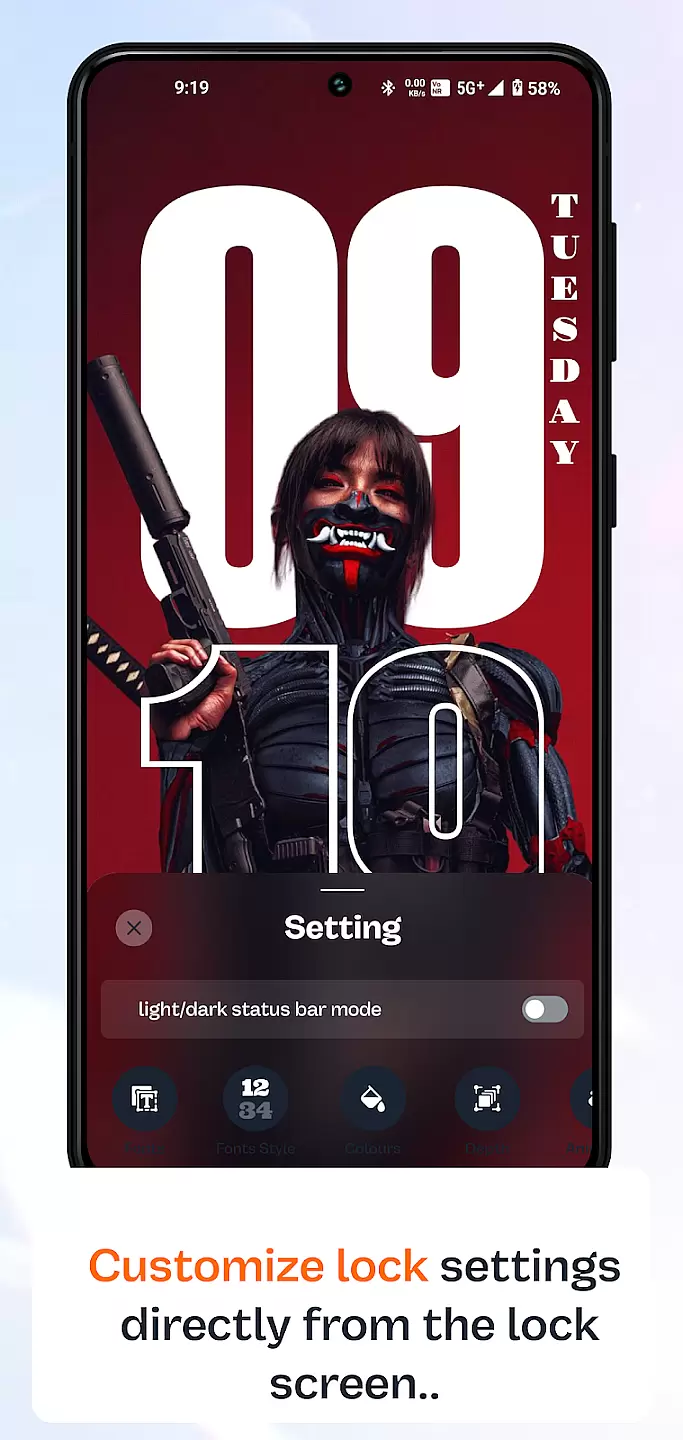
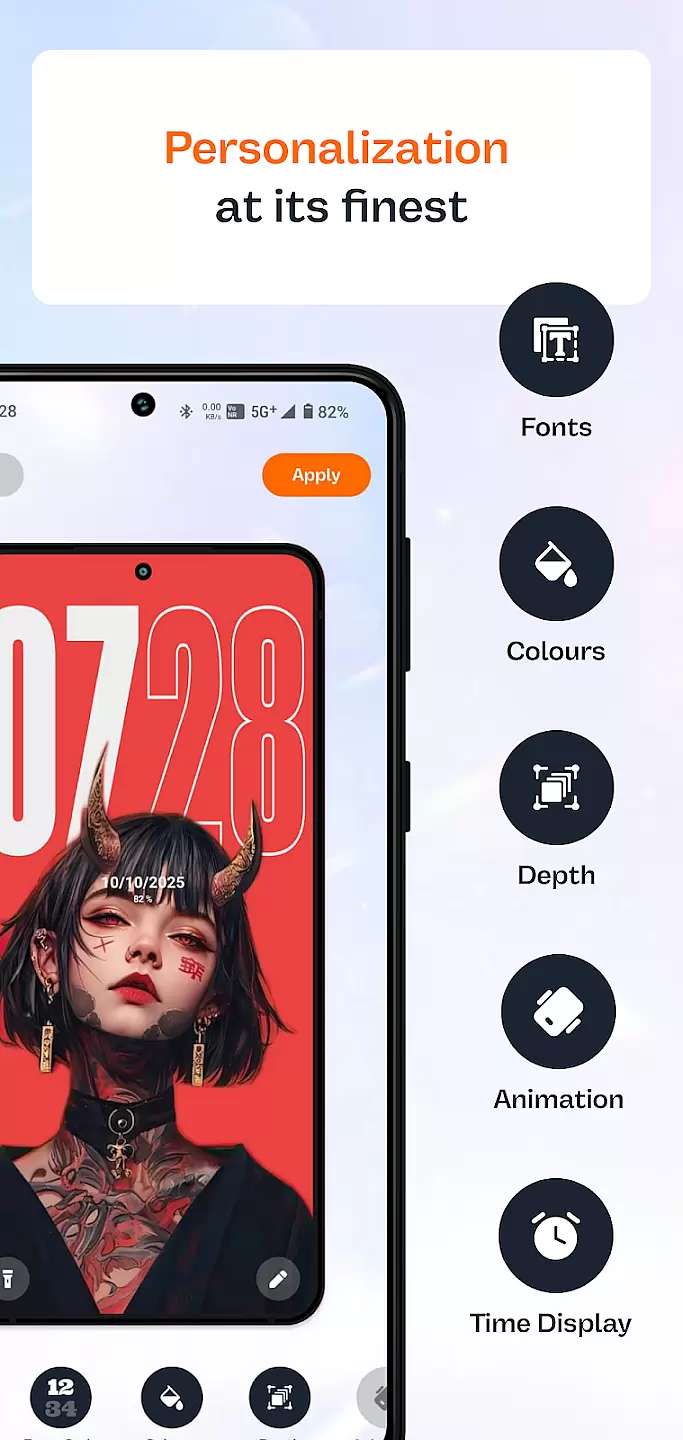
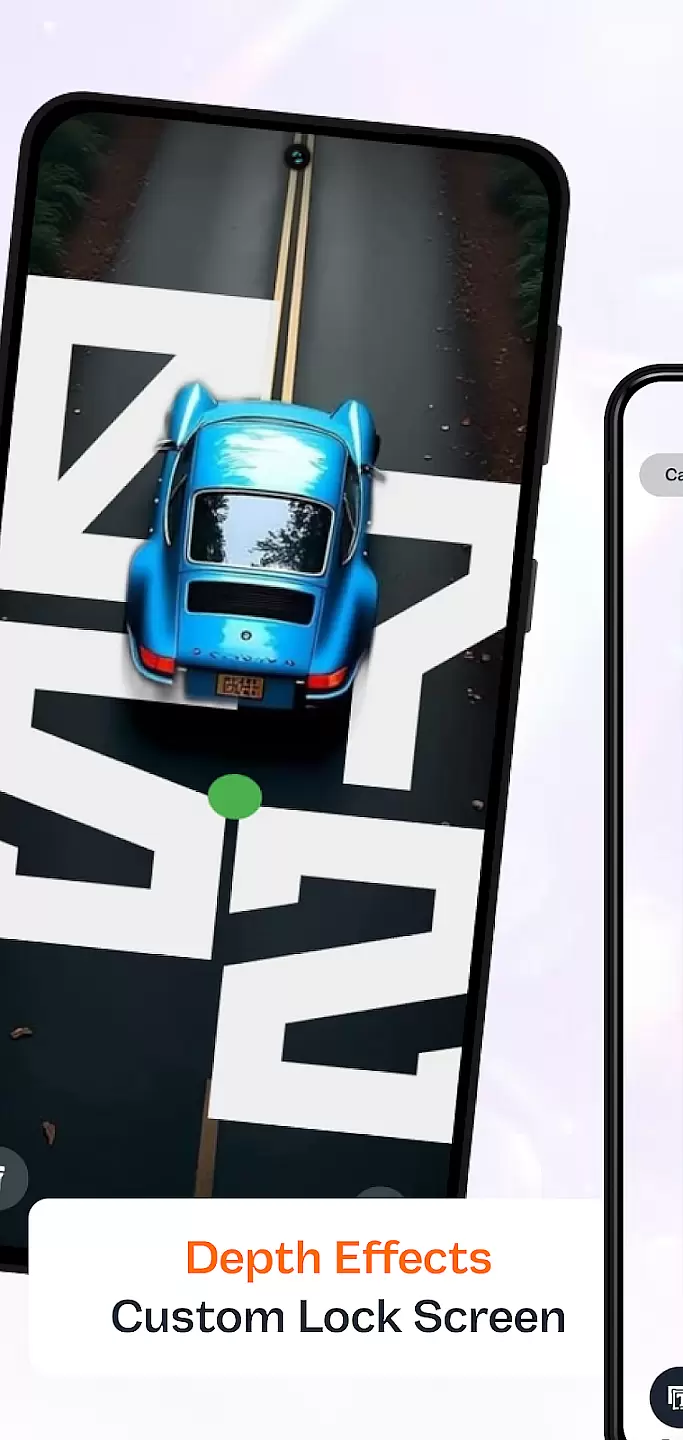
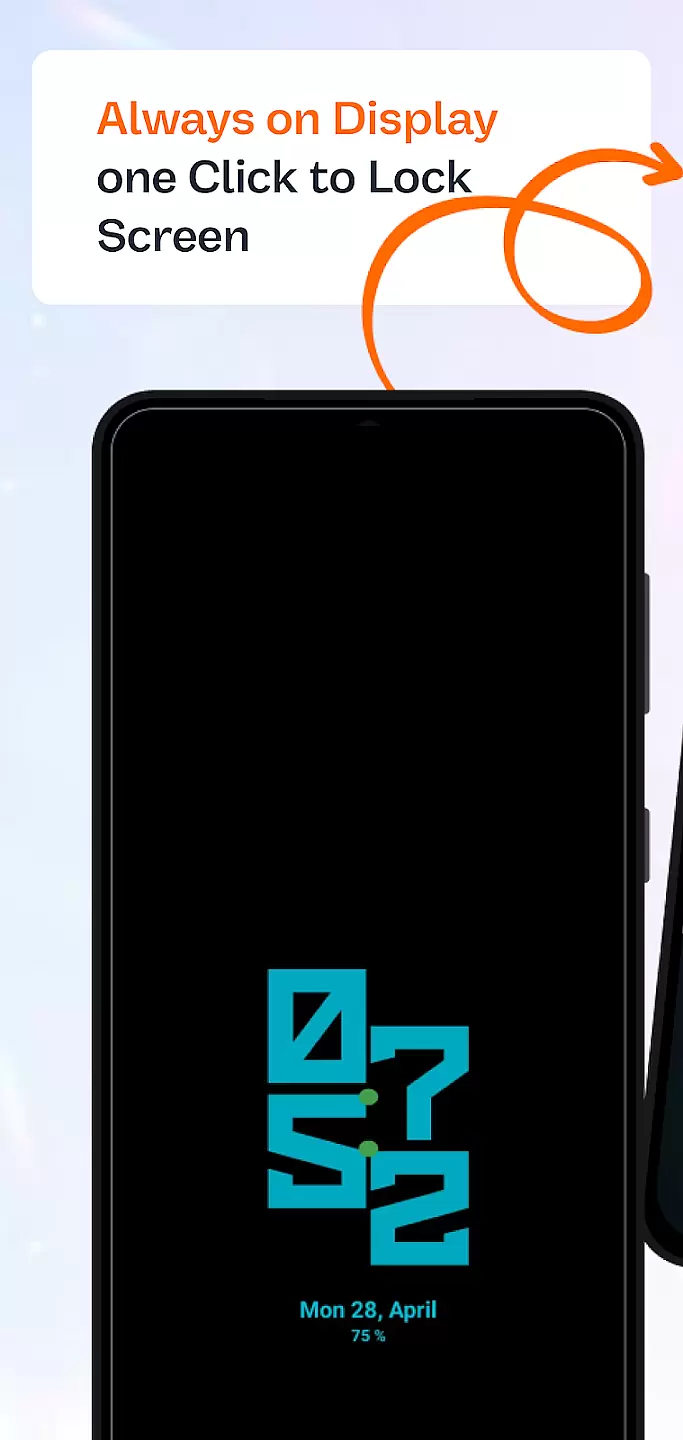
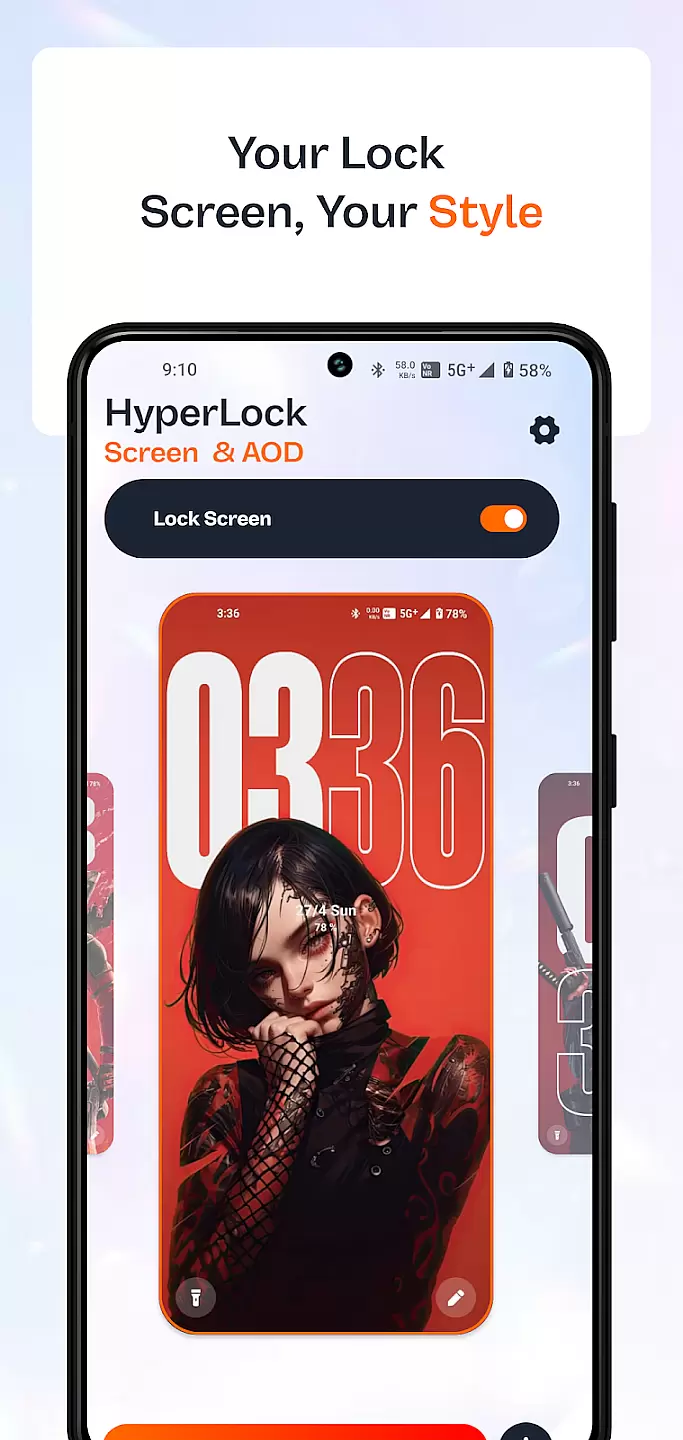
HyperLock Screen & AOD is a personalization app designed to enhance your device's lock screen and always-on display. It offers a variety of customization options, allowing users to personalize their device's appearance with unique designs and features. The app supports dynamic wallpapers, custom fonts, and interactive widgets, making it a versatile tool for those looking to express their individuality through their smartphone's interface.
This application is particularly useful for users who want to maintain an active display without sacrificing battery life. With its energy-efficient design, HyperLock ensures that your personalized settings look great while keeping power consumption to a minimum. Whether you're looking to showcase your favorite photos or need quick access to important information, this app provides the tools necessary to create a truly customized experience.
HyperLock Screen & AOD stands out with its extensive range of features tailored for personalization enthusiasts. Users can choose from a wide array of themes, each offering different styles and color schemes to match any preference. Additionally, the app includes advanced settings for adjusting brightness levels and display times, ensuring optimal performance and visibility under various lighting conditions.
One of the key highlights is the ability to integrate live information feeds directly onto the lock screen. This feature allows users to stay updated with weather forecasts, news headlines, and social media notifications without unlocking their device. Moreover, HyperLock supports gesture controls, enabling intuitive interactions such as swiping to activate the camera or double-tapping to turn off the screen. These functionalities not only improve accessibility but also contribute to a more engaging user experience.
Customization is at the heart of personalizing your device to truly make it yours. HyperLock Screen & AOD offers a wide array of customization options that allow users to tailor their device's lock screen and always-on display to their personal tastes.
This application provides diverse themes, fonts, and color schemes, ensuring that every user can find something that resonates with their style. Whether you prefer a minimalist look or something more vibrant and eye-catching, HyperLock Screen & AOD has the tools necessary to make that vision a reality.
Users benefit from the ability to change every aspect of their lock screen, from the background image to the clock style. This level of detail ensures that your device not only functions as needed but also looks and feels like an extension of your personality.
The true value of HyperLock Screen & AOD lies in its commitment to providing options that are both varied and meaningful, enhancing the user experience by making every interaction with the device a personalized journey.
Theme compatibility is crucial for ensuring that the visual modifications you apply to your device work seamlessly across different interfaces and functionalities. HyperLock Screen & AOD excels in this area, offering unmatched compatibility with various themes.
This app supports a broad spectrum of themes, allowing for consistent aesthetics throughout the device. Regardless of whether you switch between different themes regularly or stick to one that perfectly captures your mood, you can be confident that HyperLock Screen & AOD will maintain visual harmony.
By focusing on compatibility, the app ensures that all visual elements, from icons to text styles, are displayed correctly and beautifully. This attention to detail enhances the overall user experience, providing a cohesive look that ties the entire device interface together.
Ultimately, HyperLock Screen & AOD stands out by not just offering customization but ensuring that each choice you make is reflected accurately and attractively across your device, affirming its position as a top-tier personalization tool.
User-friendly interface
Extensive customization options
Energy-efficient design
Live information feeds
Gesture control support
Limited free themes
Some features require premium subscription
Occasional bugs reported
High battery usage on older devices
Not compatible with all smartphones

A Colorful and Minimal icon pack in an Outline Style - Over 13,600 icons!
 4.70
4.70
Vertically oriented rectangular icons
4.70
Only for Wear OS devices!
4.90
Realistic animated snow on your wrist, with 10 images landscapes to choose from
4.00
Gun Chase - Let the chase begin.
4.80 4.50
4.50
Struggling to find apps? Use this app to locate and open any app on your phone!
2.20
Emoji Maker app - Design custom emojis and effortlessly blend them with Mixer
3.80
Customize phone with anime themes, 3D icons, aesthetic widgets & wallpapers
4.80
Customizable Glass widgets. Over 360+ stunning widgets and more!
4.70
Stylish Pink Cute Hippo keyboard with 10000+ customized keyboard themes!
4.60
Aesthetic Widgets, HD Wallpapers, Themes in Mico Widget for Home and Lock Screen
4.50 4.50
4.50
Color phone with cool effects for call screen, flash alert & ringtones music
4.50
Transform your device in a game console
4.40
A light in the dark, a unique style and an andless cutomization!
4.30
Create unique, fun emojis with Funny Emoji Maker! Unlimited creativity!
4.00
Ultimate widget creator. Design custom widgets for a truly unique home screen!
3.90
Design your screen with unique, vibrant clocks
3.80


User Reviews