
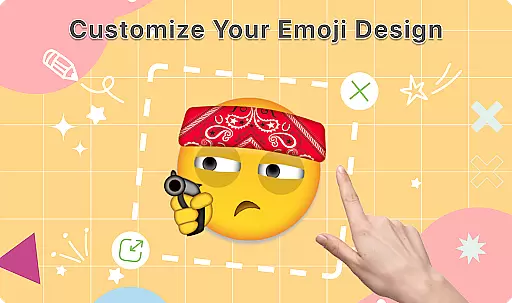
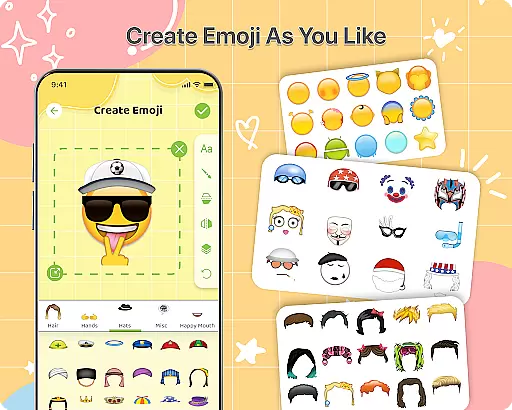
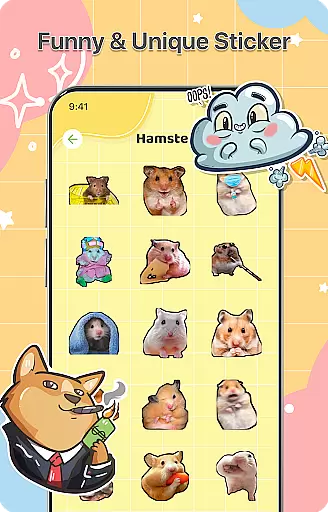
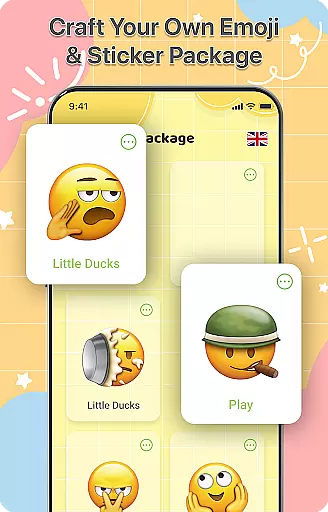
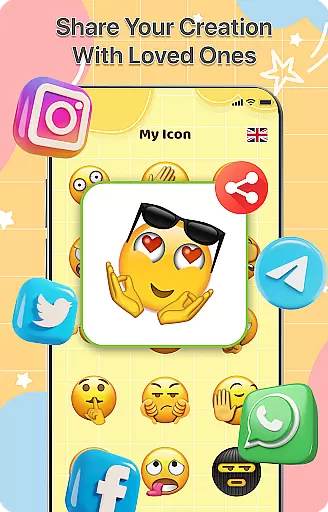
DIY Emoji is a creative personalization app that allows users to design their own unique emojis. With over 500 accessories including eyes, mouths, hats, and glasses, the app provides endless customization possibilities. Users can flip elements, draw details, add text with various fonts, and layer components for perfect emoji designs.
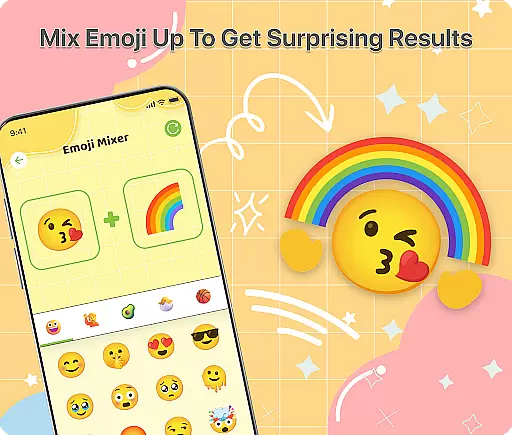
The app also features an innovative Emoji Mixer that lets users combine any two emojis for quirky and funny combinations. The built-in Emoji Library helps manage and store all custom creations, making it easy to search and access favorite emojis quickly. Regular updates ensure new accessories and emotes keep the experience fresh and engaging.
Whether you want to express yourself uniquely in chats or simply enjoy a fun creative outlet, DIY Emoji offers a user-friendly platform to boost your messaging experience with personalized emoticons.
DIY Emoji stands out with its comprehensive set of features tailored for creativity and personal expression. The Emoji Maker tool includes a vast selection of over 500 accessories, enabling detailed customization of each emoji. Users can manipulate elements by flipping them, drawing fine details, adding stylized text, and layering different components to achieve their desired look.
In addition to the robust creation tools, the Emoji Mixer feature adds another layer of innovation. By allowing users to blend any two emojis, it opens up a world of unique and humorous combinations. This feature encourages experimentation and exploration, ensuring no two emoji creations are alike.
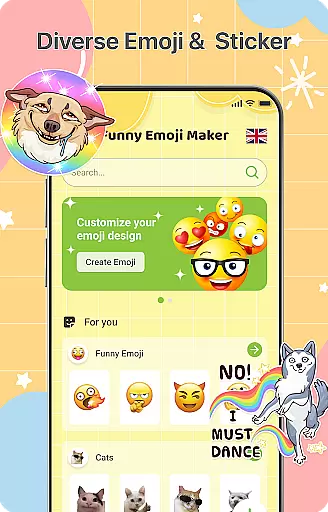
For easy management and accessibility, the Emoji Library stores all user-generated emojis. It includes a quick search function to find specific emojis effortlessly. Frequent updates bring new accessories and emotes, keeping the content fresh and expanding creative possibilities. These features collectively make DIY Emoji a top choice for anyone looking to personalize their digital communication.
Customization is at the heart of DIY Emoji, offering users a rich palette of options to express their creativity. With over 500 accessories available, including eyes, mouths, hats, and glasses, the app allows for extensive personalization of emojis. This vast selection ensures that each user can craft unique emojis that resonate with their personal style and mood.
The app's interface supports detailed customization through drawing tools and text additions, providing further depth to emoji creation. Users can employ various fonts and colors to add textual elements, enhancing the expressiveness of their emojis. The ability to layer different elements adds another dimension, allowing for intricate designs and effects that elevate simple emojis into pieces of digital art.
DIY Emoji stands out by enabling users to flip elements, creating unexpected and humorous emoji effects. This feature not only broadens the creative possibilities but also injects an element of fun into the design process. By experimenting with these diverse customization options, users can produce truly one-of-a-kind emojis that enrich their digital conversations.
Theme compatibility in DIY Emoji ensures that all custom emojis blend seamlessly across various messaging platforms and devices. Understanding the importance of visual consistency, the app is designed to maintain high-quality rendering regardless of where the emojis are used or viewed. This commitment to compatibility enhances user experience by preserving the intended appearance and emotional impact of each emoji.
DIY Emoji achieves this seamless integration through meticulous design and testing across multiple platforms. Whether shared via social media, email, or messaging apps, emojis retain their clarity and charm without distortion. Such attention to detail reassures users that their creative efforts will be appreciated as envisioned, strengthening connections through personalized communication.
Moreover, frequent updates introduce new accessories and emotes, keeping the content fresh while maintaining theme compatibility. These updates reflect ongoing efforts to adapt to evolving digital environments, ensuring that DIY Emoji remains a versatile tool for creative expression. Users can trust that their customized emojis will consistently perform well, making every chat more engaging and expressive.
User-friendly interface
Extensive customization options
Regular content updates
Variety of creative tools
Unique emoji combinations
Limited free accessories
Some features require purchase
Occasional ads
Advanced tools may overwhelm beginners
Storage space needed for library

Wear Os Watch Face - Seasonal - Animated Snow Effect - 9 Animals
 4.20
4.20
Personalize your phone with stunning HD and 4K wallpapers!
4.70
Run multiple accounts of the same app on a single device
4.10
100+ Stylish Fonts, Emojis, Symbols keyboard for Instagram & TikTok!
4.80
App Icon Changer & Shortcut Creator. Customize your icons without any watermarks
4.30 4.50
4.50
⭐ OneUI inspired Fluffy Icon Pack – Soft. Stylish. Standout. ⭐
4.4
400+ Beautifully crafted widgets inspired by NOTHING.
4.70
Customize phone with anime themes, 3D icons, aesthetic widgets & wallpapers
4.80
Sparkle your screen with Glitter Wallpapers For Girls and Cute Backgrounds!
4.80
Customizable Glass widgets. Over 360+ stunning widgets and more!
4.70
Ultimate Gallery Lock App - Hide Pictures, Videos and Lock Apps Instantly!
4.60
300+ Beautifully crafted widgets inspired by OneUI.
4.60
Handcrafted pixel art icons, widgets & wallpapers
4.60
Color phone with cool effects for call screen, flash alert & ringtones music
4.50
Fingerprint Lock Screen & Live Animations with 4K Wallpapers as Live Wallpaper
4.40
Your home screen, just the way you like it.
4.30
Design your screen with unique, vibrant clocks
3.80
Modern Glass Icon Pack with glossy icons, clean minimal theme & aesthetic style
4.5


User Reviews