
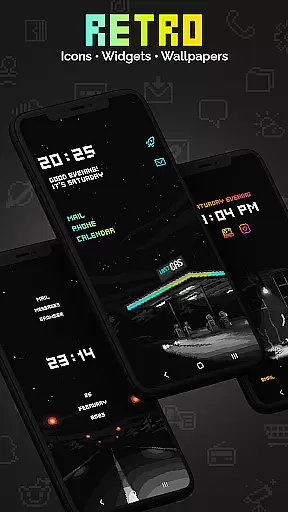
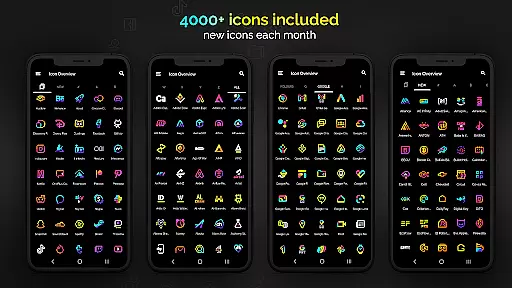
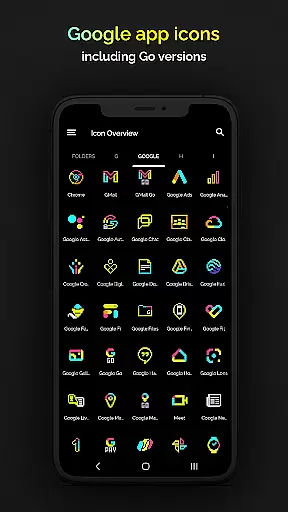
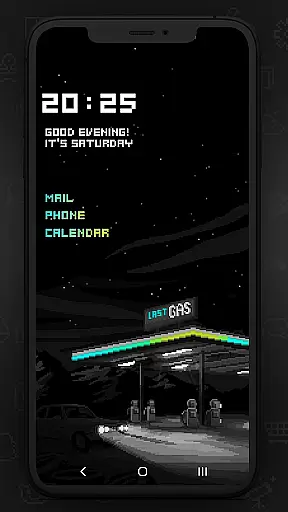
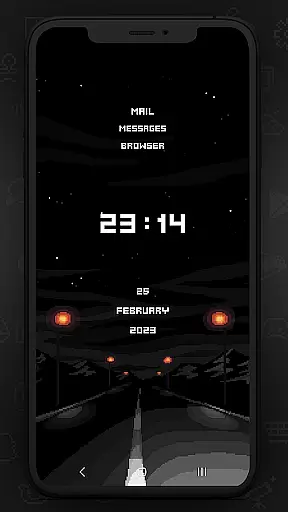
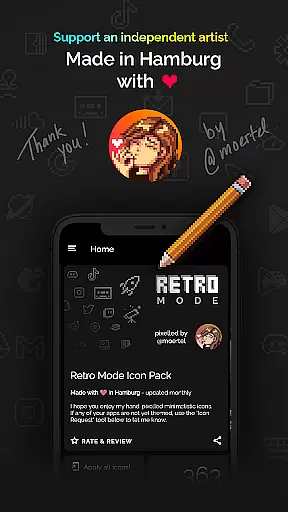
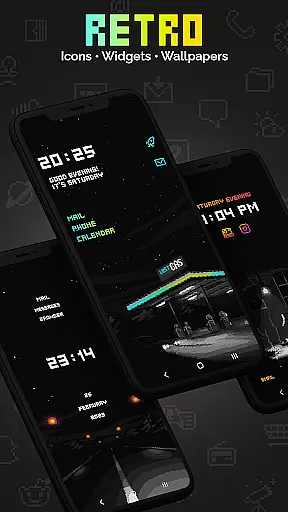
Retro Mode - Icon Pack (Neon) is a premium pixel art icon pack meticulously crafted by pixel artist Moertel. With over 4050 unique icons, this pack offers a nostalgic journey to the vibrant aesthetics of the 90s. Designed for users who appreciate pixel-perfect artistry, it provides crisp neon-colored icons that transform your smartphone into a retro-style interface.
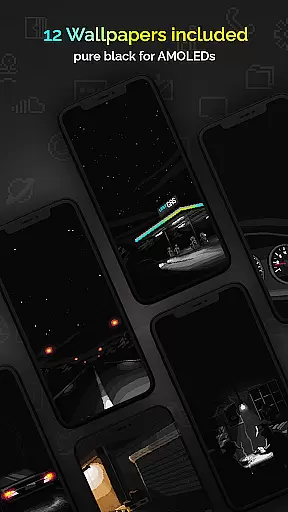
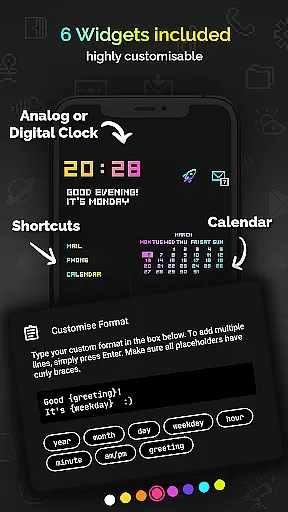
The pack includes 12 wallpapers and 6 customizable widgets, allowing users to personalize their devices with digital clocks, analog clocks, date displays, and more. Supporting over 20 launchers, it ensures compatibility across various devices while delivering an unmatched level of customization. Monthly updates ensure fresh content, making it a dynamic choice for tech enthusiasts seeking both form and function.
This icon pack stands out with its extensive range of features designed to enhance user experience. It boasts 4050 handcrafted pixel art icons, each created on a tiny 20x20 canvas and upscaled for sharpness. The inclusion of 12 wallpapers and 6 versatile widgets adds layers of personalization, enabling users to tailor their home screens to reflect their style.
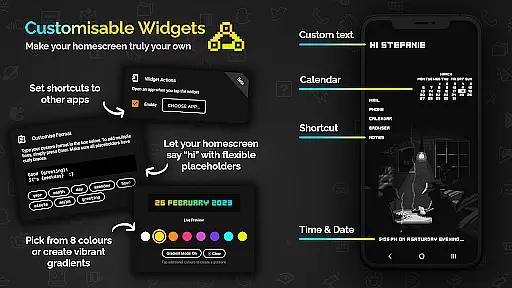
One notable feature is the widget configurability, offering 8 color options and gradient combinations. Users can customize text within widgets using placeholders like day, month, or greetings, ensuring both utility and creativity. Additionally, monthly updates introduce new icons and features based on user requests, keeping the pack relevant and engaging for its audience.
Customization is at the heart of Retro Mode - Icon Pack (Neon), offering users a diverse array of options to personalize their device's appearance. With over 4050 pixel-perfect icons, this pack ensures that almost every app on your phone can be transformed to fit a vibrant neon aesthetic reminiscent of the 90s digital era.
In addition to the extensive icon library, the pack includes 12 unique wallpapers and 6 versatile widgets. These widgets are not just limited to telling time or showing the date; they also allow for personalized greetings and customizable text shortcuts, making your device truly one-of-a-kind.
The level of customization extends to compatibility with more than 20 launchers, ensuring that no matter what device you use, you can apply this icon pack seamlessly. Whether you're using Nova, Action, or even specific versions of Samsung's OneUI, Retro Mode has got you covered.
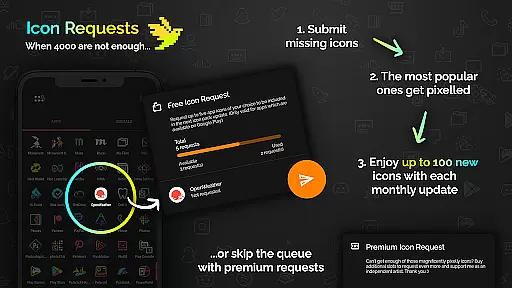
By choosing Retro Mode, users gain access to monthly updates filled with new icons and features, keeping their devices fresh and reflective of their personal style. This commitment to regular updates means that your customization options will only expand over time, continually enhancing your digital experience.
Retro Mode - Icon Pack (Neon) excels in theme compatibility, ensuring that its bright neon icons look stunning across various platforms and devices. Designed by pixel artist Moertel, each icon is meticulously crafted on a tiny canvas and then upscaled to maintain crispness and clarity, regardless of the screen it graces.
This icon pack supports an impressive list of launchers including popular ones like Nova, ADW, and Go EX. Such broad compatibility ensures that whether you're using a Google Pixel, Motorola, Xiaomi, or Samsung device, you'll find a way to integrate these nostalgic icons into your home screen setup.
For Samsung users specifically, if you're running Android 12 with OneUI 4.0 or newer, applying these themes becomes even easier through the Samsung app Theme Park. Even those with older versions can switch to a supported launcher to enjoy the full benefits of Retro Mode's offerings.
With consistent updates and support from the developer, Retro Mode guarantees ongoing improvements in theme compatibility. Users can rest assured knowing that as technology evolves, so too will this icon packu2019s ability to stay relevant and visually appealing across different systems and devices.
Extensive icon library
Frequent monthly updates
Versatile widget options
Premium pixel art design
Broad launcher support
Limited stock launcher support
Additional icon requests cost extra
No shadow or outline effects
Widgets require Android 10+
Some features need third-party apps

Fingerprint Lock Screen & Live Animations with 4K Wallpapers as Live Wallpaper
 4.40
4.40
Romantic Kiss Stickers App. Start romantic messaging now!
4.30
Organize and manage your photos and videos effortlessly with Photo Gallery
4.20
Icons made of colorful linear lines
4.60
300+ Beautifully crafted widgets inspired by OneUI.
4.60
400+ Beautifully crafted widgets inspired by NOTHING.
4.70
Modern Glass Icon Pack with glossy icons, clean minimal theme & aesthetic style
4.4
A minimalist productivity launcher. One-hand-friendly. Zero ads.
4.70
Install amazing sticker packs: endless styles, always cool.
4.70
Dark icon pack based on One 8
4.80
350+ widgets with a premium glass-style finish, perfect for home & lock screens.
4.70
Ninja Turtles Cowabunga SE watch face for Wear OS
4.50
Try creating your own keyboard with "Keyboard theme for android" app now!
4.50
Color phone with cool effects for call screen, flash alert & ringtones music
4.50
Vibrant Adaptive Icons with Material You and Enhanced Monet Colors.
4.50
Launcher OS™ Pro without ads help make your phone simple and pretty
4.30
Create unique, fun emojis with Funny Emoji Maker! Unlimited creativity!
4.00
Design your screen with unique, vibrant clocks
3.80
Capture moments that pass like a storm, second by second.
4.0


User Reviews