
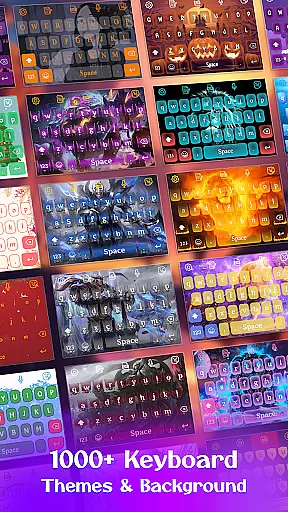
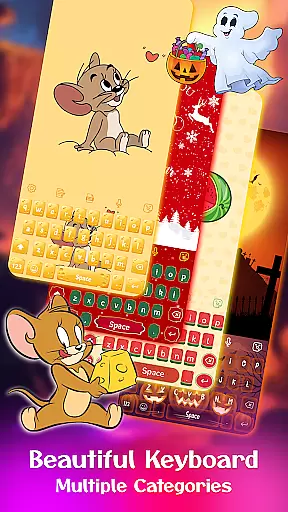
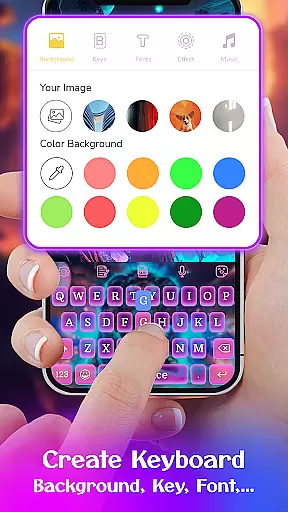
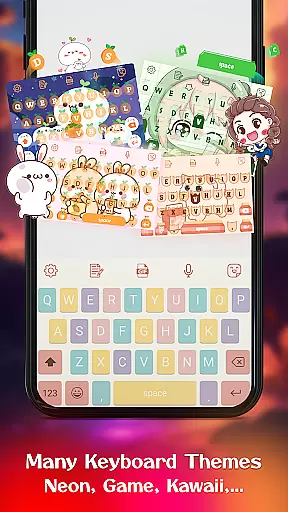
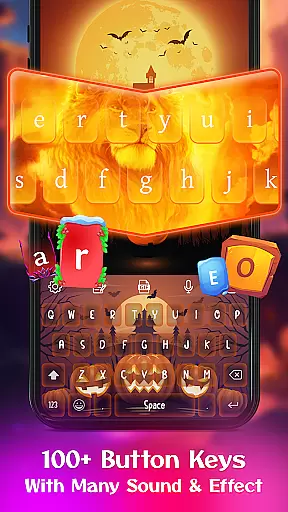
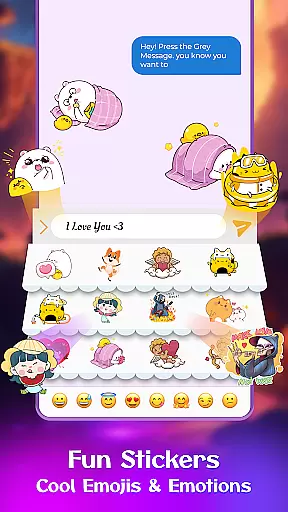
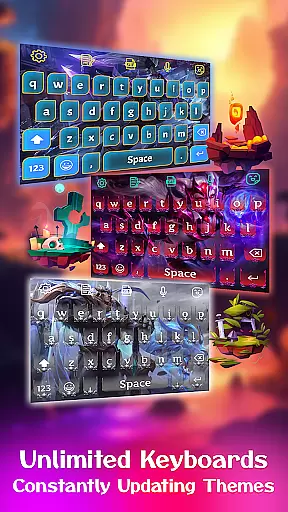
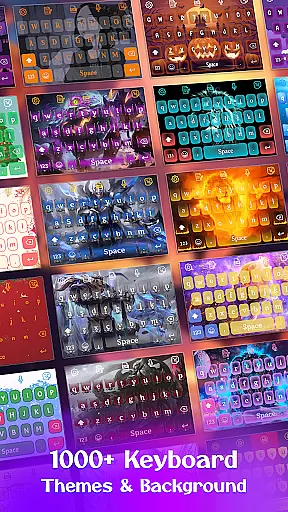
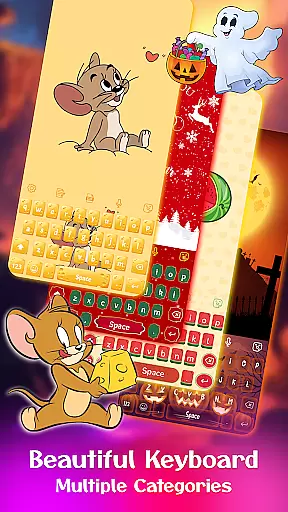
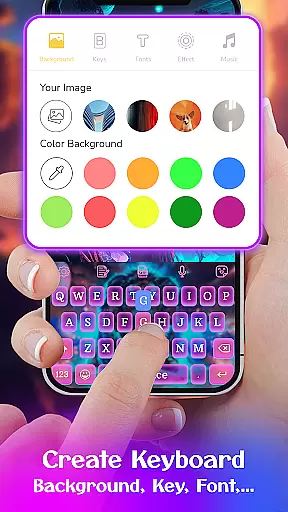
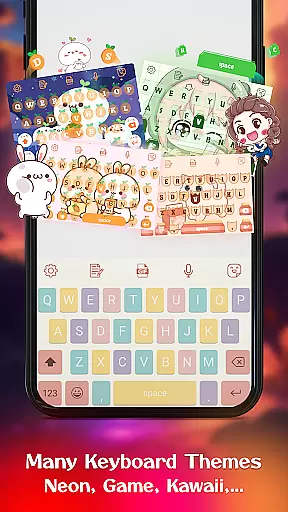
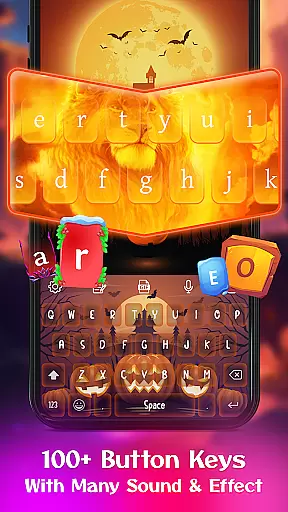
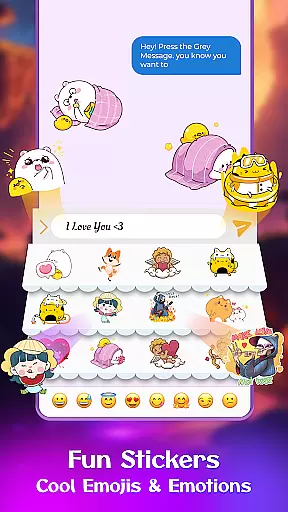
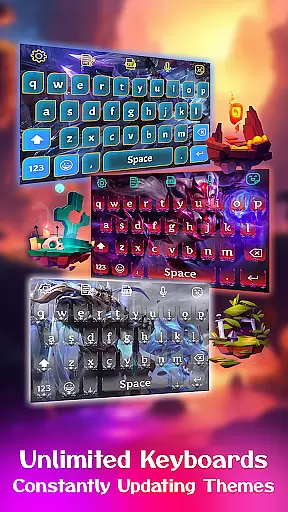
Keyboard Maker is a feature-rich keyboard application designed to enhance your typing experience on Android devices. This app offers a wide range of customization options, including various keyboard themes such as iOS, led, Neon, RGB, Emoji, Black, and kawaii keyboards. Users can personalize their typing interface with different wallpapers, backgrounds, and even create their own unique keyboard design.
The app supports fast and efficient typing with smart autocorrect, word prediction, voice input, and gesture typing. It also includes a clipboard for quick copy-paste actions and supports over 150 languages, making it versatile for users worldwide. With additional features like custom fonts, stickers, emojis, and GIFs, Keyboard Maker ensures an engaging and enjoyable typing experience.
Whether you're looking to add a personal touch to your keyboard or seeking improved functionality, Keyboard Maker provides the tools to transform your typing experience while maintaining privacy and security.
Keyboard Maker stands out with its extensive collection of over 500 free keyboard themes, allowing users to customize their typing interface with styles ranging from simple and colorful designs to specialized themes like Led, Neon, and Anime keyboards. The app's customization extends to enabling users to upload personal photos as keyboard backgrounds, offering a truly personalized experience.
In terms of functionality, Keyboard Maker incorporates smart typing features such as autocorrect, word prediction, and gesture typing to improve typing speed and accuracy. The inclusion of voice input and support for multiple languages further enhances accessibility. Additionally, the app provides entertaining elements like emojis, GIFs, and stickers, which make communication more expressive and fun.
With adjustable keyboard layouts, vibration feedback, auto-capitalization, and suggestions, Keyboard Maker combines practicality with personalization, catering to both aesthetic preferences and functional needs.
Customization is at the heart of Keyboard Maker, offering users a vast array of options to tailor their typing experience. This application provides an extensive selection of themes, ranging from simple and colorful designs to specialized options like LED, Neon, and Anime themes. Each theme brings its unique flair, ensuring that users can find something that resonates with their personal style.
Beyond just visual aesthetics, Keyboard Maker allows for functional personalization. Users can adjust keyboard layouts, add number rows, and resize the keyboard to better fit their device or typing habits. These features ensure that the app doesn't just look good but feels right under the fingers as well.
The ability to create a personalized keyboard extends to setting custom backgrounds from your photo gallery. This means every tap can be a reminder of something special to you, making your device truly yours. With such comprehensive customization options, Keyboard Maker empowers users to craft a typing interface that's both visually appealing and ergonomically satisfying.
Theme compatibility in Keyboard Maker ensures that all selected themes work seamlessly across different devices and Android versions. This app supports over 150 languages, which means no matter what language you type in, the chosen theme will maintain its integrity and appearance without glitches or inconsistencies.
Moreover, the app offers categories like Simple, Colorful, LED, and Cute themes, each designed to cater to specific tastes while maintaining high compatibility standards. Whether you prefer vibrant colors or subtle designs, each theme is optimized to provide a uniform look and feel, regardless of the device you're using.
Keyboard Maker also emphasizes user experience by allowing instant theme changes without requiring a restart or causing any disruption in service. This seamless transition between themes enhances usability and ensures that users can switch themes based on mood or occasion effortlessly. Such attention to compatibility and user experience makes Keyboard Maker stand out in the realm of personalized keyboard applications.
Highly customizable
Variety of themes
Smart typing features
Multilingual support
Fun stickers and GIFs
May overwhelm new users
Some features redundant
Occasional lags
Ads present
Complex settings

Ultra realistic high quality analog watch face for Wear OS.
 4.60
4.60
Realistic animated snow on your wrist, with 10 images landscapes to choose from
4.00
Over 28,000 high quality icons to bring color & homogeneity to your phone.
4.60
Want to make your phone more special than ever?
4.60 4.50
4.50
Vibrant Adaptive Icons with Material You and Enhanced Monet Colors.
4.50
Your home screen, just the way you like it.
4.30
Transform your phone with stunning video wallpapers and a unique, personal touch
3.80
Fast SMS & group chat - use GIFs and emojis from your home screen launcher.
4.50
Customizable Glass widgets. Over 360+ stunning widgets and more!
4.70
Unique Android Launcher
4.60
300+ widgets inspired by Material You and Material 3 expressive design.
4.60
Beautiful realistic hybrid watch face with numerous customization options.
4.50
Customizable screen pets that play, climb, and keep you company.
4.50 4.50
4.50
AI-powered Copilot. Personalized keyboard with gifs, stickers & themes
4.40
Unique Fonts, typefaces and stylish text. Fonts for Instagram, Whatsapp & others
4.20
Crystal-clear, square icon provides a sleek and sophisticated visual upgrade
4.00
Your go to Weather App & Home Screen. Get your weather at a swipe of a finger!
3.80


User Reviews