
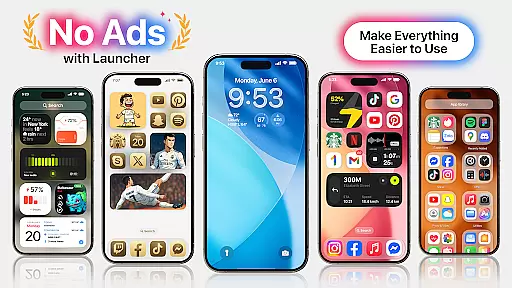
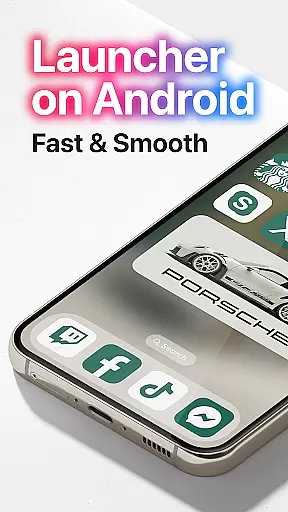
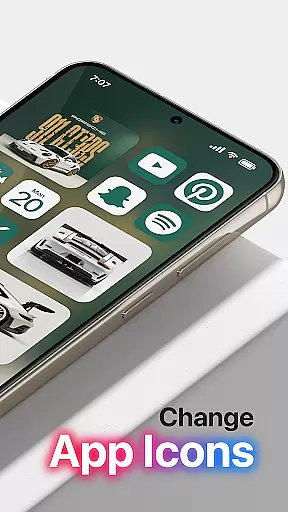
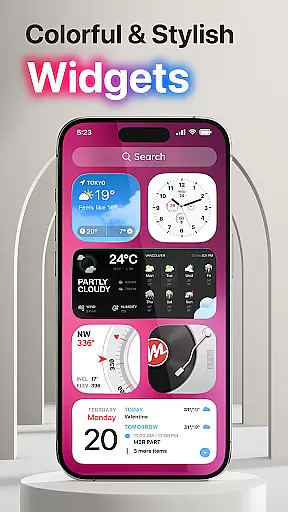
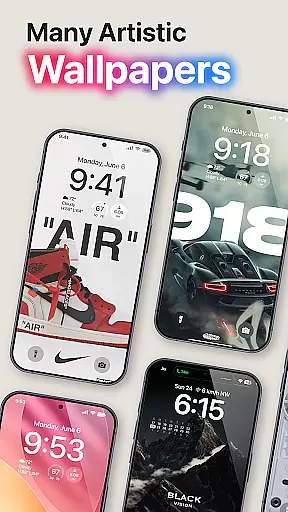
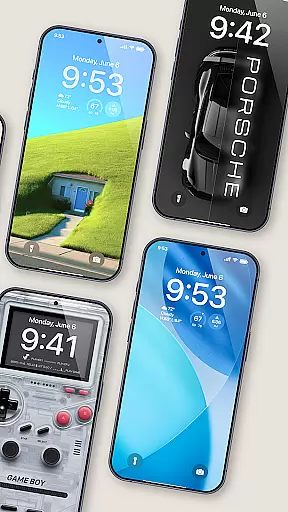
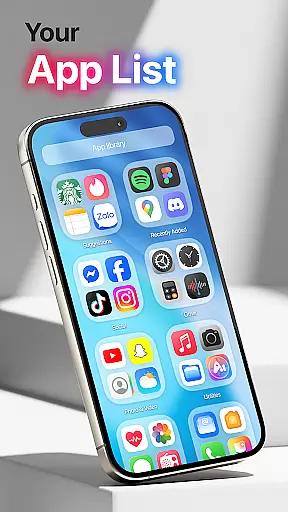
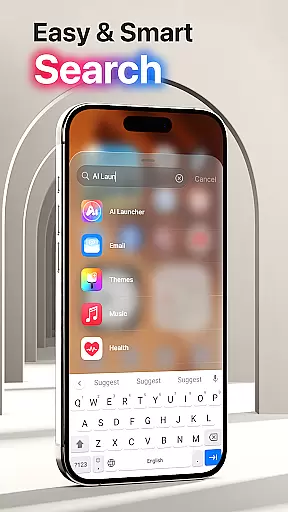
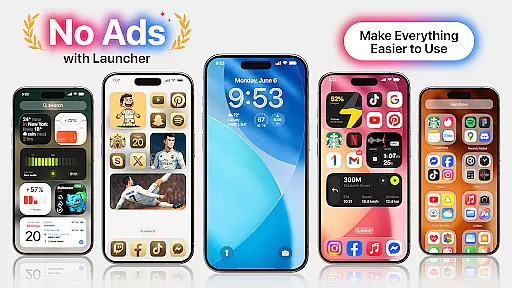
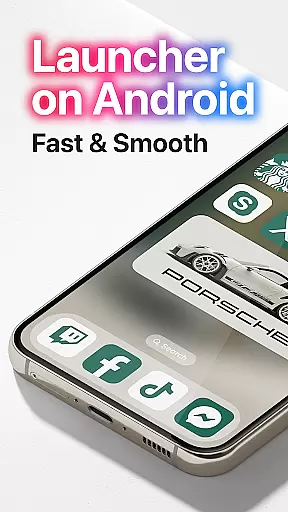
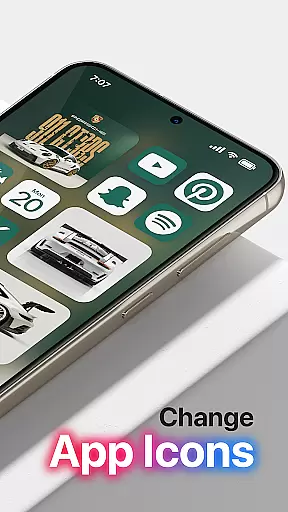

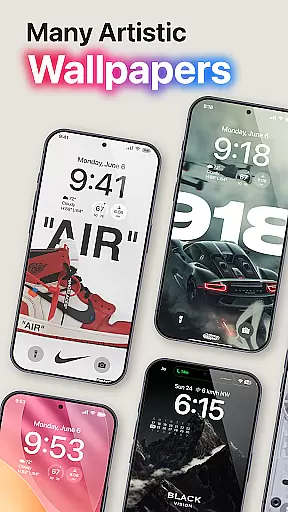
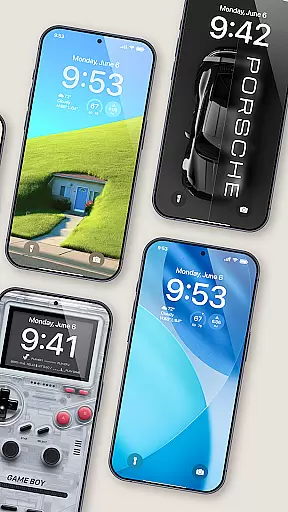
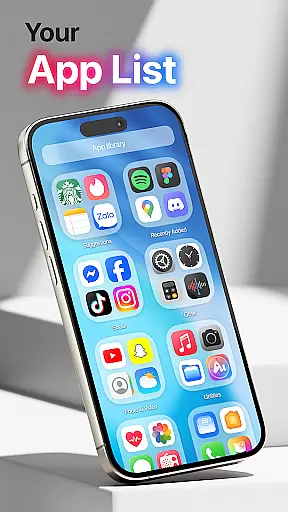
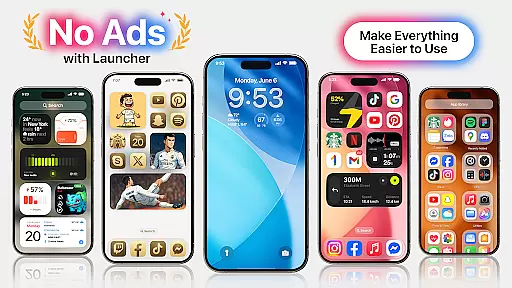
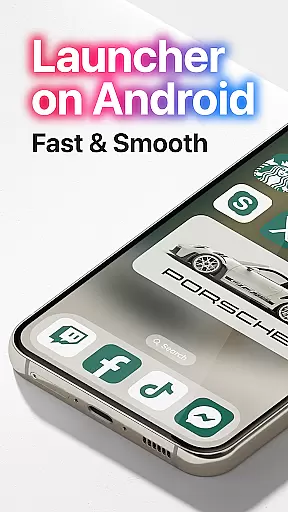
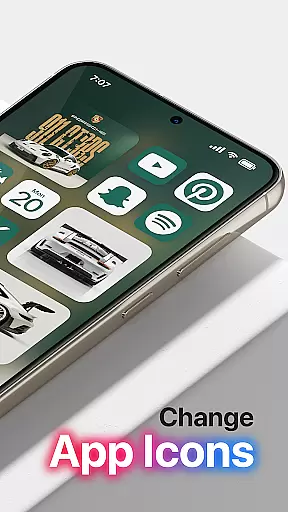
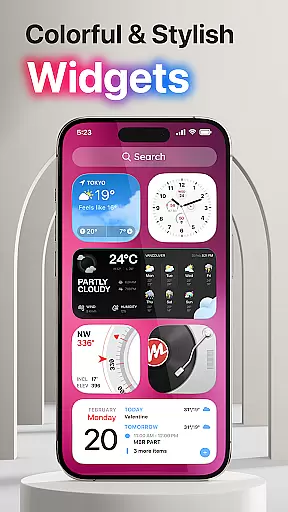
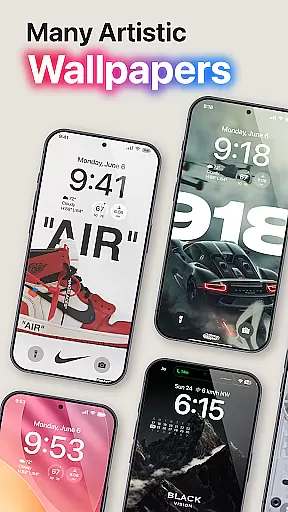
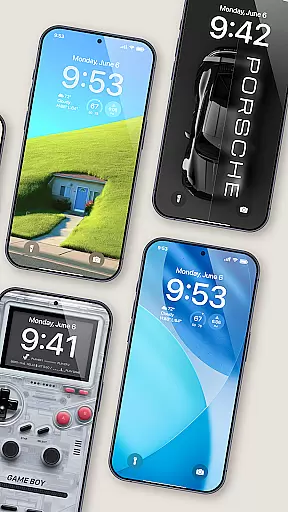
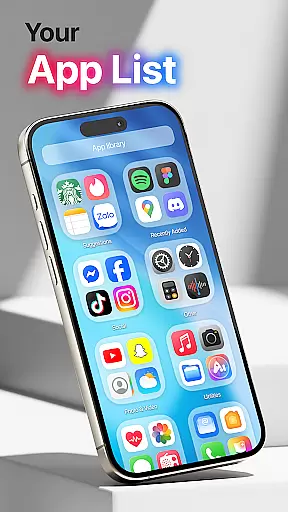
Launcher OS Pro is a premium Android launcher app that redefines the mobile operating experience with its sleek design and powerful customization features. The app offers an ad-free interface, ensuring a pure and clean user experience while providing over 50 unique wallpapers and multiple color widgets that support both light and dark modes.
One of the standout features of Launcher OS Pro is its highly customizable nature. Users can personalize their lock screens, widgets, and gestures to quickly access apps, settings, and more. This level of personalization makes it ideal for users who want a more intelligent and tailored mobile experience. Whether you're looking to enhance productivity or simply want a more visually appealing home screen, Launcher OS Pro delivers on all fronts.
Launcher OS Pro stands out with its rich feature set designed to provide a personalized and efficient user experience. The app includes an intuitive user interface inspired by row and column icon elements, making navigation seamless and enjoyable. With support for both light and dark modes, users can switch between themes based on their preferences or environment.
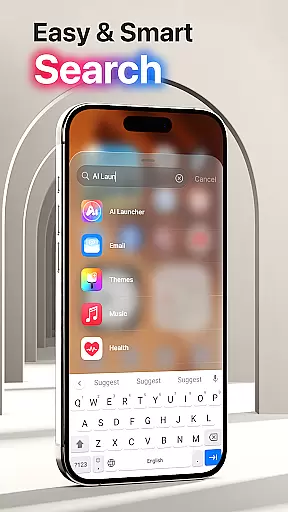
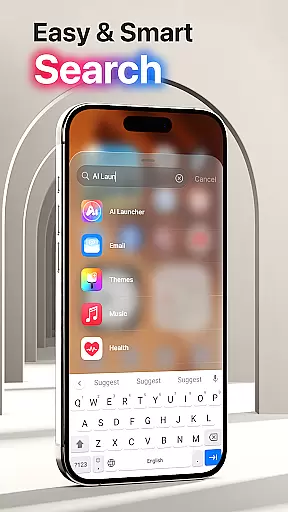
The app also introduces advanced gesture controls, allowing users to access apps, contacts, settings, and search functions with simple swipes. These gestures significantly enhance accessibility and speed. Additionally, Launcher OS Pro offers unique customization options like lock screen personalization and widget adjustments, empowering users to tailor their devices to their exact needs.
Moreover, Launcher OS Pro is continuously updated with new premium features, ensuring that users always have access to the latest innovations in mobile personalization. This commitment to improvement makes Launcher OS Pro a future-proof choice for anyone seeking a smarter and more adaptable Android experience.
Launcher OS Pro offers an extensive range of customization options that allow users to tailor their device's interface according to personal preferences. With over 50 unique wallpapers and numerous color widgets, the app supports both light and dark modes, ensuring a visually pleasing experience at all times.
The app goes beyond mere aesthetics by providing advanced features such as lock screen customization and gesture controls. Users can set up specific gestures to swiftly access apps, contacts, settings, or perform searches with simple swipes, enhancing the overall usability of their devices.
This level of customization empowers users to create a truly personalized smartphone experience. Whether it's adjusting the layout with row and column icon elements or choosing from a variety of themes, Launcher OS Pro ensures that each user can modify their home screen to reflect their style while maintaining ease of use.
Theme compatibility is a crucial aspect of Launcher OS Pro, ensuring that all visual modifications integrate seamlessly across different devices and screen sizes. The app provides a wide selection of themes that are designed to be mutually compatible, allowing for a cohesive look and feel without compromising functionality.
Users will appreciate how these themes adapt to various display settings without losing quality or consistency. This compatibility extends to both the latest smartphones and older models, making sure that everyone can enjoy a customized yet stable operating environment regardless of their device's specifications.
By focusing on theme compatibility, Launcher OS Pro guarantees that every change made to the appearance of your device will not only look great but also work harmoniously with the systemu2019s core operations. This dedication to compatibility ensures a smooth and visually appealing user experience every time you unlock your phone.
Ad-free interface
Highly customizable
Unique wallpapers
Light and dark mode
Advanced gestures
Requires permissions
Premium cost
Complex for beginners
Limited widget options
Occasional bugs

A Colorful and Minimal icon pack in an Outline Style - Over 13,600 icons!
 4.70
4.70
Ultra realistic high quality analog watch face for Wear OS.
4.60
Dark icon pack based on One 8
4.80
Zip lock screen with magic wallpaper to decorate your phone with fun zipper lock
4.60
Design your screen with unique, vibrant clocks
3.80
Yandex Browser — stylish and secure, with voice search and data compression
4.40
Struggling to find apps? Use this app to locate and open any app on your phone!
2.20
Transform your device in a game console
4.40
Customize phone with anime themes, 3D icons, aesthetic widgets & wallpapers
4.80
100+ Stylish Fonts, Emojis, Symbols keyboard for Instagram & TikTok!
4.80
Winter's Journey: digital watch face for Galaxy Watch & Wear OS
4.80
Customizable Glass widgets. Over 360+ stunning widgets and more!
4.70
350+ widgets with a premium glass-style finish, perfect for home & lock screens.
4.70
Stylish Pink Cute Hippo keyboard with 10000+ customized keyboard themes!
4.60
3D, live, and moving wallpapers & themes in 4K and HD for your device.
4.50
Run multiple accounts of the same app on a single device
4.10
Realistic animated snow on your wrist, with 10 images landscapes to choose from
4.00
Ultimate widget creator. Design custom widgets for a truly unique home screen!
3.90
Adaptive Dot Style IconPack with Light & Dark Theme.
3.70


User Reviews