
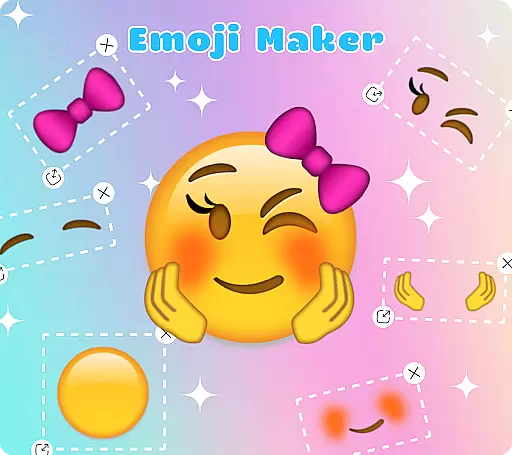
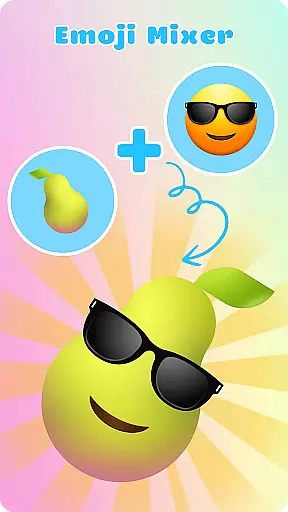
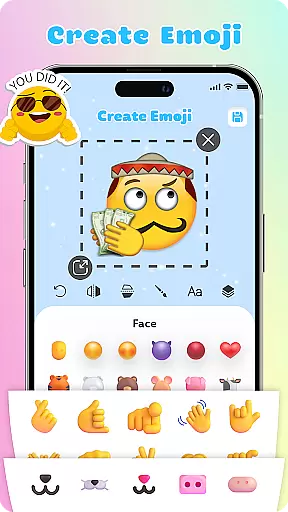
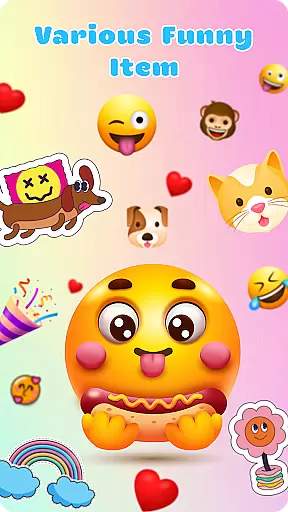
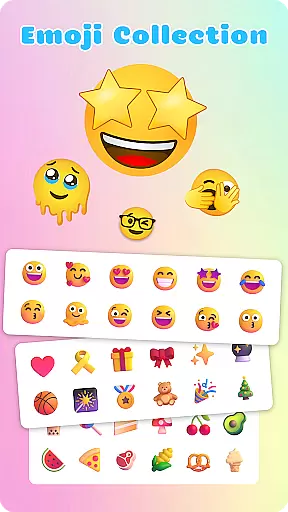
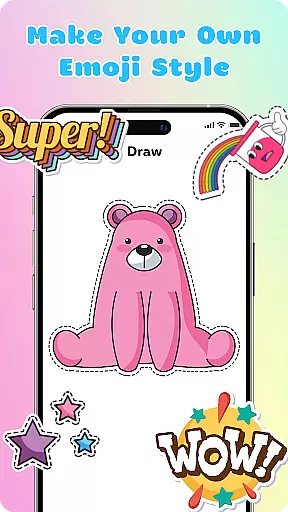
Emoji Maker is a creative personalization app that allows users to design and customize their own emojis. The app features two core functions: Emoji Maker for creating individual emojis, and Emoji Mixer for combining multiple emoji elements. Users can modify facial expressions, gestures, and accessories to produce unique emojis that better express their personality and emotions.
The app provides professional-grade editing tools including layer management, freehand drawing, and text overlays. These features enable users to create complex and personalized emojis with precision. Whether you want to add custom messages or create unique visual effects, Emoji Maker offers the necessary tools to bring your ideas to life. The intuitive interface makes these powerful features accessible even to beginners.
This application is particularly useful for enhancing digital communication on social media platforms and messaging apps. By creating custom emojis, users can convey more nuanced emotions and messages without using multiple standard emojis. The app's regular feature updates ensure users always have access to the latest customization options, making it an essential tool for modern digital expression.
Emoji Maker stands out with its comprehensive set of customization features. The app provides over 100 basic emoji templates that users can modify using advanced editing tools. These include precise resizing options, image flipping capabilities, and element duplication features that allow for intricate designs.
A key innovation is the layer management system, which enables users to stack and reorder different emoji elements. This feature, combined with the freehand drawing tool and text overlay options, allows for the creation of highly complex and personalized emojis. The app also supports the creation of custom emoji packs, where users can save and organize their favorite designs.
The app's regular updates introduce new customization options every month, keeping the content fresh and engaging. The intuitive interface automatically saves user progress and provides helpful tutorials for new features. These characteristics make Emoji Maker not just a customization tool, but a complete platform for creative expression in digital communication.
Customization options variety refers to the range and flexibility of personalization features available within an application, allowing users to tailor their experience to their specific preferences. For Emoji Maker, this is a crucial aspect that enhances user engagement and satisfaction.
The app offers extensive customization tools, enabling users to modify every detail of their emojis. From adjusting facial expressions, gestures, to adding accessories, the app provides a rich palette for creativity. Users can resize, flip, and even duplicate special emojis, ensuring each creation is unique and personalized.
Additionally, the app includes advanced features such as text overlays and freehand drawing tools. These allow users to add descriptive words or artistic touches to their emojis, making them more expressive and engaging. The layer feature further enhances complexity by letting users stack elements, thus creating more intricate designs.
By providing these diverse customization options, Emoji Maker empowers users to express their individuality and emotions more vividly. This not only enriches communication but also makes interactions more enjoyable and meaningful.
Theme compatibility in applications ensures that customizations and themes align seamlessly with various platforms and devices, maintaining visual consistency and enhancing user experience. For Emoji Maker, achieving high theme compatibility means users can enjoy their creations across different mediums without losing quality or coherence.
Emoji Maker boasts an intuitive interface designed to facilitate easy design, mixing, and management of emojis. Its user-friendly layout is accessible even to beginners, ensuring that all users can navigate and utilize its features effectively. This simplicity extends to its compatibility with various devices, ensuring a smooth experience whether on mobile or tablet.
The app supports the creation of personalized emoji packs using self-designed elements. These packs are compatible with most messaging platforms, allowing users to integrate their unique emojis into everyday conversations effortlessly. This seamless integration enriches chat experiences, making them more dynamic and personalized.
Ultimately, Emoji Maker's commitment to theme compatibility ensures that users' creative expressions remain intact and vibrant across all platforms. By prioritizing this feature, the app guarantees that every emoji created resonates with the useru2019s intended style and emotion, regardless of where it is used.
User-friendly interface
Extensive customization options
Regular feature updates
Powerful editing tools
Creative freedom
May overwhelm beginners
Advanced features locked behind paywall
Occasional performance issues
Limited sharing options
Steep learning curve

Ultra realistic gold analog watch face with lots of customization options.
 4.50
4.50
Customizable flower power digital watch face for Wear OS watches.
4.00
Prank your friends with realistic broken screen and cracked HD effects!
4.0
Unique Android Launcher
4.60
Want to make your phone more special than ever?
4.60
Aesthetic Widgets, HD Wallpapers, Themes in Mico Widget for Home and Lock Screen
4.50 4.50
4.50 3.50
3.50
300+ Stunning and well-designed widgets inspired by NOTHING.
4.70
Gun Chase - Let the chase begin.
4.80
Personalize your phone with stunning HD and 4K wallpapers!
4.70
A retro cartoon style watch face and a punch right in the face of the copyright
4.60
Bring adorable pets to life on your screen. Playful, interactive and full of fun
4.60
Fingerprint Lock Screen & Live Animations with 4K Wallpapers as Live Wallpaper
4.40
AI-powered Copilot. Personalized keyboard with gifs, stickers & themes
4.40
Yandex Browser — stylish and secure, with voice search and data compression
4.40
Unleash Your Creativity and Connect with Loved Ones with Lockscreen Drawing!
4.20
HappyLighting is a Bluetooth lamp control software.
3.40
Capture moments that pass like a storm, second by second.
4.3


User Reviews