


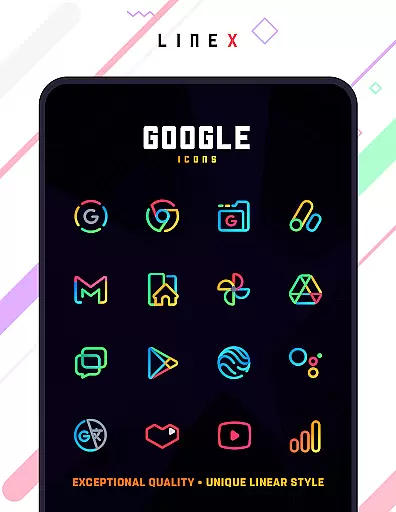
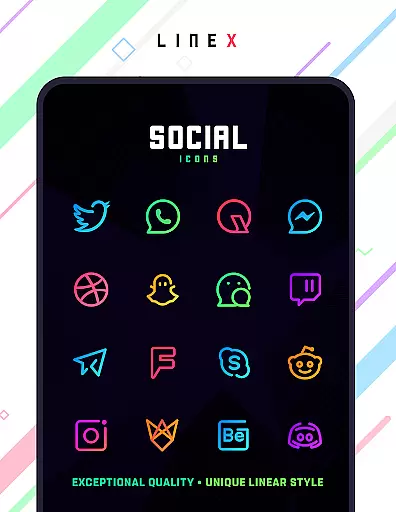
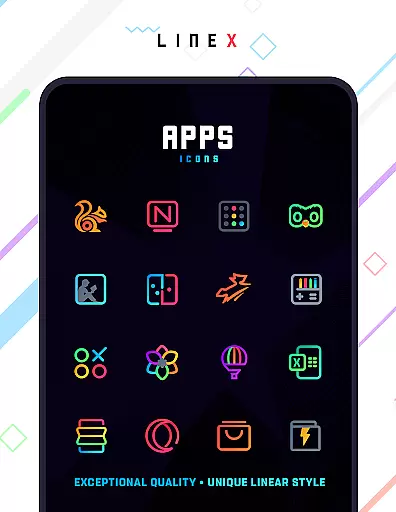
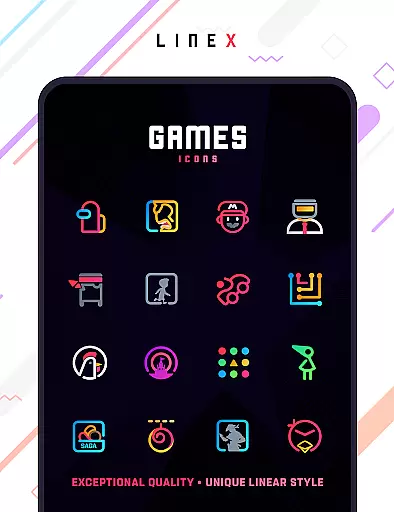
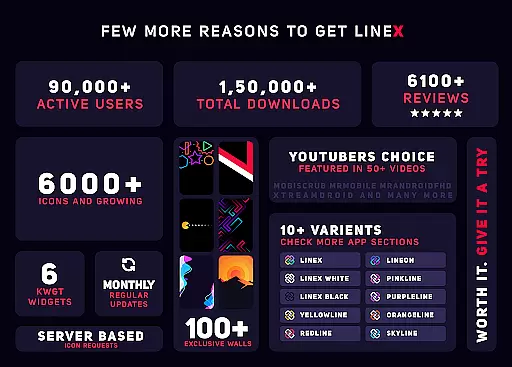
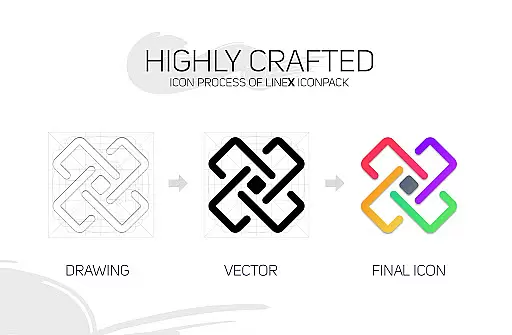
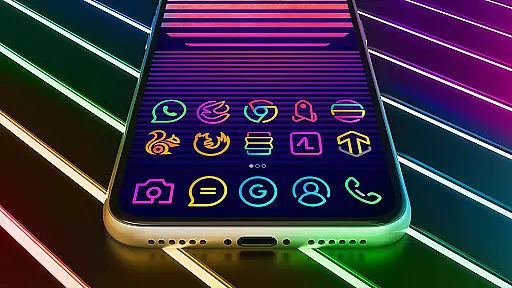
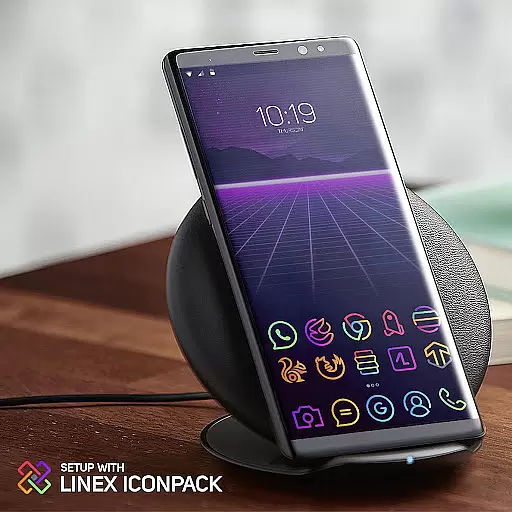
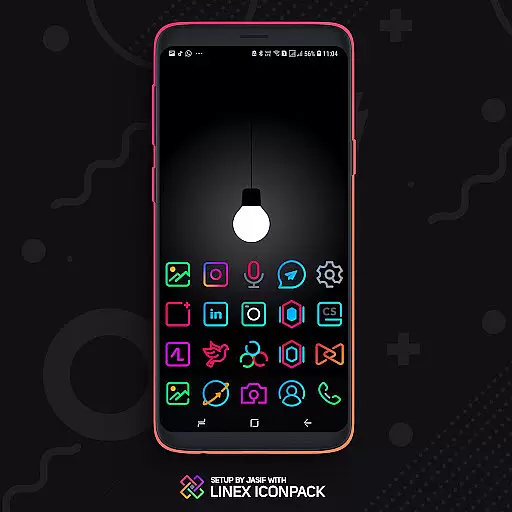
LineX Icon Pack is a premium icon pack designed for users who appreciate minimalist design with a modern touch. Featuring over 6000 linear-style icons, this pack offers one of the most comprehensive collections available on the market. Each icon is crafted with meticulous attention to detail, ensuring top-notch quality and consistency across the board.
Beyond its vast icon library, LineX also includes a robust masking system that ensures unthemed icons are beautifully styled to match the pack's aesthetic. Compatible with numerous launchers, including Nova, Action, Apex, and more, this pack provides flexibility for customization while maintaining ease of use. Whether you're looking to refresh your home screen or seeking the perfect complement to your launcher, LineX Icon Pack delivers both functionality and style.
LineX Icon Pack stands out with its extensive range of features tailored to enhance user experience. The pack boasts over 6000 meticulously designed icons, each following a sleek linear theme that brings a cohesive look to any device. Frequent updates ensure that users receive new icons regularly, keeping their interface fresh and up-to-date.
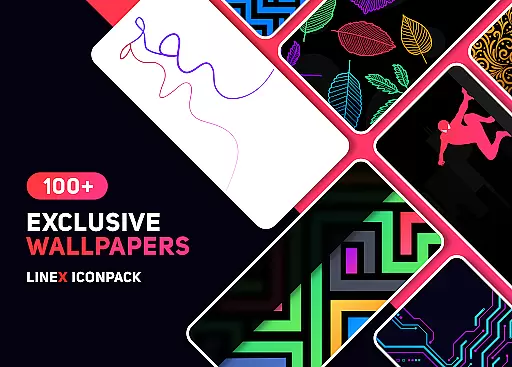
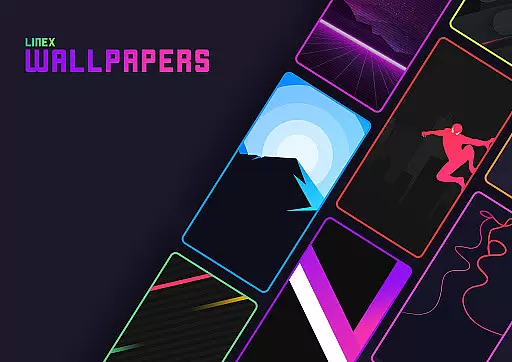
In addition to its impressive icon collection, LineX offers a dynamic calendar feature, material design dashboard, and custom folder icons, allowing users to personalize their devices extensively. Alternative icons and category-based organization provide even more customization options, while the inclusion of beautiful wallpapers adds an extra layer of visual appeal. With support for icon preview, search functionality, and easy icon requests, LineX Icon Pack ensures a seamless and enjoyable user experience.
LineX Icon Pack offers an extensive range of customization options, making it a versatile choice for personalizing your device's appearance. With over 6000 icons, this pack ensures that users have a wide variety of choices to match their personal style.
The pack includes a perfect masking system that allows unthemed icons to blend seamlessly with the linear theme, ensuring a cohesive look across all app icons. Additionally, the availability of alternative icons and category-based icons provides further flexibility in tailoring the device's visual interface.
Users can also customize folder icons and app drawer icons, giving them control over even the smallest details of their device's aesthetics. The inclusion of features like icon preview and search enhances the customization experience by simplifying the process of finding and applying desired icons.
Overall, LineX Icon Pack empowers users to create a personalized and visually pleasing home screen environment, turning each interaction with their device into a delightful experience.
Compatibility is a crucial aspect of any icon pack, and LineX Icon Pack excels in this area by supporting a wide array of launchers. This ensures that no matter which launcher a user prefers, they can enjoy the enhanced aesthetics provided by LineX.
From popular launchers like Nova, Action, and Apex to less common ones such as ZenUI and Zero, LineX has been tested to work seamlessly across different platforms. Even though not all launchers are included in the apply section, users can still apply the theme through their launcheru2019s settings.
It is important to note that while Google Now Launcher does not support icon packs, LineX is compatible with many others, including those that are not explicitly listed. This broad compatibility makes it accessible to a larger audience seeking to refresh their device's interface.
By prioritizing theme compatibility, LineX Icon Pack guarantees that users won't be limited by their choice of launcher and can fully utilize the pack's capabilities to achieve a consistent and attractive theme across their devices.
Extensive icon library
Frequent updates
Perfect masking system
Amazing wallpapers
Custom folder icons
Requires compatible launcher
No Google Now support
Some features need manual setup
Not all launchers supported
Premium price tag

A retro cartoon style watch face and a punch right in the face of the copyright
 4.60
4.60
Personalize your phone with stunning HD and 4K wallpapers!
4.70
Ultimate widget creator. Design custom widgets for a truly unique home screen!
3.90
Try creating your own keyboard with "Keyboard theme for android" app now!
4.50
Ultimate Gallery Lock App - Hide Pictures, Videos and Lock Apps Instantly!
4.60
Adorable pets roam and play right on your phone screen!
3.30
300+ widgets inspired by Material You and Material 3 expressive design.
4.60
Modern Glass Icon Pack with glossy icons, clean minimal theme & aesthetic style
4.0
Transform your phone with stunning video wallpapers and a unique, personal touch
3.80
Enjoy a variety of amazing live wallpapers and colorful EDGE lighting borders!
4.80
Winter's Journey: digital watch face for Galaxy Watch & Wear OS
4.80
Vertically oriented rectangular icons
4.70
300+ Stunning and well-designed widgets inspired by NOTHING.
4.70
A minimalist productivity launcher. One-hand-friendly. Zero ads.
4.70
Embrace the Night. Unleash the power of darkness with Raven Dark Icon Pack
4.60
300+ Beautifully crafted widgets inspired by OneUI.
4.60
Vibrant Adaptive Icons with Material You and Enhanced Monet Colors.
4.50
Realistic animated snow on your wrist, with 10 images landscapes to choose from
4.00
Customize glowing edges, wallpapers, and caller screen with EdgeAura.
3.50


User Reviews