
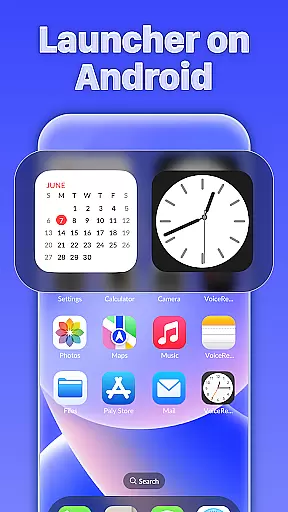
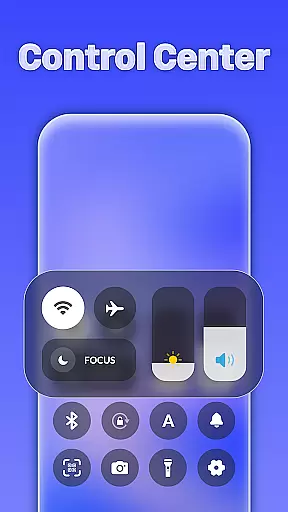
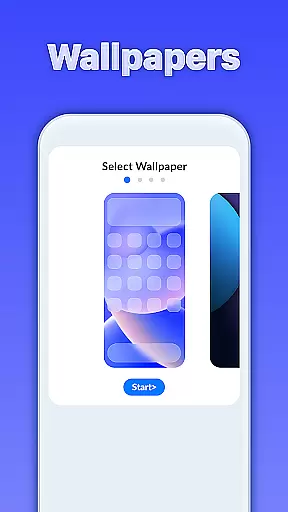
iLauncher OS redefines the Android experience by offering a sophisticated and visually appealing interface that enhances both aesthetics and functionality. This launcher transforms your device into a more luxurious version of itself, mimicking real operating system environments.
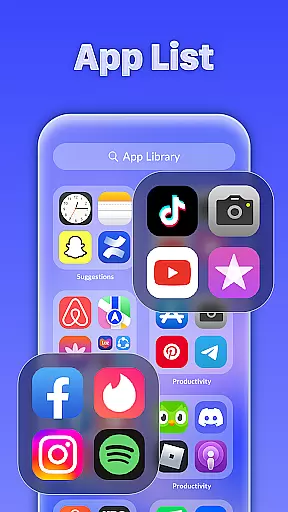
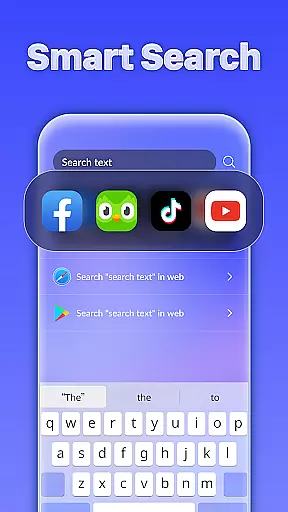
At its core, iLauncher OS features an App Library that organizes applications in a manner similar to modern OS devices, providing seamless navigation. The Smart Search function allows users to easily find apps or files by swiping down on the home screen. Additionally, it includes stylish folders for better app management and a weather forecast feature to keep you informed about upcoming conditions.
Whether you're looking to beautify your phone or streamline app organization, iLauncher OS is designed for those who appreciate a blend of elegance and efficiency in their mobile experience.
iLauncher OS stands out with its unique set of features tailored to enhance user interaction and device management. One of the key highlights is the App Library, which revolutionizes how apps are organized, akin to native OS systems.
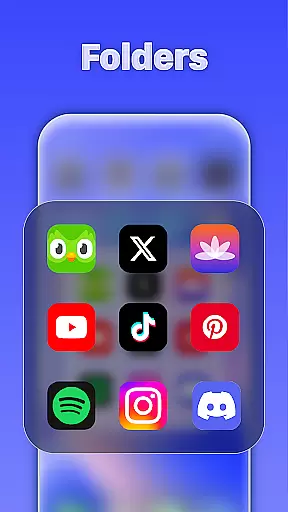
The launcher also boasts Smart Search capabilities, enabling swift access to apps and information through an intuitive swipe-down gesture on the home screen. Users can enjoy streamlined navigation with OS-style folders, allowing for effortless grouping of applications by simply dragging one over another.
Furthermore, iLauncher OS integrates a Weather feature that provides forecasts, ensuring users stay prepared for changing conditions. These functionalities collectively offer a personalized and efficient way to manage your smartphone environment while maintaining a sleek appearance.
iLauncher OS offers a wide array of customization options that allow users to tailor their Android experience according to their preferences. This includes the ability to organize apps in an App Library, similar to real OS devices, providing a fresh way to manage your applications.
One of the standout features is the Style Folder, which lets you drag and drop apps to create folders, mimicking the functionality found in native operating systems. This not only declutters your home screen but also makes app management more intuitive and visually appealing.
In addition to app organization, iLauncher OS provides intelligent search capabilities. By simply swiping down on the home screen, users can access Smart Search, making it easier to find apps and other content quickly and efficiently.
The level of customization extends to aesthetic elements as well, allowing users to make their phone interface more beautiful and luxurious. These customization options ensure that each user's device can reflect their personal style while maintaining ease of use.
Theme compatibility in iLauncher OS ensures that users can apply various themes seamlessly across their device, creating a cohesive and visually pleasing interface. The system supports different styles and designs, allowing for a high degree of personalization.
With its OS-style folder design, iLauncher OS maintains visual consistency even when users customize their screens with folders. This attention to detail ensures that no matter how you organize your apps, the overall look remains sleek and uniform.
Beyond just visual aesthetics, iLauncher OS integrates functional features like weather forecasts within the theme framework. Users can enjoy both form and function without compromising the integrity of their chosen theme.
This compatibility extends to future updates and additional themes, meaning that as new design trends emerge or user preferences change, iLauncher OS will continue to offer relevant and attractive theming options. This commitment to ongoing compatibility enhances long-term user satisfaction and engagement with the platform.
User-friendly interface
Efficient app organization
Visually appealing design
Smart search functionality
Integrated weather updates
Limited customization options
Potential performance issues
Higher battery consumption
Occasional app crashes
Not all features may work on older devices

Ultra realistic high quality analog watch face for Wear OS.
 4.60
4.60
More than 3000+ themes and 9000+ wallpapers for everybody!
4.10
Turn text & photos into stunning AI videos, art, and creative visual stories.
4.50 4.10
4.10
Adaptive Dot Style IconPack with Light & Dark Theme.
3.70
Vibrant Adaptive Icons with Material You and Enhanced Monet Colors.
4.50
Stylish Pink Cute Hippo keyboard with 10000+ customized keyboard themes!
4.60
Your home screen, just the way you like it.
4.30
Install amazing sticker packs: endless styles, always cool.
4.70
A minimalist productivity launcher. One-hand-friendly. Zero ads.
4.70
Glass style colourful icons with a One UI look and feel
4.60
Add cute Shimeji pets to screen, interact with them and relax with cute motions
4.60
Customize your home screen with stunning themes, blur, widgets & icons.
4.60
Embrace the Night. Unleash the power of darkness with Raven Dark Icon Pack
4.60
Transform your phone with Launcher iOS 26 - Smooth & elegant iOS experience
4.50
Romantic Kiss Stickers App. Start romantic messaging now!
4.30
Launcher OS™ Pro without ads help make your phone simple and pretty
4.30 3.50
3.50
Turn your lock screen into fun with smile live wallpapers & animated wallpapers!
2.50


User Reviews