
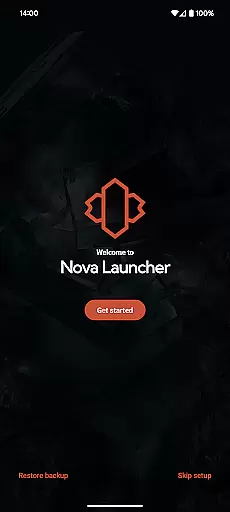
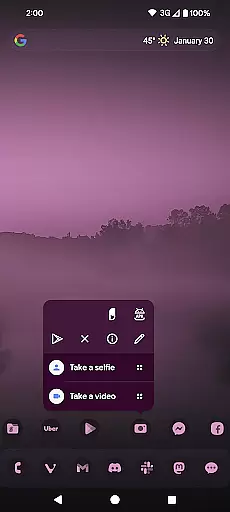
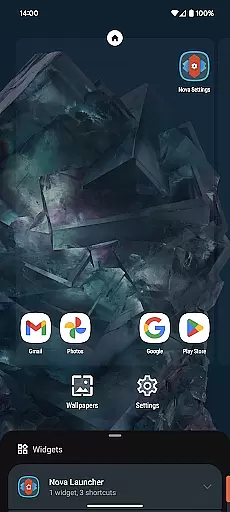
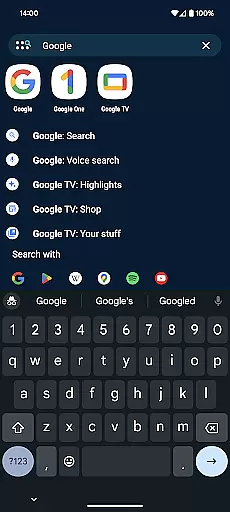
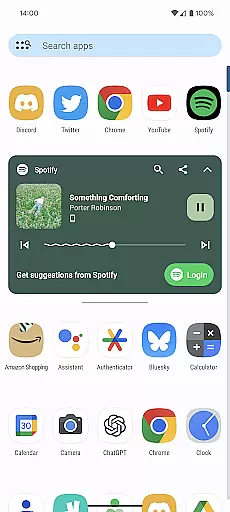
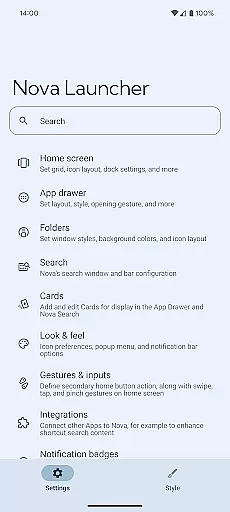
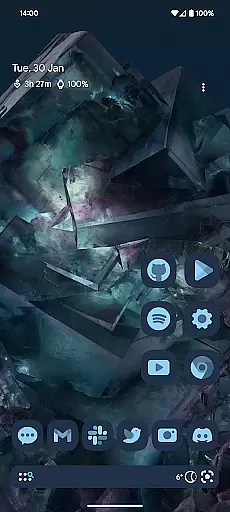
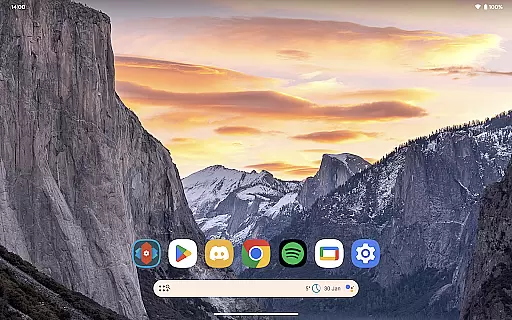
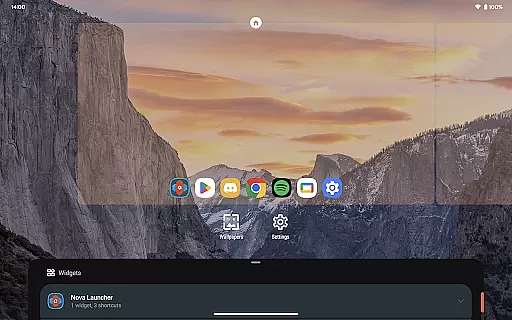
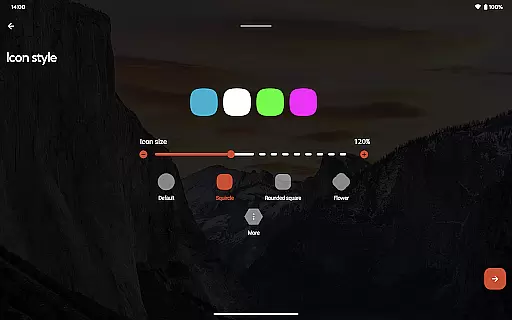
Nova Launcher represents a highly customizable home screen replacement for Android devices, designed to optimize both aesthetics and functionality. It offers advanced features such as custom icon support, extensive color systems, and personalized light or dark themes, making it adaptable to any user's preference. The launcher also supports subgrid positioning, enabling precise layout adjustments that are not possible with most other launchers.
With its powerful search system, Nova allows users to quickly access app content, contacts, and even perform instant calculations or unit conversions. The app drawer is equally versatile, featuring customizable cards that display relevant information when needed. Additionally, the backup and restore feature ensures seamless transitions between devices, while optional Nova Launcher Prime unlocks gestures, app drawer groups, and more productivity-enhancing tools.
Nova Launcher stands out through its unparalleled customization options. Users can personalize nearly every aspect of their home screens, from icon sizes and label colors to scroll directions and search bar placement. The app drawer goes beyond basic functionality by introducing innovative cards that provide quick access to essential information, enhancing daily productivity.
One of Nova's key innovations is its subgrid positioning capability, which allows icons and widgets to be placed with pixel-perfect precision between grid cells. This level of control ensures a clean and organized layout. Furthermore, Nova integrates seamlessly with thousands of icon themes available on the Play Store, while also offering reshaping options for uniformity. For those seeking deeper integration, Nova Launcher Prime adds gestures, app drawer organization, notification badges, and swipe actions on icons, elevating usability to new heights.
Nova Launcher stands out in the personalisation category by offering an extensive range of customization options that cater to both casual users and power users. The app allows for detailed adjustments, including icon size, label colors, and the positioning of the search bar, ensuring that every element of your home screen can be tailored to your preference.
One of the key features is its support for thousands of icon themes available on the Play Store, allowing users to completely transform the look of their device. Additionally, Nova reshapes all icons to a shape of your choice, providing a uniform appearance that enhances visual consistency across the home screen.
The app also introduces innovative elements such as customizable cards in the app drawer, which display relevant information when needed. With subgrid positioning, users can place icons and widgets with precision, achieving a layout that most other launchers cannot offer.
This level of customization ensures that users can create a personalized and efficient home screen setup that reflects their unique style while maintaining optimal usability.
Theme compatibility is a crucial aspect of any personalisation app, and Nova Launcher excels in this area by supporting a wide array of themes and customization options. Users can choose from thousands of icon themes available in the Play Store, ensuring that their device's appearance is not only personalized but also visually cohesive.
In addition to third-party themes, Nova Launcher offers an extensive color system that integrates Material You colors from your system or allows you to select custom colors. This flexibility enables users to achieve a personalized feel that aligns with their individual preferences, making their device truly unique.
The app also supports custom light and dark themes, with options to sync with system settings or adjust based on time of day. This ensures that the visual experience remains comfortable and consistent, regardless of the user's environment or personal schedule.
By combining robust theme compatibility with advanced customization features, Nova Launcher provides a versatile platform for users to express their personal style while maintaining functional integrity.
Highly customizable
Intuitive interface
Powerful search
Backup functionality
Premium features
Prime costs extra
Complex for beginners
Occasional bugs
Limited iOS support
Heavy on resources

Unique Android Launcher
 4.60
4.60
Art & Emoji Keyboard with Cool Fonts, Cute Themes and Custom Designs.
4.40
Dark icon pack based on One 8
4.80
Turn text & photos into stunning AI videos, art, and creative visual stories.
4.50
⭐ OneUI inspired Fluffy Icon Pack – Soft. Stylish. Standout. ⭐
4.2
Adaptive Dot Style IconPack with Light & Dark Theme.
3.70
Choose your keyboard with RGB colors effect, themes, fonts, emojis.
4.60
300+ Beautifully crafted widgets inspired by OneUI.
4.60
Customize phone with anime themes, 3D icons, aesthetic widgets & wallpapers
4.80
Make your phone look simple & luxury, like iDevice
4.60
Bring adorable pets to life on your screen. Playful, interactive and full of fun
4.60
Add cute Shimeji pets to screen, interact with them and relax with cute motions
4.60
Ultra realistic gold analog watch face with lots of customization options.
4.50 4.50
4.50
A light in the dark, a unique style and an andless cutomization!
4.30
Launcher OS™ Pro without ads help make your phone simple and pretty
4.30
Realistic animated snow on your wrist, with 10 images landscapes to choose from
4.00
Design your screen with unique, vibrant clocks
3.80
Turn your lock screen into fun with smile live wallpapers & animated wallpapers!
2.50


User Reviews