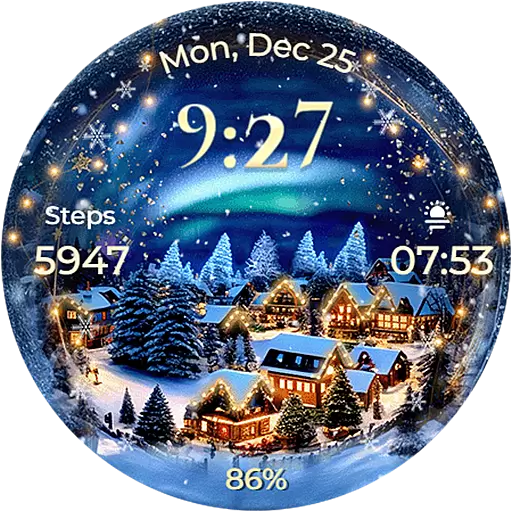
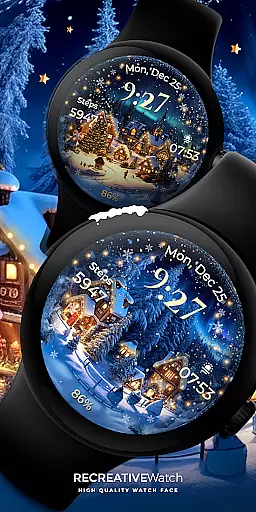
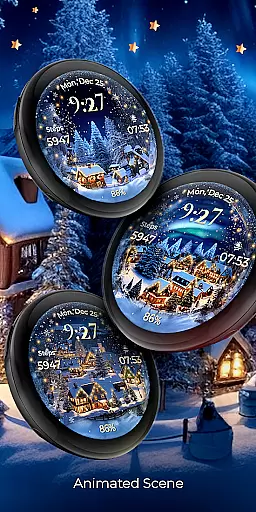
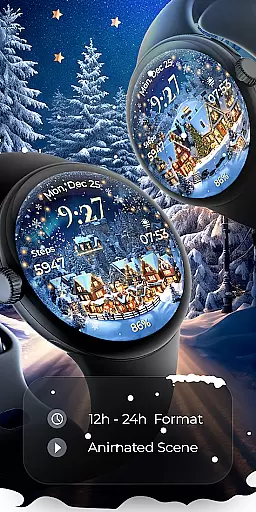
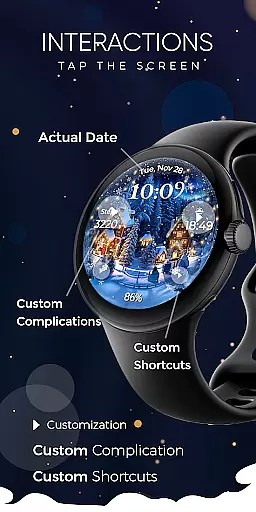
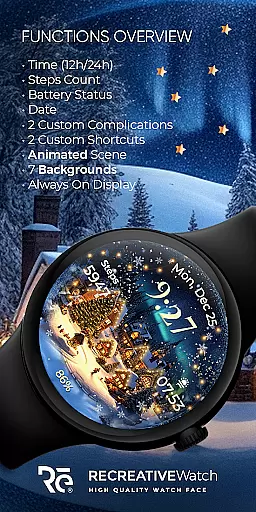
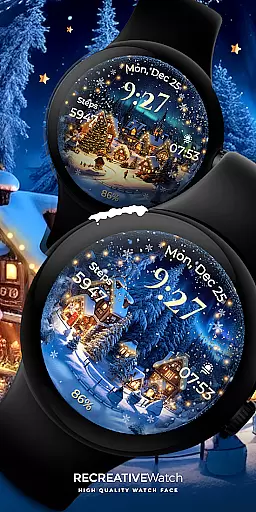
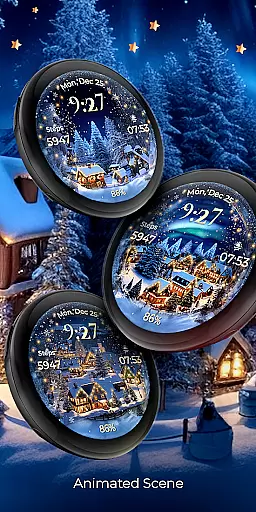
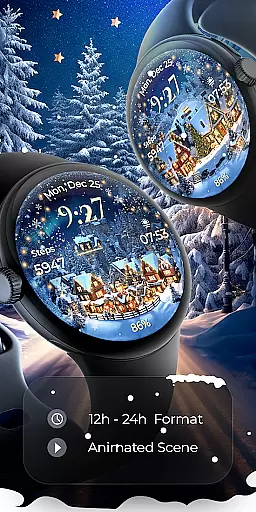
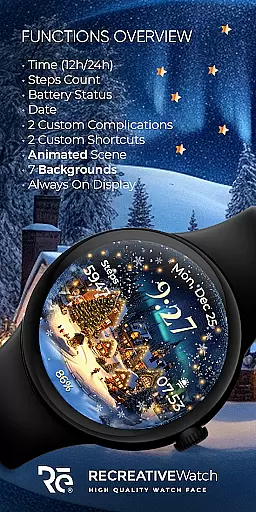
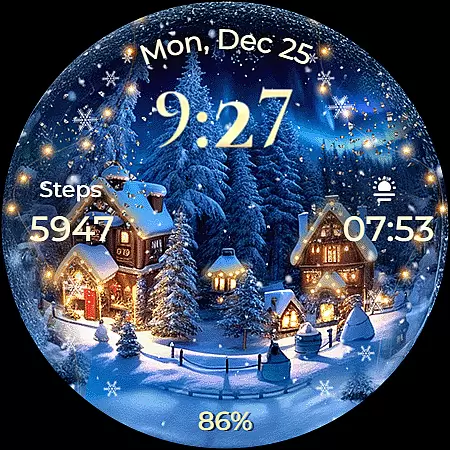
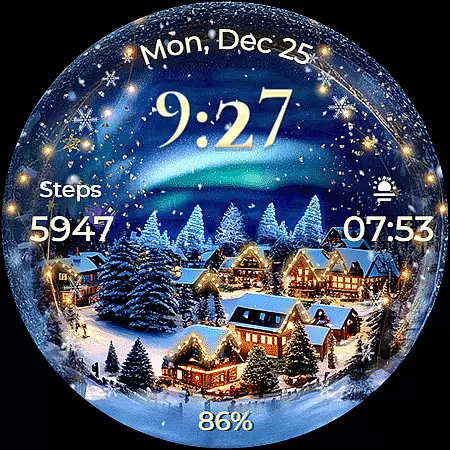
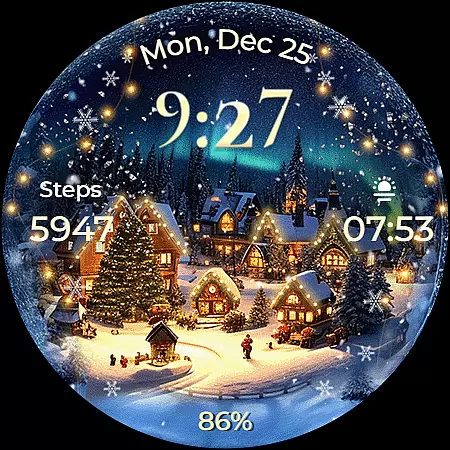
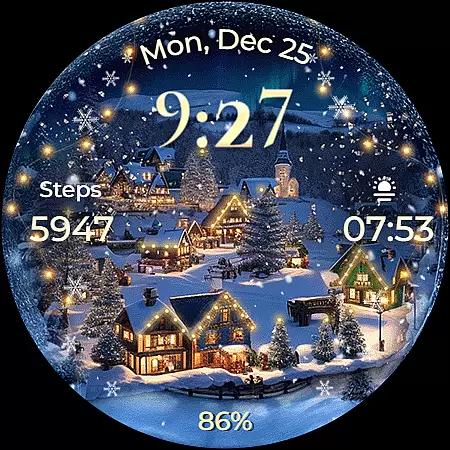
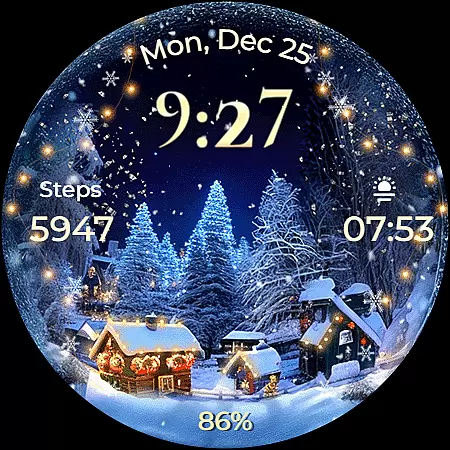
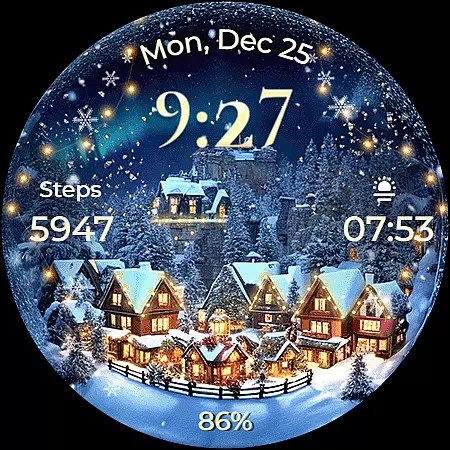
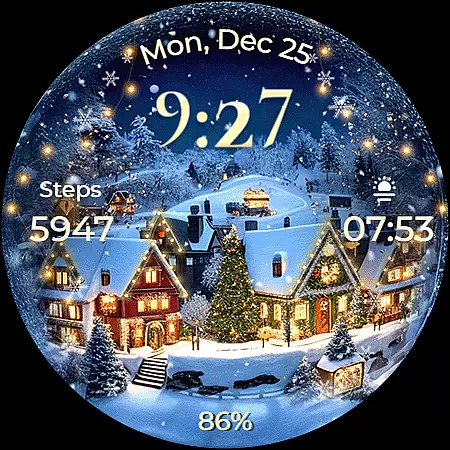
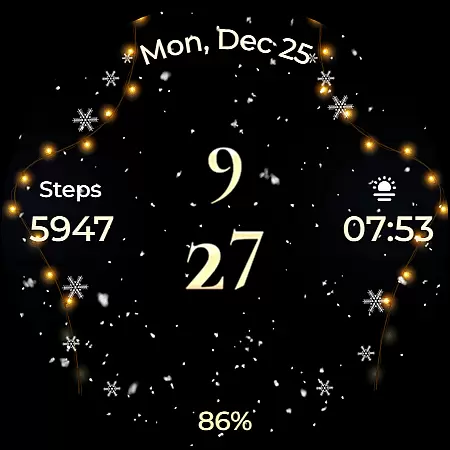
Animated North Pole Christmas is a festive Wear OS watch face that brings the magic of winter and Christmas to your wrist. Featuring animated snowfall and magical sparkles, it captures the essence of Santa's journey through snowy towns. The watch face displays 12/24h digital time, date, battery status, and step count while supporting Always ON Display with customizable colors and modes.
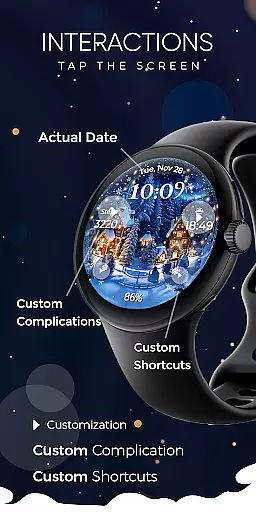
With seven unique backgrounds and two customizable complications and shortcuts, users can personalize their experience. Compatible with API level 33+ devices like Google Pixel and Galaxy Watches, this app ensures you carry the holiday spirit wherever you go, making every glance at your watch a joyful moment.
This Wear OS watch face stands out with its vibrant features designed for the holiday season. It includes animated snowfall and magical sparkles, creating an immersive winter atmosphere on your wrist. The Always ON Display feature allows for continuous enjoyment without excessive battery drain, thanks to customizable settings.
Users can choose from seven stunning backgrounds and utilize two complications and shortcuts for personalized data display. With essential functions like 12/24h time, date, battery indicator, and step counter, Animated North Pole Christmas combines functionality with festivity. This makes it not just a watch face but a celebration accessory, enhancing user engagement during the holidays.
Companion app integration is essential for ensuring seamless functionality between a Wear OS watch face and its corresponding mobile application. Animated North Pole Christmas offers a companion app that simplifies the installation process and helps users locate the watch face on their device.
The phone app acts as a facilitator, providing an easy way to manage the watch face while ensuring that any advertisements are confined to the mobile app only, preserving the immersive experience on the wearable.
Users benefit from this integration by enjoying a hassle-free setup process, allowing them to quickly immerse themselves in the holiday spirit with minimal technical interruptions. This ensures that every glance at the watch brings festive cheer without distraction.
Device compatibility is crucial for Wear OS applications, determining which devices can support the full range of features offered. Animated North Pole Christmas is compatible with API level 33+ devices, including Google Pixel watches and Galaxy Watch models 4, 5, and 6, among other Wear OS devices.
This compatibility ensures that users can enjoy high-quality animations, customizable complications, and battery-efficient Always ON Display modes across a wide range of modern smartwatches.
By supporting various devices, the watch face provides flexibility and accessibility, allowing more users to embrace the winter magic of the North Pole right on their wrists. Compatibility also extends to features like animated snowfall and customizable shortcuts, enhancing user engagement.
Festive design
Customizable features
Always ON Display
Seven backgrounds
Step counter included
Battery consumption
Limited compatibility
No automatic application
Requires customization
Ads in phone app

Animated Watch Face and Customizable with 24 Backgrounds. Perfect for Christmas!
 3.90
3.90
Contemporary digital watch face with five complications
4.3
Sleek, highly customizable watch face inspired by Galaxy Watch Circle Dashboard.
4.3
Digital, flexibly customizable watch face. For Wear OS 5.0, API 34+ and later.
5.00
Find EV charging stations
4.30
Reliable phone calls with spam protection, caller ID and more helpful features
4.40
Funny animated watch face for Thanksgiving
4.4
A digital watch face that celebrates Christmas.
4.00
Hybrid watch face for Wear OS with customizable complications by Matteo Dini MD
4.70
Real-time results, stats, schedules and player profiles for all leagues
4.60
Christmas watch face. For Wear OS devices.
4.30
Bold, Modern Hybrid Watch Face for Wear OS. 10 Colors, Rich Info Display.
4.30
Your music, your playlists, and more—offline and unlimited.
4.20
Hyper-Realistic Airplane Dashboard Watch Face With 10 Skins and Custom AOD
4.00
Watch face designed for Thanksgiving Day. 7 Background Styles included.
3.20
Analog watch face with 8 complications and expedition styling
4.2
Stunning modern digital watch face with 7 complications and strong contrast
4.2
Stylish digital watch face for Wear OS devices with customizable features
4.3
Hybrid Vibrant Health Watch Face for Wear OS
4.1


User Reviews