
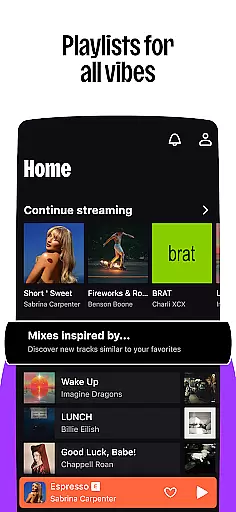

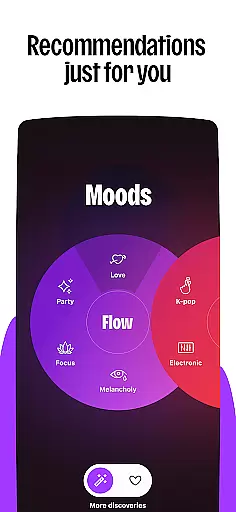



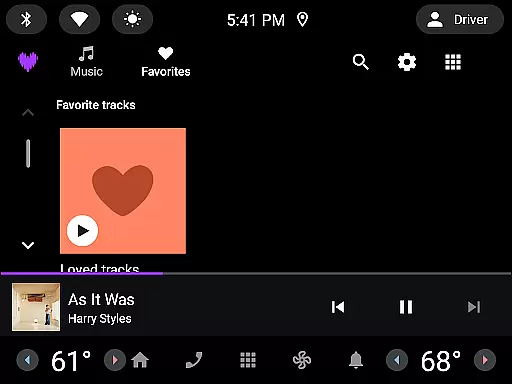

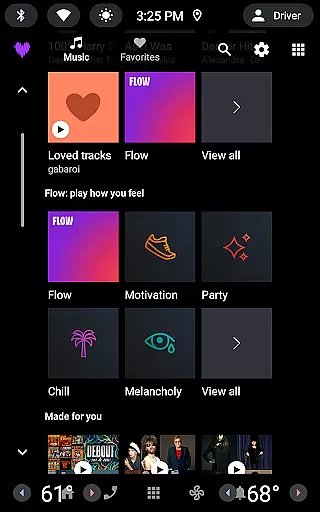
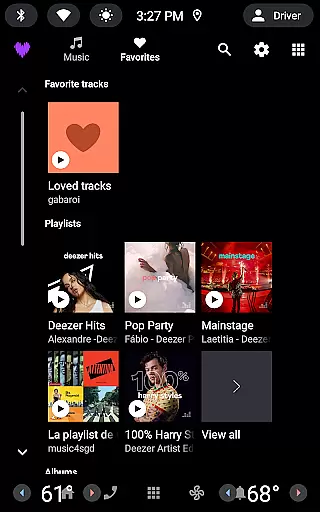

Deezer is a comprehensive music streaming platform designed for Android Wear users, offering a personalized listening experience. The app provides an extensive music catalog with features like Flow, which creates an infinite, personalized mix based on user preferences. With curated playlists for every mood and genre, Deezer ensures you always have the right music at your fingertips.
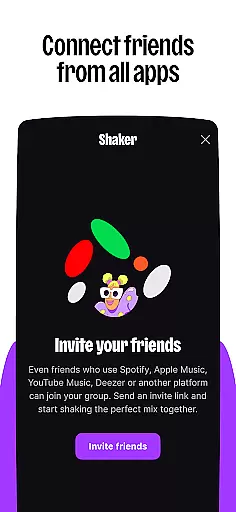
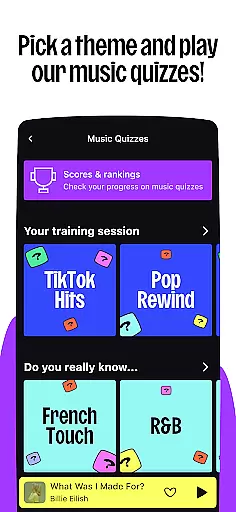
Beyond music, Deezer also offers podcasts, audiobooks, and radio stations, making it a versatile entertainment hub. Interactive features such as Shaker, Music Quiz, and SongCatcher enhance user engagement by allowing social interaction and music discovery. Available on various devices including smart speakers, wearables, and in-car systems, Deezer seamlessly integrates into your lifestyle.
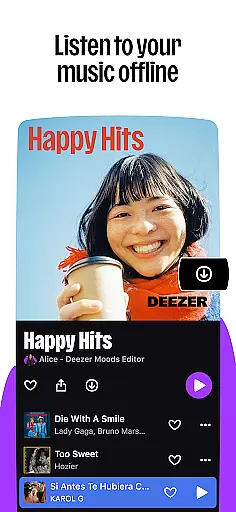
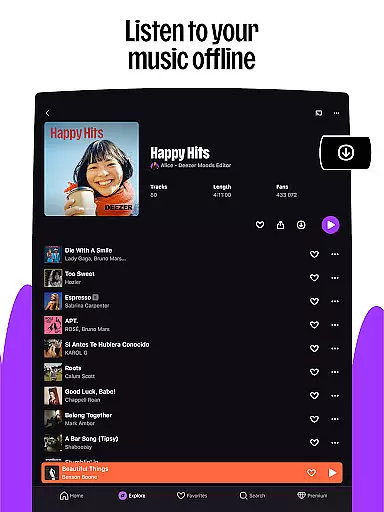
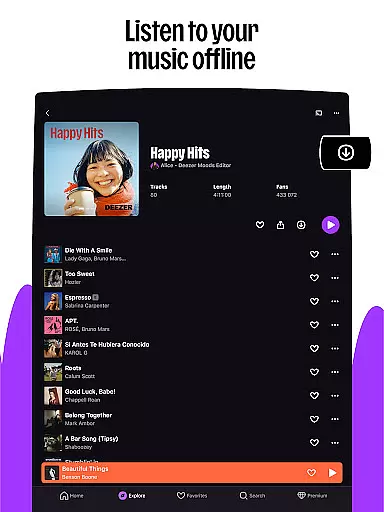
Deezer's customization options let users tailor their experience, from creating custom playlist covers to reorganizing their homepage. Whether you're using the free version with occasional ads or opting for premium plans like Deezer Premium, Duo, Family, or Student, there's a plan that fits every need. Enjoy high-fidelity audio quality and offline mode, ensuring uninterrupted music enjoyment wherever you go.
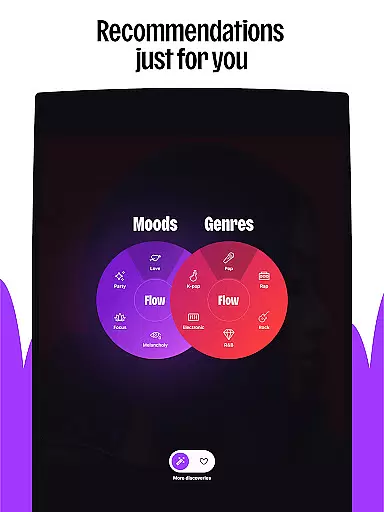
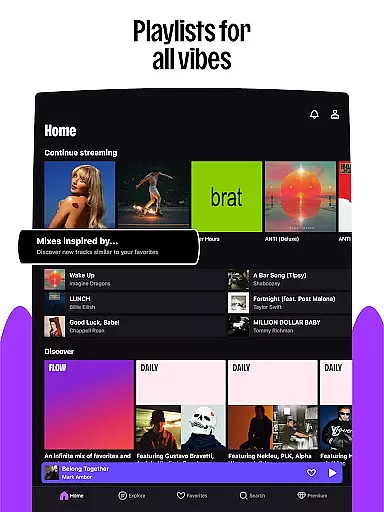
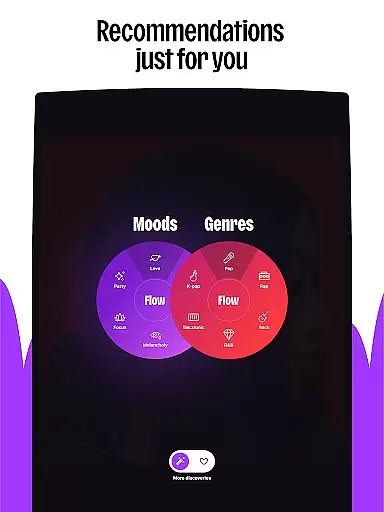
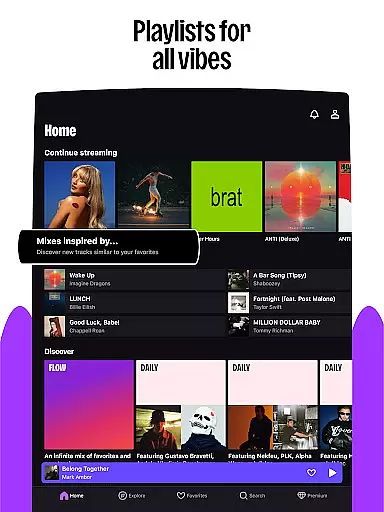
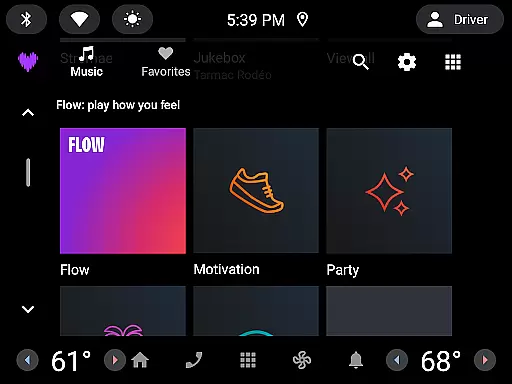
Deezer stands out with its rich feature set tailored for Android Wear. One of its key features is Flow, an intelligent algorithm that generates an endless stream of personalized music recommendations. This ensures that users are constantly discovering new tracks while enjoying their favorites. Additionally, curated playlists cover a wide range of moods, genres, and seasons, providing a diverse listening experience.
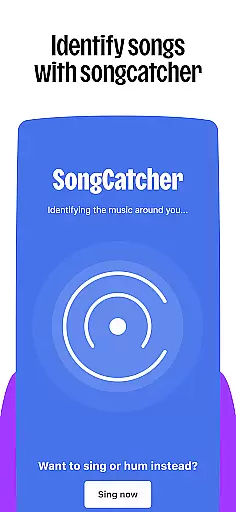
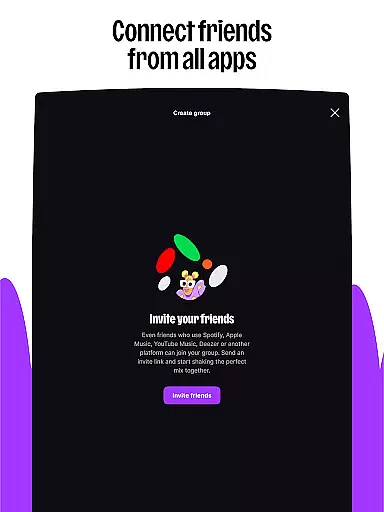
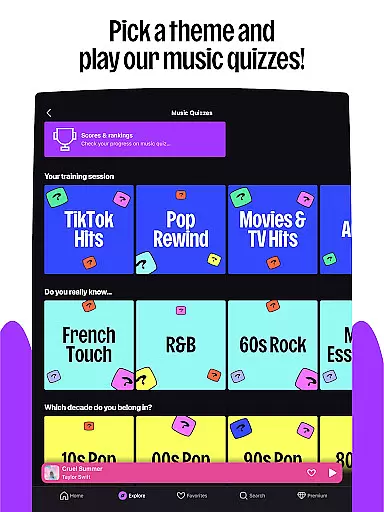
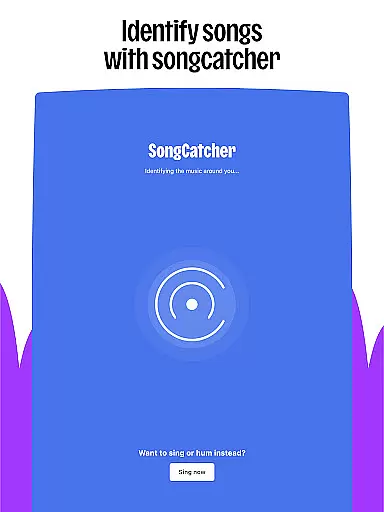
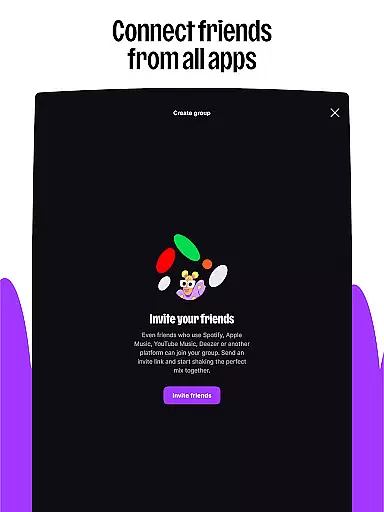
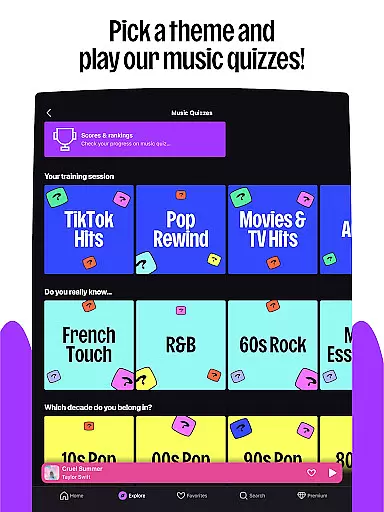
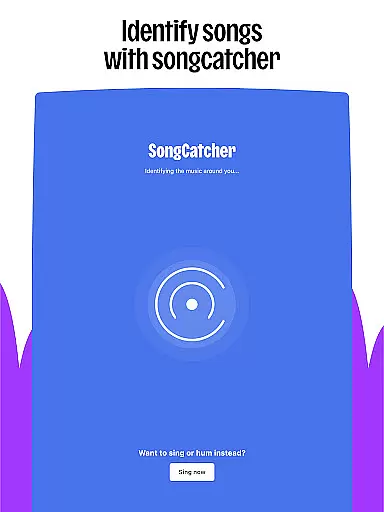
Interactive features like Shaker allow users to collaborate on playlists with friends, while Music Quiz challenges your music knowledge in a fun way. SongCatcher is another innovative tool that identifies songs playing around you, even if you hum them. For those who love live events, Deezer Club offers exclusive ticket opportunities. These features collectively create an engaging and dynamic user experience.
Customization is at the heart of Deezer's design. Users can shape their algorithms to refine music suggestions, create unique playlist covers, and organize their homepage to highlight top picks. Sharing capabilities extend beyond Deezer users, allowing anyone to enjoy shared content. With support for multiple devices including smart speakers, wearables, and automotive systems, Deezer delivers a consistent and high-quality audio experience across all platforms.
For users of wearable devices, Deezer offers seamless companion app integration that enhances the listening experience on the go. This feature ensures that your music, playlists, and preferences are perfectly synced between your smartphone and wearable devices.
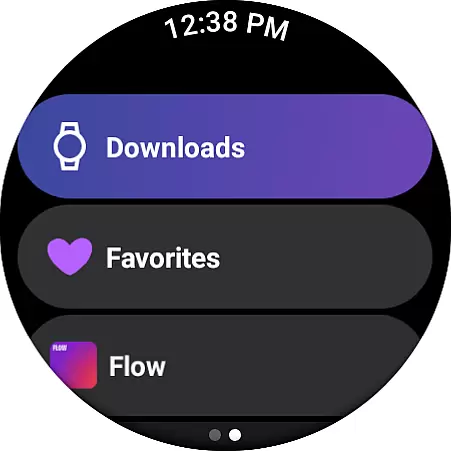
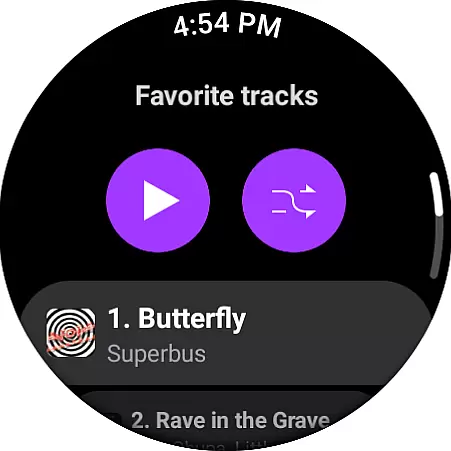
The integration allows you to access your favorite tracks, playlists, and personalized mixes directly from your smartwatch or other Wear OS devices. Whether you're jogging, commuting, or simply away from your phone, you can control playback, browse new music, and manage your queue effortlessly.
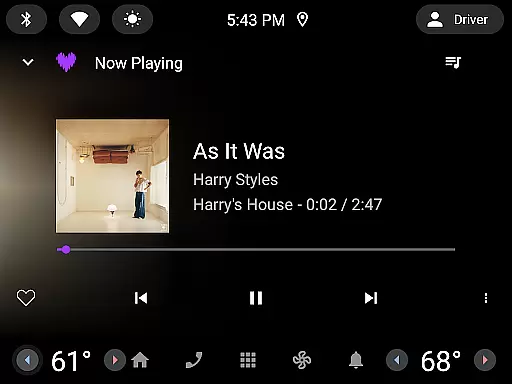
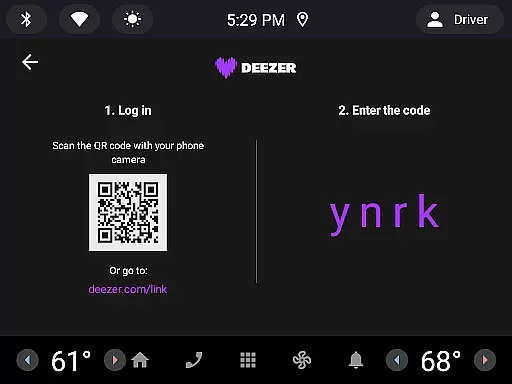
Deezer's companion app functionality extends across various platforms including Galaxy Watch, Fitbit, and Automotive OS. This cross-device compatibility ensures that no matter where you are or what device you're using, your music is always within reach.
This synchronization not only provides convenience but also maintains consistent user experience across different devices. The ability to start a playlist on your phone and continue it on your wearable device demonstrates Deezer's commitment to providing a unified and flexible listening environment.
Deezer stands out in its comprehensive support for Wear OS devices and other smart wearables. The application is optimized to work seamlessly with popular devices such as Galaxy Watch, Fitbit, and various other Wear OS-powered smartwatches.
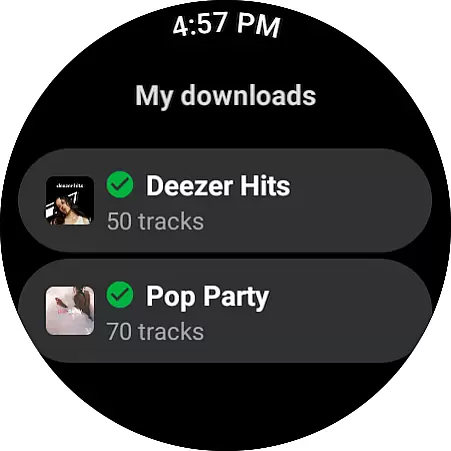
This wide-ranging compatibility means that regardless of which wearable device you own, Deezer is likely to support it. Users can enjoy their personalized Flow, curated playlists, and even offline listening directly from their wrist without needing to carry their phone everywhere.
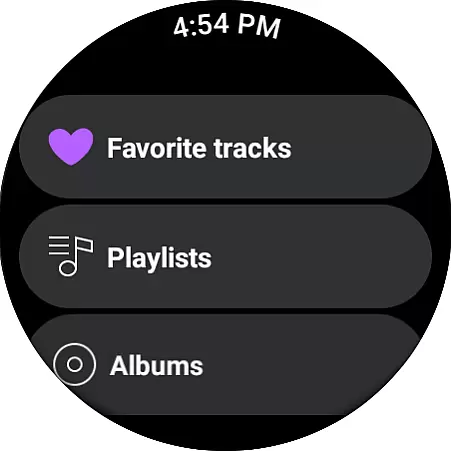
Beyond just basic playback, Deezer's Wear OS implementation includes essential features like playback controls, playlist browsing, and song searching. This ensures that all core functionalities are available at your fingertips, maintaining full control over your music experience while on the move.
Furthermore, Deezer's dedication to device compatibility guarantees regular updates and improvements. As new wearable devices enter the market, Deezer continuously works to ensure its application meets the latest compatibility standards, providing users with uninterrupted access to their music library across all their devices.
Extensive music catalog
Personalized music flow
Interactive features
Multi-device support
High-fidelity audio
Limited free features
Occasional ads in free version
Regional content restrictions
Premium subscription cost
Complex interface for beginners

Gym Log & Workout Tracker | Fitness Journal, Training & Weight Lifting Planner
 4.90
4.90
A watch face that fuses motorsport precision with contemporary smartwatch design
4.1
Wear Os Watch Face - Animated Snow Effect & Magic Spark - 6 Scenes
4.10
Stylish digital watch face for Wear OS devices with customizable features
4.0
Kia Access makes getting your vehicle information easier than ever
4.60
Monitor health with the stress test and pulse checker in the heart rate app.
4.60
The #1 source of faces for your smartwatch!
4.00
Period, ovulation & pregnancy tracker. Fertility insights & menstrual calendar.
4.90
Reliable phone calls with spam protection, caller ID and more helpful features
4.40
Stylish, Energizing and Modern Watch Face crafted by Dominus Mathias.
4.50
Current temperature, weather hourly, weather radar by the weather forecast app
4.40
Premium hybrid watch face with many customizations for Wear OS devices.
4.40
A white realistic classic analog watch face with many customization options.
4.40
Find EV charging stations
4.30
Watch face for Wear OS.
4.20
Embrace the festive spirit with our Christmas Countdown watchface for Wear OS
4.10
Christmas and New Year - Themed Watchface
4.2
Analog watch face with 8 complications and expedition styling
4.2
Sleek, highly customizable watch face inspired by Galaxy Watch Circle Dashboard.
4.5


User Reviews