
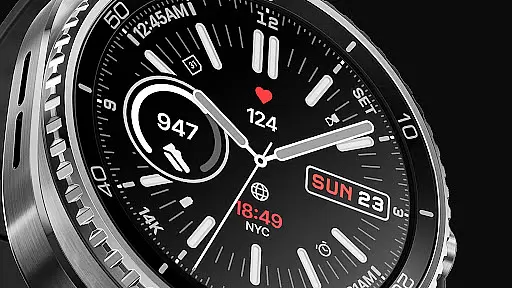
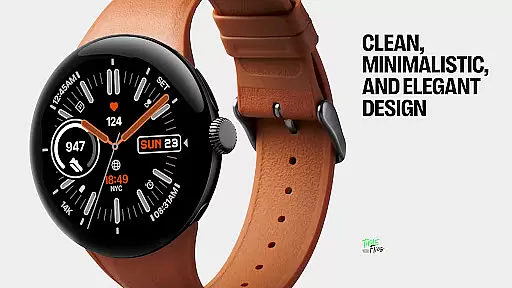
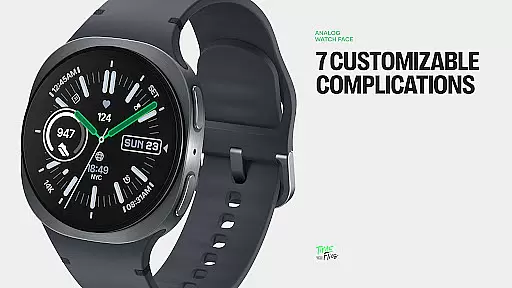
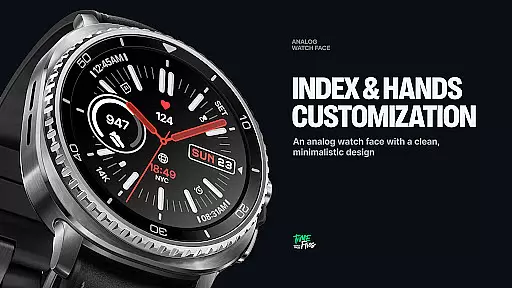
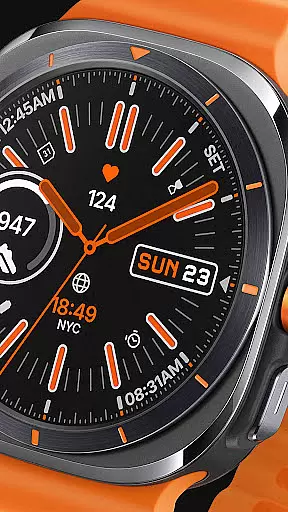
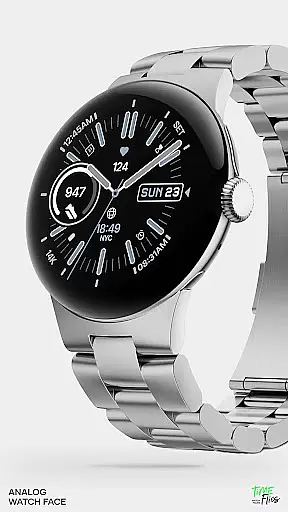
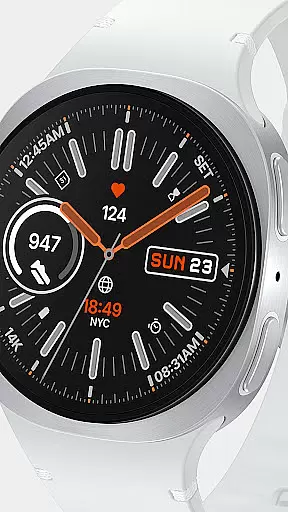
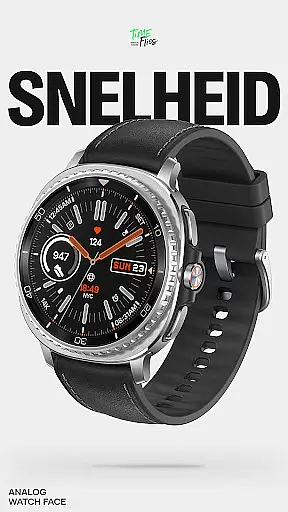
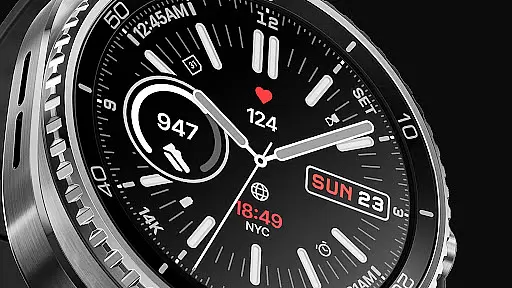
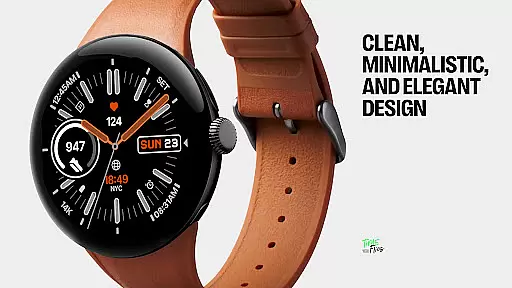
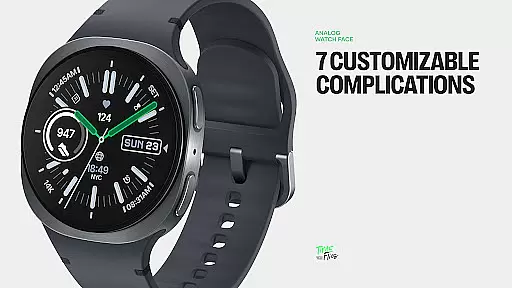
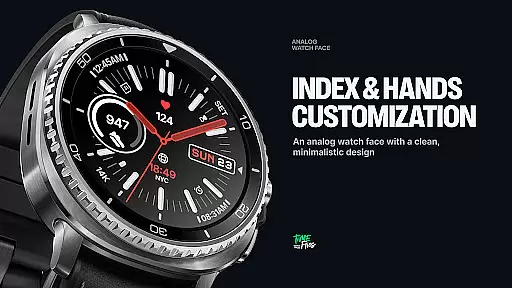
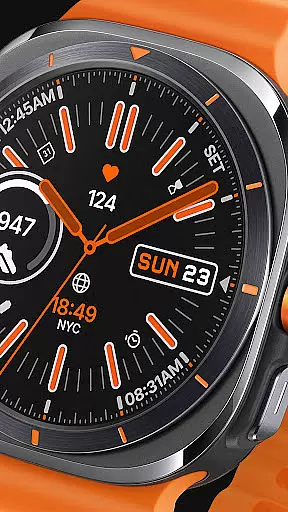
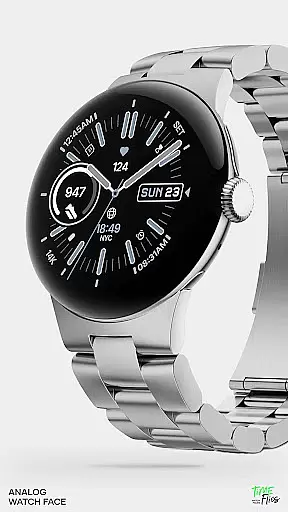
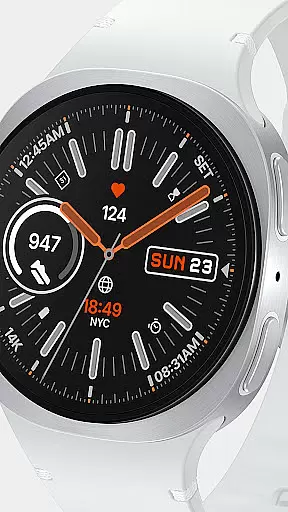
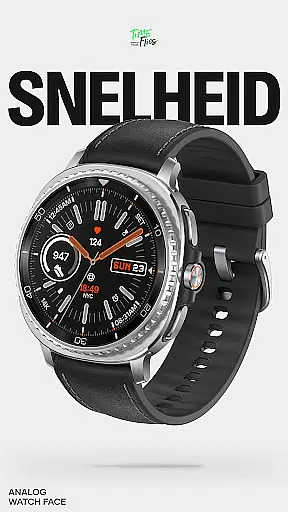
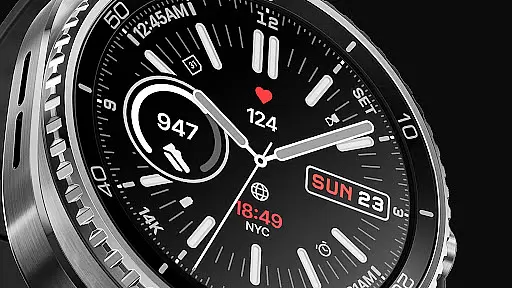
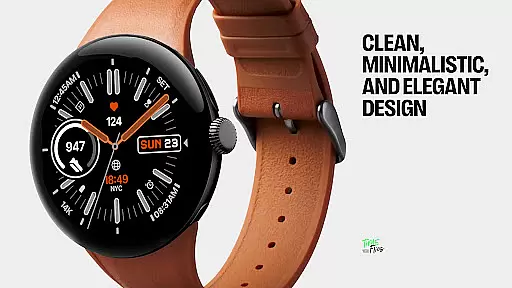
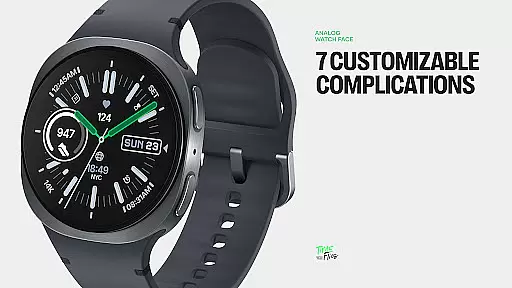
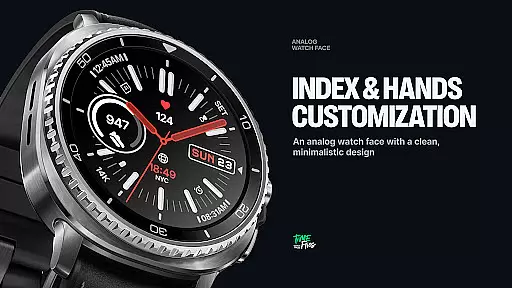
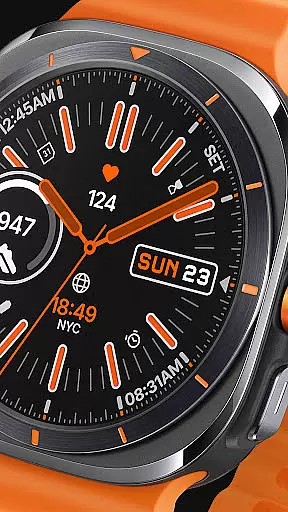
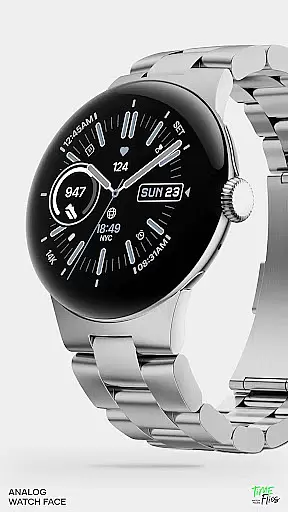
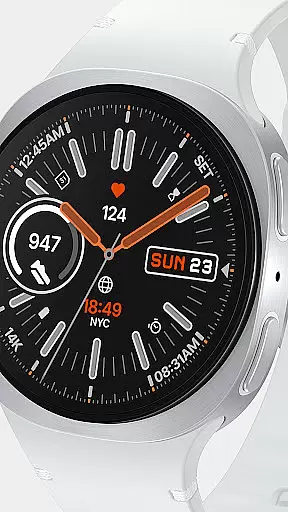
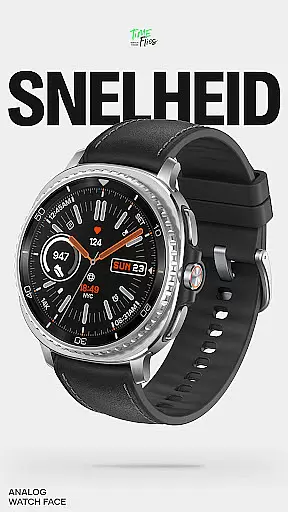
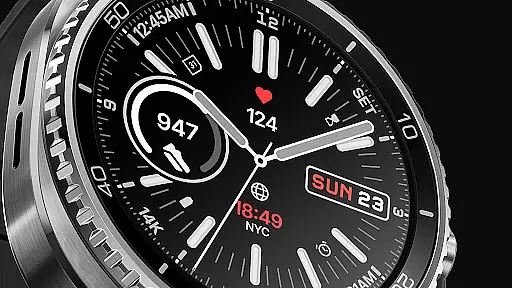
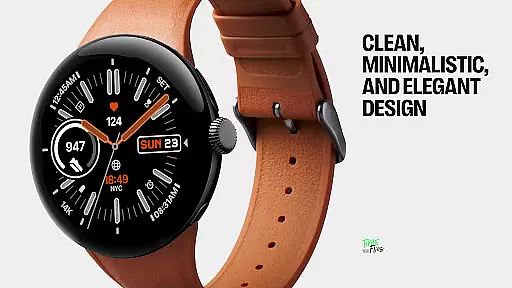
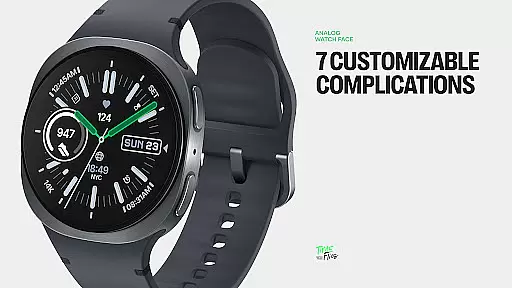
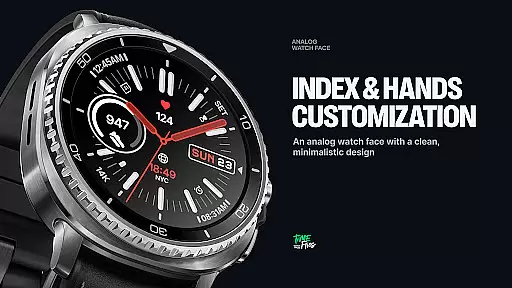
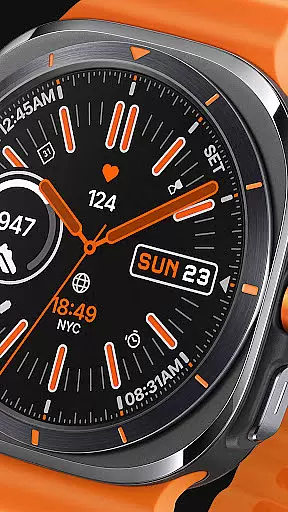
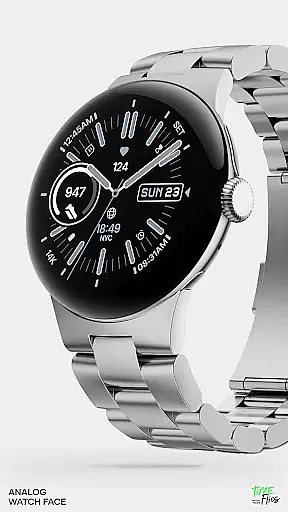
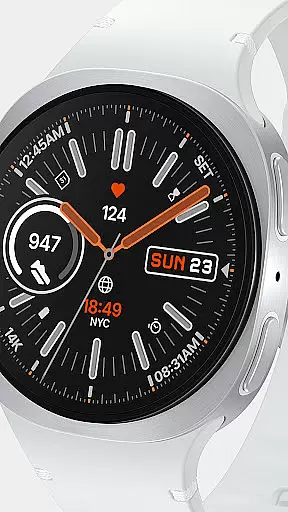
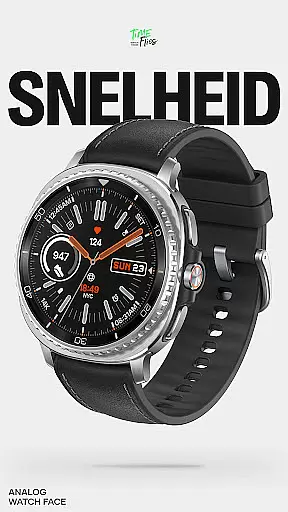
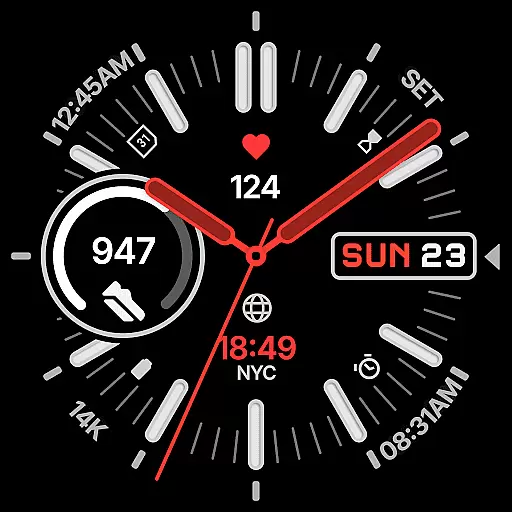
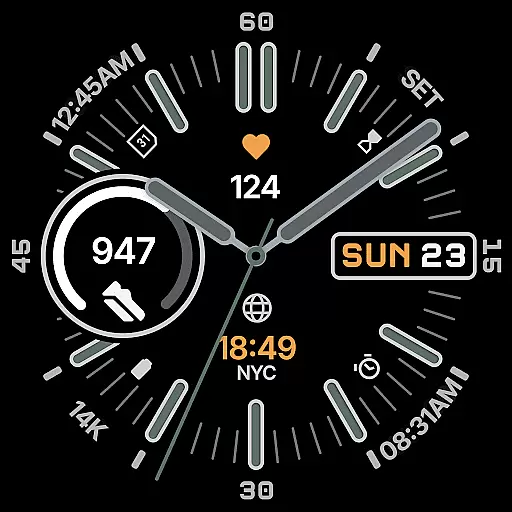
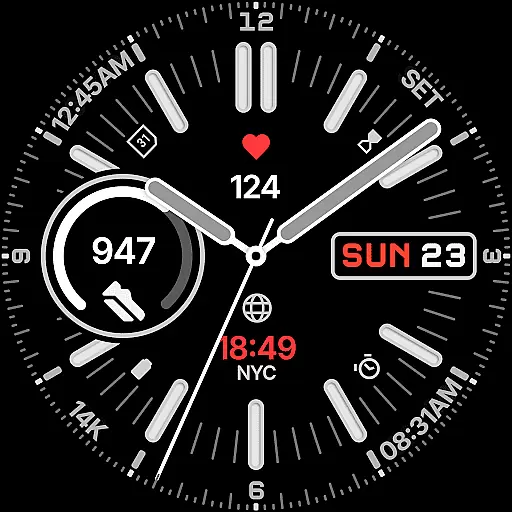
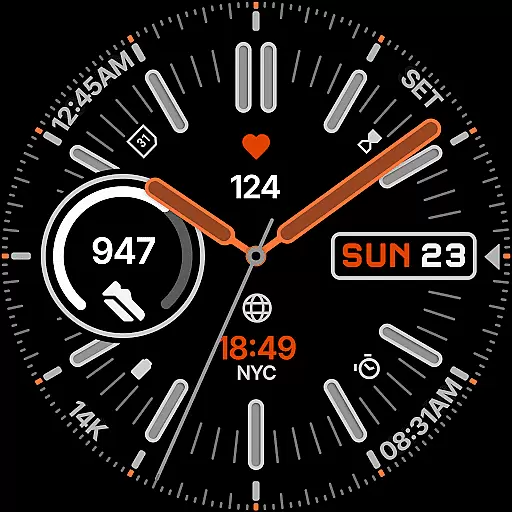
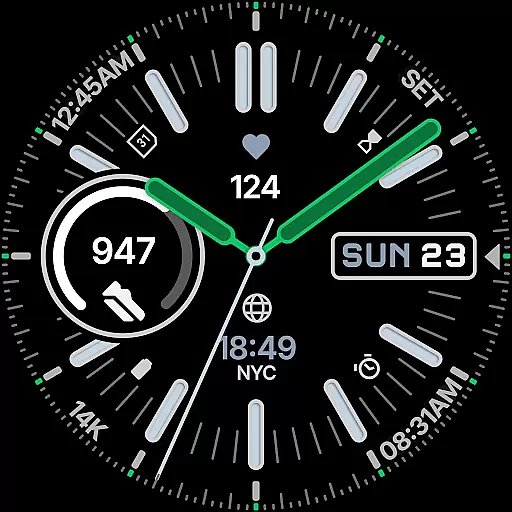
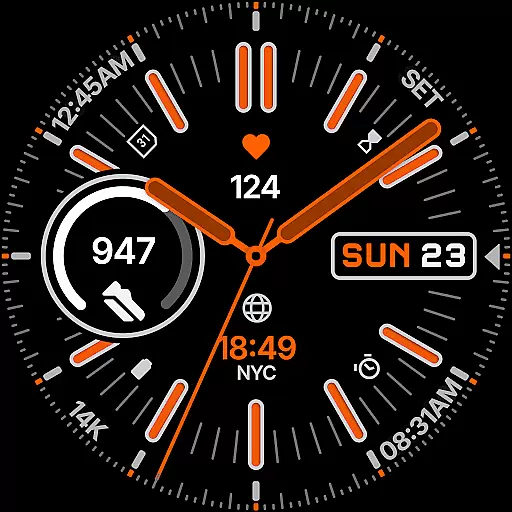
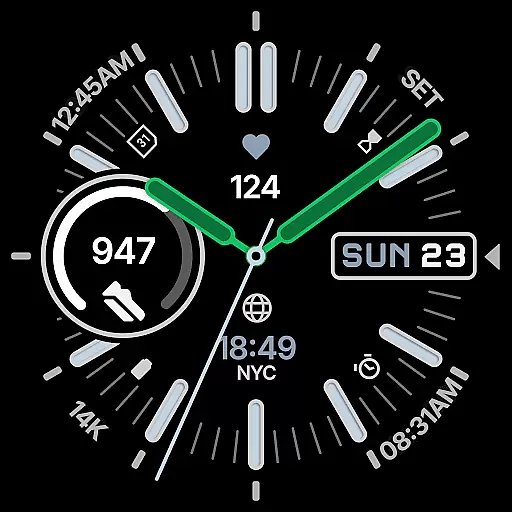
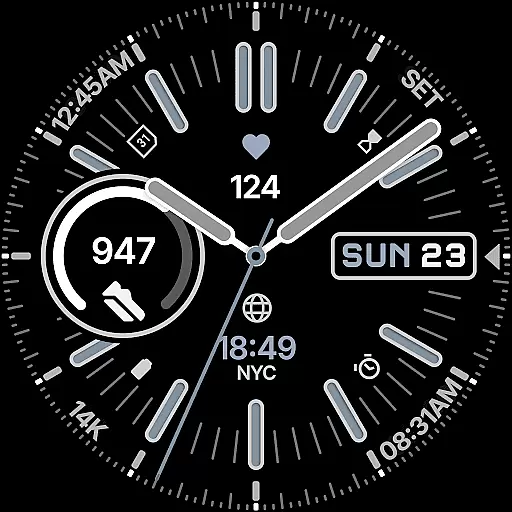
Snelheid Analog Watch Face is a Wear OS watch face that combines motorsport-inspired design with modern smartwatch functionality. Featuring bold indices, vibrant accents, and dashboard-style typography, it delivers both style and utility. The dynamic analog dial integrates seven customizable complications, offering quick access to essential data like health metrics, weather, and world time.
With 30 curated color schemes, multiple index styles, and battery-efficient Always-on Display modes, Snelheid adapts to various preferences and uses. Whether for professional or active settings, this watch face maintains its motorsport character while providing versatility and elegance.
Snelheid stands out with its fusion of analog and digital elements. The watch face includes seven fully customizable complications, enabling users to display preferred information such as activity stats, weather updates, or notifications directly on the dial. Its 30 curated color schemes and multiple index styles allow for extensive personalization, ensuring a unique look tailored to individual tastes.
The design emphasizes clarity and functionality, with clean Always-on Display modes that optimize battery usage without sacrificing aesthetics. Additionally, an optional Android companion app simplifies setup and customization, letting users adjust settings directly from their phones. This combination of precision design, customization options, and seamless integration makes Snelheid a top choice for Wear OS users seeking both performance and style.
Companion app integration is essential for a seamless wearable experience. Snelheid offers an optional Android companion app that simplifies the setup and customization process, allowing users to personalize their watch face directly from their phone.
The companion app provides an intuitive interface where users can easily adjust settings such as color schemes, index styles, and dial options. This ensures that your watch face not only meets your functional needs but also aligns with your personal style.
By enabling quick access to various customizations, the companion app enhances user engagement and satisfaction. It bridges the gap between the analog timekeeping design and digital intelligence of the Snelheid watch face.
Ultimately, this integration empowers users to make the most out of their Wear OS device by offering a cohesive and streamlined customization experience that extends beyond the limitations of on-device settings.
Ensuring broad device compatibility is crucial for any Wear OS application. Snelheid Analog Watch Face is designed to work seamlessly across a variety of devices, supporting both steel-bezel smartwatches and minimalist curved displays.
This compatibility allows users to enjoy a consistent experience regardless of their specific device model. Whether you're using a high-end smartwatch or a more budget-friendly option, Snelheid maintains its bold indices, vibrant accents, and customizable complications.
The Always-on Display modes are optimized for battery efficiency without compromising on style or functionality. This makes it suitable for everyday professional wear as well as active outdoor use.
By focusing on versatile design elements and performance optimization, Snelheid guarantees that all users can benefit from its motorsport-inspired character and dynamic dial, ensuring a functional yet elegant timepiece on any supported Wear OS device.
Highly customizable
Vibrant and elegant design
Battery-efficient modes
Quick-access complications
Motorsport-inspired aesthetic
Limited to Wear OS
Companion app required for full setup
Premium features may cost extra
Complexity may overwhelm beginners
Design might not suit all tastes

Rose gold watch face with festive lights & customizable features.
 4.60
4.60
Wear Os Watch Face - Animated Snow Effect & Magic Spark - 6 Scenes
4.10
Watch face designed for Thanksgiving Day. 7 Background Styles included.
3.20
Ideal for surviving in the wasteland left after nuclear fallout
4.50
sleep, alarm, snoring, stress, healing, focus, sound therapy, circadian rhythm
4.10
Get helpful reminders, take progress photos and find answers to your questions.
3.90
The Chevron App allows you to pay for fuel from the comfort of your car!
4.80
The most customizable hybrid watch face. For Wear OS 5.0, API 34+ and later
4.70
Start and succeed with PAP
4.10
A modern premium sporty hybrid watch face for Wear OS by Ballozi
4.70
The most customizable minimal watch face. For Wear OS 5.0, API 34+ and later
4.70
Deck out your Wear OS Watch face with a beautifully decorated pine wreath!
4.50
Stylish, Energizing and Modern Watch Face crafted by Dominus Mathias.
4.50
Digital watch face with big numbers and many customization for Wear OS devices
4.40
Your music, your playlists, and more—offline and unlimited.
4.20
A digital watch face that celebrates Christmas.
4.00
Animated Watch Face and Customizable with 24 Backgrounds. Perfect for Christmas!
3.90
3 Complications. All shadow on/off. 30 Themes color palette...
4.4
Stylish digital watch face for Wear OS devices with customizable features
4.5


User Reviews