
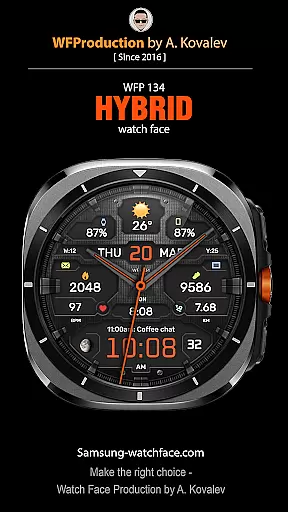
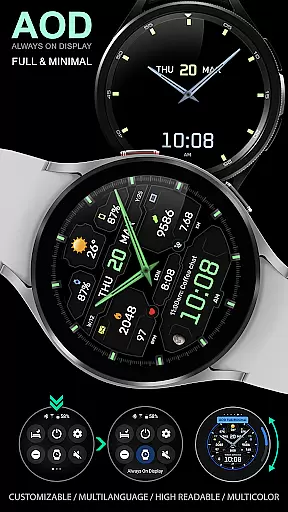
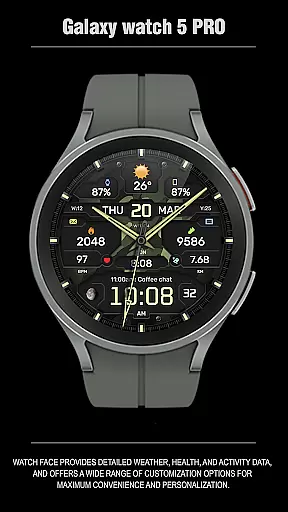
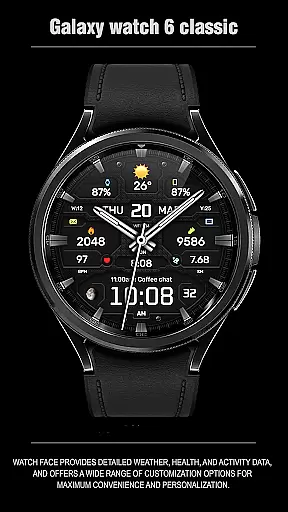
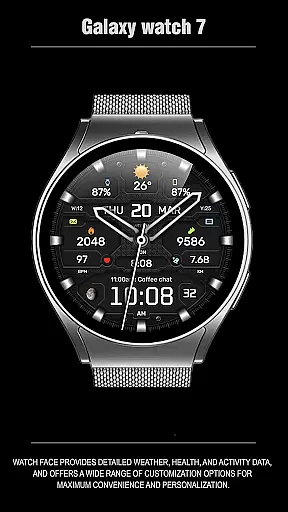
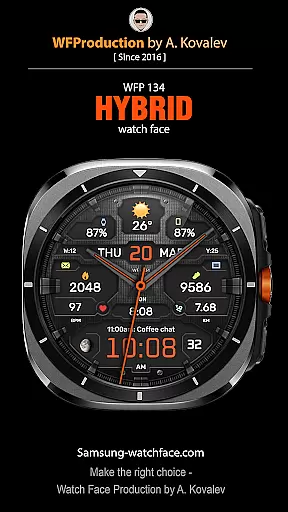
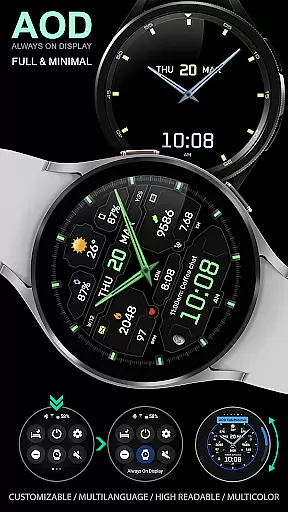
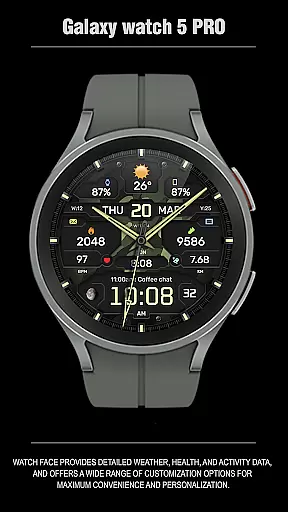
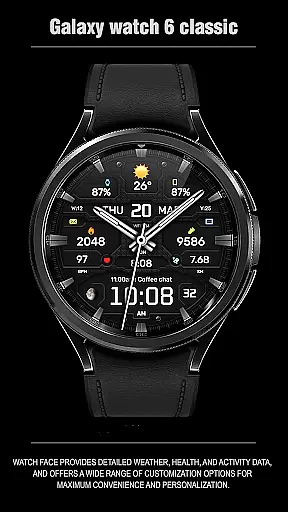
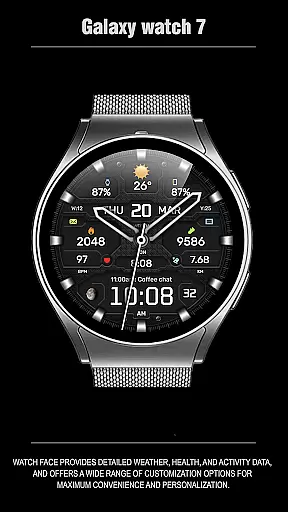
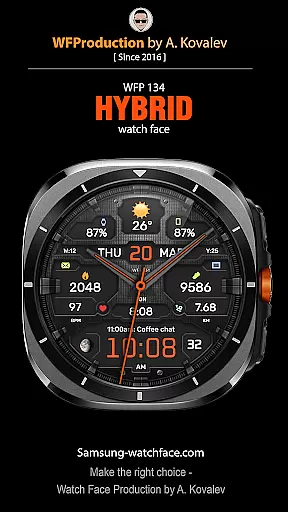
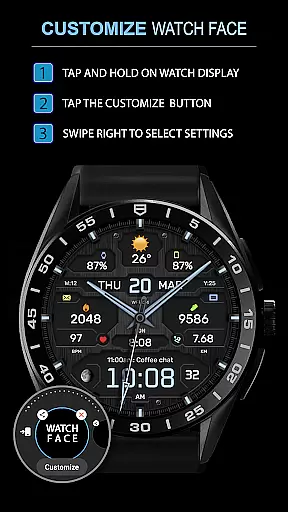
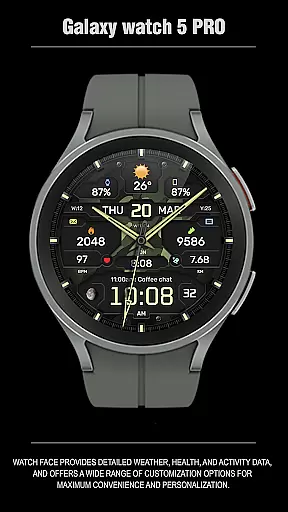
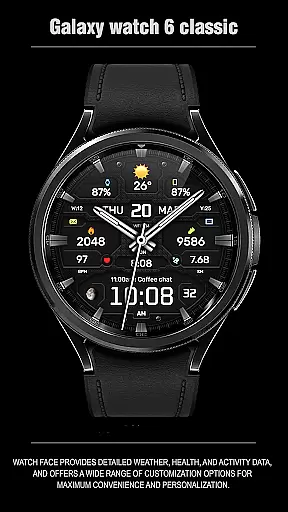
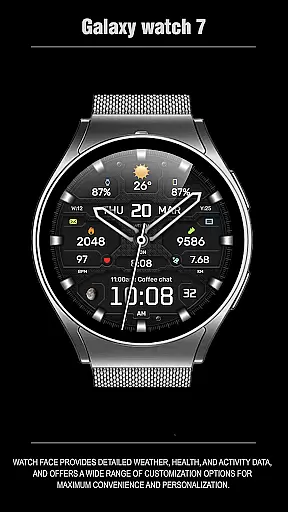
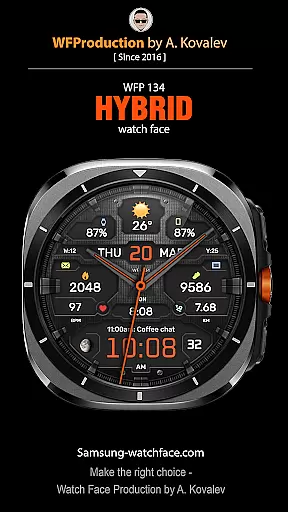
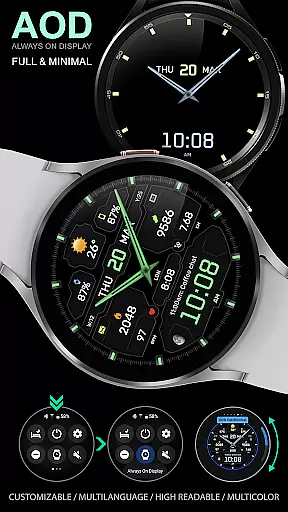
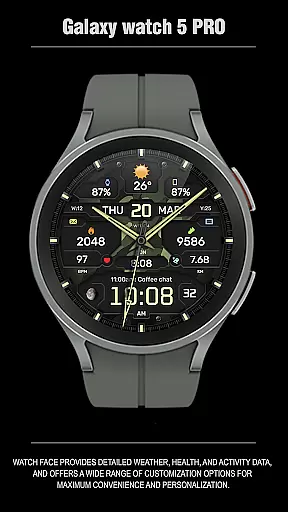
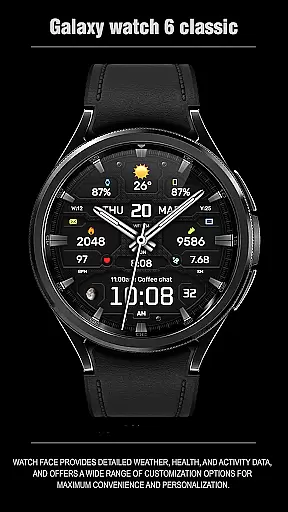
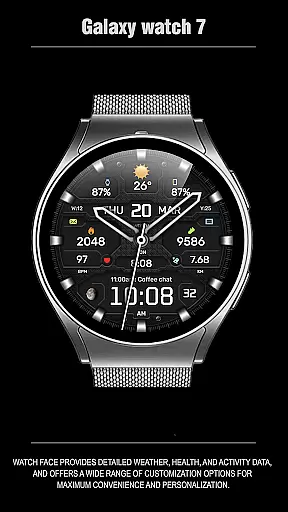
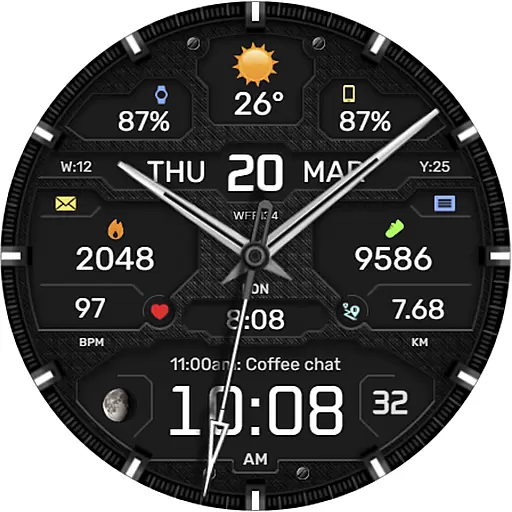
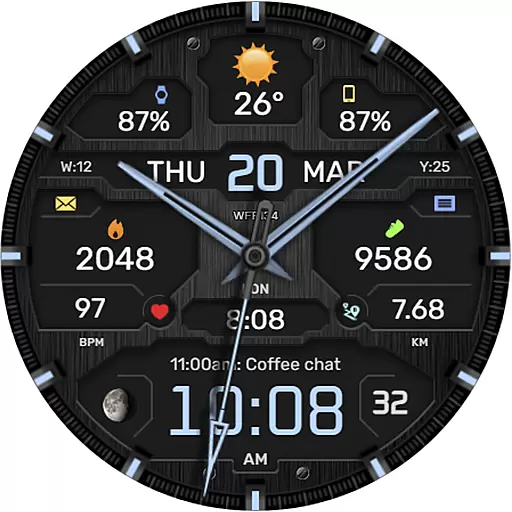
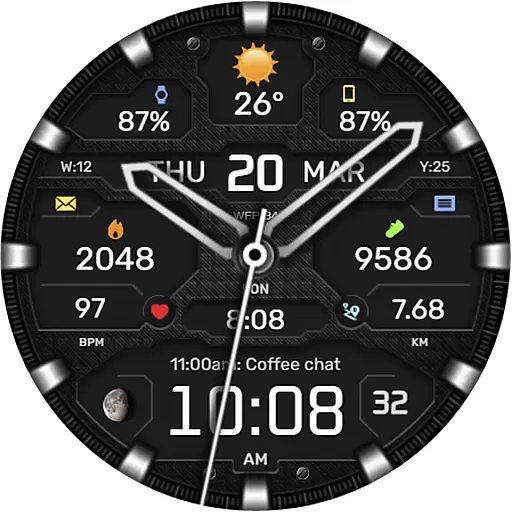
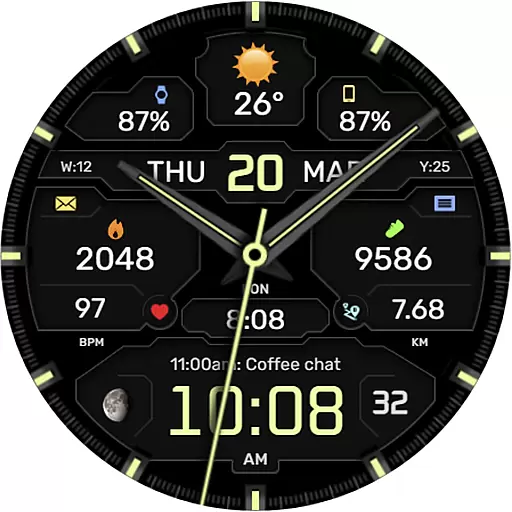
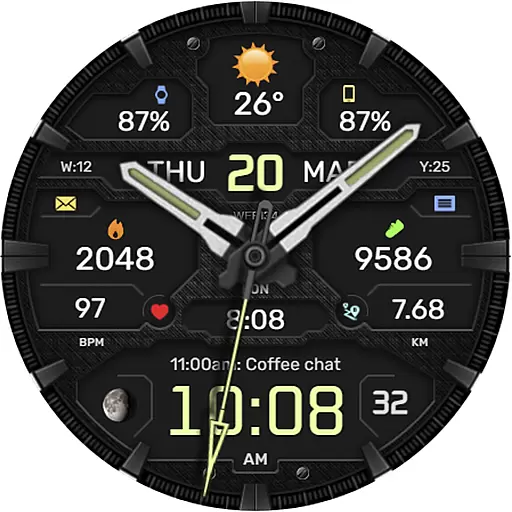
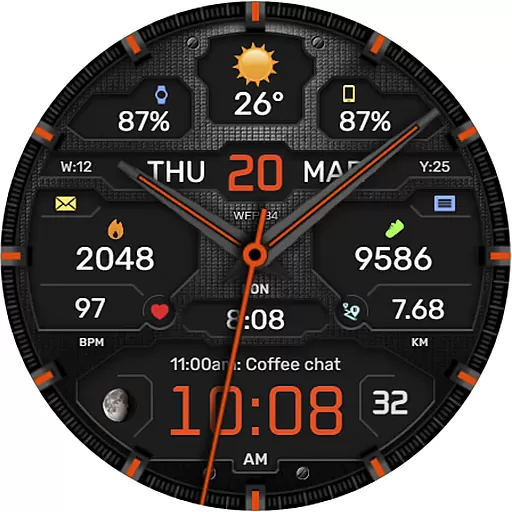
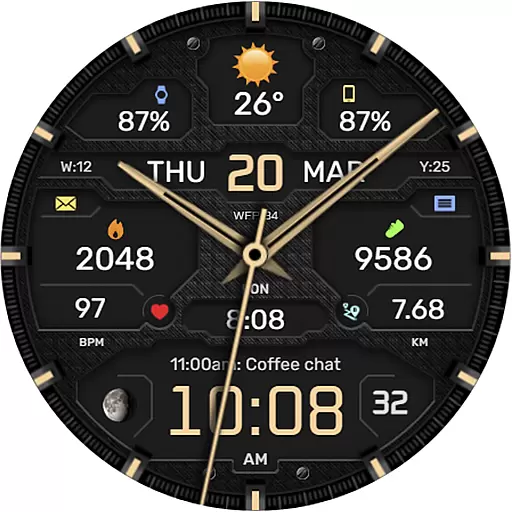
The WFP 134 Hybrid watch face is a versatile and stylish wearable application designed for smartwatch users. It combines aesthetic appeal with practical functionality, offering users detailed insights into weather patterns, health metrics, and activity tracking. The app stands out with its extensive customization options, allowing users to tailor their watch faces to suit personal preferences and needs.
With compatibility across devices running API 34+ and later, this watch face ensures broad usability. Whether you're monitoring your daily fitness goals or staying updated on weather forecasts, the WFP 134 Hybrid watch face provides an optimized experience with high resolution displays and minimal battery consumption. Its multilingual support and various design elements cater to a global audience seeking both form and function in their wearable technology.
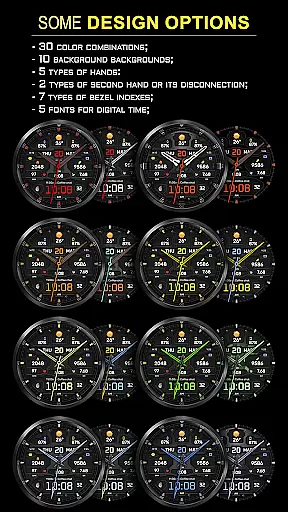
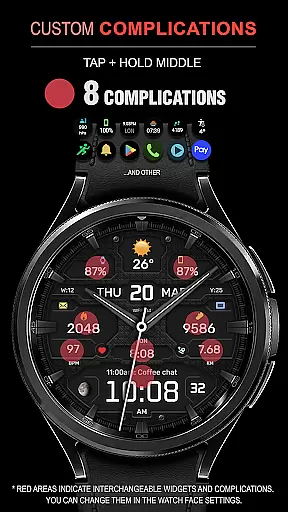
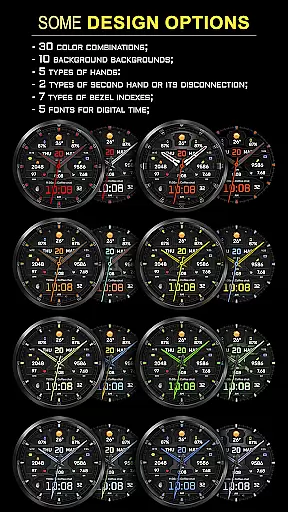
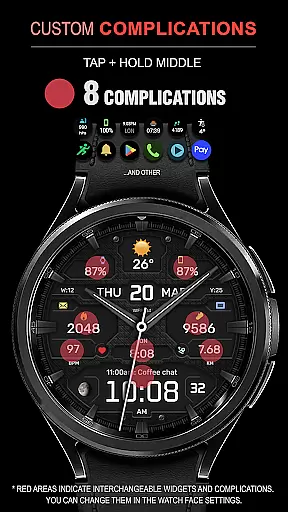
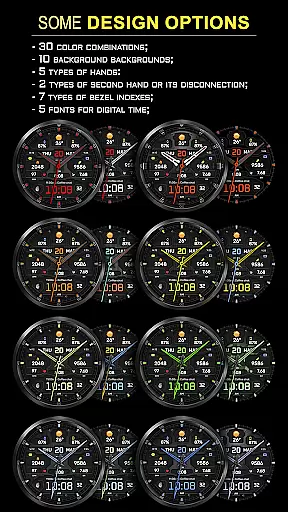
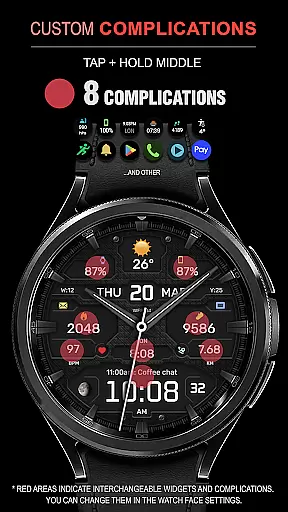
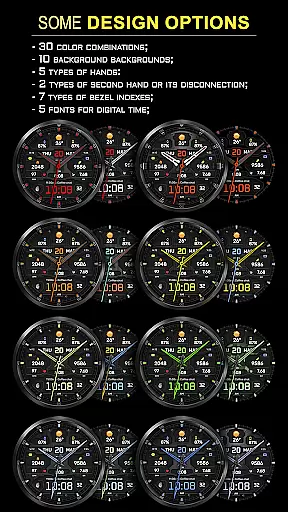
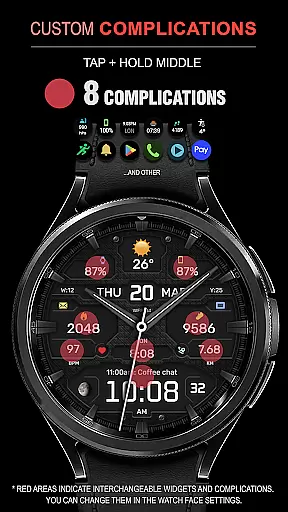
The WFP 134 Hybrid watch face boasts an impressive array of features that enhance user interaction and personalization. With 8 complications, users can access essential information at a glance, while 30 color combinations and 10 backgrounds offer diverse aesthetic choices. The inclusion of 5 hand types, 2 second hand options, and 7 bezel indexes ensures a highly customizable timekeeping experience.
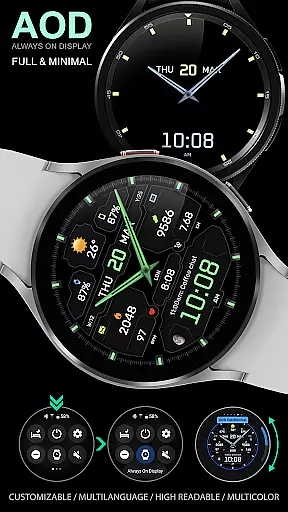
Advanced functionalities include weather forecasting, moon phase tracking, and multiple font options for digital time display. Users can also choose between Fahrenheit or Celsius temperature readings and switch to a Black edition mode for a sleek look. The app's Always-On Display (AOD) mode comes in full or minimal settings, providing flexibility in power management without sacrificing utility. High optimization and low battery consumption make it an ideal choice for those seeking efficiency alongside style.
Companion app integration is essential for a seamless experience between a smartphone and a wearable device. The WFP 134 Hybrid watch face excels in this area by ensuring that all features are perfectly synced across devices.
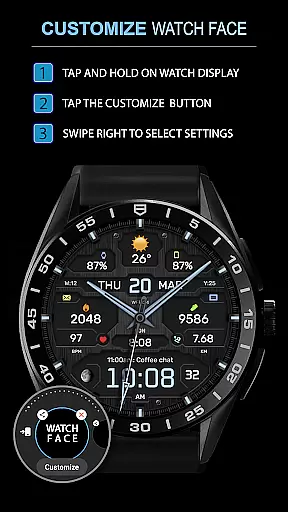
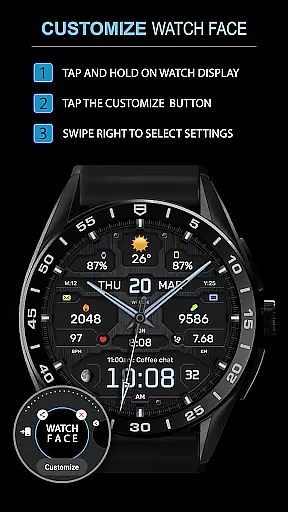
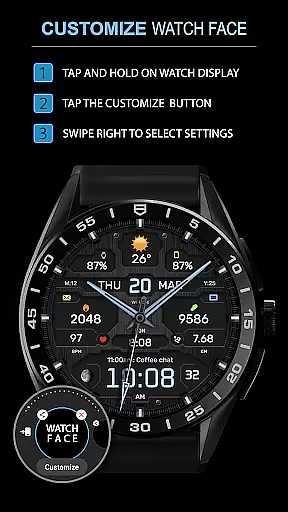
This application provides users with the ability to customize their watch face directly from their phone, allowing changes in complications, color combinations, and backgrounds. This synchronization ensures that personal preferences are always up-to-date on both devices.
Furthermore, the app supports widgets for phone charge status, health metrics like calories burned, and activity data such as floors climbed. By following simple instructions, users can optimize their experience and enjoy real-time updates on their wearable.
The high level of companion app integration not only enhances user convenience but also enriches the overall functionality of the WFP 134 Hybrid watch face, making it an indispensable tool for those who value connectivity and customization.
Ensuring compatibility with various devices and operating systems is crucial for any wearable application. The WFP 134 Hybrid watch face is designed to work seamlessly with Wear OS, supporting devices running API 34+ and later versions.
This wide compatibility range means that whether you own a Samsung or another brand's smartwatch, you can enjoy the stylish and functional design of this watch face. Detailed installation instructions are provided, guaranteeing a smooth setup process regardless of your device type.
In addition to supporting multiple devices, the WFP 134 Hybrid watch face offers extensive customization options. Users can choose from different hands, fonts, and bezel indexes, ensuring that their watch face looks unique and suits their style.
By prioritizing Wear OS and device compatibility, the WFP 134 Hybrid watch face delivers a versatile and optimized user experience, catering to tech-savvy individuals who demand both form and function in their wearable technology.
Highly customizable
Low battery usage
Wide compatibility
Stylish design options
Multilingual support
Complex setup process
Limited free features
Requires API 34+
No built-in social sharing
Premium version costly

Christmas is near, let's count together the days left until Santa comes
 4.4
4.4
Contemporary digital watch face with five complications
4.1
Beautiful, colorful and practical watch face. For Wear OS devices.
5.00
Digital, flexibly customizable watch face. For Wear OS 5.0, API 34+ and later.
5.00
Ideal for surviving in the wasteland left after nuclear fallout
4.50
Connect to your Bluelink equipped Hyundai vehicle from your smartphone.
4.50
A modern hybrid informative watch face for Wear OS designed by BALLOZI
4.80
Want to take charge of your health? Let Google Fit help you reach your goals.
3.50
Toyota app currently supports 2010 or newer vehicles (2018 or newer for Hawaii).
4.50
Gym Log & Workout Tracker | Fitness Journal, Training & Weight Lifting Planner
4.90
Simple, helpful messaging by Google
4.60
Fast and smart typing with Emojis, GIFs, and more
4.50
Embrace the holiday spirit with this magical animated watch face!
4.40
Digital watch face. For Wear OS devices.
4.40
Professional weather radar and more
3.90
Wear Os Watch Face - Animated Snow Effect & Christmas Lights
4.0
an Analog Watch Face for winter season with freeze winter background for Wear OS
4.1
A heartwarming Christmas scene featuring a cute image of Santa and Rudolf
4.5
Stunning modern digital watch face with 7 complications and strong contrast
4.3


User Reviews