
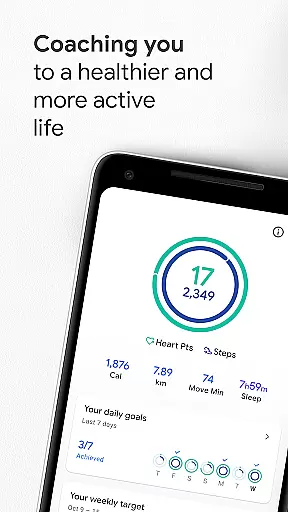
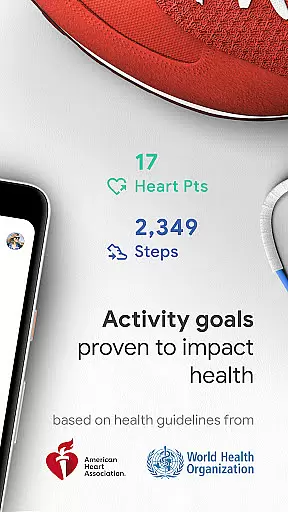
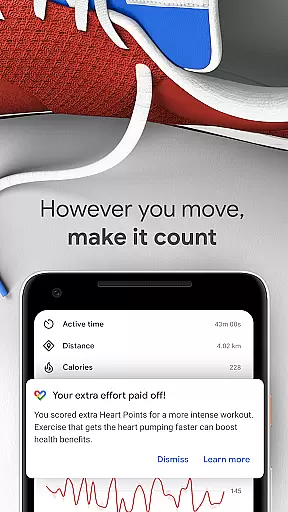
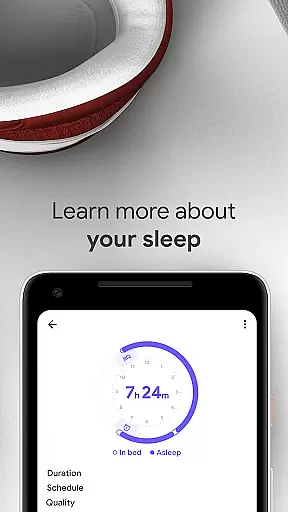
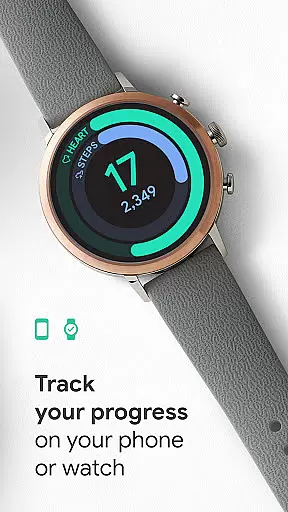
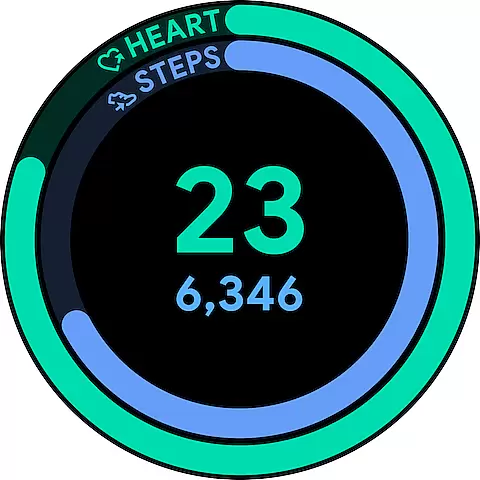
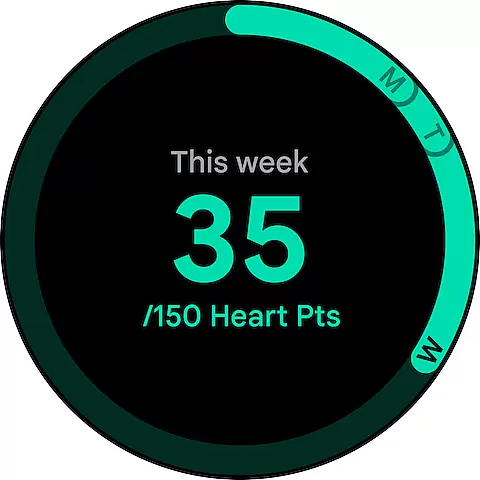
Google Fit is a comprehensive health and fitness tracking application designed to help users achieve a healthier and more active lifestyle. Developed in collaboration with the World Health Organization (WHO) and the American Heart Association (AHA), it introduces Heart Points - an innovative activity goal system that promotes cardiovascular health. By earning points for moderate and intense physical activities, users can work towards the recommended weekly exercise targets proven to reduce heart disease risks and improve overall wellbeing.
The app seamlessly integrates with Android devices and Wear OS smartwatches, providing real-time workout tracking and detailed performance metrics. Google Fit automatically detects various physical activities throughout the day, ensuring users receive credit for every movement. The platform's extensive connectivity allows synchronization with numerous third-party health apps and devices, creating a unified view of one's health journey. With features like respiratory rate measurement and instant health stats through widgets, Google Fit delivers a holistic approach to personal wellness management.
Google Fit stands out with its sophisticated tracking capabilities and user-friendly interface. The application utilizes your device's sensors to monitor crucial workout metrics such as speed, pace, and route during runs, walks, or bike rides. Its automatic activity detection feature intelligently recognizes different types of physical movements and logs them in your fitness journal, making manual entry unnecessary.
One of the most valuable aspects of Google Fit is its integration ecosystem. The platform connects with popular health applications including Lifesum, Nike+, Runkeeper, and MyFitnessPal, as well as various wearable devices from brands like Withings and Xiaomi. This creates a centralized hub for all your health data. The redesigned journal view provides both quick snapshots of your daily progress and detailed historical analysis. Additionally, the app offers practical tools like breathing exercises, heart rate monitoring through your phone's camera, and customizable home screen widgets for instant access to your fitness statistics.
Google Fit excels in companion app integration by seamlessly connecting with a wide range of popular health and fitness apps. This ensures that all your wellness data is centralized in one place, providing a comprehensive view of your health journey.
The app supports integrations with leading platforms like Lifesum, Nike+, Runkeeper, and MyFitnessPal. These connections allow for automatic syncing of workout data, dietary tracking, and biometric measurements across devices. You can easily monitor your progress without switching between multiple applications.
For users with Wear OS smartwatches or Android phones, Google Fit becomes the central hub for all health-related information. The app consolidates data from connected devices such as Xiaomi Mi bands, Withings scales, and Basis watches, creating a unified health profile that's accessible anytime.
This integration capability not only saves time but also provides valuable insights by combining data from different sources. Users can make more informed decisions about their health and fitness routines while maintaining complete control over their personal information.
When it comes to Wear OS and device compatibility, Google Fit offers exceptional performance across various Android devices. The application is optimized to work seamlessly with both Android smartphones and Wear OS smartwatches, ensuring consistent functionality regardless of your device.
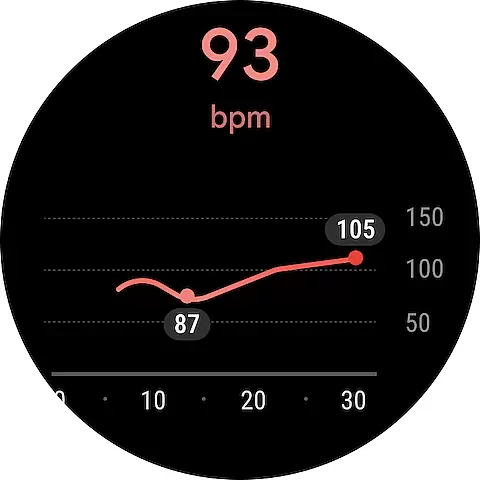
Through sophisticated sensors in Android phones and Wear OS watches, Google Fit accurately tracks essential metrics such as heart rate, pace, distance, and route during workouts. This real-time monitoring capability allows users to receive instant feedback on their physical activities, enhancing the overall fitness experience.
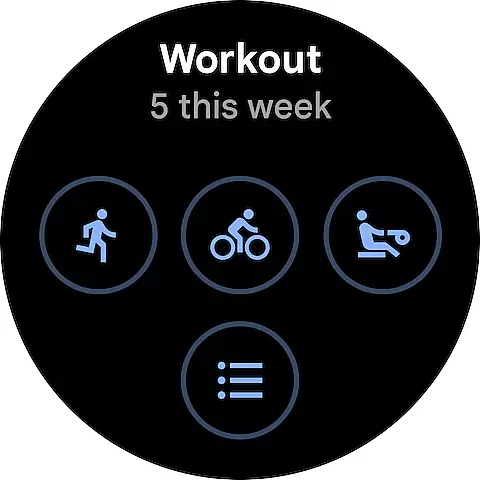
The app's compatibility extends beyond just tracking capabilities. It features specialized widgets for Android home screens and dedicated tiles for Wear OS, enabling quick access to daily statistics and fitness goals. These interface elements provide at-a-glance information about your progress throughout the day.
Furthermore, Google Fit maintains strong backward compatibility while supporting the latest device features. Whether you're using an older Android phone or the newest Wear OS smartwatch, the application delivers reliable performance and accurate tracking, making it an ideal choice for anyone invested in their health journey.
User-friendly interface
Comprehensive activity tracking
Wide device compatibility
Automatic workout detection
Third-party app integration
Limited iOS functionality
Occasional sync issues
Basic free features
Advanced metrics require premium
Battery consumption concerns

Gym Log & Workout Tracker | Fitness Journal, Training & Weight Lifting Planner
 4.90
4.90
Wear Os Watch Face - Animated Snow - Sesonal for Christmas & Winter
4.3
Elegant animated Christmas tree with multiple customization options
4.20
3 Complications. All shadow on/off. 30 Themes color palette...
4.1
sleep, alarm, snoring, stress, healing, focus, sound therapy, circadian rhythm
4.10
Stay in touch with your friends and family using LINE!
3.40
A modern hybrid informative watch face for Wear OS designed by BALLOZI
4.80
Spam call blocker and caller ID for automatic call protection!
4.40
Download full tracks, listen to music offline, make unlimited playlists.
4.80
A realistic hybrid watch face with many customization options.
4.60
Monitor health with the stress test and pulse checker in the heart rate app.
4.60
Deck out your Wear OS Watch face with a beautifully decorated pine wreath!
4.50
Embrace the holiday spirit with this magical animated watch face!
4.40
Reliable phone calls with spam protection, caller ID and more helpful features
4.40
Christmas watch face. For Wear OS devices.
4.30
Find EV charging stations
4.30
Animated video-game inspired “secret agent” simulation, right on your wrist!
4.20
"PER27 Galaxy Digital" is a digital Wear OS watch face designed by PERSONA
4.10
Your local weather forecast, storm tracker, radar maps & live weather news
3.40


User Reviews