

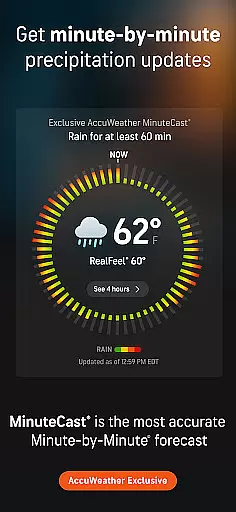
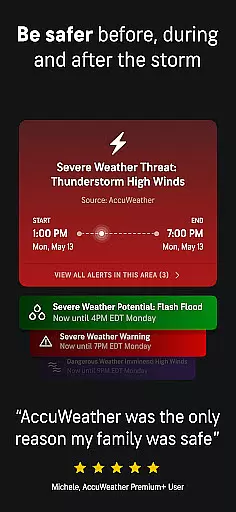
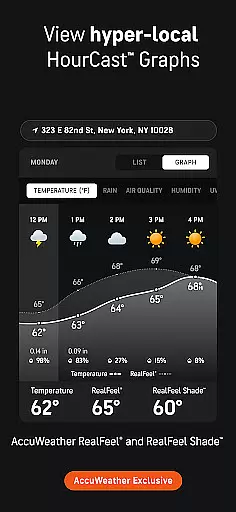
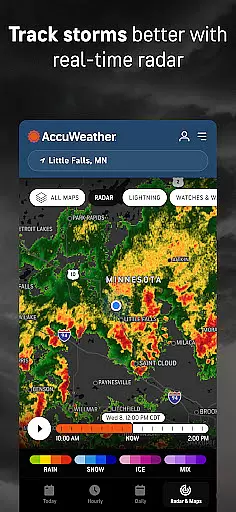
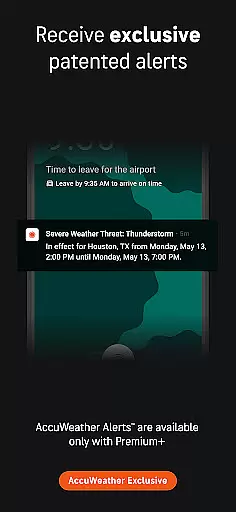
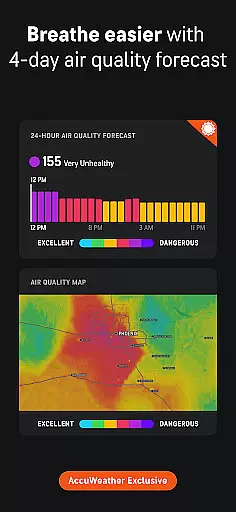
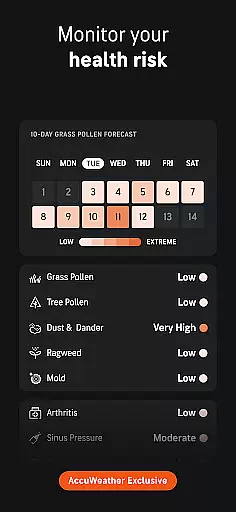
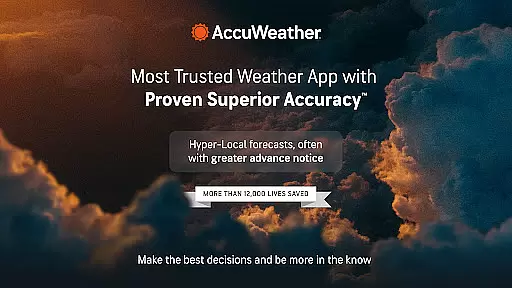
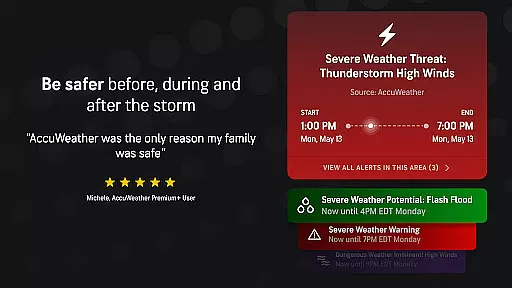
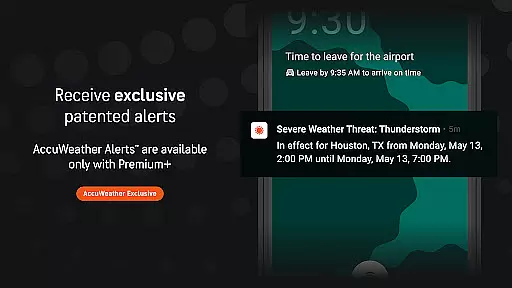
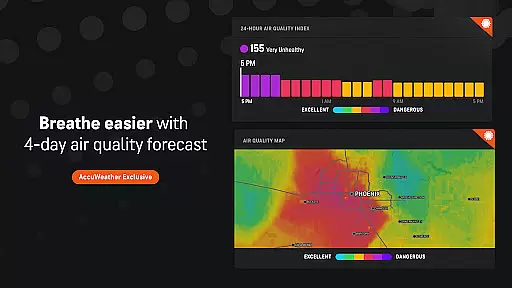
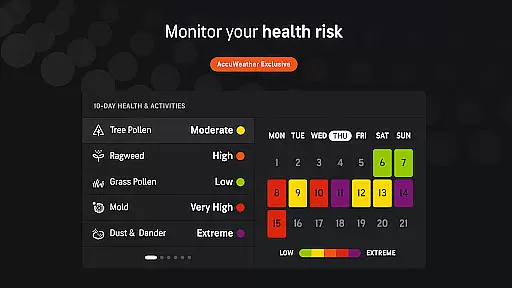
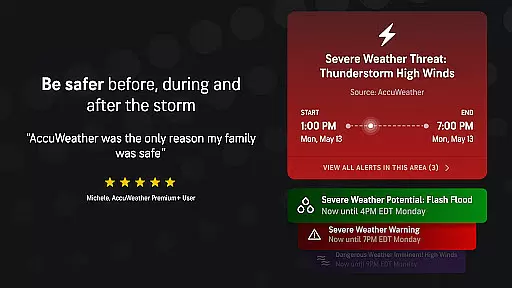
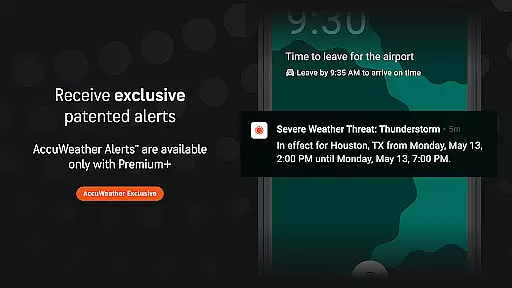
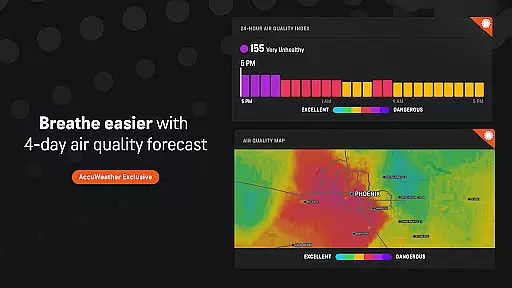
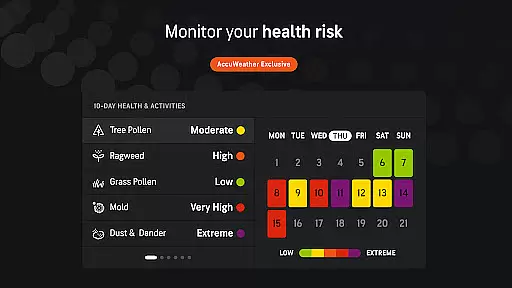
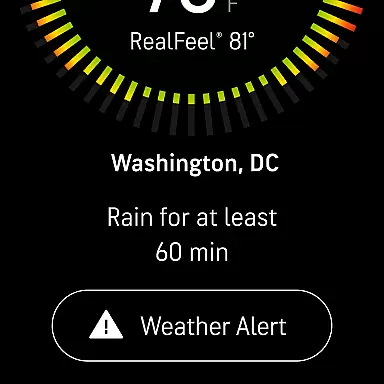
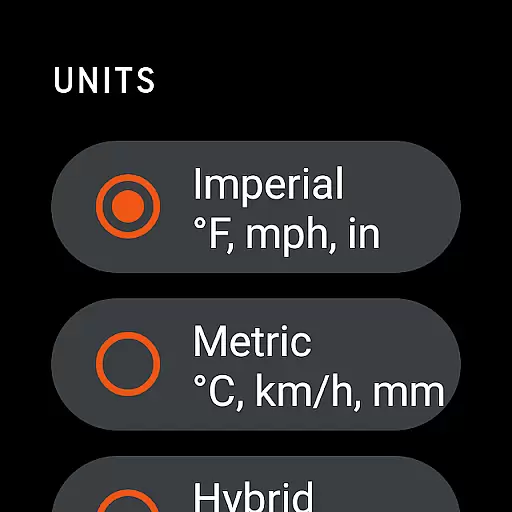
AccuWeather is the most trusted weather app, providing real-time weather alerts and hyperlocal updates with proven Superior Accuracy™. The app helps users make informed decisions by offering detailed forecasts tailored to specific locations. Whether it's hurricanes, tornadoes, snow, or flooding, AccuWeather provides significantly more accurate information and advance warnings than other sources.
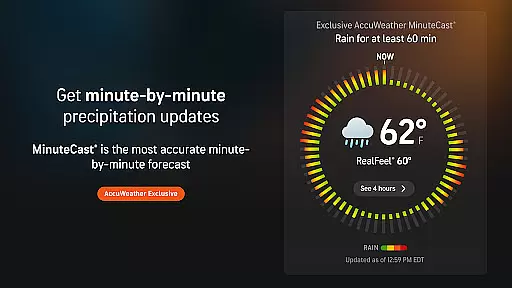
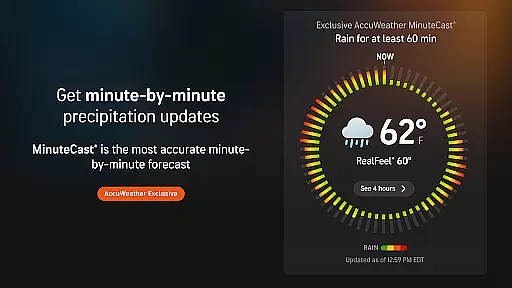
The app features exclusive tools like MinuteCast®, which offers hyperlocal precipitation forecasts for the next four hours, and RealFeel® Temperature, giving users a precise sense of what the weather feels like. With animated radar, live storm tracking, and detailed snow predictions, AccuWeather ensures users are prepared for any weather condition. Available on Android Wear, it keeps you updated wherever you go.
AccuWeather stands out with its advanced features designed to offer users comprehensive weather insights. One of its key features is MinuteCast®, providing hyperlocal forecasts for precipitation, including rain and snow, down to the minute for the next four hours at an exact street address. This feature is available across 210 countries and territories.
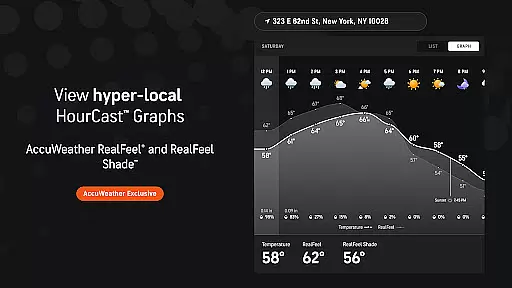
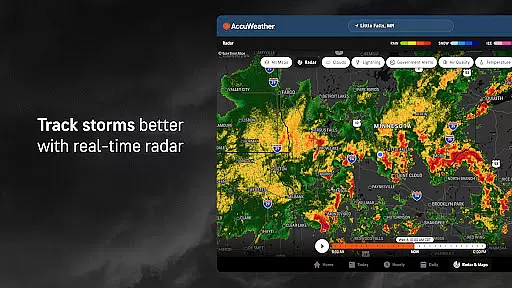
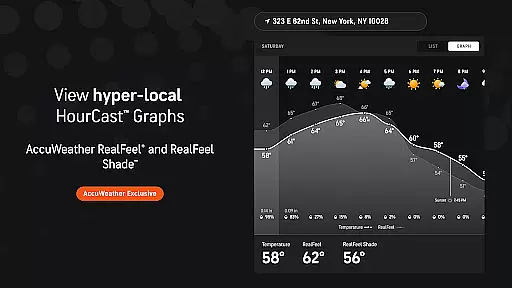
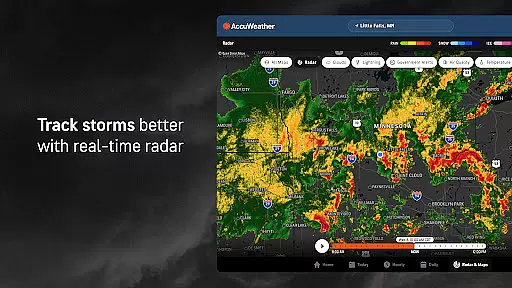
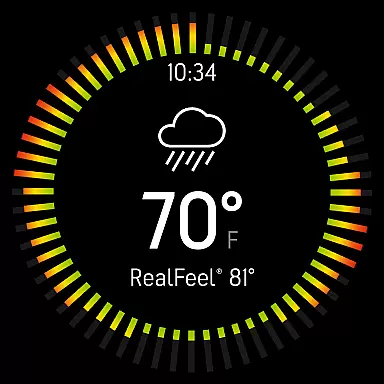
The app also includes the AccuWeather RealFeel® Temperature, which considers over ten factors such as wind, humidity, and sunshine intensity to describe how the temperature actually feels. Additionally, the AccuWeather Lightning Network™ and live radar allow users to track storms in real time, ensuring they have the most up-to-date information on lightning proximity and storm movement.
For winter conditions, WinterCast® delivers detailed predictions on snow and ice events, helping users understand potential impacts. These innovative tools, combined with severe weather alerts from expert meteorologists, ensure that AccuWeather users are always well-prepared.
Companion app integration is essential for wearable devices, ensuring seamless synchronization between the main application and its wearable counterpart. AccuWeather excels in this area by providing consistent weather data across all devices.
The app ensures that users receive real-time weather alerts and updates on their Wear OS devices, maintaining the same level of accuracy and detail as on their primary mobile devices. This integration allows for instant access to critical weather information without needing to reach for a phone.
Users benefit from having access to AccuWeather's exclusive features like MinuteCastu00ae and RealFeelu00ae Temperature directly on their smartwatches. This convenience enhances user experience by delivering hyperlocal forecasts tailored to the wearer's exact location.
By offering comprehensive weather details on Wear OS, AccuWeather supports an uninterrupted flow of information, empowering users to make informed decisions based on reliable meteorological data right from their wrists.
Ensuring compatibility with Wear OS and various devices is crucial for apps targeting the Android Wear category. AccuWeather demonstrates exceptional adaptability by supporting a wide range of devices including smartwatches, tablets, and TVs.
The application is optimized to deliver accurate weather forecasts regardless of the device type, ensuring that users can rely on consistent performance whether they're using a smartphone or a wearable gadget. This cross-device functionality enhances accessibility and convenience.
AccuWeather's design accommodates different screen sizes and input methods, making it user-friendly across platforms. From touchscreens to voice commands, the app maintains its core functionalities while adapting to the unique interfaces of each device.
This broad compatibility not only expands the app's reach but also reinforces its position as a versatile weather solution, capable of meeting diverse user needs within the Android ecosystem.
Superior Accuracy™
Real-Time Alerts
Hyperlocal Forecasts
Advanced Storm Tracking
Exclusive Weather Tools
Premium Subscription Required
Ad-Supported Free Version
Limited Free Features
Complex Interface
Occasional Data Delays

Embrace the holiday spirit with this magical animated watch face!
 4.40
4.40
A Wintery Snow Globe on Your Wrist; now celebrating Christmas!
4.3
Beautiful, colorful and practical watch face. For Wear OS devices.
5.00
A modern premium sporty hybrid watch face for Wear OS by Ballozi
4.70
Period, ovulation & pregnancy tracker. Fertility insights & menstrual calendar.
4.90
Reliable phone calls with spam protection, caller ID and more helpful features
4.40
Stay in touch with your friends and family using LINE!
3.40
Track your active life in one place and share the journey with friends.
4.40
Fitbit is dedicated to helping people lead healthier, more active lives.
4.10
Real-time weather radar with temperatures, warnings, hurricanes, and widgets
4.80
Monitor health with the stress test and pulse checker in the heart rate app.
4.60
Rose gold watch face with festive lights & customizable features.
4.60
Digital watch face. For Wear OS devices.
4.40
The ultimate destination for kids ages 3-8 to explore the Marvel Universe!
4.30
Calming & relaxing sounds for sleeping and stress relief. Stay focused all day!
4.20
Watch face for Wear OS.
4.20
Viewer for Wyze/Yi/Eufy/Arlo/ONVIF/RTSP/P2P IP cams w/ adv. features & DIY DVR
4.00
Structured watch face with seven complications and modular UI elements
3.90
Christmas and New Year - Themed Watchface
4.0


User Reviews