
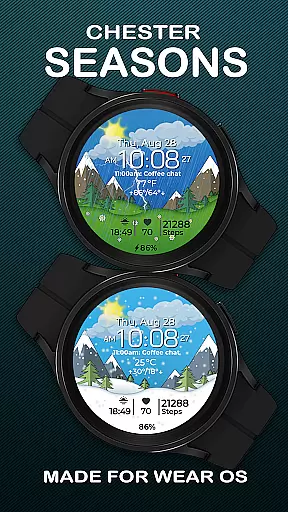
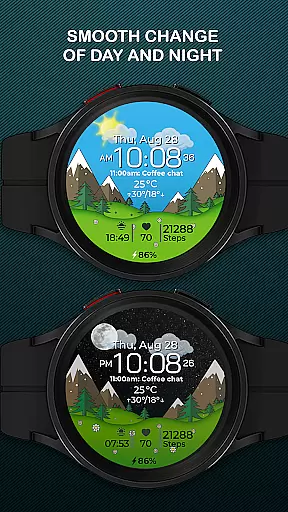
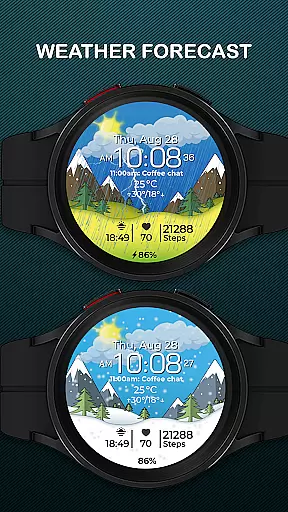
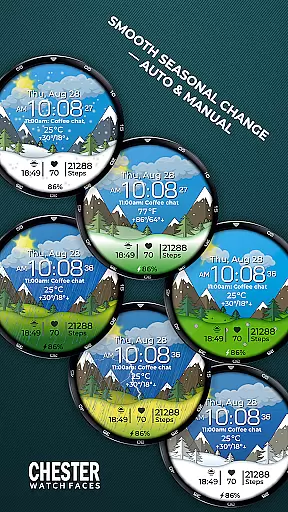
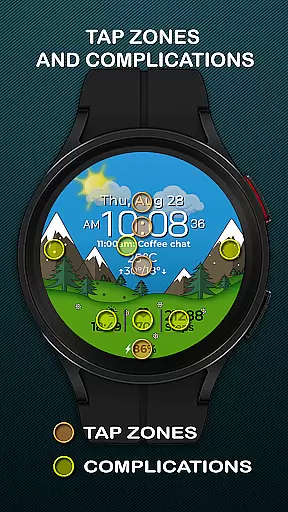
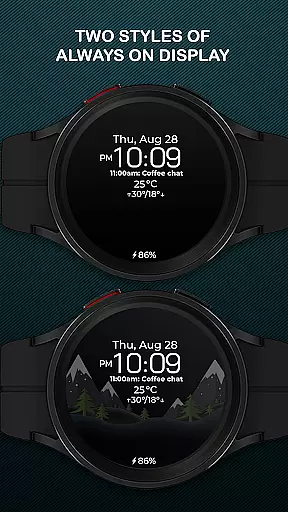
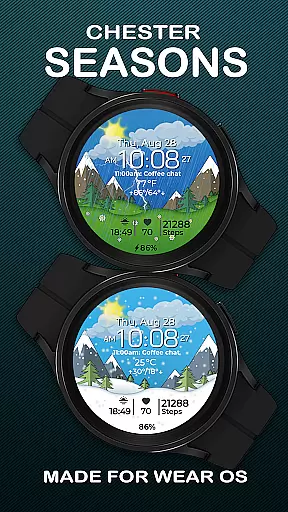
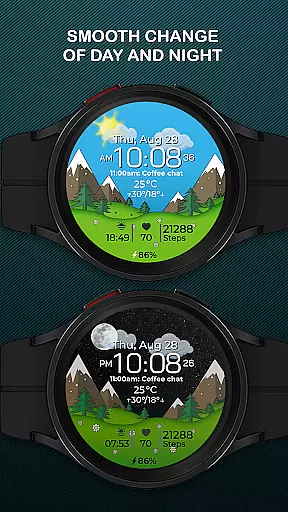
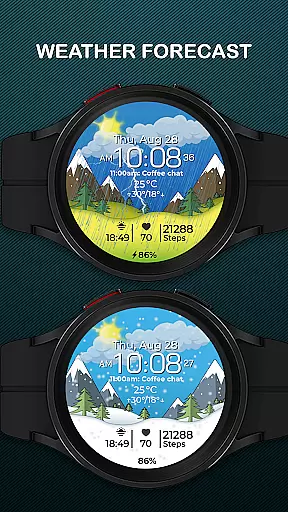
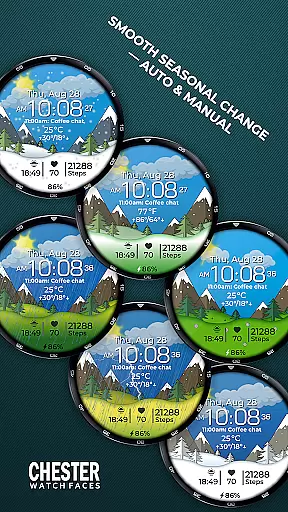
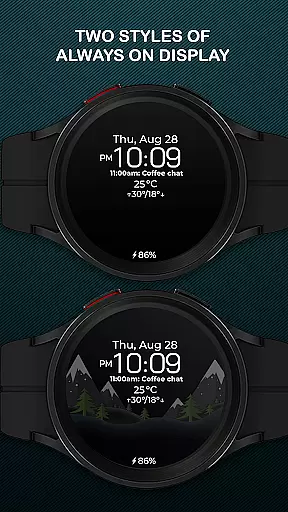
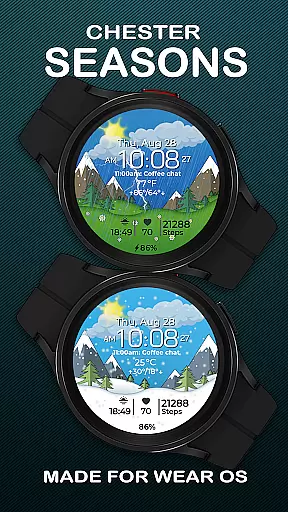
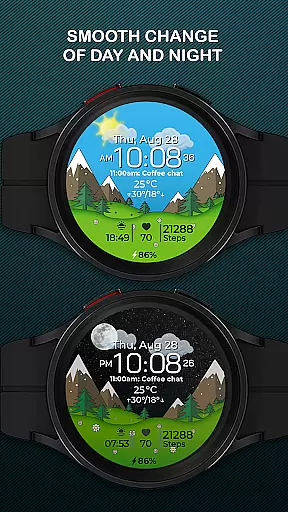
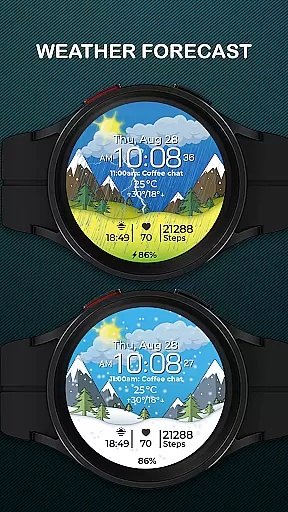
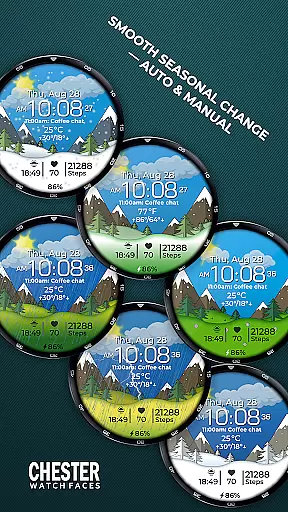
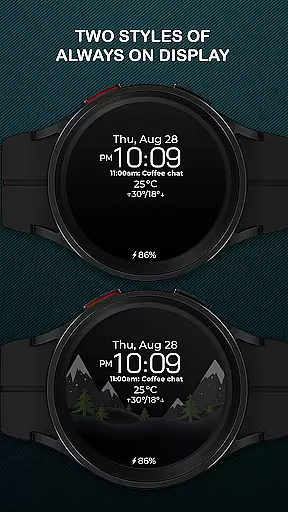
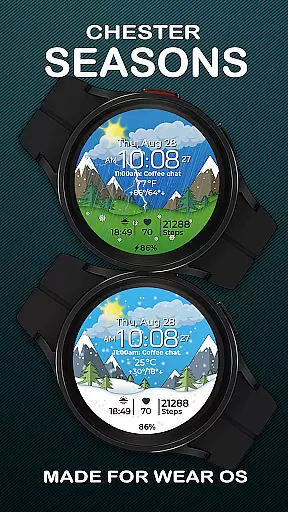
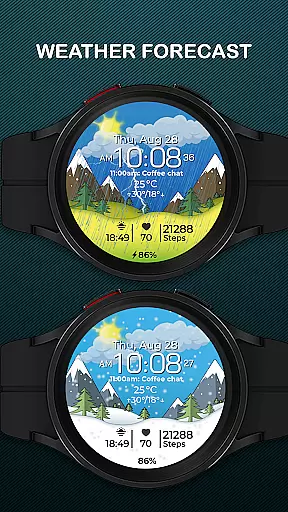
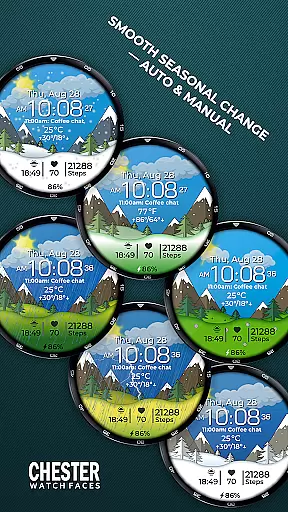
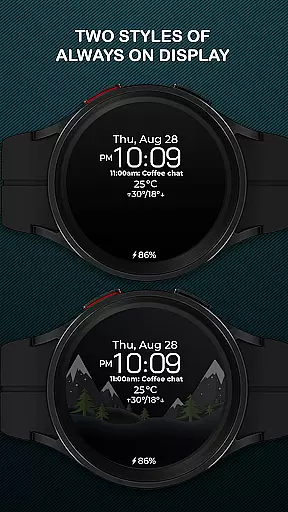
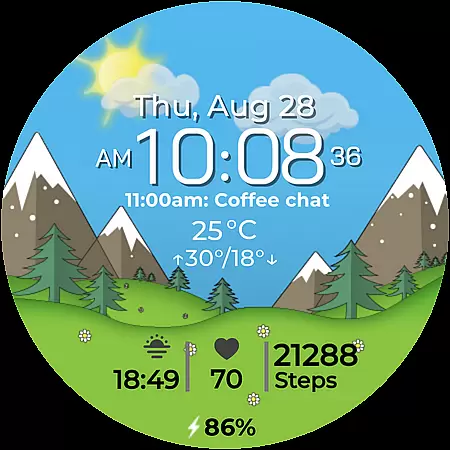
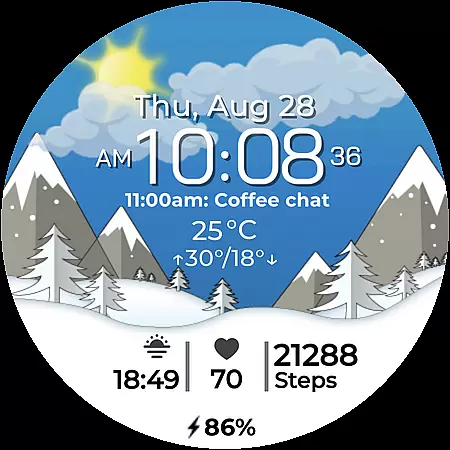
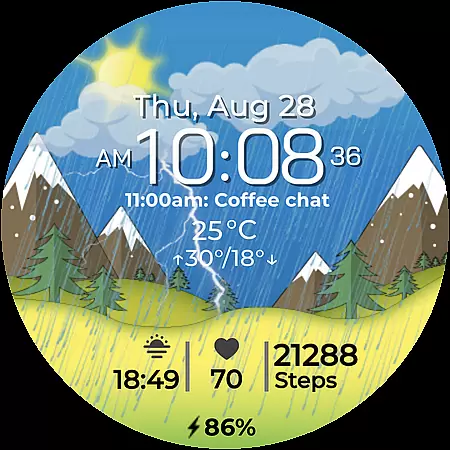
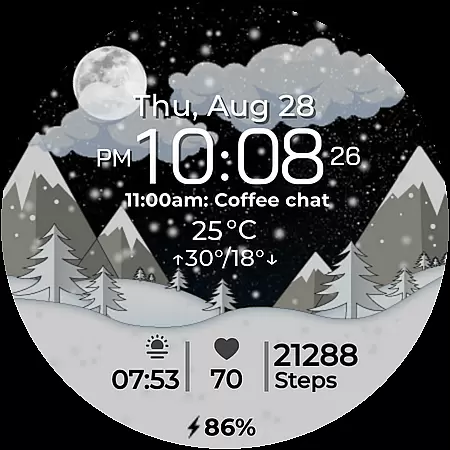
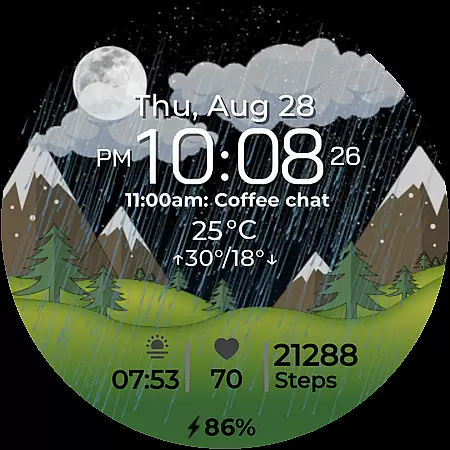
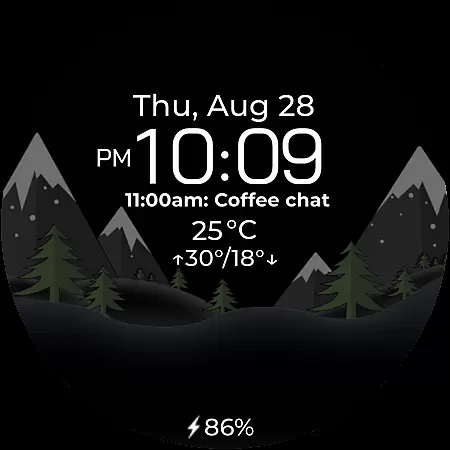
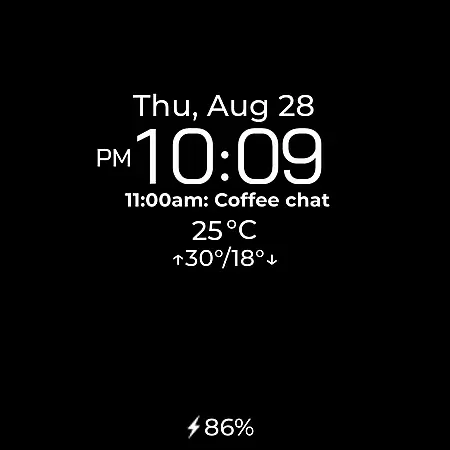
Chester Seasons is a dynamic and visually appealing watch face designed specifically for Wear OS devices. This application goes beyond basic timekeeping by offering users an interactive experience with smooth seasonal transitions, day and night cycles, and comprehensive weather updates.
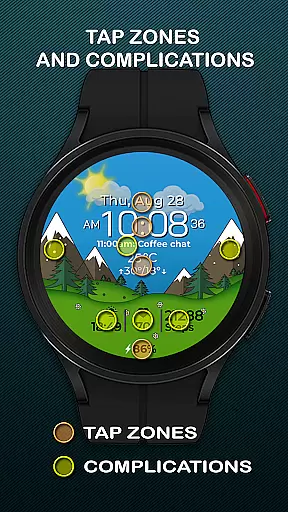
The watch face features rich customization options including complications, quick access zones for apps and workouts, and interactive tap zones. With support for both Celsius and Fahrenheit temperature displays, as well as essential information like date, battery level, and max/min temperatures, Chester Seasons ensures that users have all the necessary data at their fingertips.
Designed for smartwatches running Wear OS API 30+, this watch face brings both functionality and style to compatible devices such as Google Pixel Watch and Samsung Galaxy Watch series. Its automatic seasonal changes and beautiful animations make it an ideal choice for users looking to enhance their wearable experience.
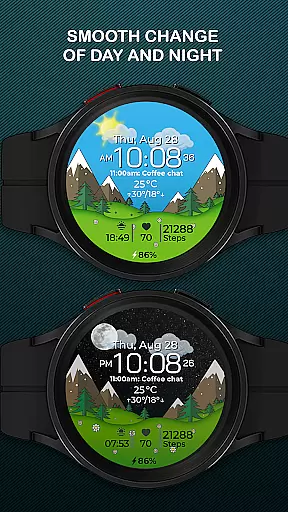
Chester Seasons stands out with its array of practical features tailored for Wear OS users. The watch face provides a seamless blend of aesthetics and utility, featuring smooth transitions between day and night, as well as automatic seasonal changes that can also be manually adjusted in settings.
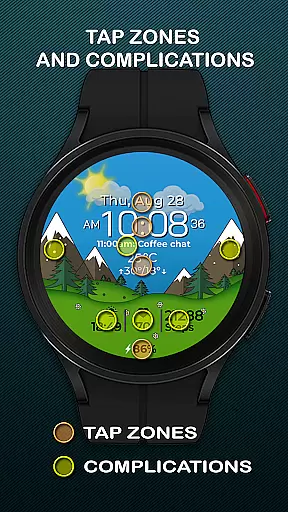
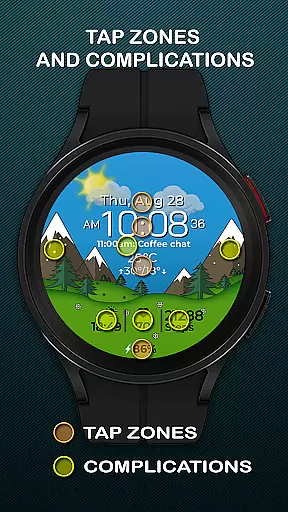
With four customizable complications, users can choose what information is displayed on their watch face. Three quick access zones allow easy navigation to favorite apps and workouts, while interactive tap zones enhance user engagement. Additionally, the weather display offers current conditions and temperature ranges in both Celsius and Fahrenheit.
Although certain advanced features are not available on devices running below Wear OS API 34, the core functionalities such as time, date, and battery indicators ensure that all users receive a comprehensive and stylish watch face experience.
Companion app integration is essential for a seamless smartwatch experience. Chester Seasons excels in this area by offering users the ability to customize their watch face through a dedicated companion app. This ensures that all settings, from seasonal changes to weather display, can be precisely controlled and adjusted according to personal preferences.
The level of synchronization between the Chester Seasons watch face and its companion app allows for real-time updates and personalization. Users can choose what information is displayed on their watch face, such as battery levels, complications, and even quick access zones for apps and workouts. This connectivity transforms the smartwatch into an extension of the user's digital life, providing both style and substance.
By leveraging the companion app, users gain access to advanced features like interactive tap zones and smooth day & night transitions. These elements work together to create a dynamic and responsive watch face that adapts not only to the time of day but also to the user's active lifestyle. The result is a highly personalized and functional accessory that enhances the overall Wear OS experience.
Device compatibility is a critical factor when choosing a watch face, and Chester Seasons stands out by supporting all Wear OS API 30+ devices. This includes popular models such as the Google Pixel Watch and Samsung Galaxy Watch series, ensuring that a wide range of users can enjoy the stylish and functional design. However, it's important to note that this watch face is not suitable for rectangular watches, maintaining optimal aesthetics on circular displays.
The compatibility extends beyond just the device type. On devices running Wear OS API 34 and above, Chester Seasons unlocks additional features such as weather display and manual background change for seasons. These functionalities enrich the user experience by providing timely and relevant information directly on the wrist, adapting to both the environment and user preferences.
With thoughtful design and broad device support, Chester Seasons offers a versatile and engaging experience for Wear OS users. Whether you're looking for a beautiful timepiece or a feature-rich interface, this watch face delivers on both fronts, making it a valuable addition to any compatible smartwatch.
Stylish design
Rich customization
Interactive features
Smooth animations
Comprehensive weather info
No weather on older OS
Limited to round watches
Manual season needs API 34
Battery use may increase
Complications can clutter

an Analog Watch Face for winter season with freeze winter background for Wear OS
 4.3
4.3
Be an elegant and classy secret agent, with this carefully detailed watch face
4.70
Structured watch face with seven complications and modular UI elements
3.90
The ultimate destination for kids ages 3-8 to explore the Marvel Universe!
4.30
Get helpful reminders, take progress photos and find answers to your questions.
3.90
Minimalistic design modern digital watch face.
4.5
Hyper-Realistic Airplane Dashboard Watch Face With 10 Skins and Custom AOD
4.00
Your local weather forecast, storm tracker, radar maps & live weather news
3.40
Simple, helpful messaging by Google
4.60
Period, ovulation & pregnancy tracker. Fertility insights & menstrual calendar.
4.90
The Chevron App allows you to pay for fuel from the comfort of your car!
4.80
Your second brain for organizing your life: to-do, calendar, reminder.
4.70
Gym & home workout plans with strength training, exercise tracking, HIIT & more.
4.60
Ideal for surviving in the wasteland left after nuclear fallout
4.50
Bold, Modern Hybrid Watch Face for Wear OS. 10 Colors, Rich Info Display.
4.30
"PER27 Galaxy Digital" is a digital Wear OS watch face designed by PERSONA
4.10
Embrace the festive spirit with our Christmas Countdown watchface for Wear OS
4.10
Want to take charge of your health? Let Google Fit help you reach your goals.
3.50
Christmas and New Year - Themed Watchface
4.4


User Reviews