
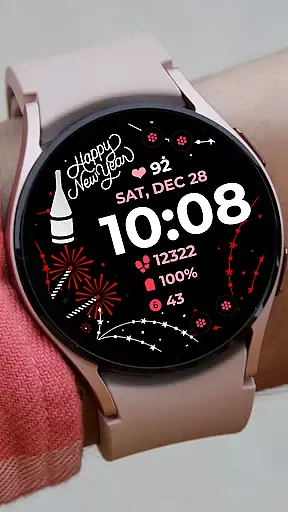
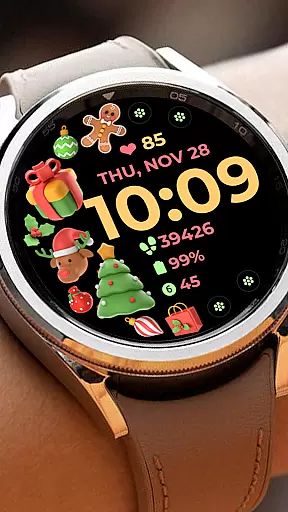
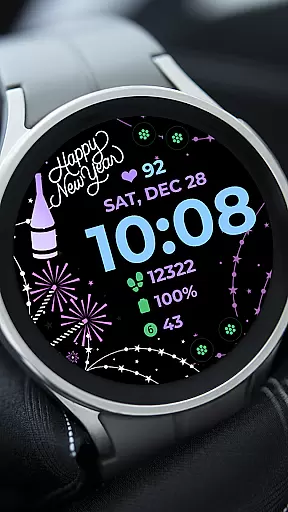
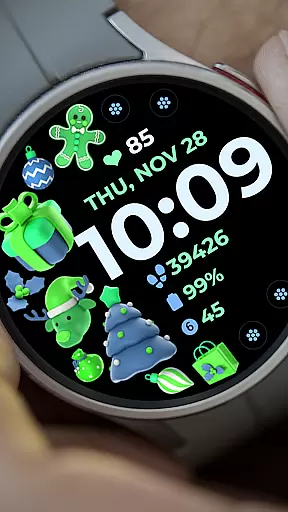
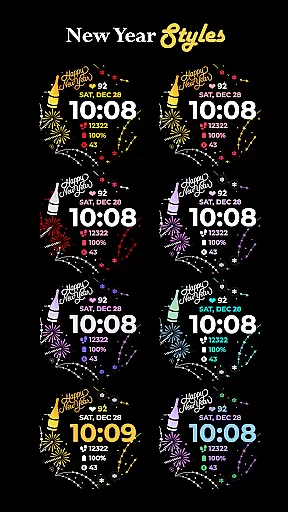
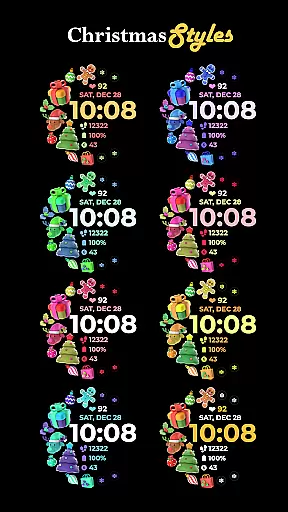
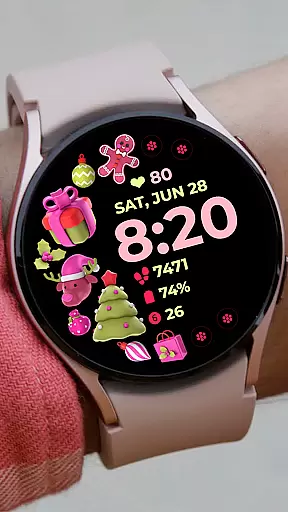
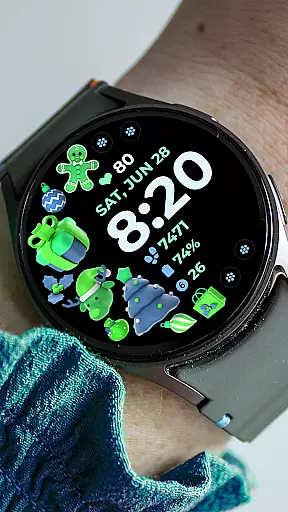
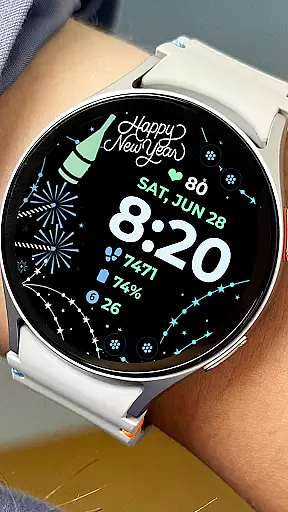
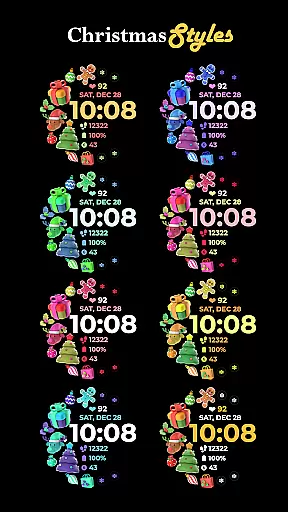
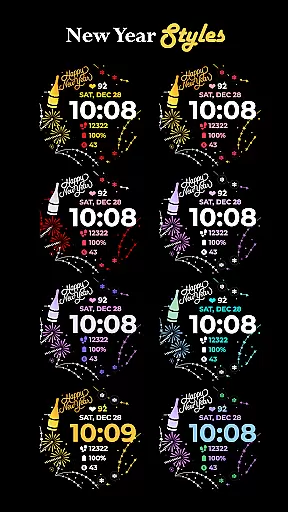
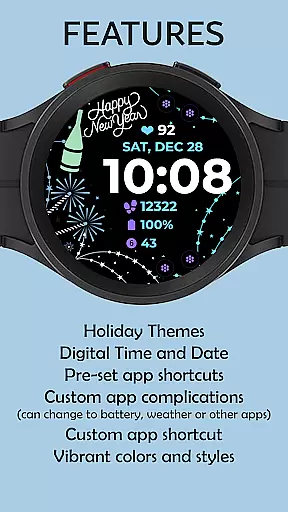
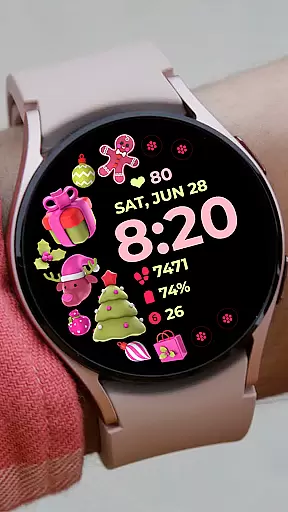
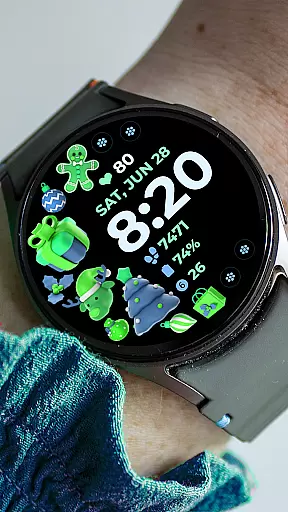
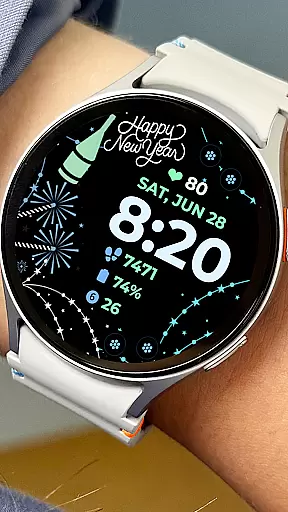
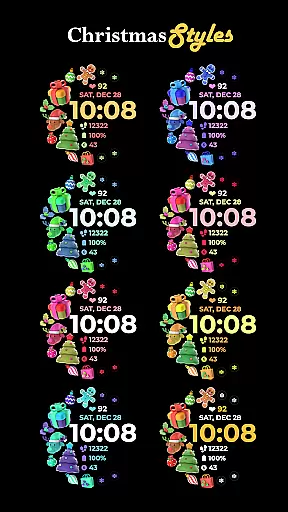
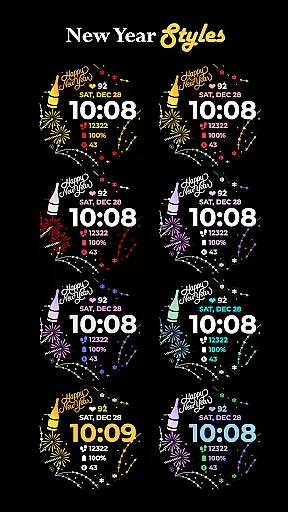
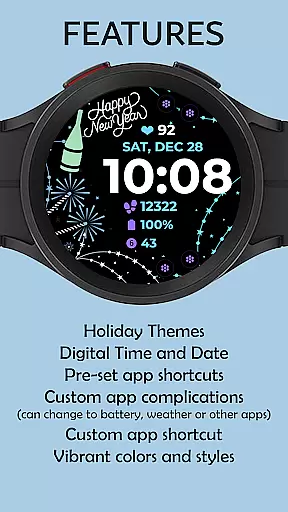
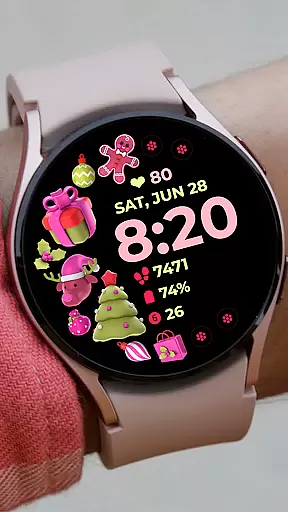
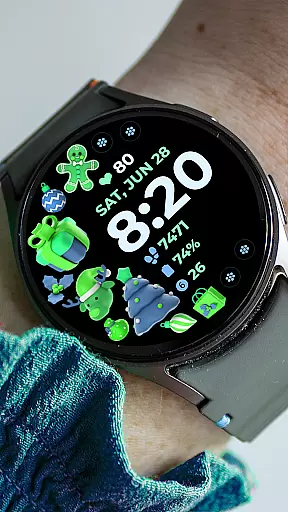
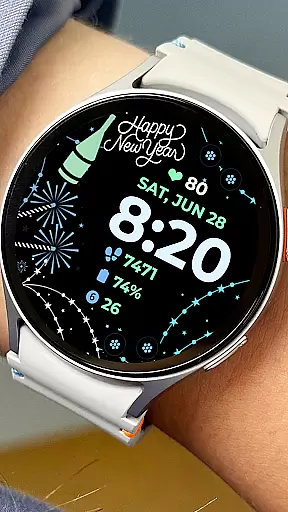
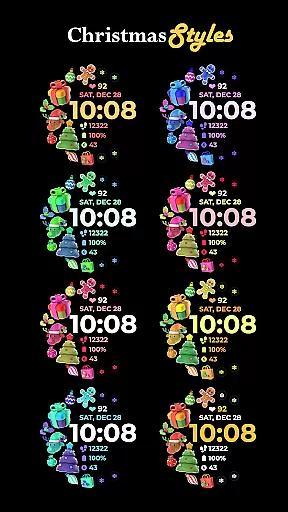
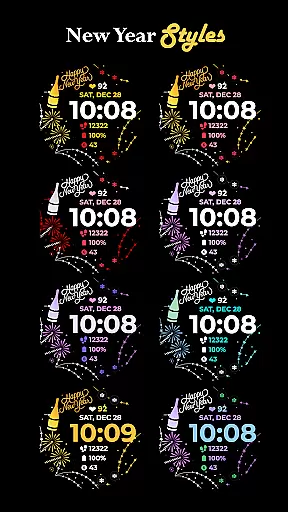
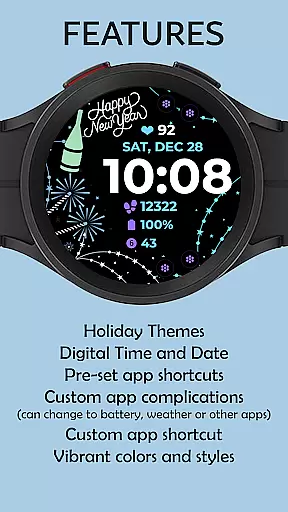
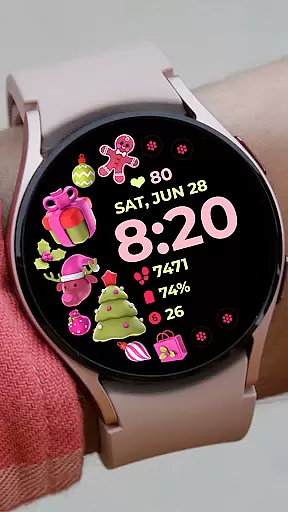
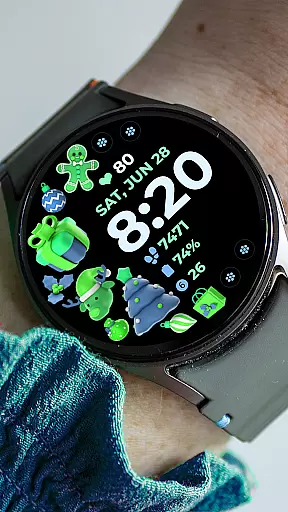
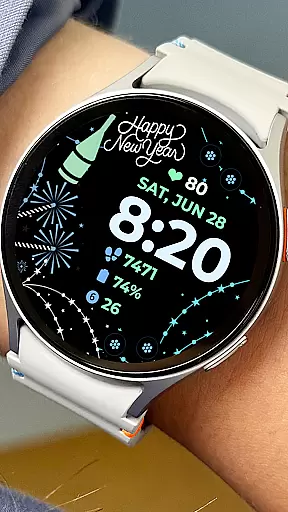
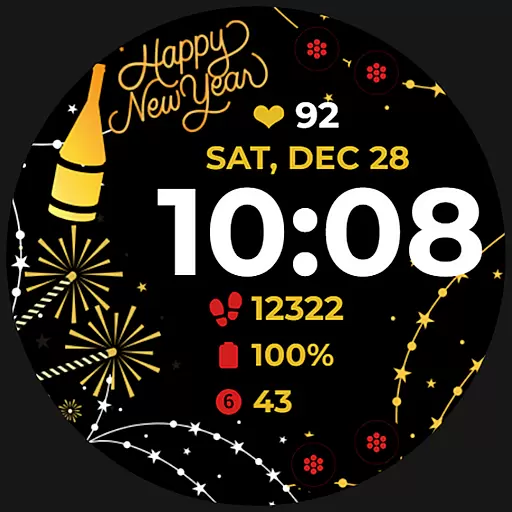
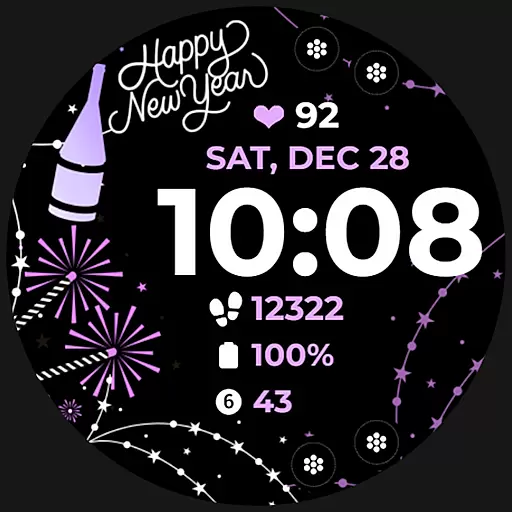
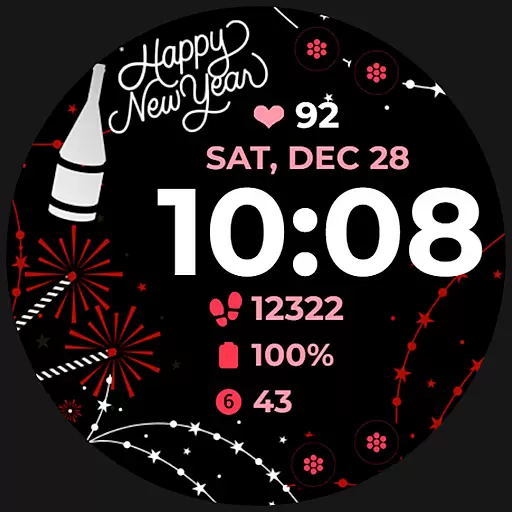
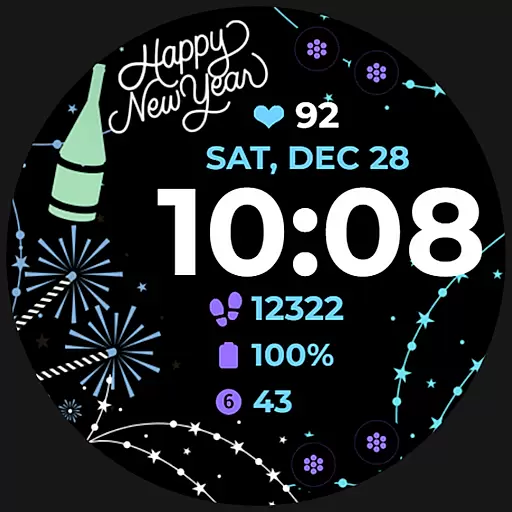
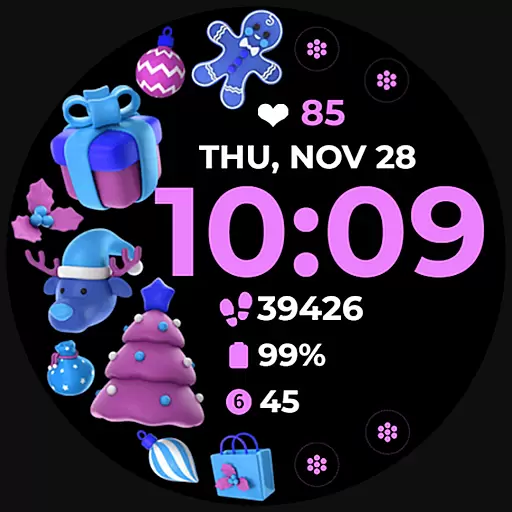
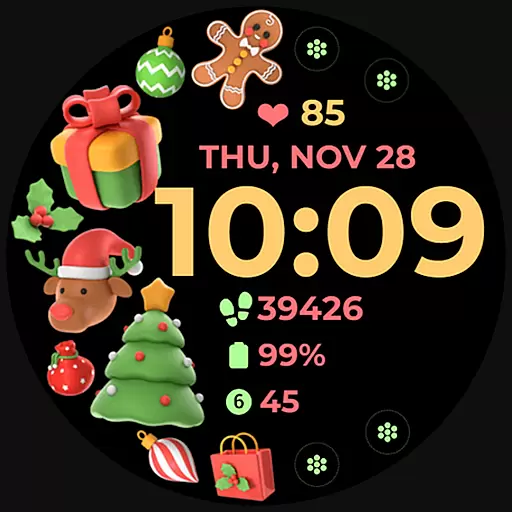
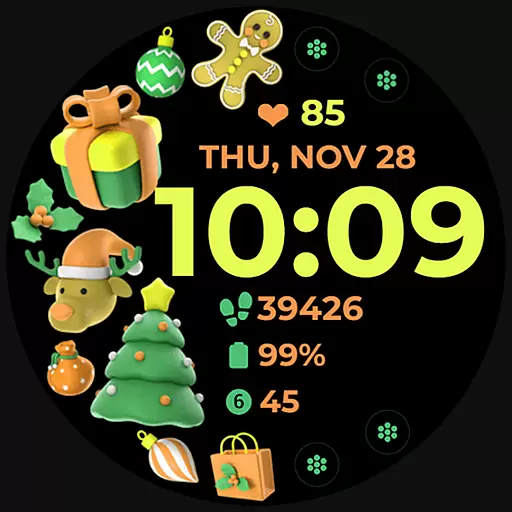
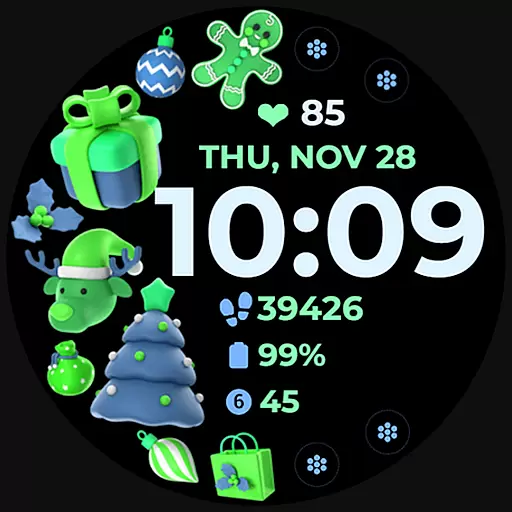
Holiday Art is a feature-rich watch face app designed specifically for Wear OS devices like the Samsung Galaxy Watch 4. Developed using Samsung's "Watch Face Studio" tool, this app offers users a customizable and visually appealing watch face experience.
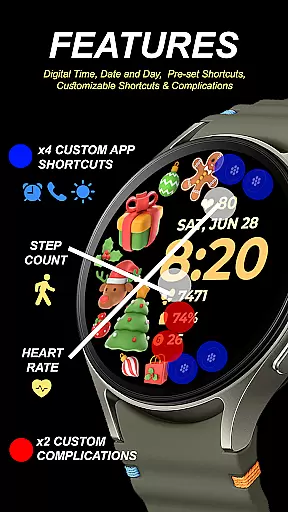
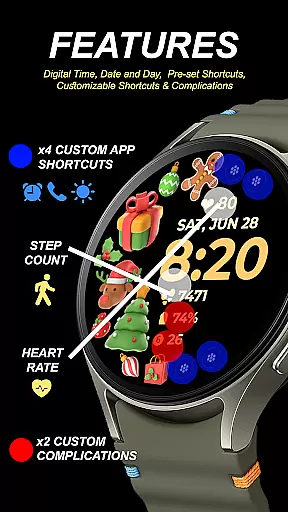
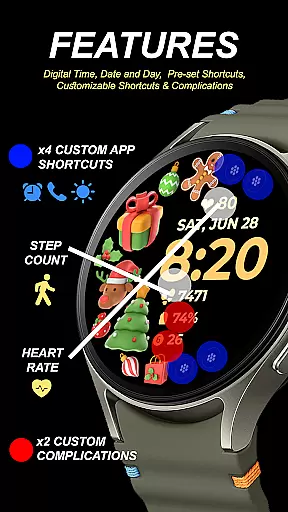
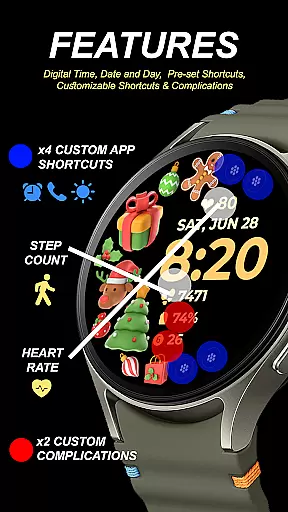
The app provides essential timekeeping features including digital clock, date, day, and an always-on display (AOD). Users can further personalize their watch faces with preset app shortcuts, customizable app shortcuts, complications, and changeable styles and color palettes. These features ensure both functionality and personalization options are available at your fingertips.
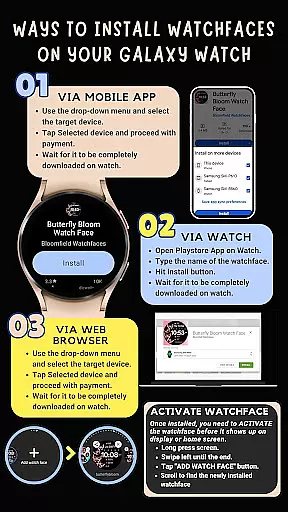
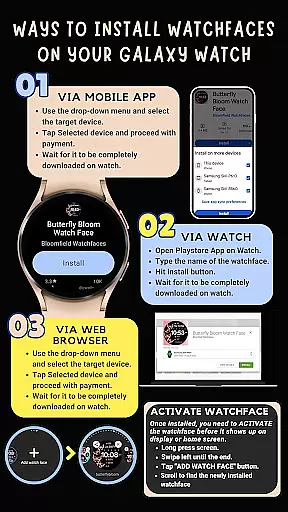
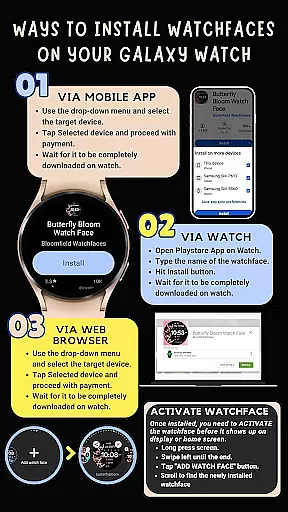
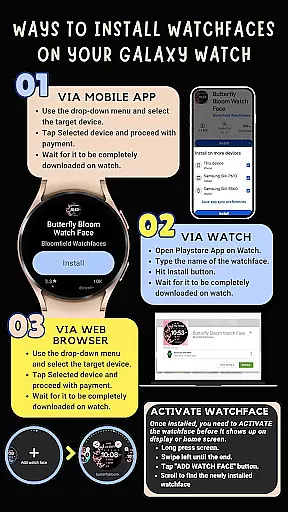
Whether you want to quickly view the time or access your favorite apps directly from your watch face, Holiday Art delivers a seamless smartwatch experience. The installation process is straightforward but requires a strong WiFi connection between the phone and watch, as well as proper Google account setup on the wearable device.
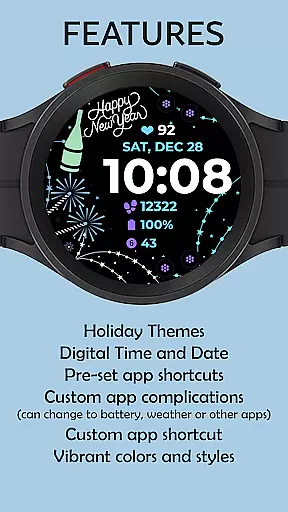
Holiday Art stands out with its comprehensive set of customization features tailored for smartwatch users. The app includes a digital clock display, date and day indicators, and an always-on display (AOD) mode that ensures important information is visible at all times without needing to wake the device.
One of the key highlights is the ability to customize app shortcuts and complications. This allows users to tailor their watch face to suit their specific needs by adding quick access to frequently used applications. Additionally, the app supports various style and color palette options, enabling users to match their watch face with their personal preferences or outfit.
Although some features may not be available on all devices, Holiday Art is optimized for Samsung Galaxy Watch 4 and similar Wear OS devices. The app also emphasizes ease of installation, guiding users through connecting their watch and phone via the same WiFi network and ensuring proper Google account login on the watch itself.
Companion app integration is essential for a seamless wearable experience. Holiday Art ensures that its watch face app works in harmony with your smartphone, providing users with an easy installation process and smooth functionality. The app requires a strong connection between the watch and phone, often facilitated by the same Wi-Fi network, to ensure efficient data transfer.
Once installed, the Holiday Art watch face does not automatically change on your device. Users need to manually add it through their home display settings. This manual step allows for greater control over which watch faces are active on your device, ensuring that only desired designs are present.
The app also emphasizes the importance of enabling all permissions for optimal performance. By allowing necessary permissions from the settings, users can enjoy the full range of features without interruptions. This includes access to app shortcuts and complications, which enhance the utility of the watch face.
Compatibility with Wear OS and various devices is crucial for a versatile app like Holiday Art. Developed using Samsung's 'Watch Face Studio' tool, this watch face supports devices based on the new Wear OS Google/One UI Samsung operating system, including models such as the Samsung Galaxy Watch 4. This compatibility ensures that users across different platforms can enjoy the app's features.
Holiday Art offers a variety of functionalities, including a digital clock, date and day display, always-on (AOD) mode, preset app shortcuts, customizable app shortcuts and complications, and changeable styles and color palettes. These features cater to diverse user preferences, enhancing both aesthetics and usability.
However, it's important to note that some features may not be available on all watches due to hardware limitations or software differences. To address any issues, the developers provide extensive support through email, a dedicated Facebook page, and YouTube tutorials. This comprehensive support network helps users resolve potential compatibility concerns effectively.
User-friendly interface
Highly customizable
Always-On Display
Wide compatibility
Comprehensive support
WiFi connection required
Limited refunds
Device restrictions
Installation steps
Premium features

A Wintery Snow Globe on Your Wrist; now celebrating Christmas!
 4.0
4.0
A full-featured Amazon Alexa voice assistant that can show you things.
3.70
Contemporary digital watch face with five complications
4.2
Stunning modern digital watch face with 7 complications and strong contrast
4.4
Digital watch face. For Wear OS devices.
4.40
Reliable phone calls with spam protection, caller ID and more helpful features
4.40
Retro digital watch face with customizable colors and a unique lighting effect
4.60
Simple, helpful messaging by Google
4.60
Back up your contacts & access them anywhere
4.30
Beautiful, colorful and practical watch face. For Wear OS devices.
5.00
Hyperlocal rain alerts by MyRadar using patent-pending technology, radar & more
4.80
Nutrition, Macro tracker: Food, fitness & healthy diet tracking for weight loss
4.60
To-Do List: daily schedule planner, task organizer, to do reminder app, calendar
4.60
Real-time results, stats, schedules and player profiles for all leagues
4.60
Deck out your Wear OS Watch face with a beautifully decorated pine wreath!
4.50
Digital watch face with big numbers and many customization for Wear OS devices
4.40
Bold, Modern Hybrid Watch Face for Wear OS. 10 Colors, Rich Info Display.
4.30
Christmas is near, let's count together the days left until Santa comes
4.5
Analog watch face with 8 complications and expedition styling
4.0


User Reviews