
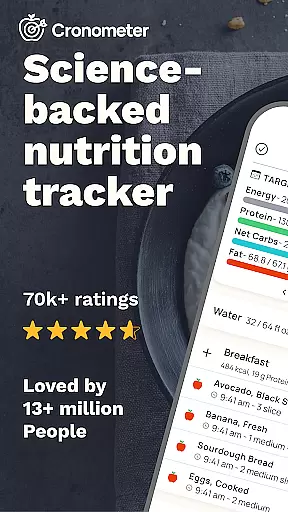
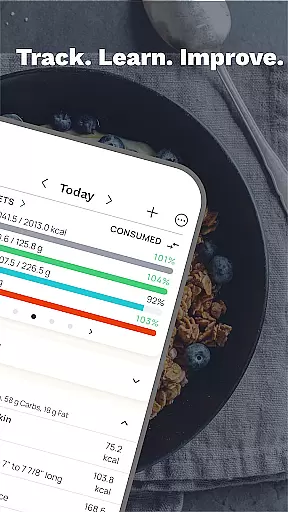
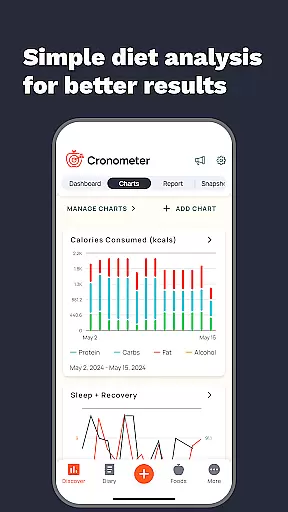
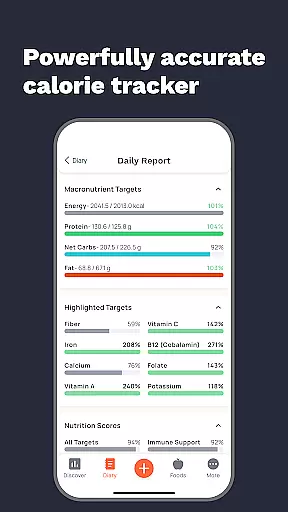
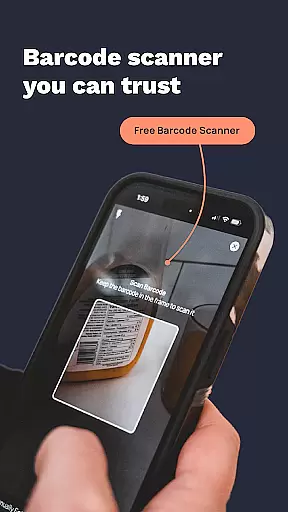
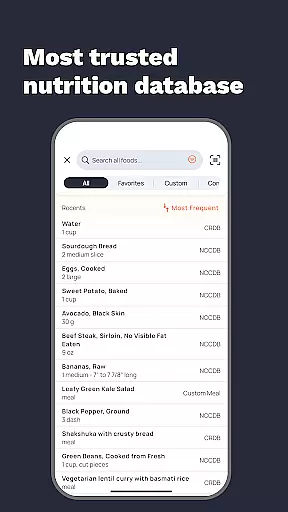
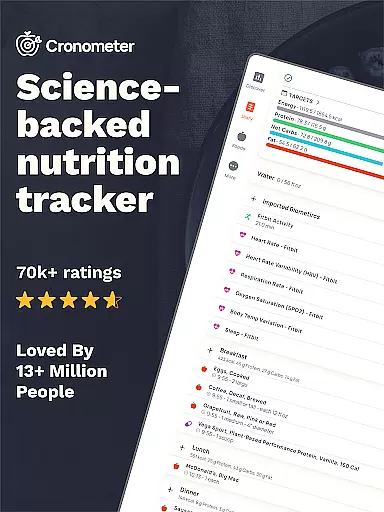
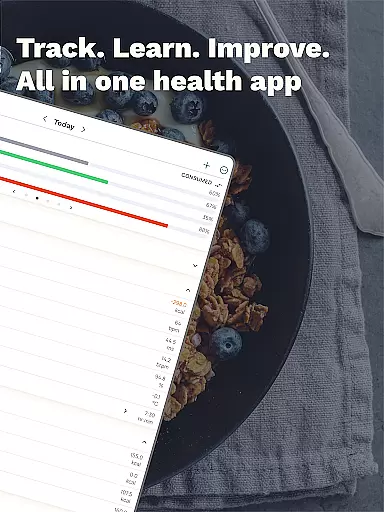
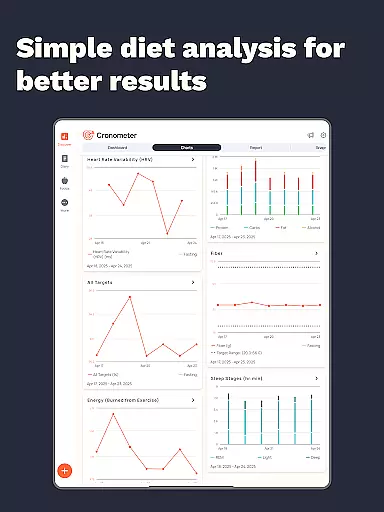
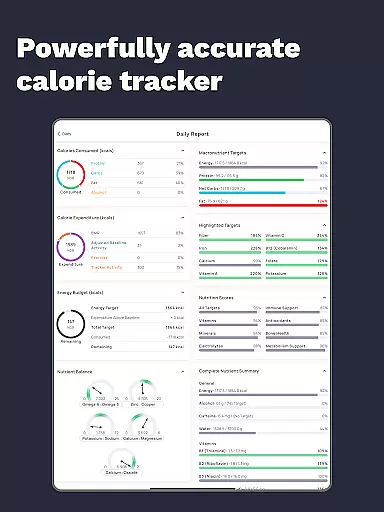
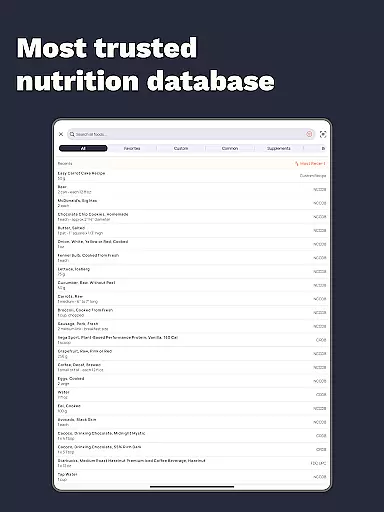
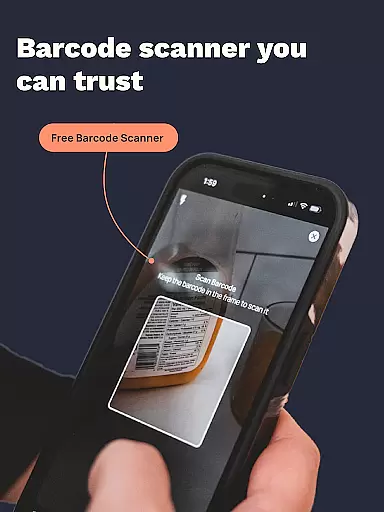
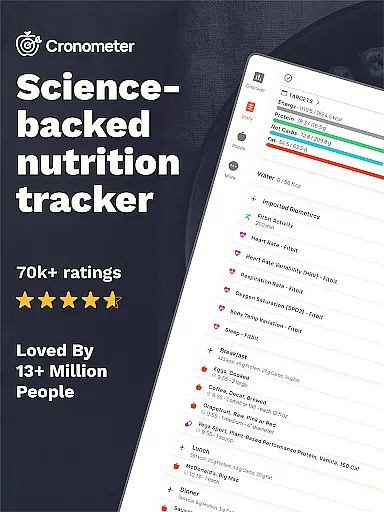
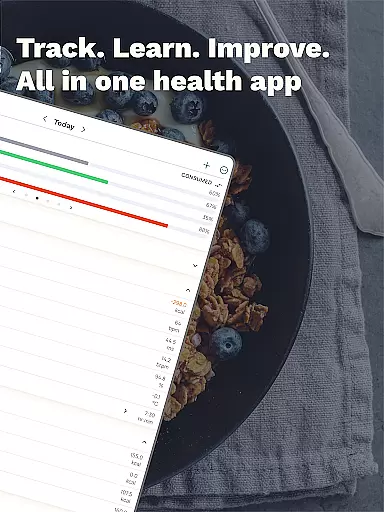
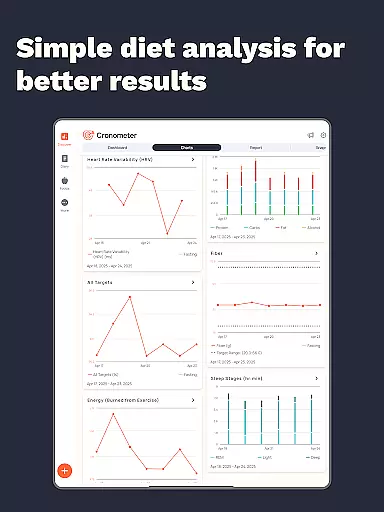
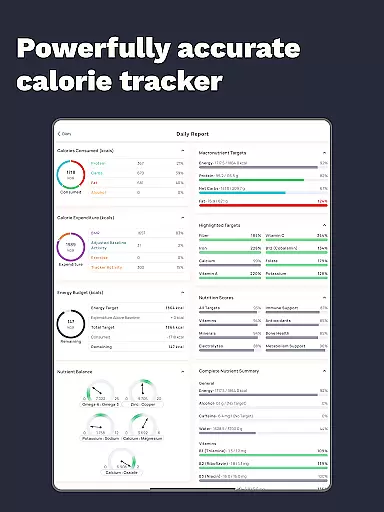
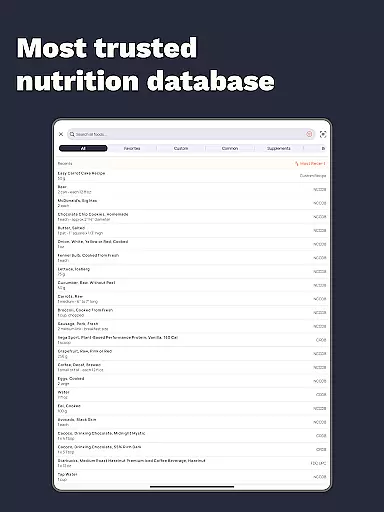
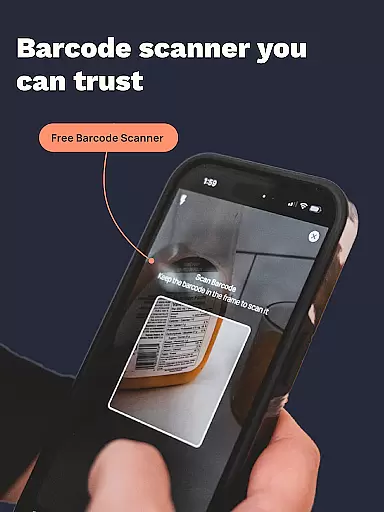
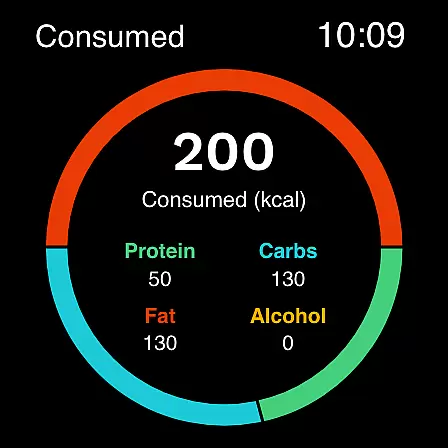
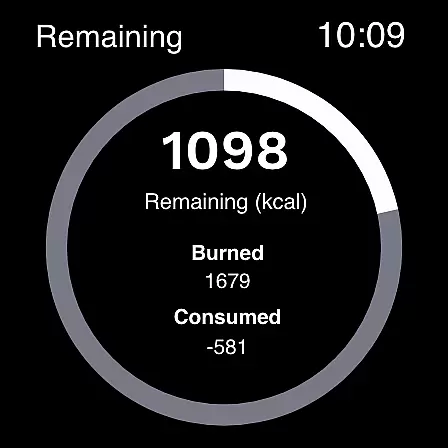
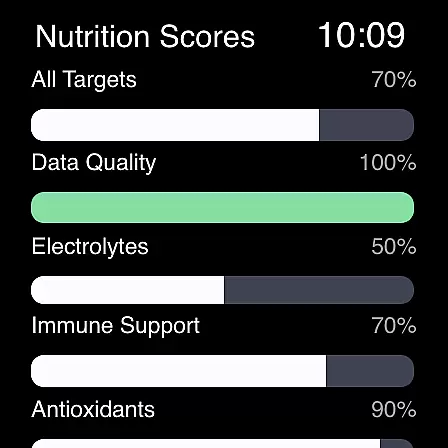
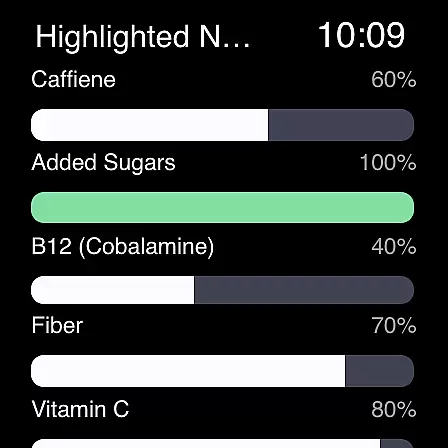
Cronometer is a comprehensive nutrition and health tracking app designed for Android Wear devices. This calorie counter goes beyond basic tracking by offering detailed insights into macronutrients, micronutrients, and overall dietary balance. With over 1.1 million verified food entries and lab-analyzed nutrient data, it ensures unparalleled accuracy in meal logging.
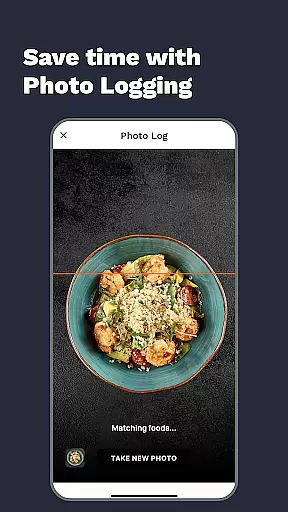
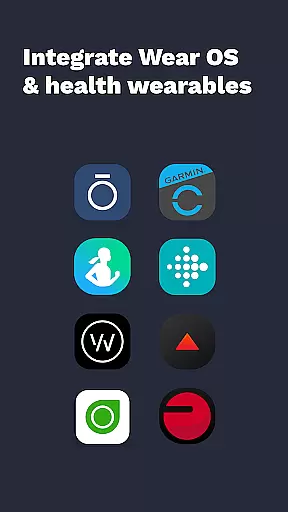
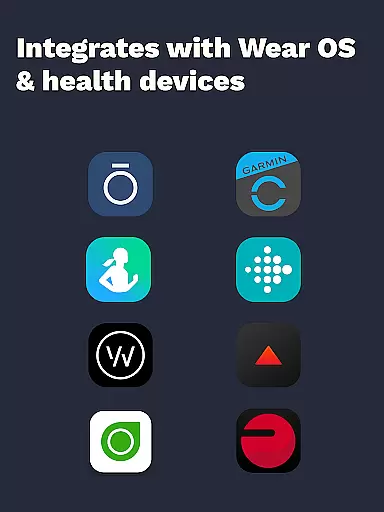
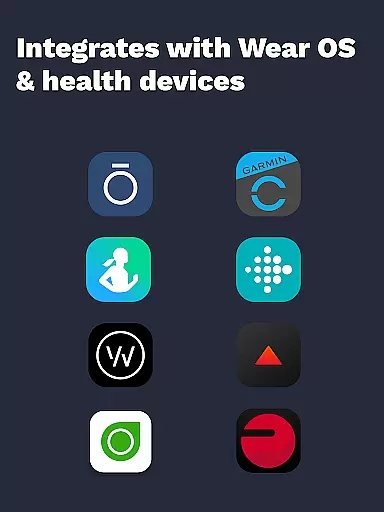
The app's standout feature is its AI-powered photo logging capability, allowing users to snap meal photos that are automatically analyzed for ingredients and portion sizes. Cronometer also integrates with popular wearable devices like Fitbit, Garmin, and Oura Ring, creating a unified health monitoring system. Whether you're focused on weight loss, muscle gain, or general wellness, this app provides the tools needed to make informed nutritional choices directly from your smartwatch.
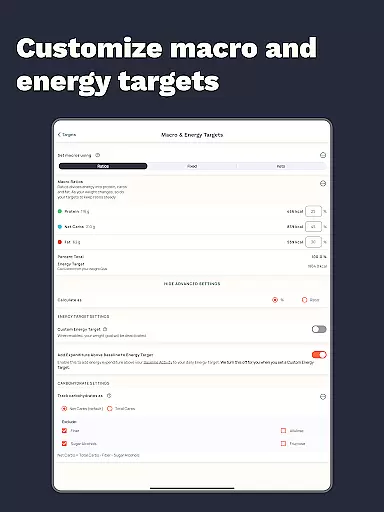
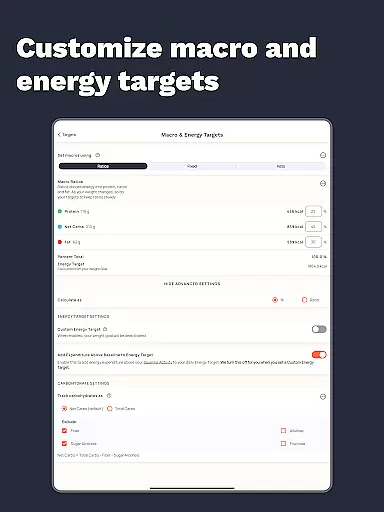
Cronometer distinguishes itself through its scientific approach to nutrition tracking. The app's core functionality includes precise calorie counting, macro tracking, and detailed micronutrient analysis across 84 different nutrients. Its unique Nutrient Oracle feature helps users identify top contributors to specific nutrients, while the Nutrition Scores system evaluates eight key nutrient areas.
Advanced users can benefit from Cronometer Gold's premium features, including automated meal repetition, custom biometric tracking, and professional PDF report generation. The app's integration with Wear OS enables seamless on-the-go tracking, while its extensive database of verified foods ensures reliable nutrient information. These features collectively create a powerful tool for both casual users and health professionals seeking accurate dietary analysis.
Companion app integration is crucial for wearable devices as it ensures seamless data synchronization and functionality between the main application and its wearable counterpart. Cronometer excels in this area by offering a robust connection between its mobile app and Wear OS devices.
The integration allows users to track calories and macros directly from their smartwatches, providing real-time updates without needing to reach for their phones. This feature enhances convenience, especially during workouts or when users are on the go.
By leveraging companion app integration, Cronometer ensures that all logged data on the wearable device is accurately reflected in the main app. This synchronization supports a holistic view of the user's health metrics, making it easier to maintain consistency in tracking nutritional intake and fitness goals.
Ultimately, this seamless companion app integration empowers users to manage their nutrition and fitness more effectively, ensuring they have access to critical data whenever and wherever they need it.
Wear OS and device compatibility is essential for apps like Cronometer that aim to provide comprehensive health tracking across multiple platforms. Cronometer has been optimized to work seamlessly with Wear OS, ensuring users can access its features directly from their smartwatches.
This compatibility extends beyond just Wear OS; Cronometer also integrates with various other devices such as Fitbit, Garmin, Dexcom, Oura, and more. By supporting a wide range of devices, Cronometer offers a unified platform where users can sync all their health data, creating a complete picture of their wellness journey.
The ability to connect with different devices not only enhances user experience but also increases the app's versatility. Users can choose the devices that best fit their lifestyle while still benefiting from Cronometer's precise tracking capabilities.
In summary, Cronometer's strong Wear OS and device compatibility make it an invaluable tool for anyone looking to streamline their health tracking process across multiple devices, ensuring no data point is missed in their pursuit of better health.
Highly accurate nutrient tracking
Extensive verified food database
AI-powered photo logging
Comprehensive wearable integrations
Detailed micronutrient analysis
Premium features require subscription
Complex interface for beginners
Limited free version capabilities
Occasional sync issues reported
Advanced features may overwhelm casual users

Diet tracker for weight loss - track calories, food and macros. Simple and easy!
 4.70
4.70
Calming & relaxing sounds for sleeping and stress relief. Stay focused all day!
4.20
WTW M17 is a premium and luxurious hybrid watch face
4.70
Rose gold watch face with festive lights & customizable features.
4.60
Easy Voice Recorder is your everyday companion to record important moments.
4.70
Watch face designed for Thanksgiving Day. 7 Background Styles included.
3.20
A modern premium sporty hybrid watch face for Wear OS by Ballozi
4.70
Fitness interactive virtual pet super fighter boy watch face
4.4
Bold weather Digital watchface with forecast & optional animated background
4.40
Gym Log & Workout Tracker | Fitness Journal, Training & Weight Lifting Planner
4.90
Period, ovulation & pregnancy tracker. Fertility insights & menstrual calendar.
4.90
The Chevron App allows you to pay for fuel from the comfort of your car!
4.80
A modern hybrid informative watch face for Wear OS designed by BALLOZI
4.80
Be an elegant and classy secret agent, with this carefully detailed watch face
4.70
The most customizable minimal watch face. For Wear OS 5.0, API 34+ and later
4.70
MyNISSAN® lets you remotely control your car from your phone.*
4.50
Ideal for surviving in the wasteland left after nuclear fallout
4.50
Watch face for Wear OS.
4.20
A Wintery Snow Globe on Your Wrist; now celebrating Christmas!
4.5


User Reviews