
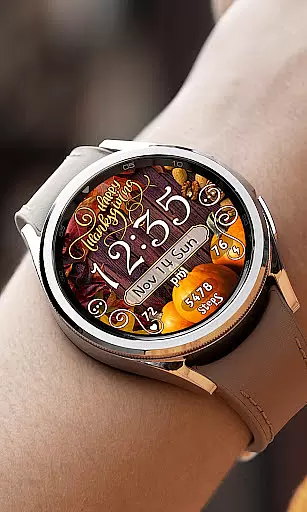
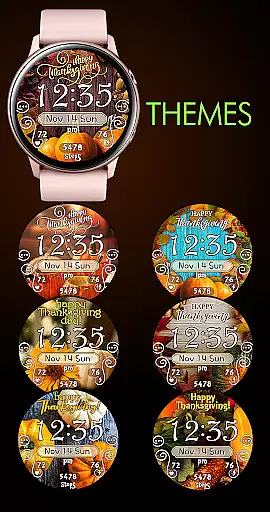

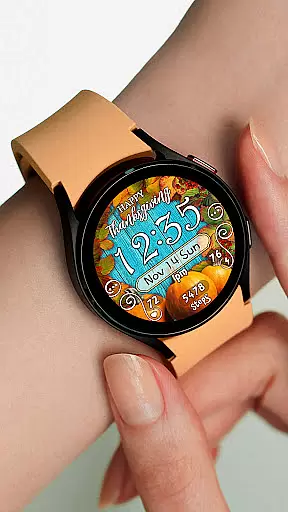
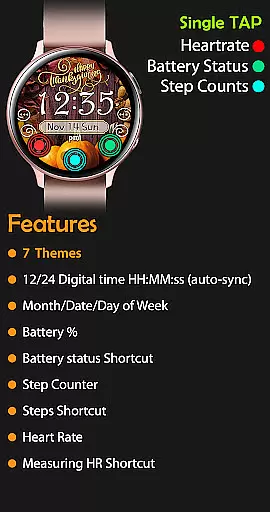
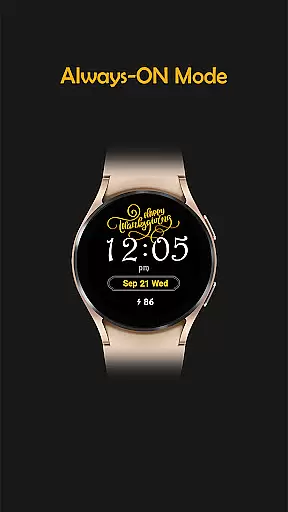
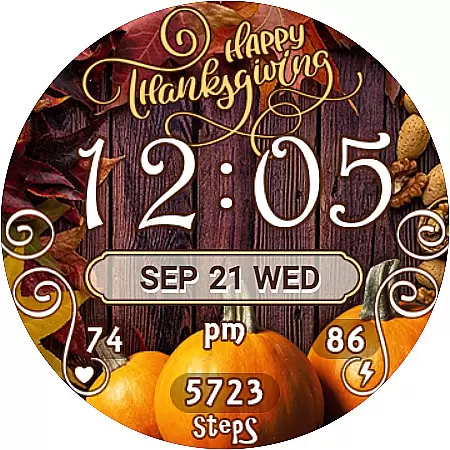
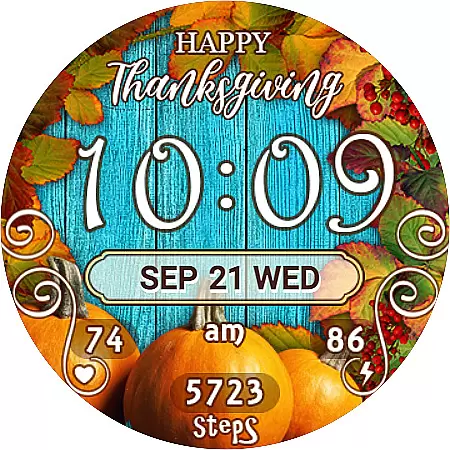
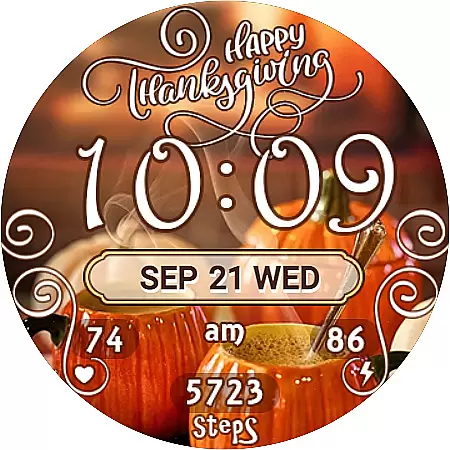
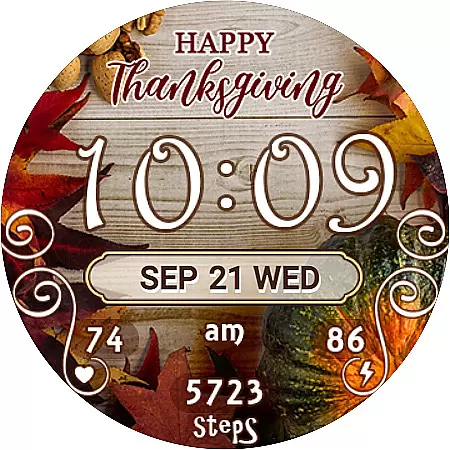
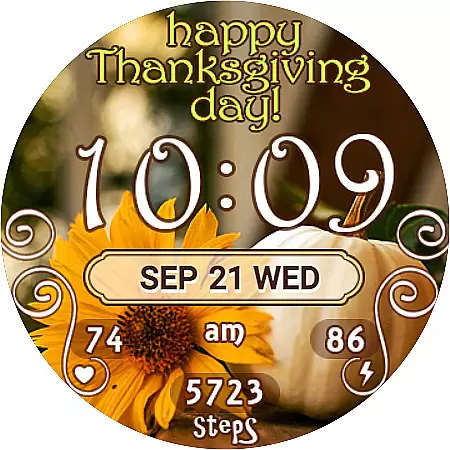
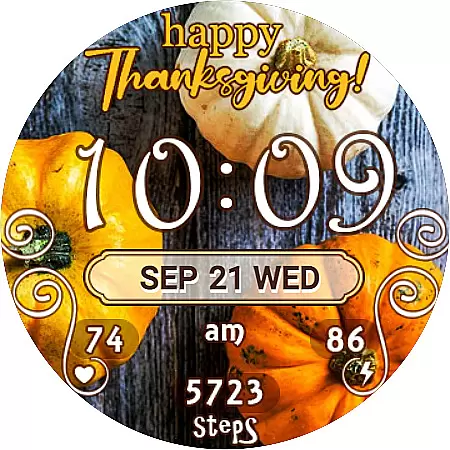
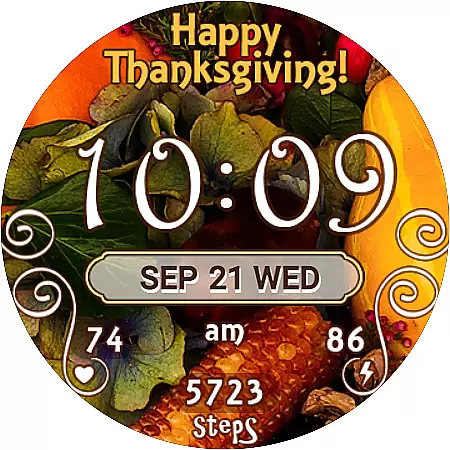
Thanksgiving Day Watch Face is a specially designed Wear OS watch face that celebrates the festive spirit of Thanksgiving. This digital watch face offers both 12-hour and 24-hour time display options, automatically syncing with your phone's time settings. It features seven unique background themes, allowing users to customize their watch face according to their preferences.
In active mode, users can enjoy additional functionalities such as displaying the day of the week, date, month, battery percentage, step counter, and even a shortcut to the SHealth Steps app. The heart rate widget provides quick access to the Heart Rate monitoring application. In always-on mode, essential information like time, day, and battery level remains visible, ensuring convenience without sacrificing style.
One of the standout features of the Thanksgiving Day Watch Face is its versatility. With seven different background themes, users have the flexibility to choose a look that best suits their mood or occasion. The easy-to-navigate interface makes switching between themes straightforward, enhancing personalization.
The inclusion of practical widgets elevates this watch face beyond mere aesthetics. Users benefit from real-time health tracking through the step counter and heart rate monitor, which also provide shortcuts to respective apps for more detailed insights. Additionally, the always-on feature ensures vital information remains accessible at a glance, combining functionality with festive design elements tailored for Thanksgiving enthusiasts.
For the Thanksgiving Day Watch Face, seamless companion app integration is crucial for an optimal user experience. This watch face is designed to sync automatically with your phone's time and various health metrics, ensuring that all displayed information remains accurate and up-to-date.
The installation process involves a synchronization period between the Google Play Store and your Wear OS device, which typically takes about 10-15 minutes. This ensures that any purchased watch faces are correctly synced across devices, providing users with instant access to their new watch face.
Should the watch face not appear automatically, users can manually locate it by navigating through their existing watch faces on the device. By swiping to the end of the list and tapping the '+' icon, users will find their newly acquired watch face ready for selection.
Compatibility with Wear OS and a variety of devices is a key feature of the Thanksgiving Day Watch Face. Designed specifically for Wear OS, this watch face supports a wide range of smartwatches, ensuring that users can enjoy its features regardless of their specific device model.
This watch face offers multiple display options, including 12/24-hour digital time formats that automatically sync with the paired phoneu2019s time. It also includes essential widgets such as day, date, month, battery percentage, step counter, and heart rate monitor, all optimized for Wear OS.
With seven unique background themes, users have the flexibility to customize their watch face to match their personal style. These themes are easily selectable directly from the watch interface, providing a smooth and intuitive customization experience.
Customizable Themes
Real-Time Health Tracking
Always-On Display
Syncs with Phone Time
Festive Design
Limited to Wear OS
No Leading Zero Option
Installation Sync Delay
Manual Theme Search
Feature Overlap

an Analog Watch Face for winter season with freeze winter background for Wear OS
 4.2
4.2
Embrace the festive spirit with our Christmas Countdown watchface for Wear OS
4.10
A watch face that fuses motorsport precision with contemporary smartwatch design
4.4
Digital watch face. For Wear OS devices.
4.40
Find EV charging stations
4.30
The Chevron App allows you to pay for fuel from the comfort of your car!
4.80
Real-time weather radar with temperatures, warnings, hurricanes, and widgets
4.80
Hybrid watch face for Wear OS with customizable complications by Matteo Dini MD
4.70
Your music, your playlists, and more—offline and unlimited.
4.20
Monitor health with the stress test and pulse checker in the heart rate app.
4.60
Walking app for weight loss: walk & step tracker, pedometer, indoor treadmill
4.60
Gym & home workout plans with strength training, exercise tracking, HIIT & more.
4.60
Digital watch face with big numbers and many customization for Wear OS devices
4.40
Christmas watch face. For Wear OS devices.
4.30
The ultimate destination for kids ages 3-8 to explore the Marvel Universe!
4.30
"PER27 Galaxy Digital" is a digital Wear OS watch face designed by PERSONA
4.10
Wear Os Watch Face - Animated Snow Effect & Magic Spark - 6 Scenes
4.10
sleep, alarm, snoring, stress, healing, focus, sound therapy, circadian rhythm
4.10
Your local weather forecast, storm tracker, radar maps & live weather news
3.40


User Reviews