
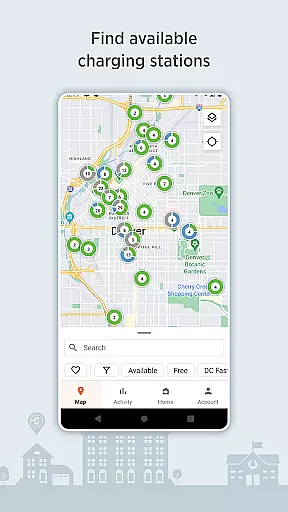
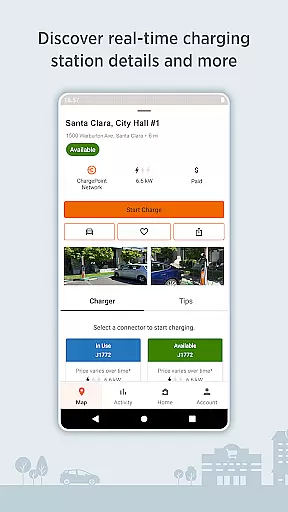
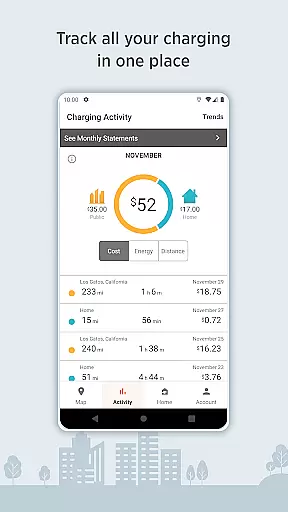
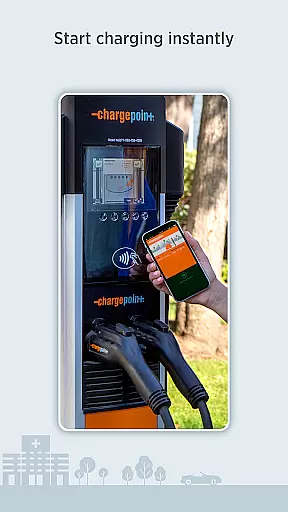
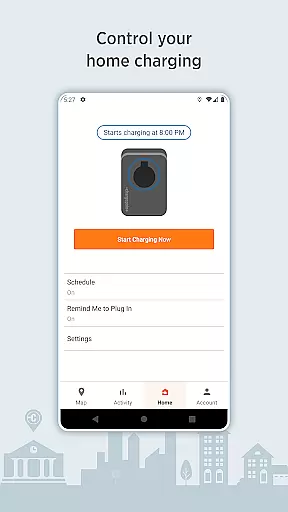
ChargePoint is the ultimate app for electric vehicle (EV) drivers, providing seamless access to the world's largest EV charging network. With hundreds of thousands of stations and roaming partners like FLO, EVgo, and Greenlot, it offers real-time station availability, customizable filters, and essential details such as pricing and driver tips. The app allows users to charge instantly via Tap, track complete charging activity, and manage both public and home charging through a single interface.
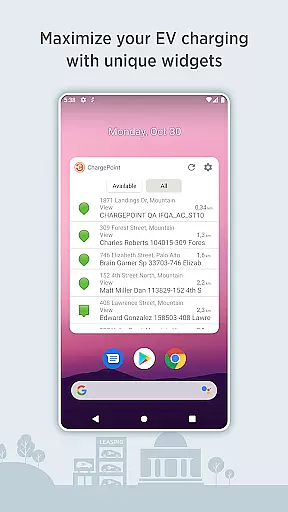
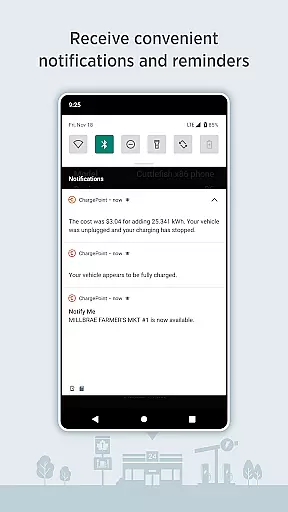
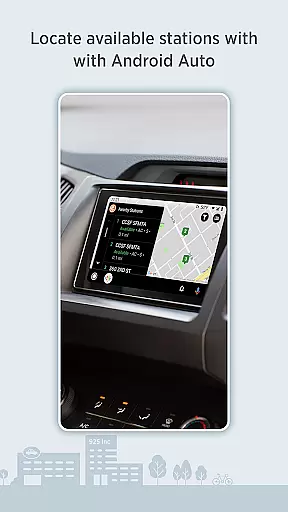
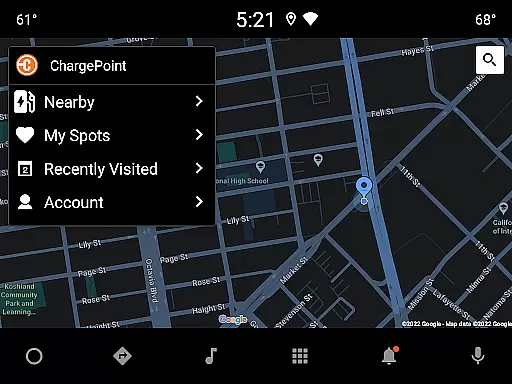
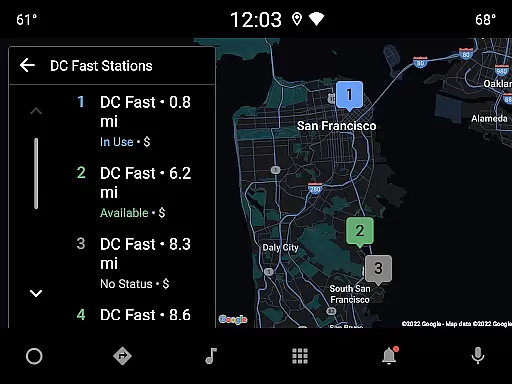
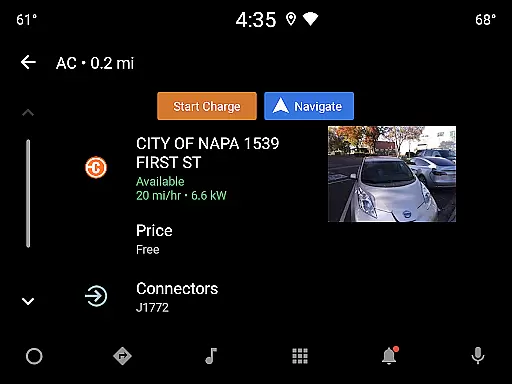
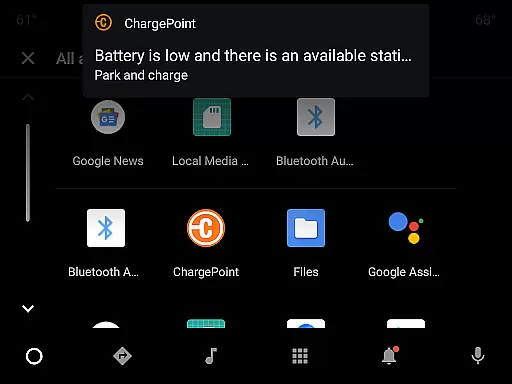
Beyond basic charging, ChargePoint enhances convenience with live updates, notifications on charging status, and widgets for quick access to key features without opening the app. It also supports advanced integrations, including Wear OS by Google for instant charging and Android Auto for easy station location while driving. Whether you're at home or on the road, ChargePoint ensures a smooth, tech-driven experience that lets you leave your wallet at home.
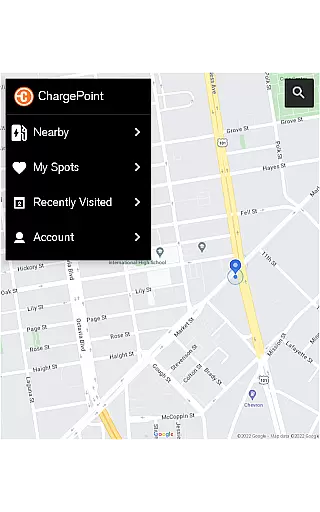
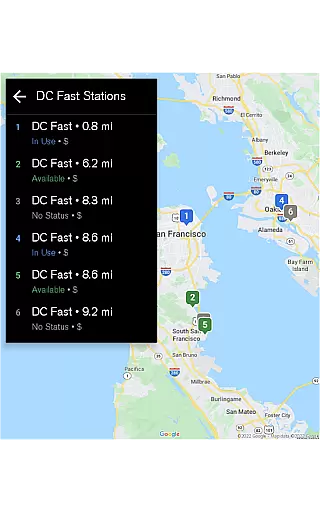
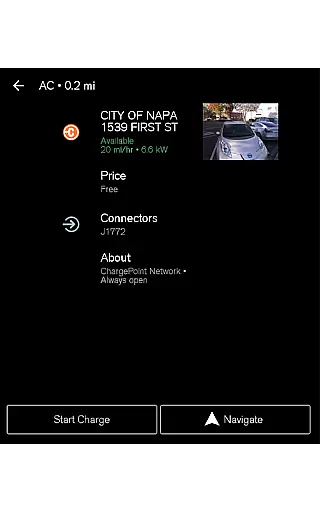
ChargePoint stands out with its all-in-one functionality tailored for EV drivers. The app provides an intuitive map displaying real-time station availability, ensuring users can locate chargers quickly. Its roaming feature enables seamless charging across partner networks using just the ChargePoint account, eliminating the need for multiple apps or memberships.
Customization is another highlight, allowing users to filter stations based on compatibility with their car or preferred charger type, such as AC or DC fast chargers. Additional premium features include detailed station information, live updates on charging sessions, and virtual Waitlist functionality for reserving spots remotely. Integration with smart devices like Wear OS and Android Auto further elevates user experience, making it easier than ever to manage EV charging efficiently.
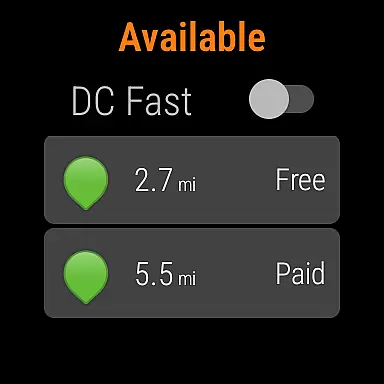
Companion app integration is essential for a seamless experience between mobile devices and wearable technology. The ChargePoint app excels in this area by offering users the ability to charge their electric vehicles using Wear OS by Google, ensuring that your smartwatch can initiate charging with just a tap.
This integration allows drivers to start charging instantly without needing to take out their phones. By simply tapping their Wear OS device, they can activate charging stations, providing unmatched convenience and speed. This feature is particularly useful when you're in a hurry or dealing with inclement weather conditions.
Furthermore, the ChargePoint app ensures that all functionalities available on the mobile app are mirrored on the Wear OS app. Users can receive live updates directly on their smartwatches, including notifications about charging status, station availability, and session costs. This comprehensive integration enhances user engagement and satisfaction.
The synchronization between the ChargePoint mobile app and its Wear OS counterpart guarantees that users have access to real-time data and control over their charging activities from either device. This cohesive ecosystem not only simplifies the charging process but also enriches the overall user experience, making it more intuitive and efficient.
Wear OS/device compatibility is crucial for ensuring that applications function correctly across different devices. The ChargePoint app supports a wide range of Wear OS devices, allowing users to leverage their smartwatches for managing EV charging efficiently.
This broad compatibility means that regardless of whether you own a Samsung, Fossil, or any other brand of Wear OS device, you can rely on the ChargePoint app to deliver consistent performance. This universality enhances user convenience as it eliminates the need for multiple apps or devices to manage charging activities.
In addition to basic functionality, the ChargePoint app offers advanced features tailored for Wear OS. For instance, users can easily view how many miles have been added to their vehicle's range during a charging session right from their wrist. Such features make daily interactions with the app both practical and engaging.
By prioritizing Wear OS/device compatibility, the ChargePoint app ensures that all users, irrespective of their choice of wearable technology, enjoy a high-quality, uninterrupted service. This commitment to compatibility underscores the app's dedication to delivering a superior and versatile user experience.
User-friendly interface
Extensive charging network
Real-time station updates
Seamless roaming partnerships
Advanced smart integrations
Occasional connectivity issues
Limited free customer support
Premium features require subscription
Some regions lack coverage
Complex pricing structure

Rose gold watch face with festive lights & customizable features.
 4.60
4.60
A heartwarming Christmas scene featuring a cute image of Santa and Rudolf
4.5
A watch face that fuses motorsport precision with contemporary smartwatch design
4.1
3 Complications. All shadow on/off. 30 Themes color palette...
4.1
Fitness interactive virtual pet super fighter boy watch face
4.5
Nutrition, Macro tracker: Food, fitness & healthy diet tracking for weight loss
4.60
Connect to your Bluelink equipped Hyundai vehicle from your smartphone.
4.50
Your music, your playlists, and more—offline and unlimited.
4.20
Spam call blocker and caller ID for automatic call protection!
4.40
Diet tracker for weight loss - track calories, food and macros. Simple and easy!
4.70
Your second brain for organizing your life: to-do, calendar, reminder.
4.70
Highly customizable hybrid watch face for Wear OS, perfect for everyday use.
4.60
Retro digital watch face with customizable colors and a unique lighting effect
4.60
"PER27 Galaxy Digital" is a digital Wear OS watch face designed by PERSONA
4.10
Professional weather radar and more
3.90
Authentic military-tactical design with ZULU time! Realistic and functional!
3.80
Wear Os Watch Face - Animated Snow - Sesonal for Christmas & Winter
4.3
A Wintery Snow Globe on Your Wrist; now celebrating Christmas!
4.0
Simple Analog-Digital Watchface For Wear OS 3.0 and Up Smartwatches
4.2


User Reviews