
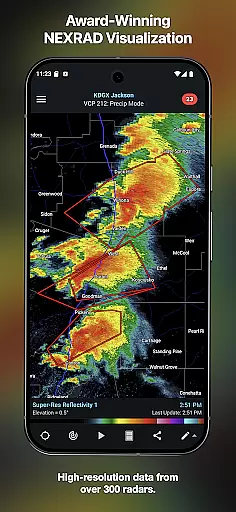
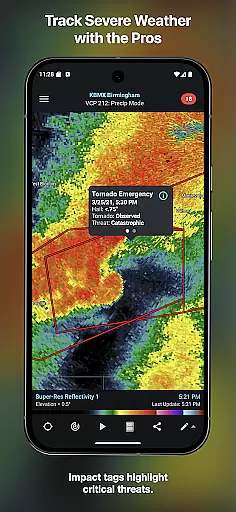
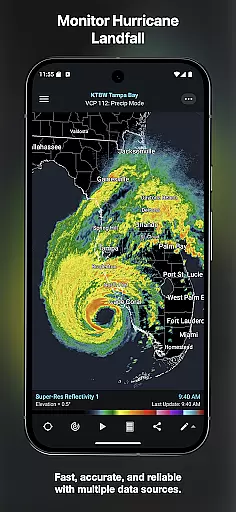
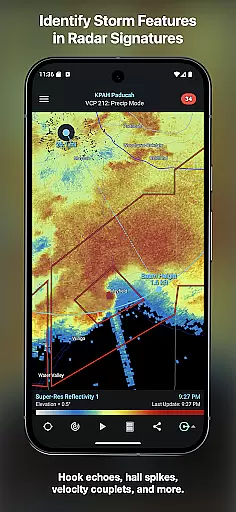
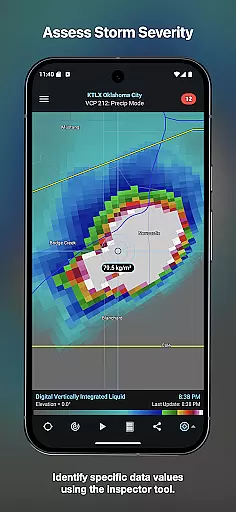
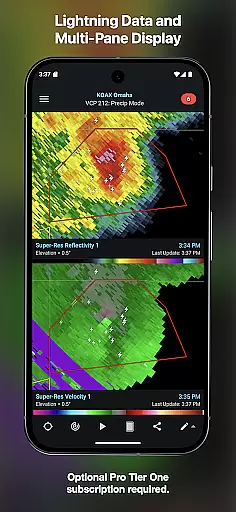
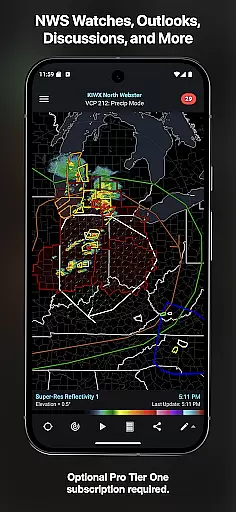
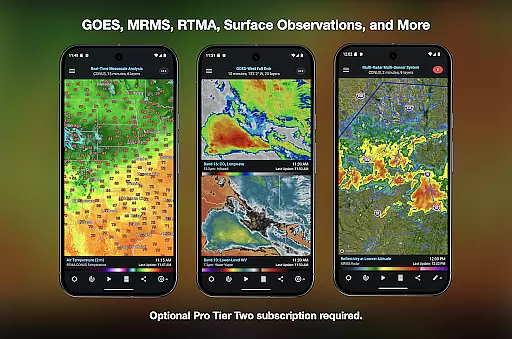
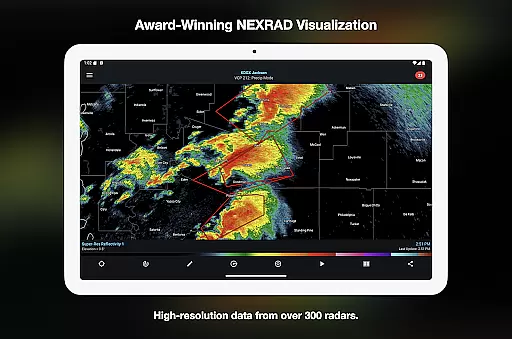
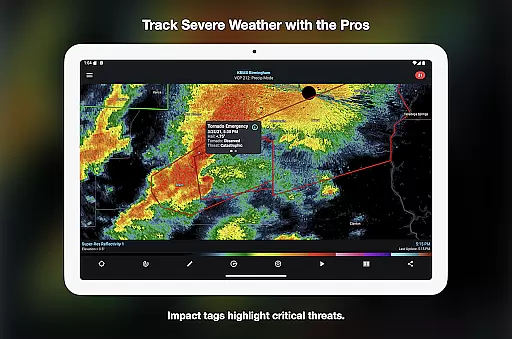
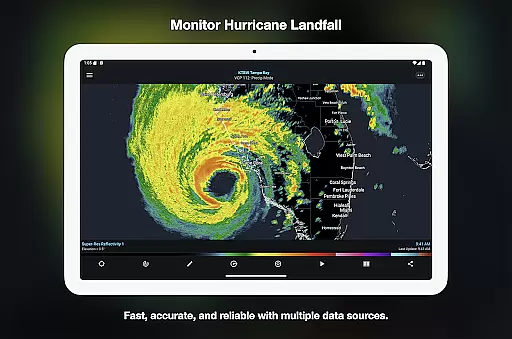
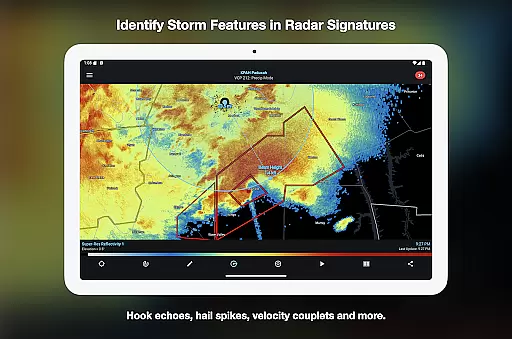

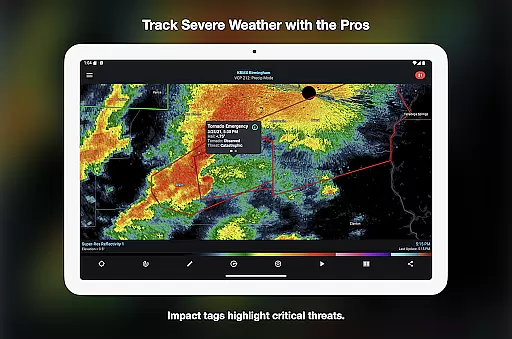
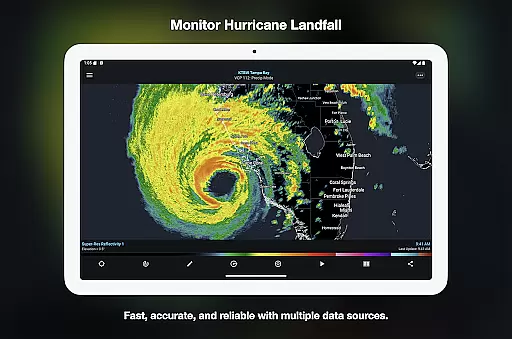
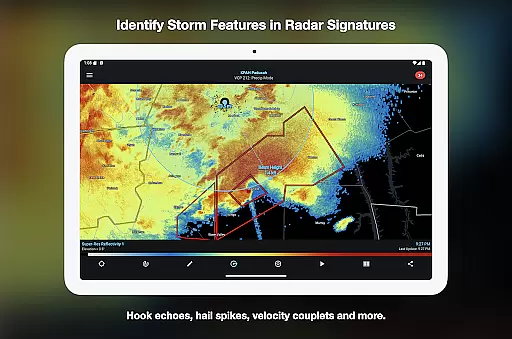
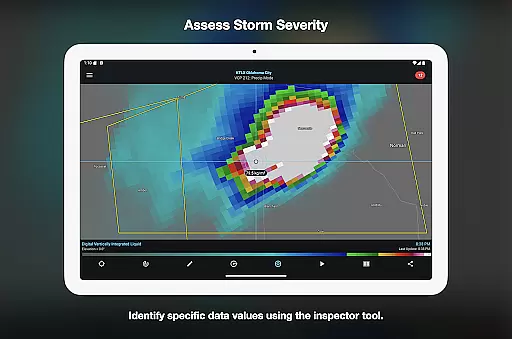
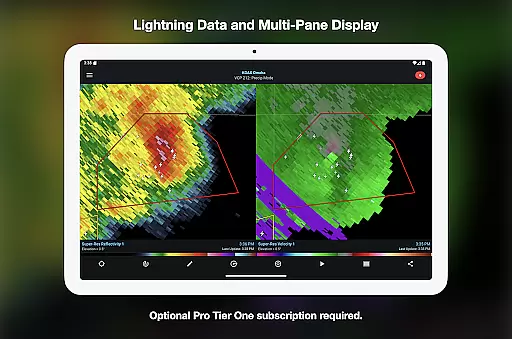
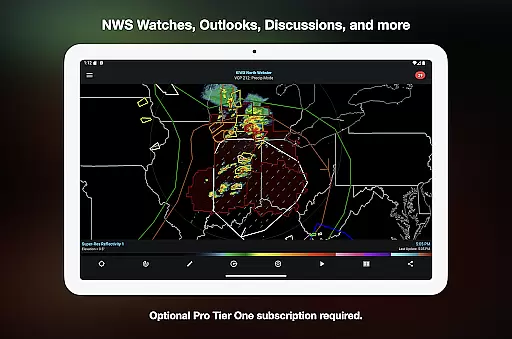
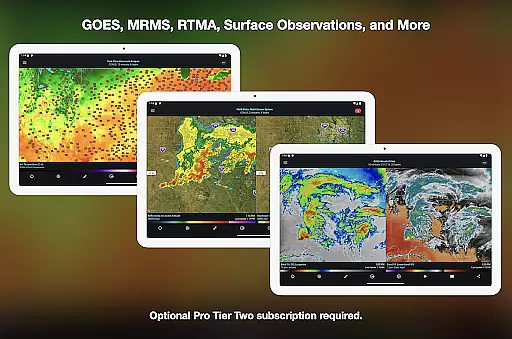
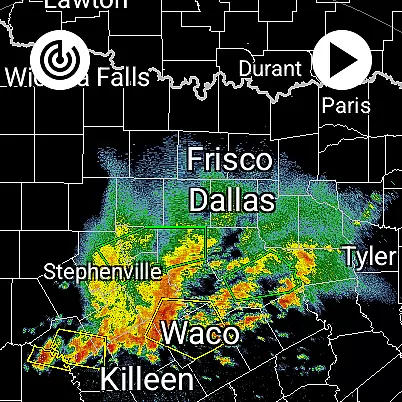
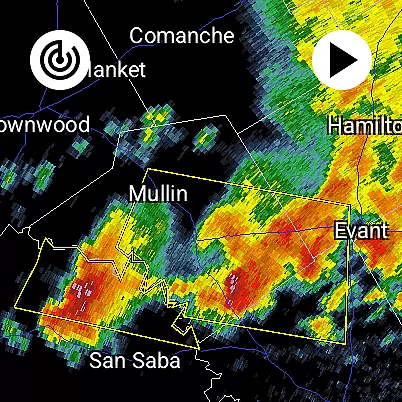
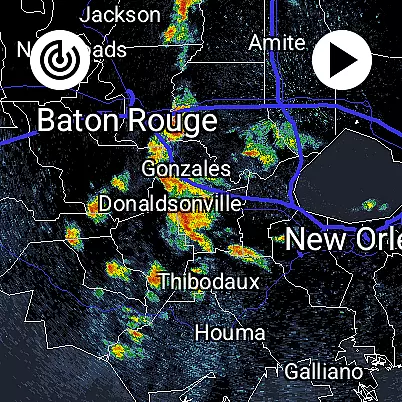
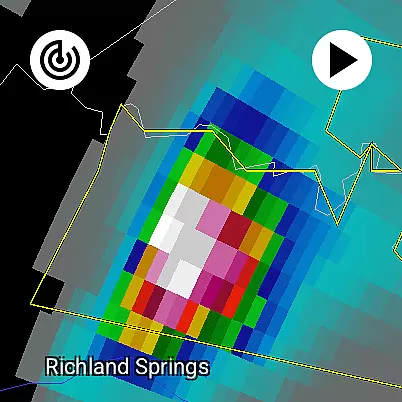
RadarScope is a professional weather visualization application designed for meteorologists and weather enthusiasts. It provides a comprehensive suite of single-site radar data and severe weather products, empowering users to analyze critical weather patterns in real-time. The app supports radar data from multiple countries and offers advanced tools like storm tracking, lightning detection, and satellite imagery integration.
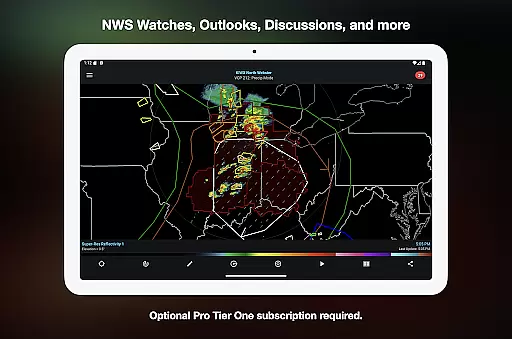
One of RadarScope's standout features is its ability to display native radar data in its original radial format, ensuring accuracy and timeliness. With support for Android and Wear OS, the app ensures that users can access vital weather information on both mobile devices and wearables. Its optional Pro subscription tiers unlock additional capabilities such as historical data archives, multi-pane displays, and enhanced map overlays, making it a versatile tool for both casual users and professionals.
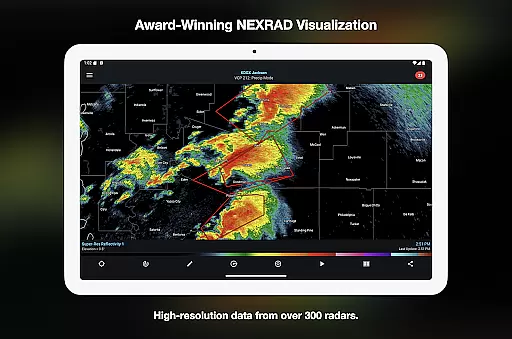
RadarScope stands out with its robust feature set tailored for detailed weather analysis. The app provides access to radar data from the US, Canada, and other regions, including tornado and thunderstorm warnings. Users can view 6-frame radar loops with the base version, while Pro subscriptions extend this to 30 or 50 frames, enabling more precise storm tracking.
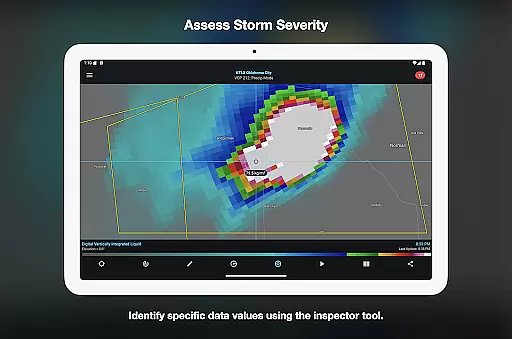
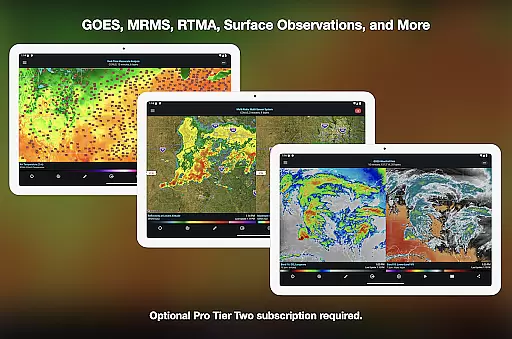
Advanced functionalities include cloud-to-ground lightning detection, GOES satellite imagery, and NEXRAD Level II data with a historical archive. Tools like the Inspector and distance measurement allow for detailed storm analysis, while custom color palettes enhance visualization. Additionally, integrations with services like Spotter Network and mPING enable users to contribute weather reports directly to research organizations, fostering community-driven meteorological insights.
Companion app integration is essential for Android Wear applications like RadarScope. This feature ensures seamless synchronization between the main mobile application and its wearable counterpart. By maintaining real-time data sharing, users can access critical weather information directly on their smartwatches without needing to check their phones constantly.
RadarScope excels in this area by offering a universal app experience that extends functionality to Wear OS devices. The integration allows meteorologists, storm spotters, and weather enthusiasts to receive timely updates on radar loops, severe weather warnings, and other vital data points right on their wrists. This connectivity ensures that professionals in the field or weather hobbyists on the go have instant access to potentially life-saving information.
The practical benefits of this integration are numerous. Users can quickly glance at their smartwatch to view radar images, track storm movements, and receive alerts about impending severe weather conditions. This immediacy not only enhances user convenience but also significantly improves situational awareness, allowing individuals to make informed decisions swiftly. With RadarScope's companion app integration, staying updated with accurate and timely weather data has never been easier or more efficient.
Device compatibility is a crucial aspect of any Android Wear application, ensuring that the software functions optimally across various Wear OS devices. For RadarScope, this means delivering consistent performance and user experience whether the app is running on a smartwatch from Samsung, Fossil, or any other manufacturer within the Wear OS ecosystem.
RadarScope achieves superior device compatibility by optimizing its native radar visualization tools for different screen sizes and resolutions typical of Wear OS devices. This optimization guarantees that users benefit from clear, high-quality radar images and data displays regardless of their specific hardware. Moreover, the app supports widgets, enhancing accessibility and interaction on smaller screens commonly found on smartwatches.
By focusing on broad device compatibility, RadarScope ensures that all usersu2014whether they are professional meteorologists or casual weather observersu2014can rely on the appu2019s robust features. This inclusivity empowers a wider audience to utilize advanced weather tracking capabilities without worrying about technical limitations imposed by their choice of wearable technology. Ultimately, RadarScopeu2019s commitment to Wear OS/device compatibility underscores its dedication to providing top-tier weather visualization tools to everyone interested in monitoring weather patterns effectively.
Real-time radar updates
Historical data access
Multi-platform support
Customizable tools
Professional-grade accuracy
Subscription fees apply
Complex for beginners
Limited free features
High data usage
Regional limitations

Gym Log & Workout Tracker | Fitness Journal, Training & Weight Lifting Planner
 4.90
4.90
Wear Os Watch Face - Animated Snow - Sesonal for Christmas & Winter
4.5
Embrace the festive spirit with our Christmas Countdown watchface for Wear OS
4.10
Beautiful, colorful and practical watch face. For Wear OS devices.
5.00
Monitor health with the stress test and pulse checker in the heart rate app.
4.60
Gym & home workout plans with strength training, exercise tracking, HIIT & more.
4.60
Period, ovulation & pregnancy tracker. Fertility insights & menstrual calendar.
4.90
Retro digital watch face with customizable colors and a unique lighting effect
4.60
Animated video-game inspired “secret agent” simulation, right on your wrist!
4.20
A modern hybrid informative watch face for Wear OS designed by BALLOZI
4.80
The Chevron App allows you to pay for fuel from the comfort of your car!
4.80
Ideal for surviving in the wasteland left after nuclear fallout
4.50
Watch face for Wear OS.
4.20
Your music, your playlists, and more—offline and unlimited.
4.20
Animated Watch Face and Customizable with 24 Backgrounds. Perfect for Christmas!
3.90
Structured watch face with seven complications and modular UI elements
3.90
Authentic military-tactical design with ZULU time! Realistic and functional!
3.80
Christmas and New Year - Themed Watchface
4.4
A heartwarming Christmas scene featuring a cute image of Santa and Rudolf
4.5


User Reviews