
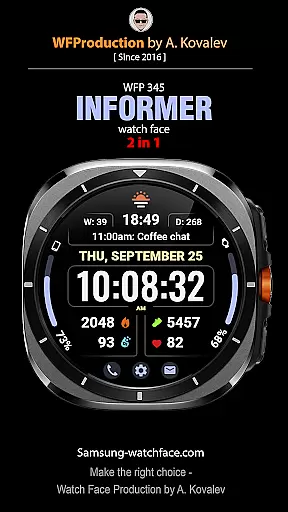
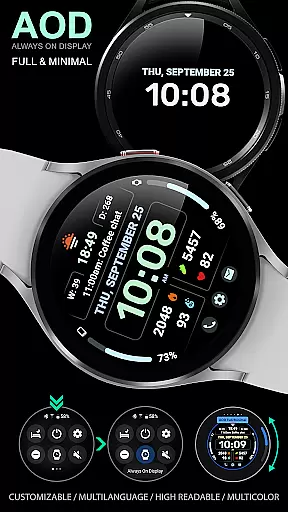
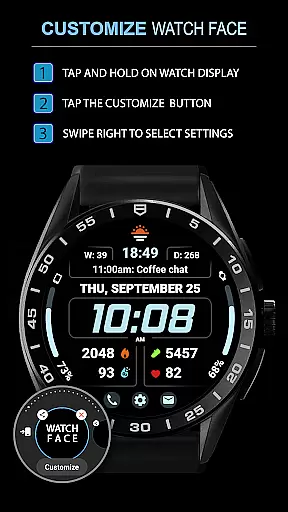
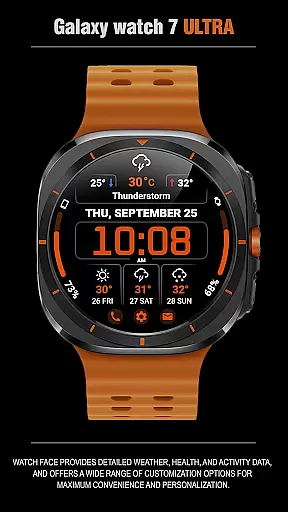
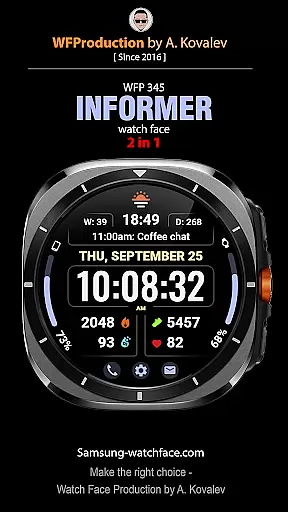
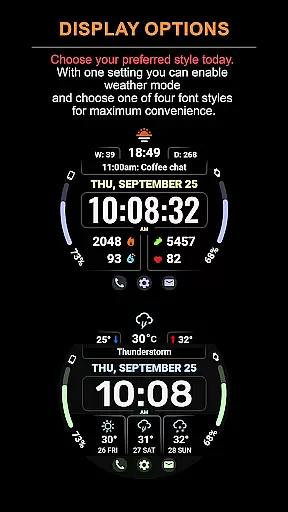
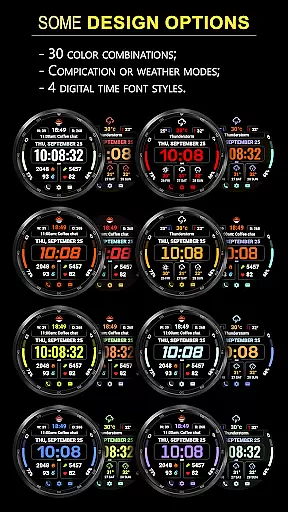
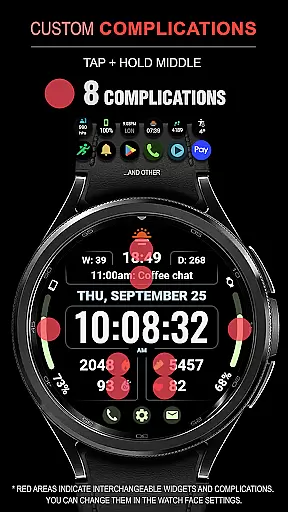
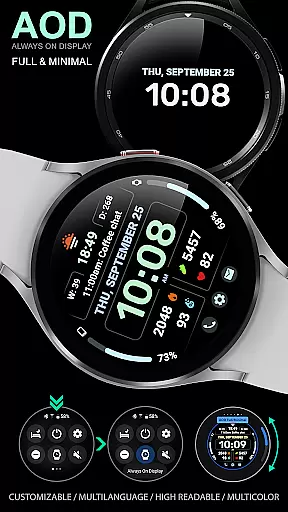
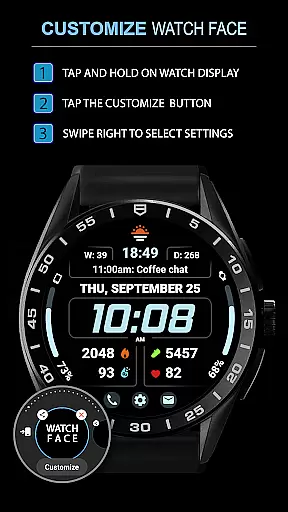
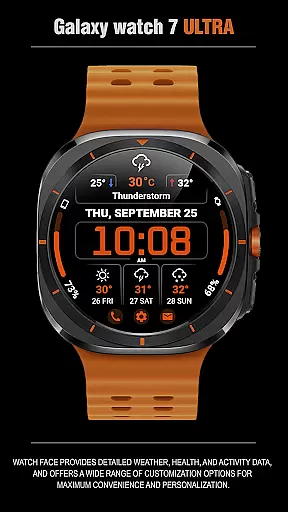
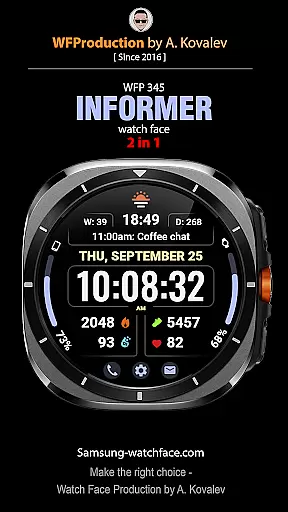
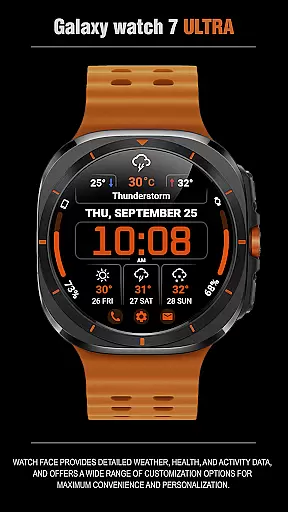
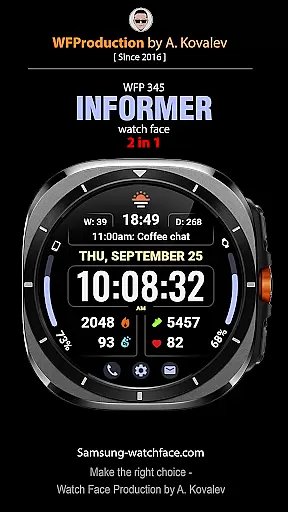
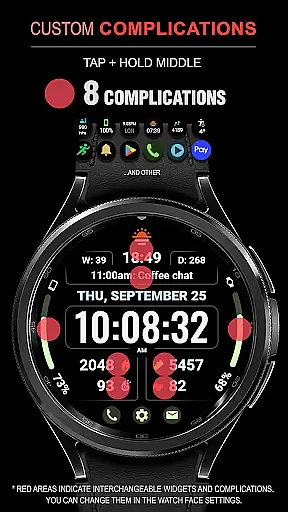
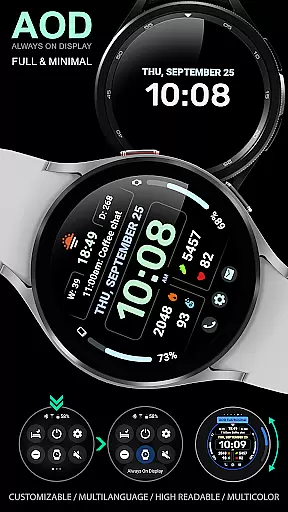
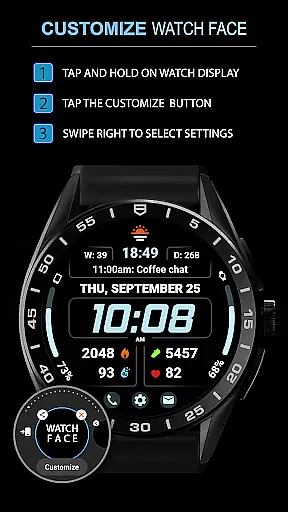
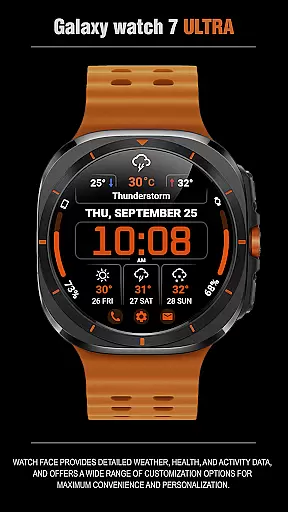
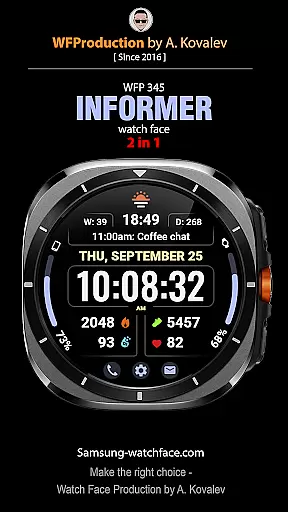
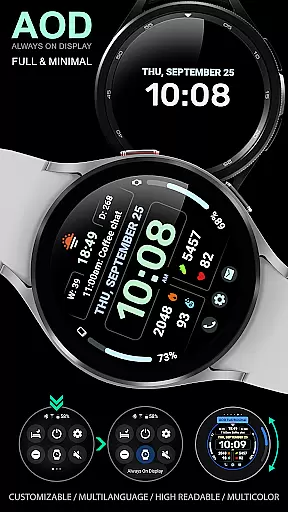
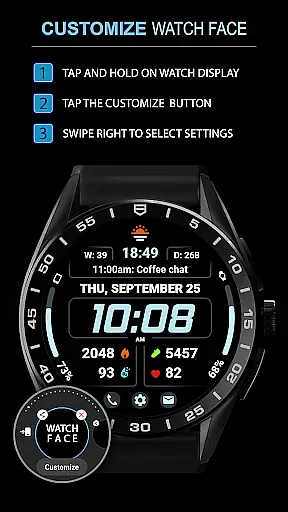
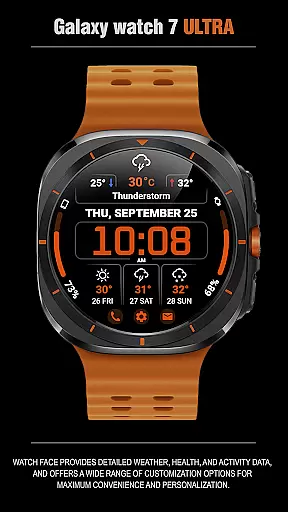
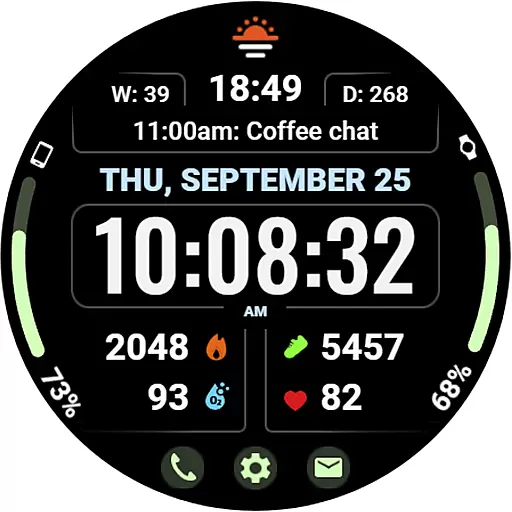
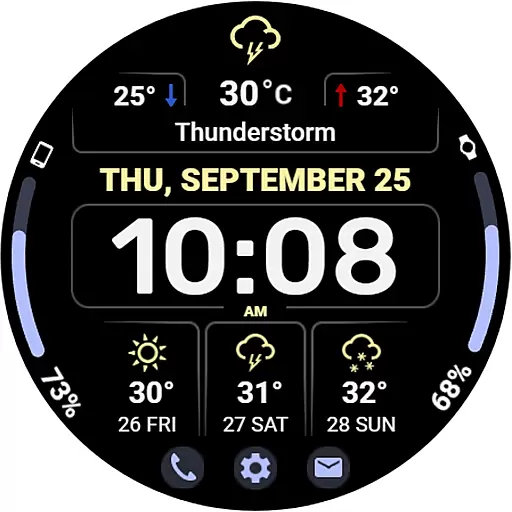
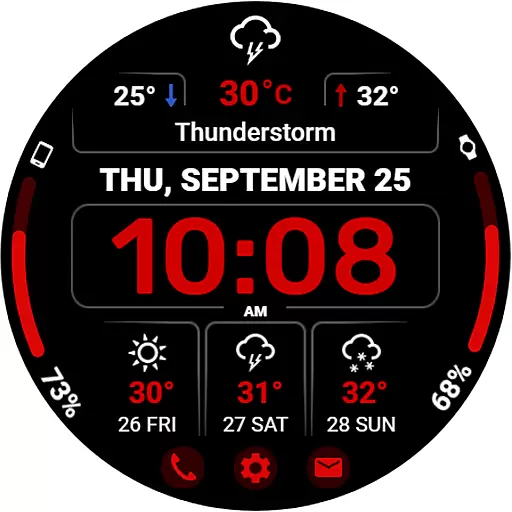
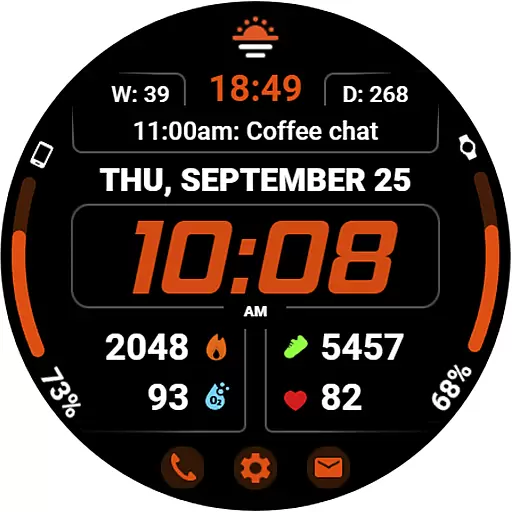
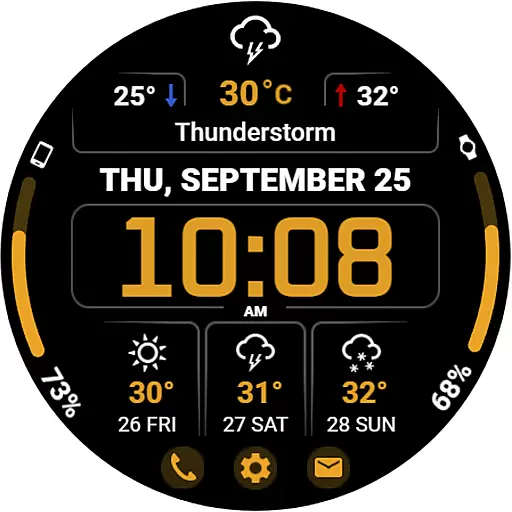
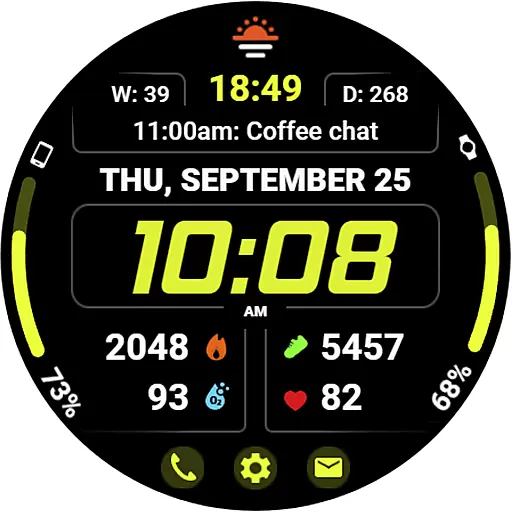
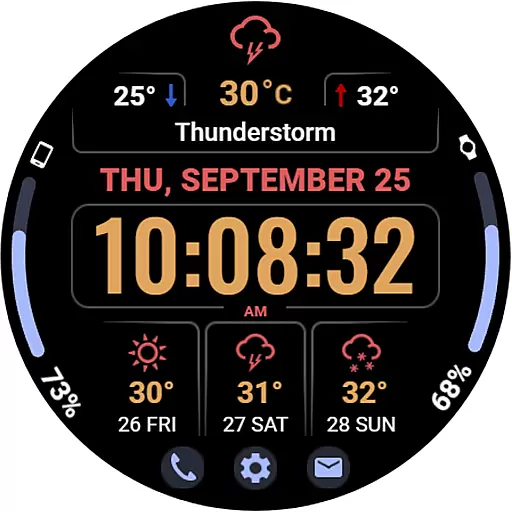
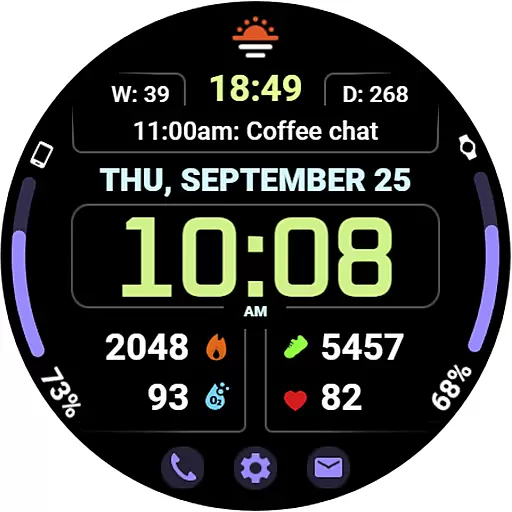
WFP 345 Informer watch face is a feature-rich Android Wear application that combines style with functionality. This digital watch face not only enhances the aesthetics of your smartwatch but also provides comprehensive details on weather, health metrics, and daily activities. With its customizable options, users can tailor their experience to suit personal preferences while enjoying the convenience of having vital information at a glance.
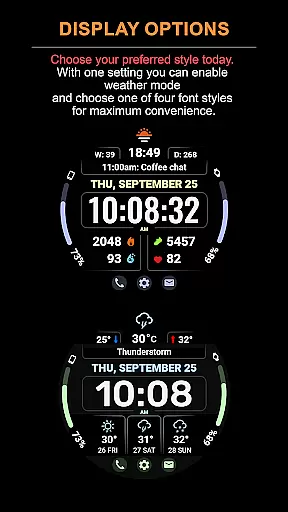
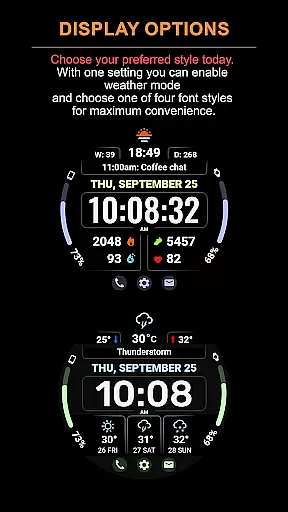
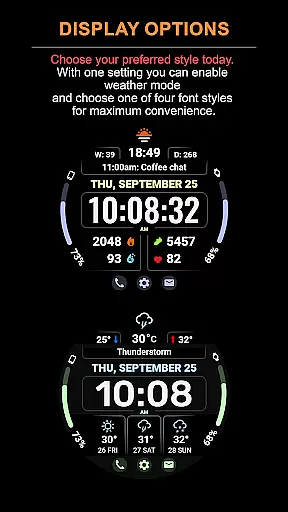
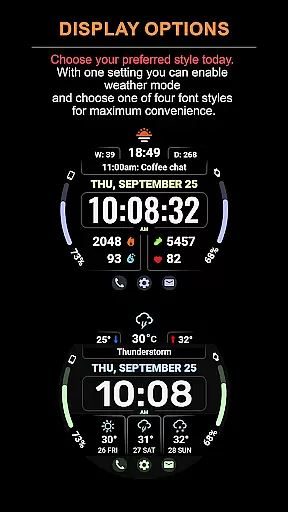
The app offers two distinct modes - one focused on complications and the other on weather forecasting. Whether you need real-time weather updates or detailed activity tracking, WFP 345 caters to various needs. Its high-resolution display and optimized performance ensure minimal battery consumption, making it an ideal choice for users seeking both form and function in a wearable device interface.
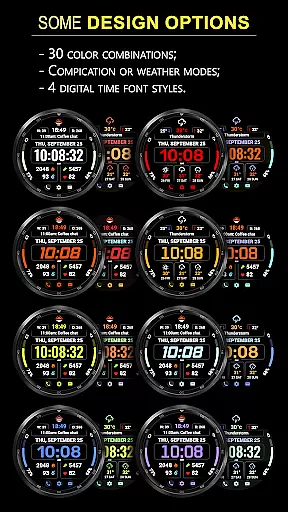
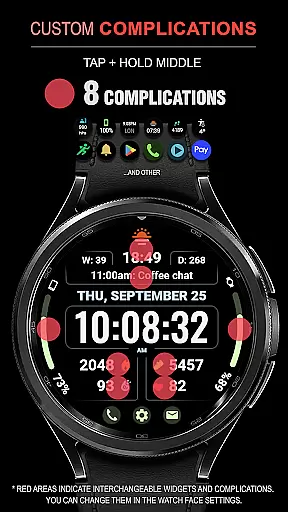
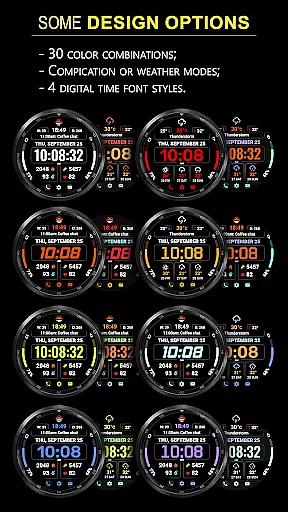
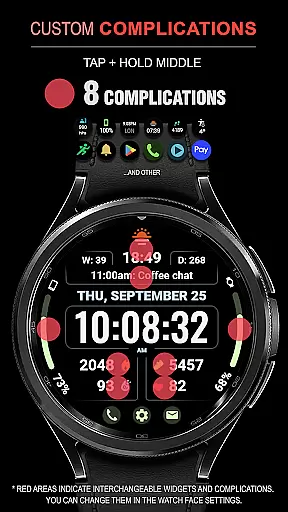
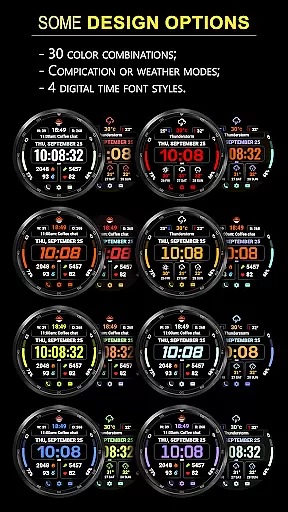
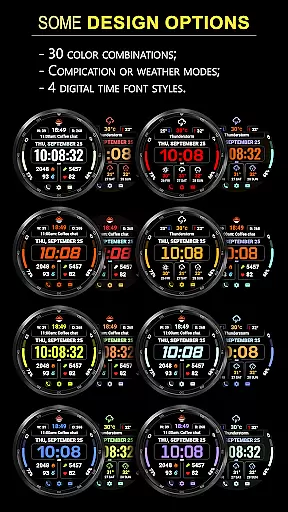
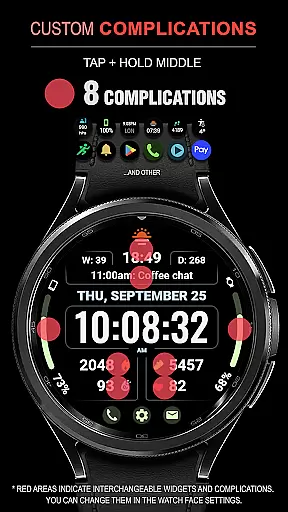
WFP 345 Informer stands out with its extensive customization capabilities. The watch face includes eight complications, thirty color options, and four time font styles, allowing users to personalize their smartwatch's appearance. It supports two operational modes: a complication-focused mode and a weather forecast mode that provides three-day advance predictions. Users can switch between Fahrenheit and Celsius temperature displays and access minimum and maximum temperatures.
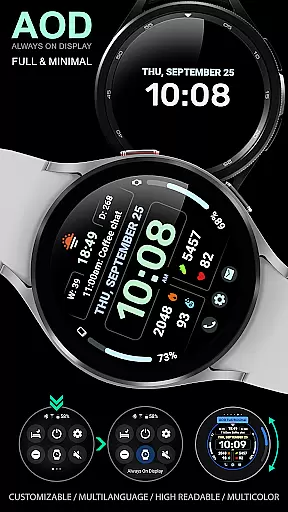
Additional features include three quick-access buttons, high-resolution graphics, and multilingual support. The Always-On Display (AOD) mode is designed to be minimal yet customizable, ensuring essential information remains accessible even when the watch is in low-power mode. Advanced optimization techniques result in low battery consumption without compromising performance, offering a seamless user experience across different Samsung wearable devices.
Companion app integration is essential for a seamless wearable experience. The WFP 345 Informer watch face excels in this area by offering users synchronized data across their devices.
This application ensures that all weather, health, and activity information displayed on the watch face is accurately mirrored from the user's primary device. This synchronization allows for real-time updates and alerts, keeping users informed at all times.
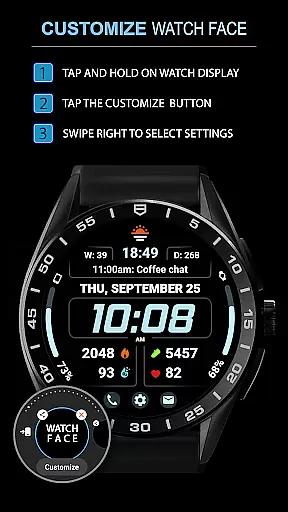
Furthermore, the customization options available through the companion app enhance personalization. Users can adjust settings such as color schemes, widget preferences, and even choose between different modes like weather forecast or complications view, directly from their phone.
The result is an integrated system where changes made on one device are instantly reflected on the other, providing a cohesive and user-friendly experience that maximizes both convenience and functionality.
Ensuring broad Wear OS and device compatibility is crucial for any Android Wear application. The WFP 345 Informer watch face stands out by supporting a wide range of devices with high optimization.
This compatibility extends to various screen resolutions and sizes, ensuring that whether you're using a Samsung Galaxy Watch or another Wear OS device, the display remains sharp and visually appealing. High resolution and meticulous design adaptation make certain every detail is clear and accessible.
In addition to visual compatibility, the application boasts low battery consumption. By optimizing performance, it maintains efficient power usage without compromising on features or speed, thus prolonging your deviceu2019s battery life significantly.
Overall, these efforts ensure that regardless of which Wear OS device you own, the WFP 345 Informer watch face delivers consistent performance, reliability, and an outstanding user experience tailored specifically for each supported platform.
Highly customizable
Accurate weather forecasts
Low battery usage
Multiple color options
User-friendly interface
Complications hidden in weather mode
Limited visible settings
Requires mode switching
Advanced features may overwhelm
Specific to Samsung devices

Animated Watch Face and Customizable with 24 Backgrounds. Perfect for Christmas!
 3.90
3.90
Snowflake Rose Gold Watch Face - Digital, modern, & sleek with GYRO effect.
4.10
A full-featured Amazon Alexa voice assistant that can show you things.
3.70
Digital, flexibly customizable watch face. For Wear OS 5.0, API 34+ and later.
5.00
Authentic military-tactical design with ZULU time! Realistic and functional!
3.80
Your second brain for organizing your life: to-do, calendar, reminder.
4.70
Connect to your Bluelink equipped Hyundai vehicle from your smartphone.
4.50
Get helpful reminders, take progress photos and find answers to your questions.
3.90
A white realistic classic analog watch face with many customization options.
4.40
Monitor health with the stress test and pulse checker in the heart rate app.
4.60
MyNISSAN® lets you remotely control your car from your phone.*
4.50
Deck out your Wear OS Watch face with a beautifully decorated pine wreath!
4.50
Premium hybrid watch face with many customizations for Wear OS devices.
4.40
Find EV charging stations
4.30
Want to take charge of your health? Let Google Fit help you reach your goals.
3.50
Wear Os Watch Face - Animated Snow - Sesonal for Christmas & Winter
4.3
Precision analog watch face with 7 complications and style options
4.4
A Wintery Snow Globe on Your Wrist; now celebrating Christmas!
4.5
Simple Analog-Digital Watchface For Wear OS 3.0 and Up Smartwatches
4.4


User Reviews