
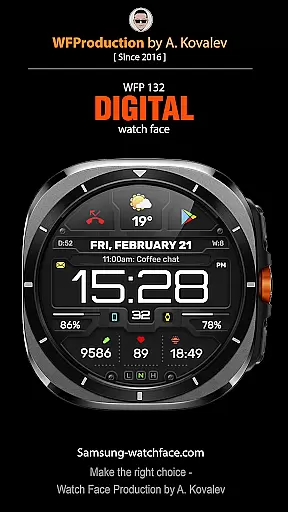
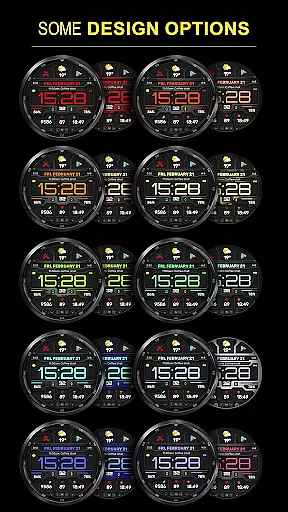
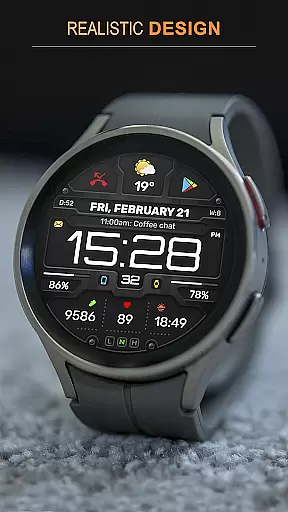
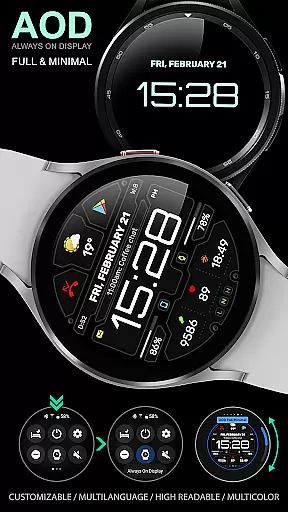
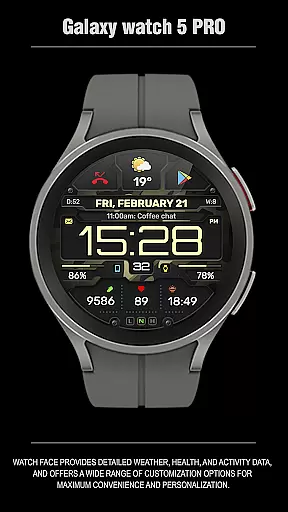
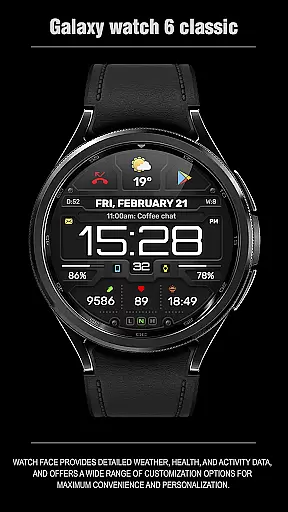
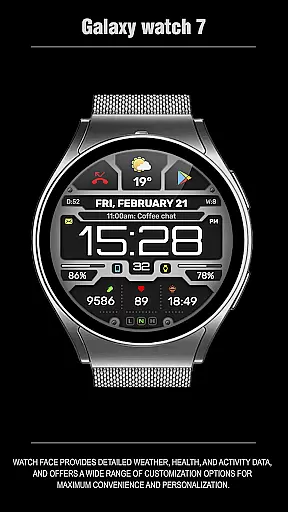
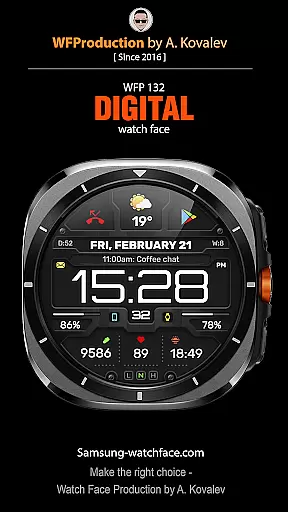
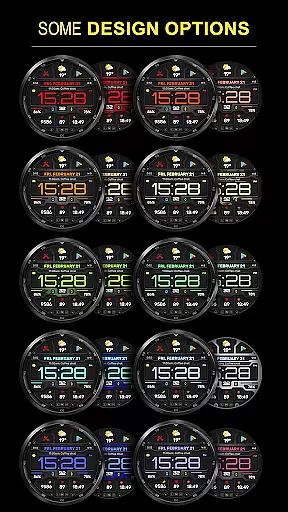
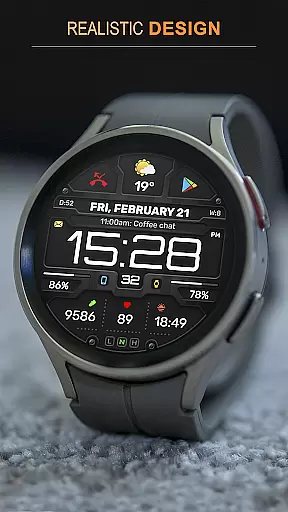
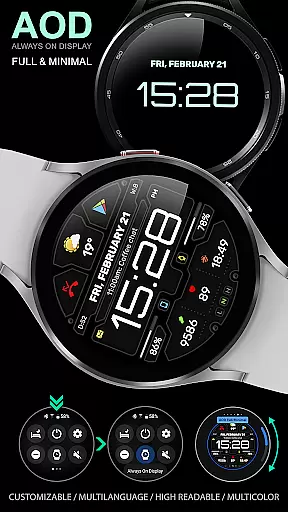
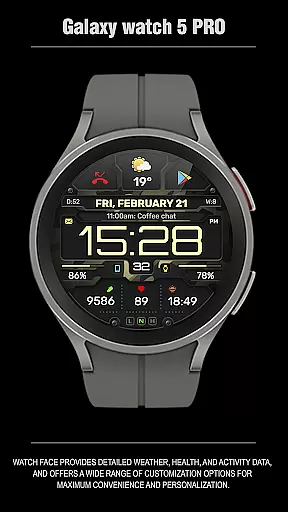
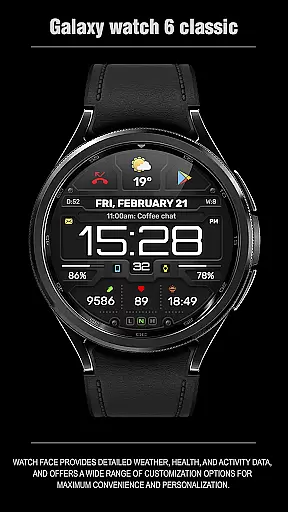
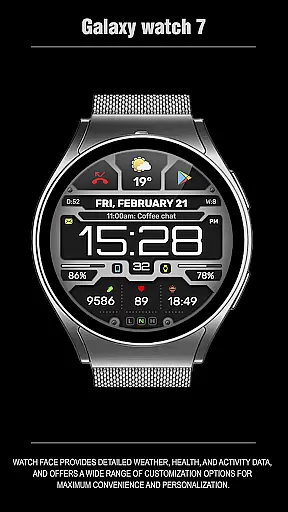
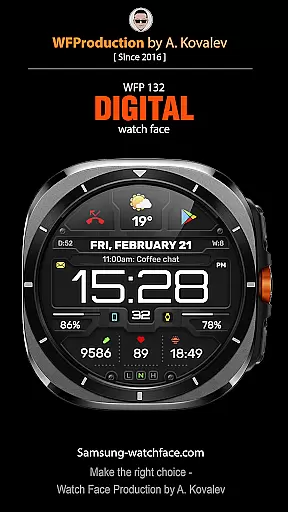
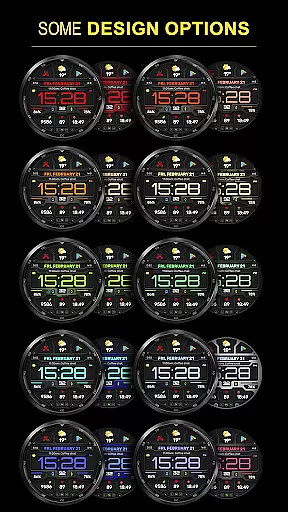
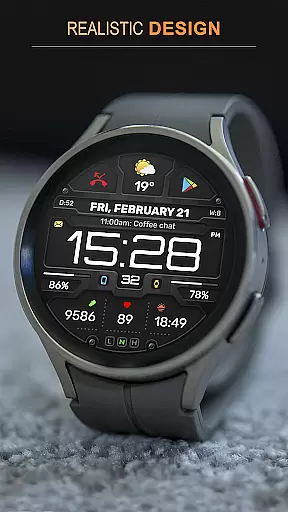
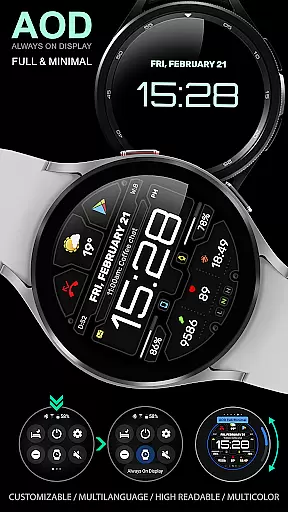
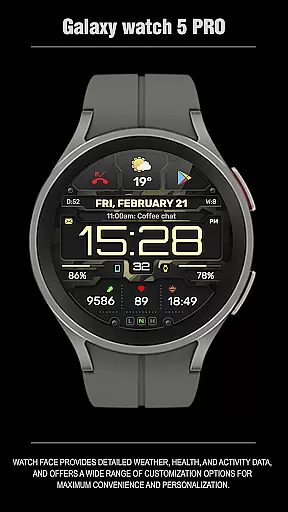
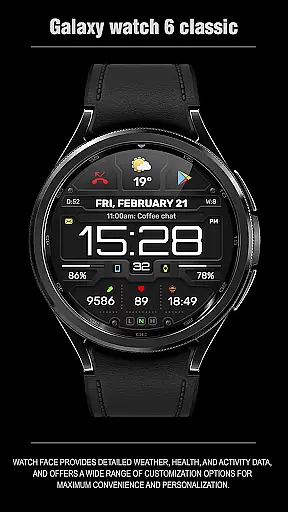
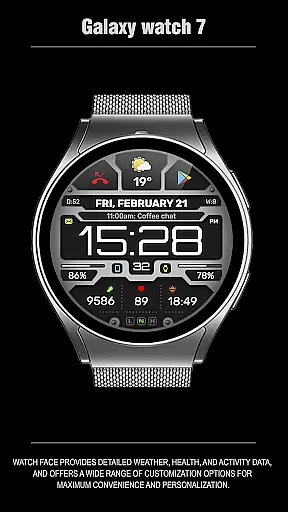
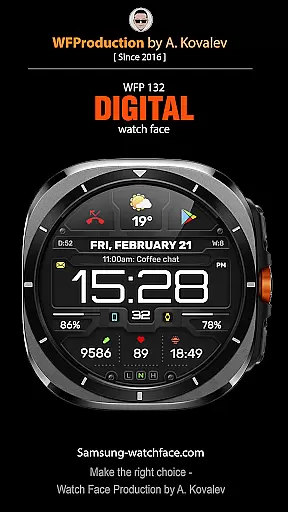
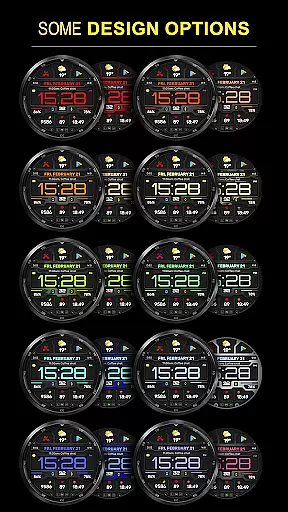
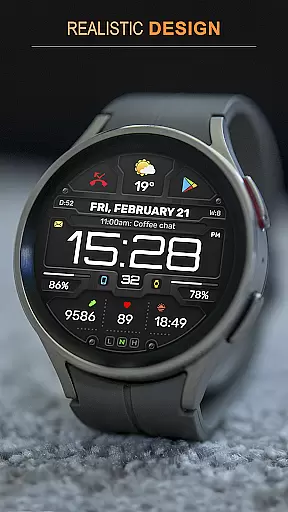
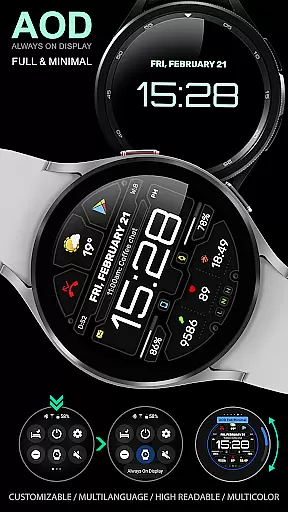
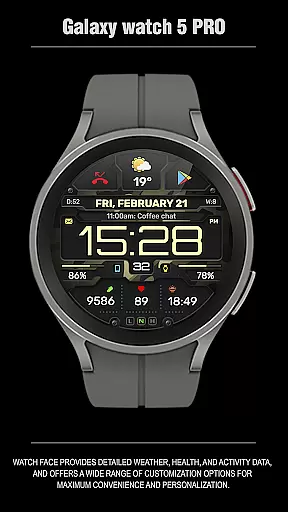
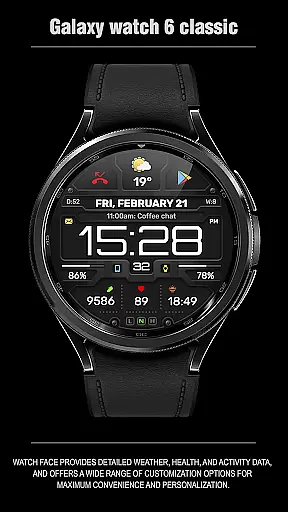
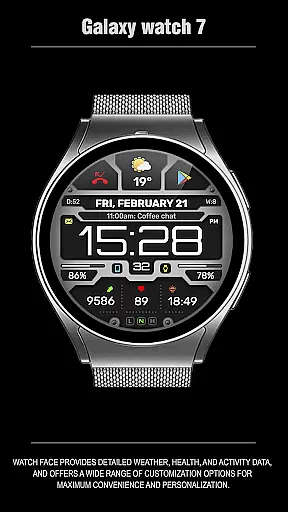
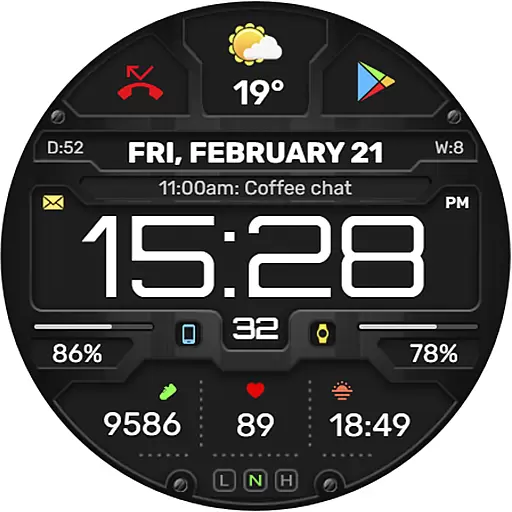
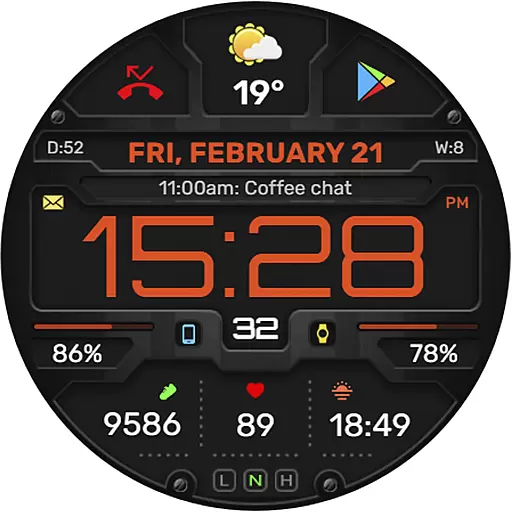
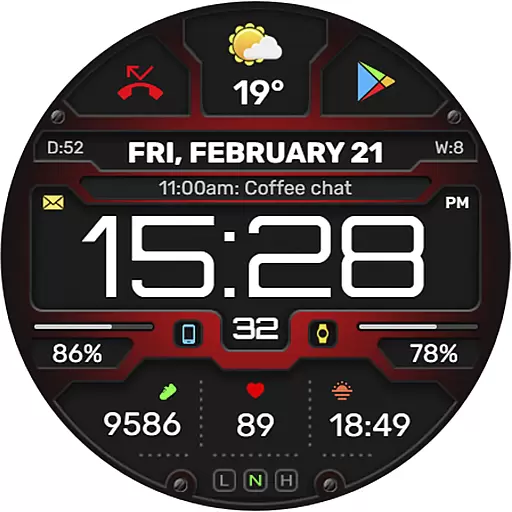
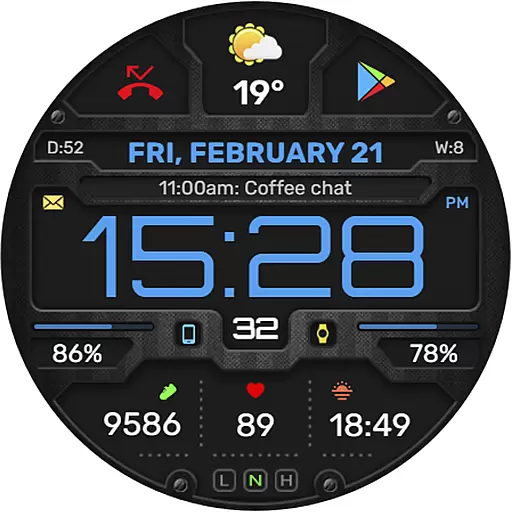
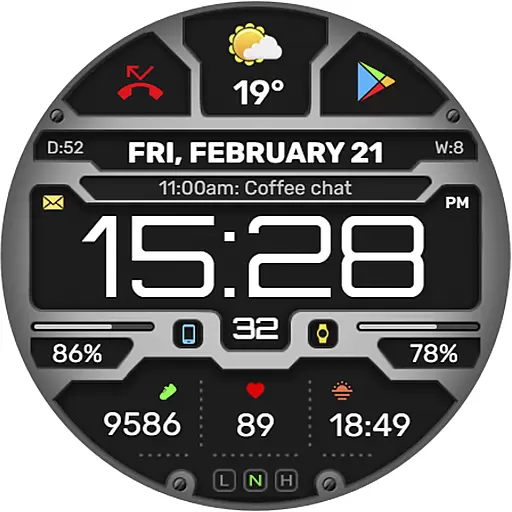
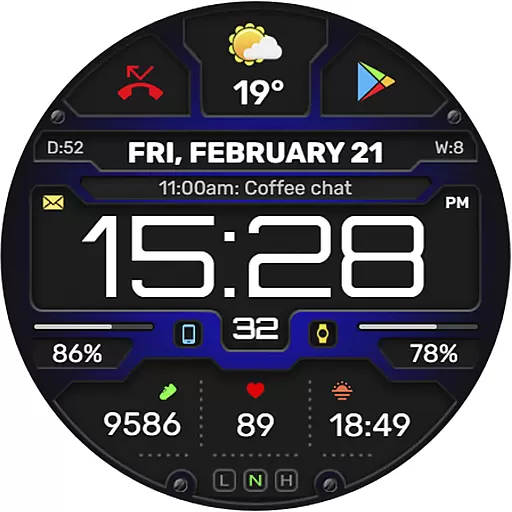
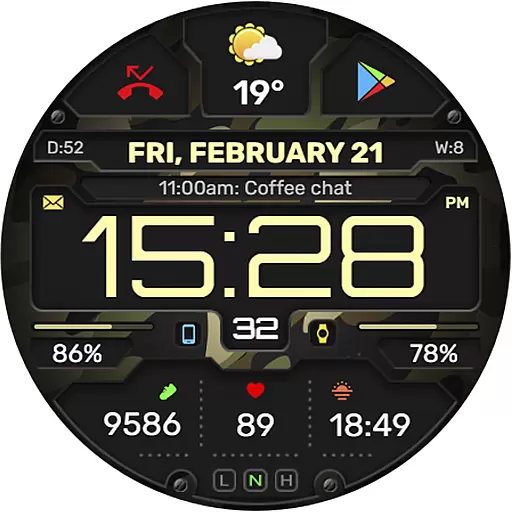
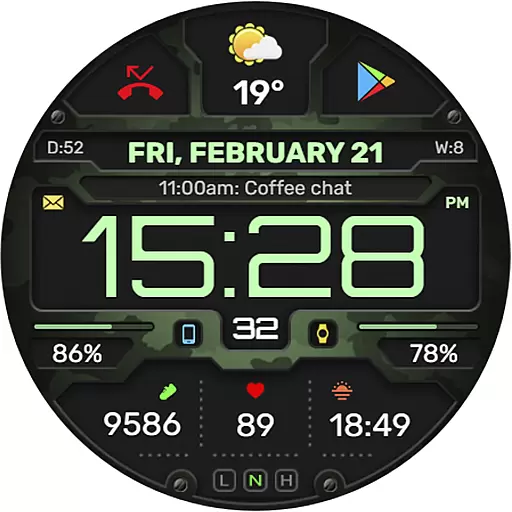
The WFP 132 Digital watch face is a stylish and functional accessory for your smartwatch, offering users an enhanced experience with its detailed weather forecasts, health tracking, and activity monitoring. Compatible with devices running API 34+ (version 5.0 and later), this digital watch face provides extensive customization options including various color combinations, changeable backgrounds, and customizable Always-On Display (AOD) modes.
Designed with user convenience in mind, the WFP 132 ensures high optimization and low battery consumption. It supports multilingual interfaces and displays weather in both Fahrenheit and Celsius. Whether you're looking to personalize your watch face or need quick access to essential information like phone charge status, calories burned, or floors climbed, the WFP 132 Digital watch face delivers both style and substance.
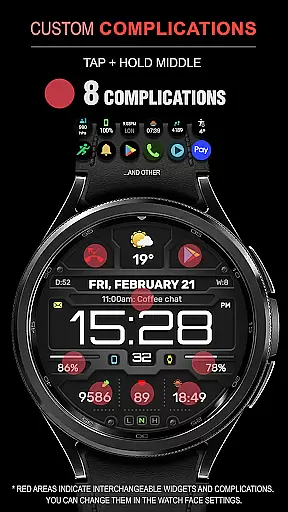
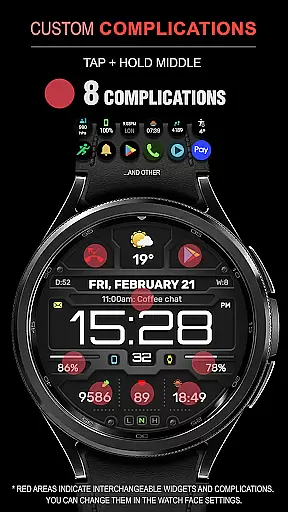
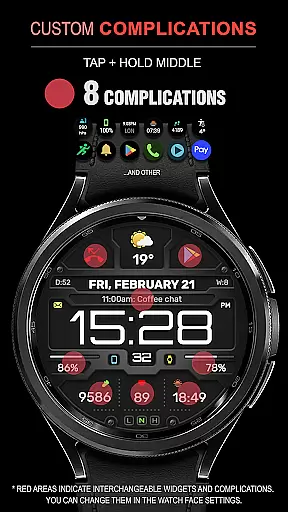
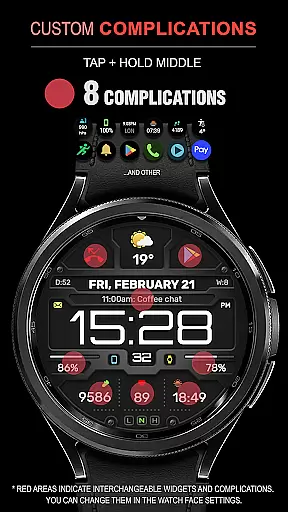
The WFP 132 Digital watch face stands out with its comprehensive feature set tailored to maximize user convenience and personalization. With 8 complications and widgets, users can access a wide array of information at a glance, including weather forecasts, health stats, and more. The highly customizable interface allows for many color combinations and changeable backgrounds, ensuring that each user can tailor their watch face to match their personal style.
Engineered for performance, this watch face boasts high resolution and optimization, resulting in minimal battery consumption while maintaining visual clarity. Users can choose between full and minimal AOD modes, making it adaptable to different usage scenarios and preferences. Additionally, the multilingual support and flexible temperature display options (Fahrenheit/Celsius) make it versatile for a global audience. Stay connected and informed with the WFP 132 Digital watch face.
For Android Wear applications like the WFP 132 Digital watch face, seamless companion app integration is crucial. This feature ensures that data flows smoothly between the smartphone and the wearable device.
The WFP 132 watch face excels in this area by offering real-time synchronization of weather, health, and activity data. Users can customize their watch faces via a dedicated smartphone app, which then updates the watch instantly.
This integration allows for an enhanced user experience as it combines the convenience of a smartphone interface with the accessibility of a smartwatch. With features such as phone charge widgets and detailed health metrics, users have all necessary information at their fingertips.
Furthermore, the ability to adjust settings remotely through the companion app adds a layer of convenience. Whether changing color schemes or setting up AOD modes, users can personalize their watch face without needing to interact directly with the small screen on their wrist.
Compatibility is a cornerstone for any successful Android Wear application. The WFP 132 Digital watch face supports devices running API 34+ and later, ensuring broad compatibility across newer models.
This wide-reaching compatibility means that whether you own a Samsung Galaxy Watch or another Wear OS device, you can enjoy the stylish and functional design of the WFP 132. It leverages high optimization and low battery consumption techniques to deliver performance without draining your device's battery.
Additionally, the watch face offers multilingual support, making it accessible to a global audience. Weather forecasts are available in both Fahrenheit and Celsius, catering to different regional preferences.
By focusing on these aspects, the WFP 132 Digital watch face not only meets but exceeds user expectations for device compatibility. Its high resolution and customizable options ensure that every user can tailor their experience to fit their unique style and needs.
Highly customizable
Low battery usage
Wide compatibility
Comprehensive features
Stylish design
Limited free options
Complex setup
Premium cost
Occasional bugs
Advanced features locked

Diet tracker for weight loss - track calories, food and macros. Simple and easy!
 4.70
4.70
Animated Watch Face and Customizable with 24 Backgrounds. Perfect for Christmas!
3.90
Rose gold watch face with festive lights & customizable features.
4.60
Deck out your Wear OS Watch face with a beautifully decorated pine wreath!
4.50
Watch face designed for Thanksgiving Day. 7 Background Styles included.
3.20
Bold weather Digital watchface with forecast & optional animated background
4.40
Minimalistic design modern digital watch face.
4.1
Start and succeed with PAP
4.10
Download full tracks, listen to music offline, make unlimited playlists.
4.80
Period, ovulation & pregnancy tracker. Fertility insights & menstrual calendar.
4.90
Kia Access makes getting your vehicle information easier than ever
4.60
Retro digital watch face with customizable colors and a unique lighting effect
4.60
Connect to your Bluelink equipped Hyundai vehicle from your smartphone.
4.50
Digital watch face with big numbers and many customization for Wear OS devices
4.40
Your music, your playlists, and more—offline and unlimited.
4.20
Connect, create, and collaborate with Gmail, part of Google Workspace.
4.10
Structured watch face with seven complications and modular UI elements
3.90
Christmas is near, let's count together the days left until Santa comes
4.3
Artistic Digital Watchface
4.1


User Reviews