
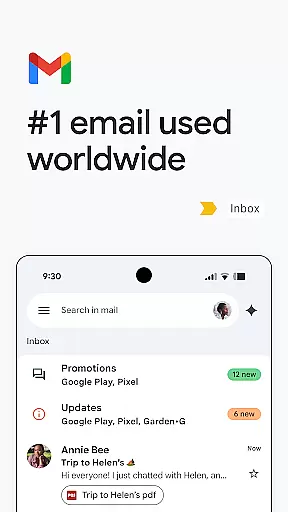
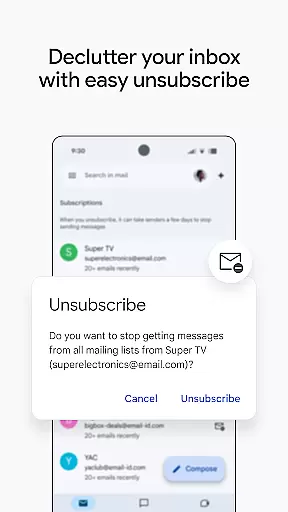
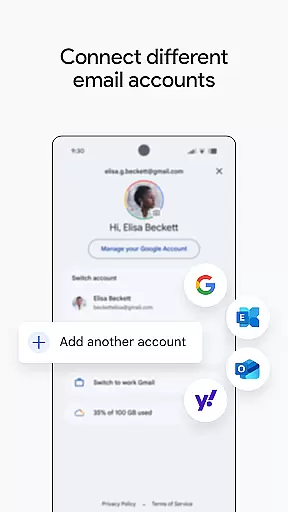
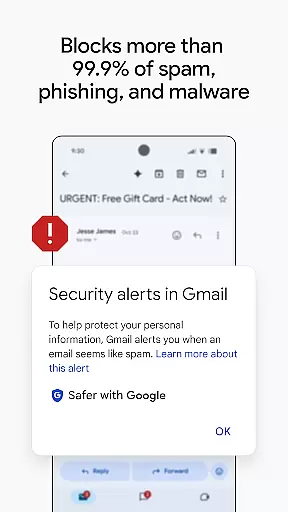
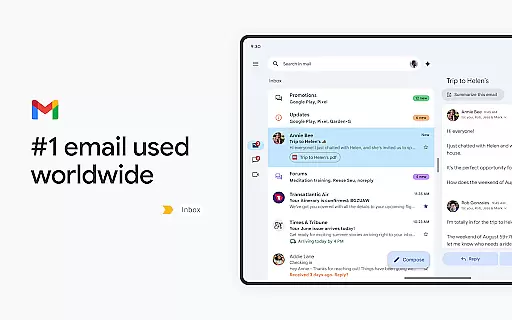
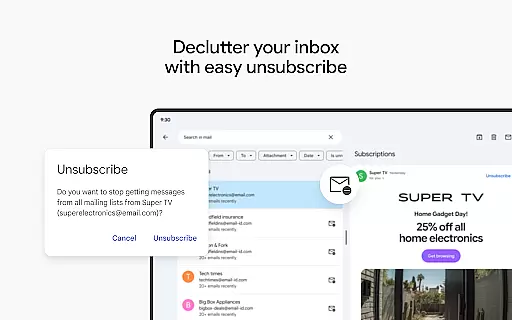
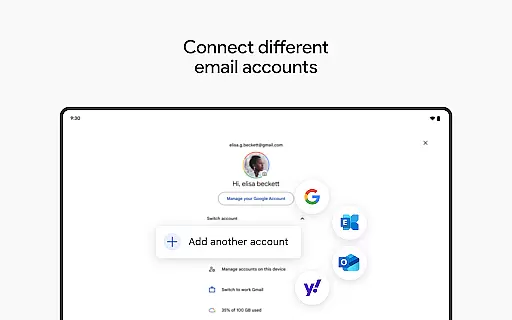
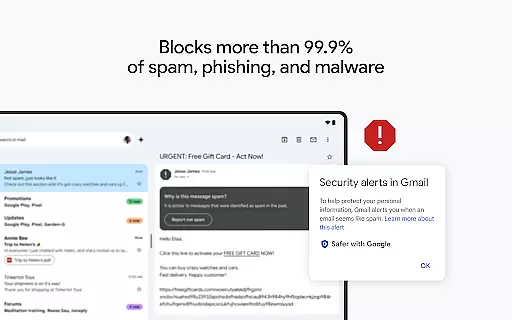
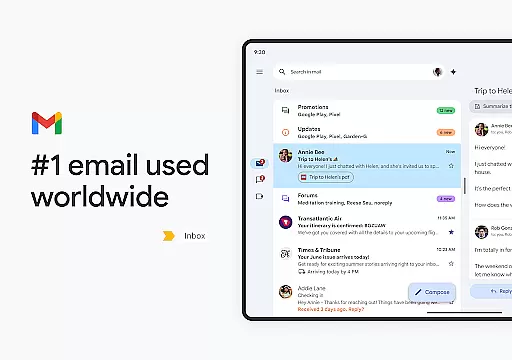
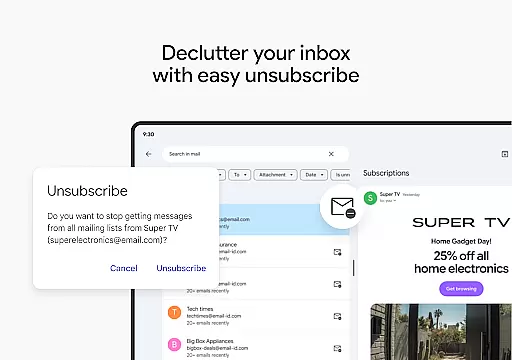
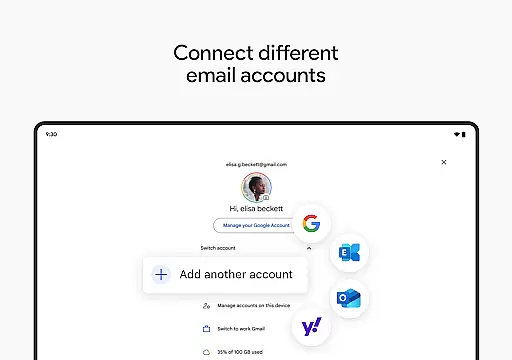
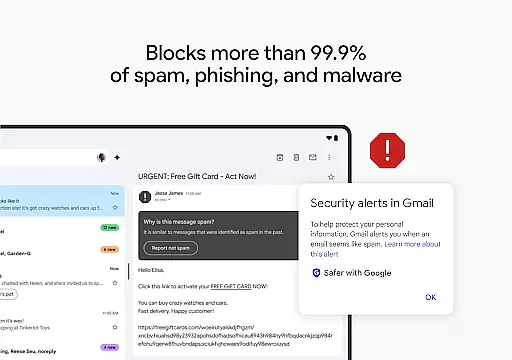
Gmail is the official email application by Google, optimized for Android devices and Wear OS. It offers advanced security features, including blocking over 99.9% of spam and phishing attempts, ensuring your communications remain safe. The app supports multiple accounts across different providers, making it easy to manage personal and professional emails in one place.
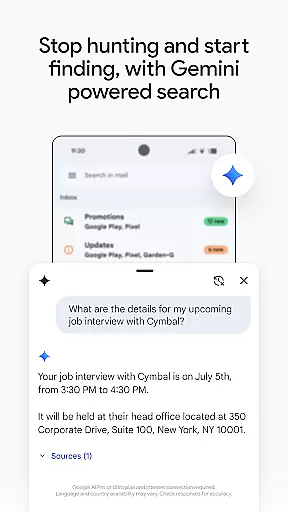
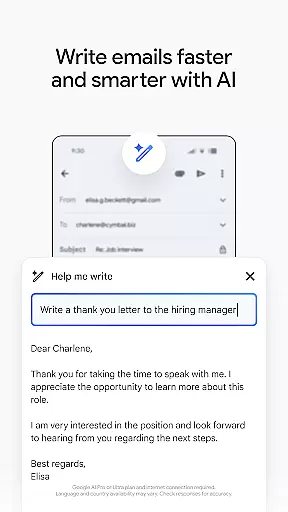
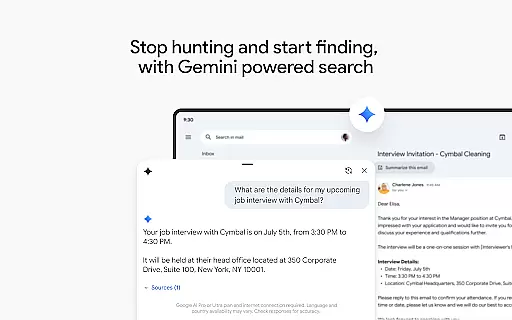
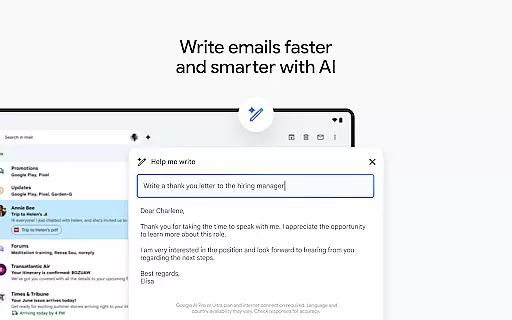
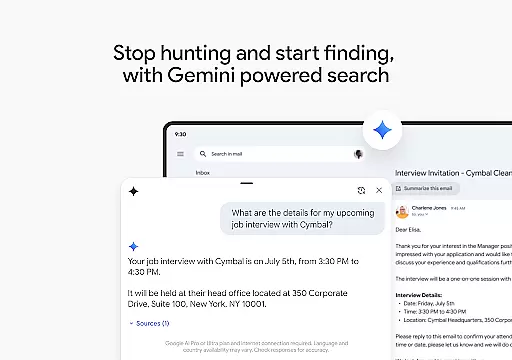
With powerful search capabilities powered by Google AI, users can quickly find specific emails or documents from Google Drive. The Gemini-powered writing assistant helps compose emails faster with smart suggestions and contextual replies. Gmail also integrates seamlessly with other Google Workspace apps, allowing users to schedule meetings, chat with colleagues, and manage tasks without leaving the inbox.
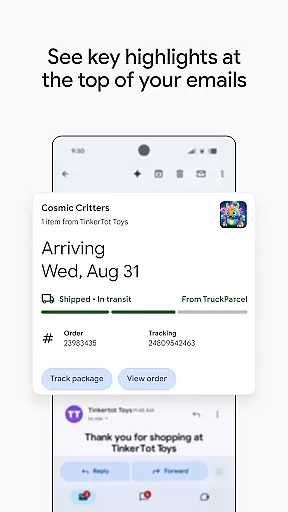
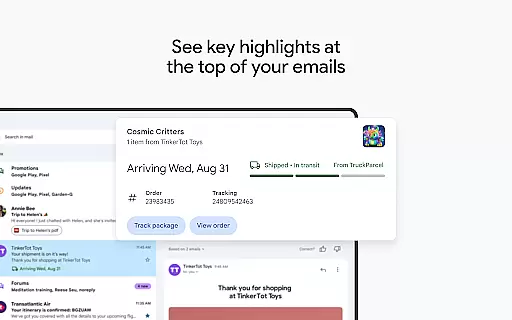
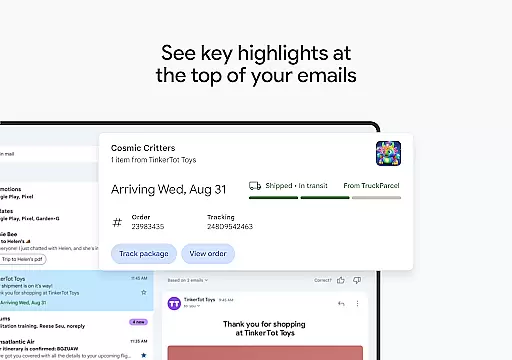
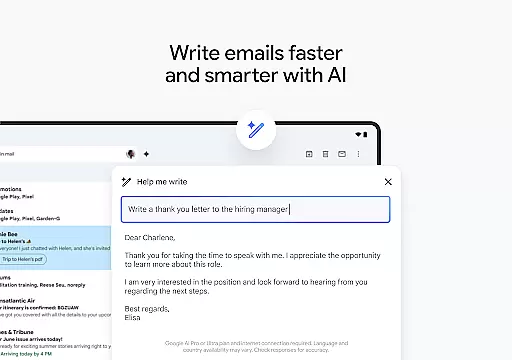
Gmail stands out with its robust feature set tailored for productivity. The app's AI-powered search functionality provides relevant results at unprecedented speed, while the 'Help me write' feature assists in drafting emails more efficiently. Summary cards at the top of emails offer quick access to key information, streamlining the reading process.
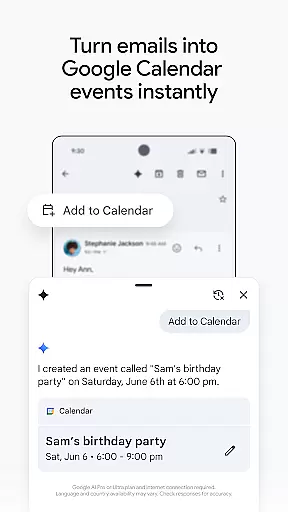
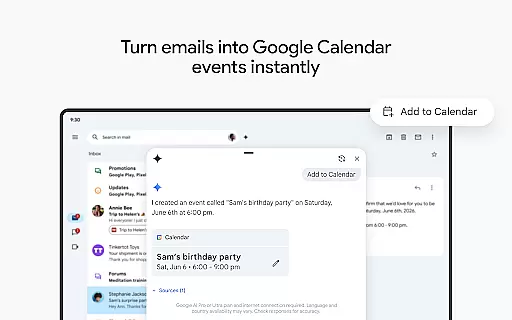
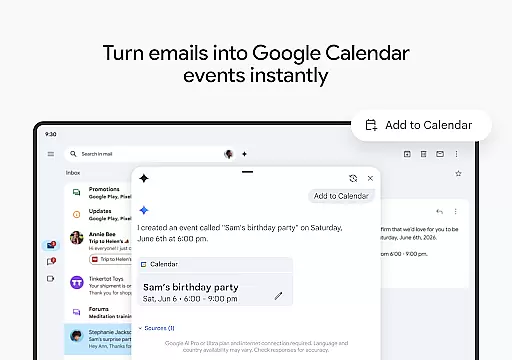
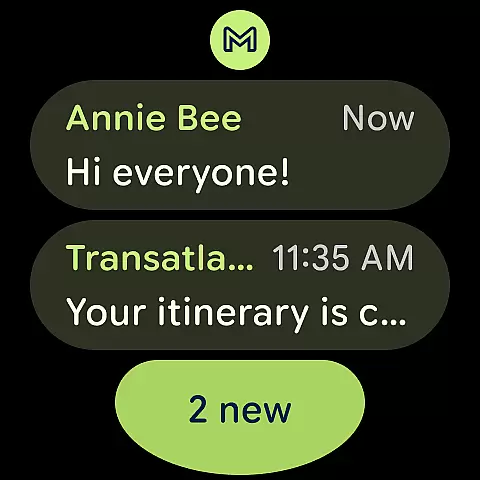
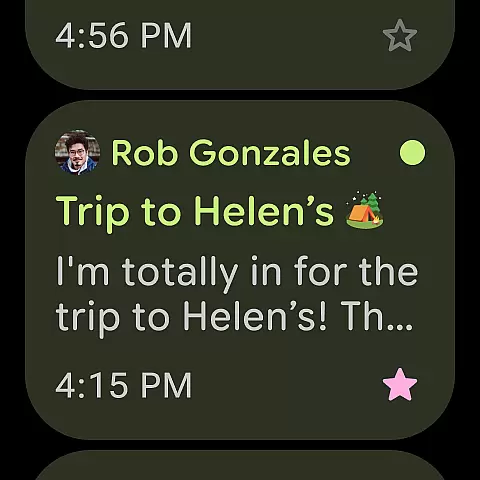
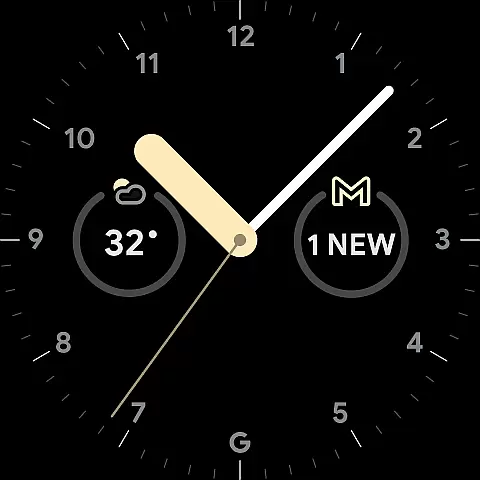
For users managing multiple accounts, Gmail allows seamless switching between different email providers. The 'Add to Calendar' button simplifies scheduling by creating Google Calendar invites directly from the inbox. On Wear OS, the Gmail complication and tile provide a convenient overview of recent emails, keeping you informed on the go. These features collectively enhance the user experience, making email management faster and more intuitive.
Companion app integration is crucial for a seamless experience across multiple devices. Gmail excels in this area by offering robust synchronization between your Android device and Wear OS smartwatch.
The app ensures that all your emails, labels, and folders are consistently updated across devices. This means you can start drafting an email on your phone and continue editing it on your watch without missing a beat.
Users benefit from real-time notifications that alert them to new emails regardless of which device they're using. This feature keeps you informed and allows you to prioritize your responses effectively.
Furthermore, Gmail's companion app integration extends to supporting multiple accounts from different providers, ensuring that whether you're at your desk or on the go, your communication remains uninterrupted and efficient.
Device compatibility is essential for maximizing the utility of wearable technology. Gmail's support for Wear OS guarantees that users can manage their emails directly from their smartwatches.
This compatibility includes features like adding complications and tiles on your watch face, providing a quick overview of your inbox. With just a glance, you can see unread messages and important notifications.
Gmail also offers voice command capabilities, allowing users to dictate replies or search their inboxes hands-free. This enhances accessibility and convenience, particularly when you're engaged in other activities.
By ensuring broad compatibility with various Wear OS devices, Gmail empowers users to stay connected and productive, no matter where they are or what they're doing.
Advanced security protections
Multiple account support
Powerful AI-driven search
Integrated workspace tools
Wear OS compatibility
Limited offline functionality
Occasional sync issues
High storage usage
Complex settings navigation
Paid premium features

Christmas Theme Watch Face for Wear Os
 5.00
5.00
Animated Watch Face and Customizable with 24 Backgrounds. Perfect for Christmas!
3.90
Wear Os Watch Face - Animated Snow - Sesonal for Christmas & Winter
4.5
MyNISSAN® lets you remotely control your car from your phone.*
4.50
A watch face that fuses motorsport precision with contemporary smartwatch design
4.4
Ideal for surviving in the wasteland left after nuclear fallout
4.50
Real-time weather radar with temperatures, warnings, hurricanes, and widgets
4.80
Retro digital watch face with customizable colors and a unique lighting effect
4.60
Simple, helpful messaging by Google
4.60
Highly customizable hybrid watch face for Wear OS, perfect for everyday use.
4.60
Digital watch face. For Wear OS devices.
4.40
The ultimate destination for kids ages 3-8 to explore the Marvel Universe!
4.30
Elegant animated Christmas tree with multiple customization options
4.20
Animated video-game inspired “secret agent” simulation, right on your wrist!
4.20
A full-featured Amazon Alexa voice assistant that can show you things.
3.70
Christmas and New Year - Themed Watchface
4.4
Stunning modern digital watch face with 7 complications and strong contrast
4.2
Minimalistic design modern digital watch face.
4.5
Hybrid Vibrant Health Watch Face for Wear OS
4.1


User Reviews