


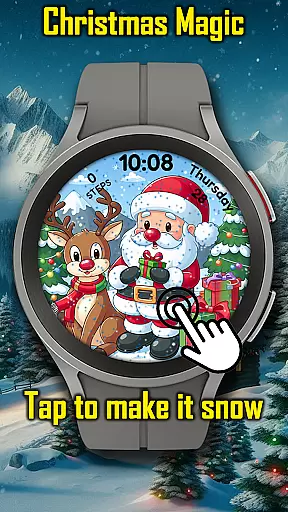
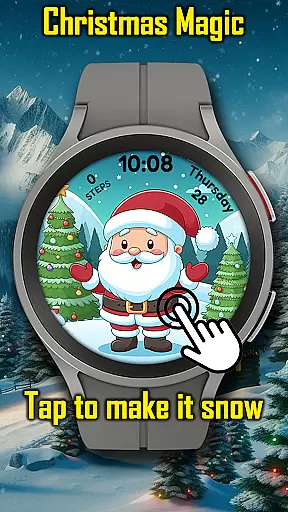


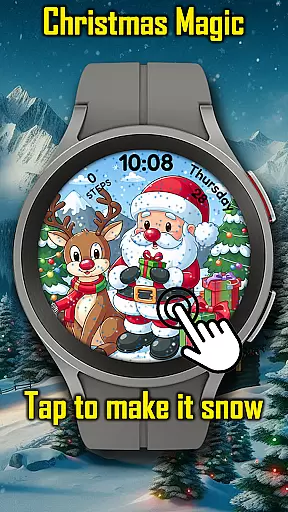
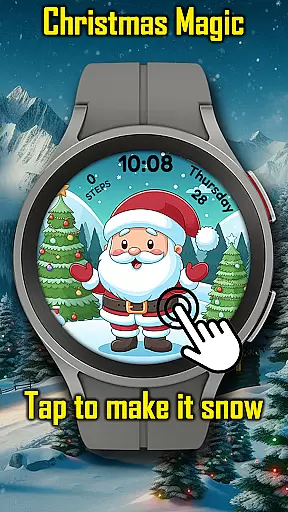
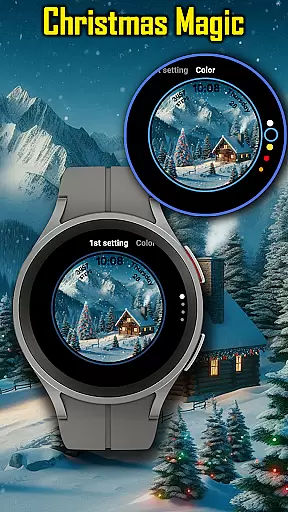


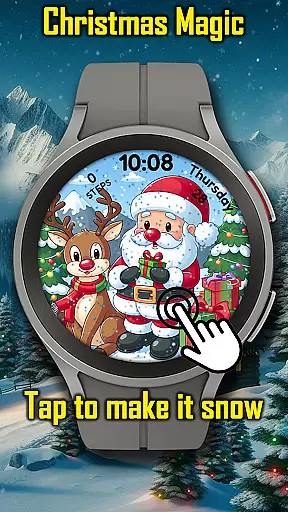
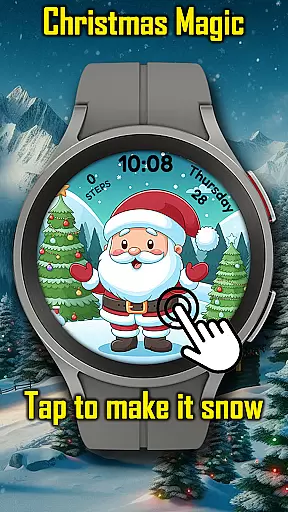
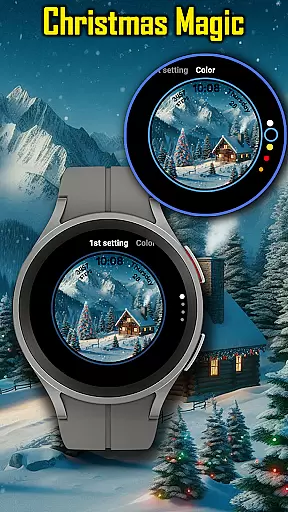

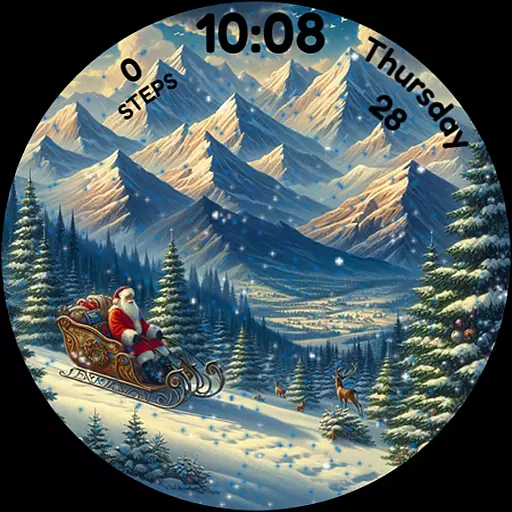
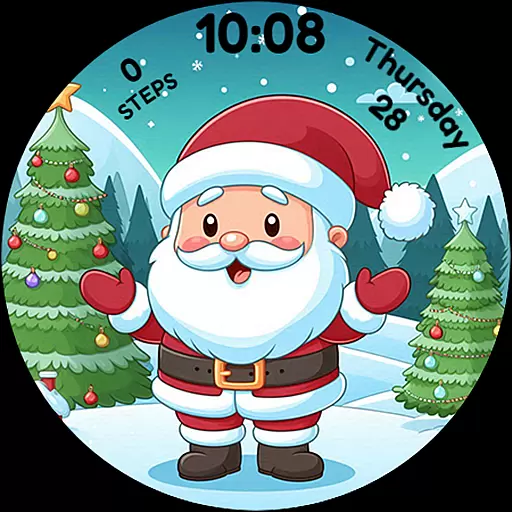
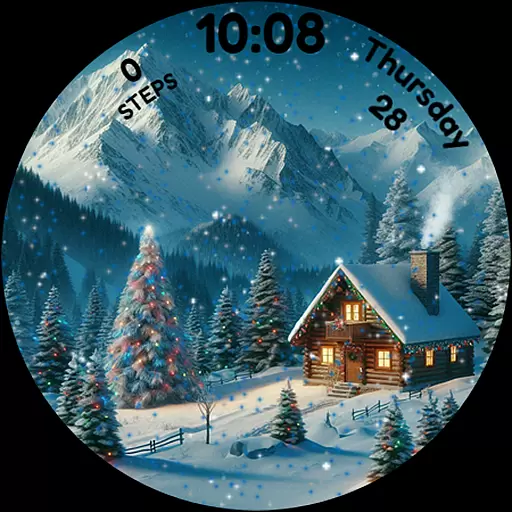
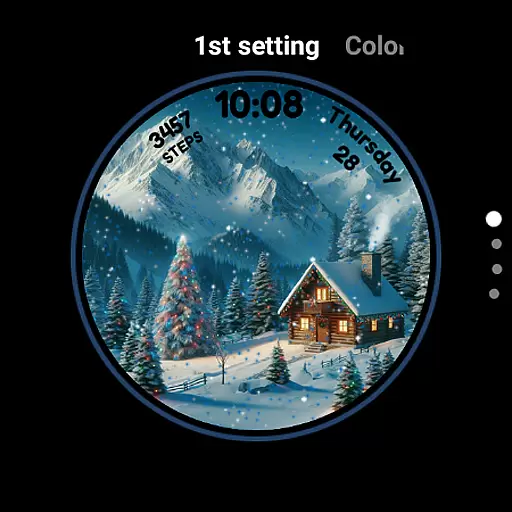
Christmas Magic Watch Face for Wear OS brings festive charm to your smartwatch with its delightful holiday-themed design. Featuring Santa Claus, Christmas trees, and a snowy mountain backdrop, this watch face transforms your device into a magical Christmas celebration on your wrist.
The animated scenes include realistic snowfall effects that users can interact with by tapping to make it snow. With customizable colors and Always-On Display (AOD) mode, it offers both personalization and functionality. Perfect for holiday enthusiasts, this app ensures the Christmas spirit is always alive, making every glance at your watch a joyful experience.
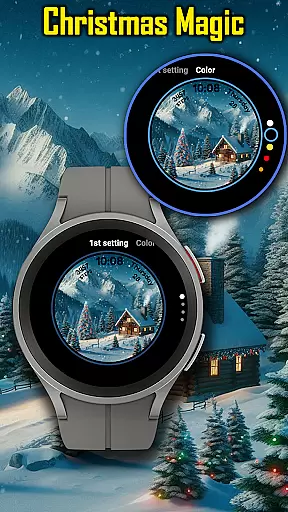
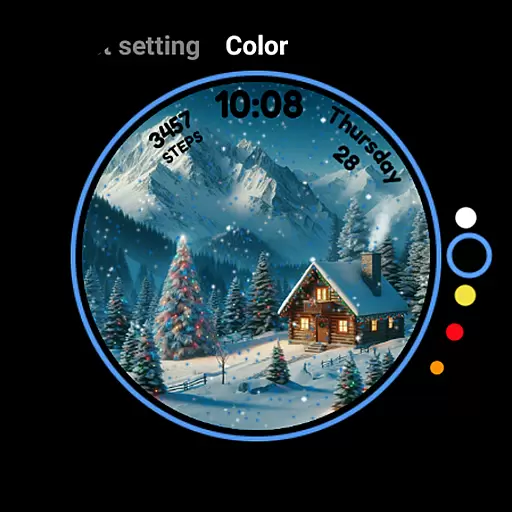
Christmas Magic stands out with its vibrant animated Christmas scenes, complete with interactive snowfall effects. Users can tap the screen to trigger additional snow, creating an engaging and personalized experience. The watch face also supports customizable colors, allowing wearers to tailor the appearance to match their unique holiday style.
One of the key features is the AOD (Always-On Display) mode, which ensures that even when the watch is in low-power mode, the festive design remains visible. This combination of interactivity, customization, and continuous visibility makes Christmas Magic a versatile choice for Wear OS users who want to embrace the holiday season while maintaining the practicality of their smartwatch.
For the Christmas Magic Watch Face, companion app integration is essential for enhancing user experience. This feature allows users to seamlessly sync their preferences and settings between their smartphone and Wear OS smartwatch.
The integration enables wearers to customize colors and activate animated scenes directly from their phone, ensuring that their watch face matches their festive style without the need to interact with the watch interface directly.
Users benefit from real-time updates and notifications, making sure that all holiday-themed animations and features are promptly updated across devices. This synchronization provides a fluid and engaging way to keep the Christmas spirit alive on their wrist.
Ensuring broad device compatibility, the Christmas Magic Watch Face supports various Wear OS devices, allowing more users to enjoy its festive charm. Compatibility is crucial as it guarantees that the delightful design functions smoothly across different hardware models.
This watch face takes advantage of the latest Wear OS features, including AOD mode, which displays the animated Christmas scenes even when the watch is in ambient mode. Users can tap to make it snow, bringing a touch of holiday magic to their everyday lives.
By focusing on compatibility, the app ensures that whether you're an Android or iPhone user, you can bring the holiday cheer to your smartwatch and revel in the season's joy with every glance at your device.
Festive Design
Interactive Snowfall
Customizable Colors
AOD Mode Support
Holiday Spirit
Limited Year-Round Appeal
Battery Consumption
Wear OS Only
No Advanced Features
Simple Customization

Wear Os Watch Face - Animated Snow Effect & Christmas Lights
 4.0
4.0
Christmas watch face. For Wear OS devices.
4.30
Embrace the holiday spirit with this magical animated watch face!
4.40
Stylish digital watch face for Wear OS devices with customizable features
4.1
Real-time results, stats, schedules and player profiles for all leagues
4.60
The most customizable hybrid watch face. For Wear OS 5.0, API 34+ and later
4.70
Viewer for Wyze/Yi/Eufy/Arlo/ONVIF/RTSP/P2P IP cams w/ adv. features & DIY DVR
4.00
A realistic hybrid watch face with many customization options.
4.60
Start and succeed with PAP
4.10
Real-time weather radar with temperatures, warnings, hurricanes, and widgets
4.80
Hybrid watch face for Wear OS with customizable complications by Matteo Dini MD
4.70
To-Do List: daily schedule planner, task organizer, to do reminder app, calendar
4.60
Retro digital watch face with customizable colors and a unique lighting effect
4.60
Bold weather Digital watchface with forecast & optional animated background
4.40
Bold, Modern Hybrid Watch Face for Wear OS. 10 Colors, Rich Info Display.
4.30
Your music, your playlists, and more—offline and unlimited.
4.20
Snowflake Rose Gold Watch Face - Digital, modern, & sleek with GYRO effect.
4.10
Connect, create, and collaborate with Gmail, part of Google Workspace.
4.10
A full-featured Amazon Alexa voice assistant that can show you things.
3.70


User Reviews