
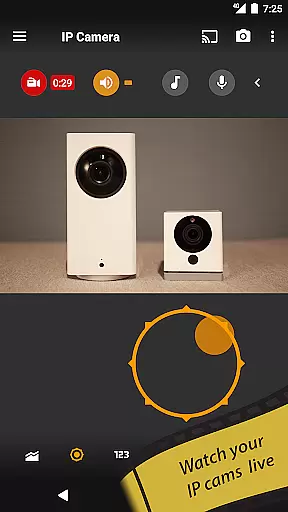
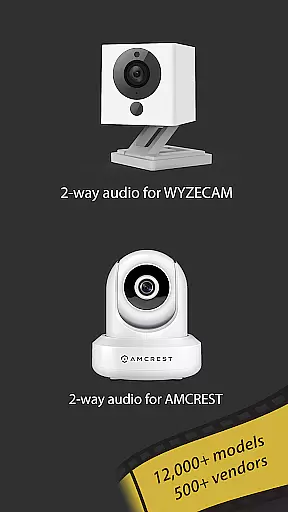
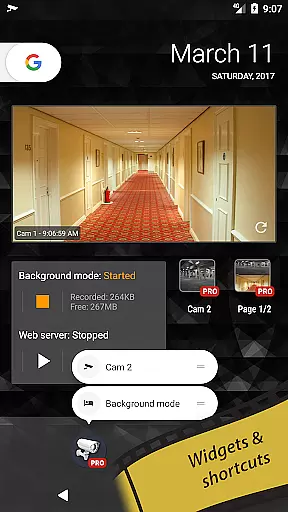
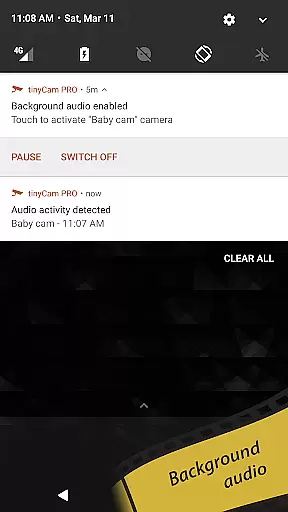
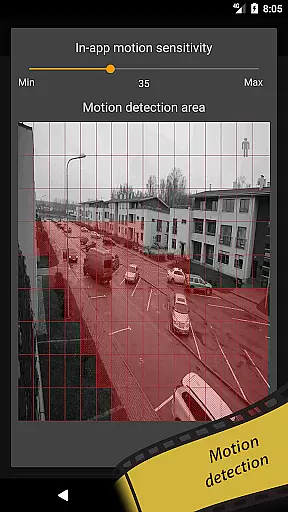
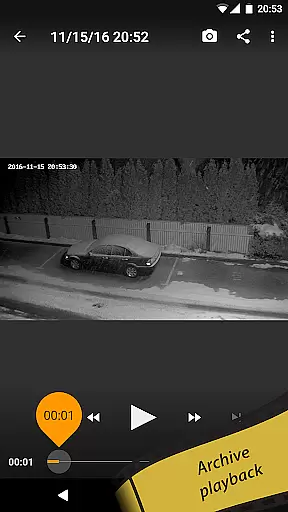
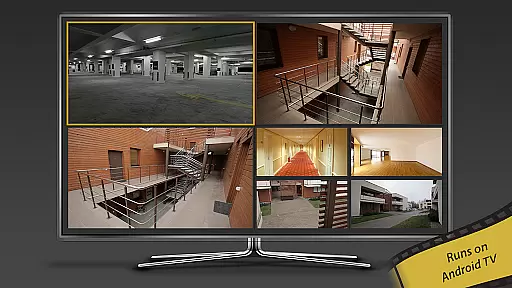
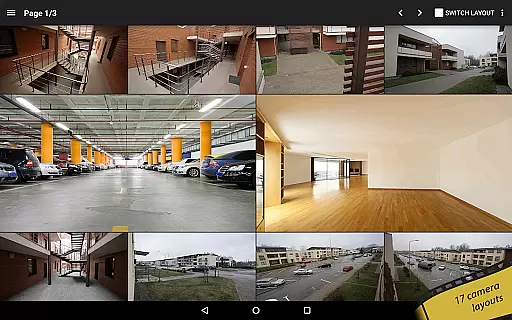
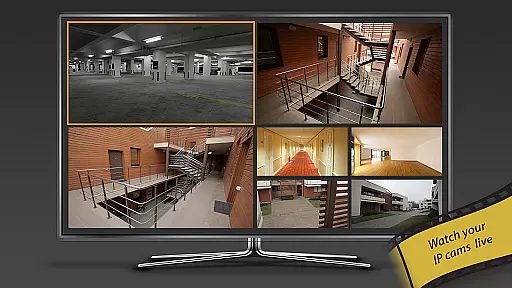
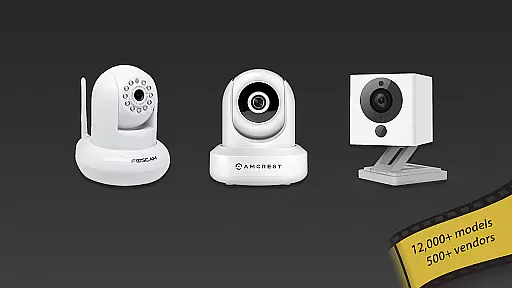
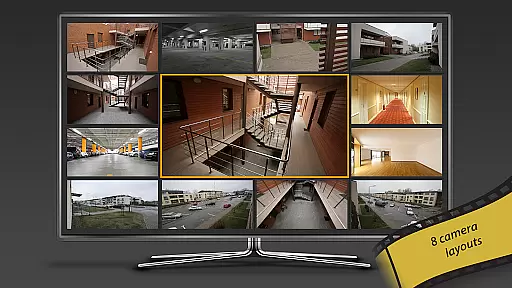
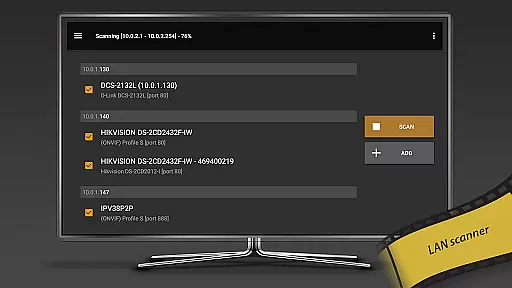
tinyCam Monitor PRO is the ultimate Android application for remote surveillance and video recording, designed to monitor IP cameras, DVRs, and CCTV systems. With support for over 12,000 camera models including popular brands like Foscam and Amcrest, it offers an intuitive interface with advanced features such as ONVIF Profile S, MJPEG/H264/H265/RTSP protocols, and smart camera compatibility.
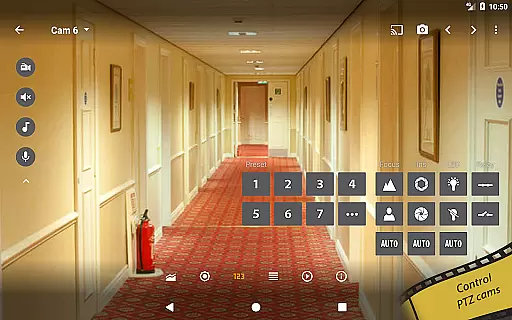
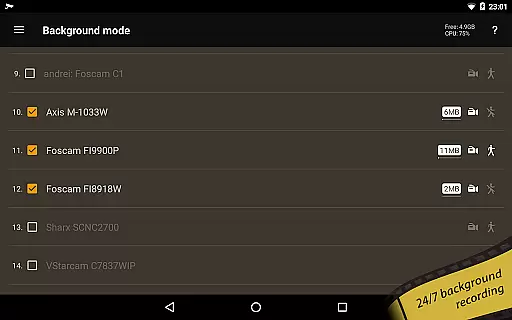
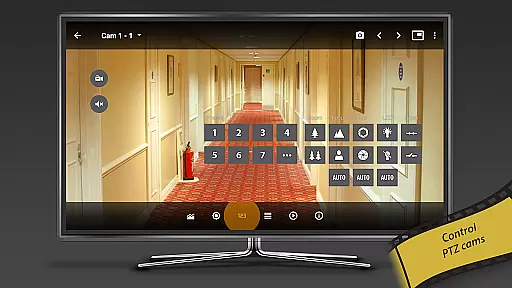
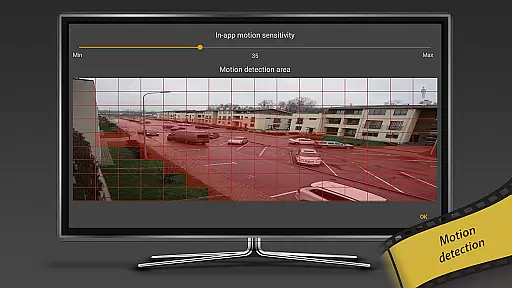
This app allows users to securely monitor their homes, businesses, or any location remotely. It provides unique functionalities like background recording, time-lapse options, AI object detection, and even face detection. Additionally, tinyCam Monitor PRO supports 2-way audio, SSL encryption, PTZ control, and various alert mechanisms, making it a comprehensive security solution that delivers exceptional value to its users.
tinyCam Monitor PRO stands out with its extensive feature set tailored for both casual and professional surveillance needs. The app supports multiple video protocols including MJPEG, H264, and H265, ensuring compatibility with a wide range of IP cameras. Its ONVIF Profile S support extends its reach to over 12,000 camera models, while smart camera integration covers brands like Wyze, Eufy, Blink, Arlo, and KAMI/Yi.
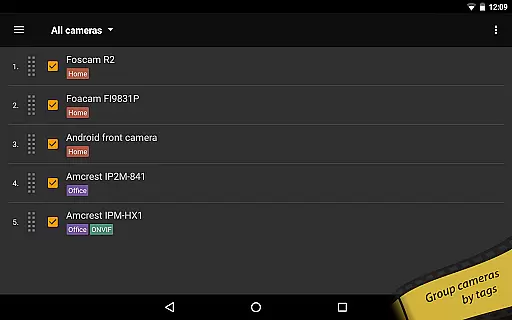
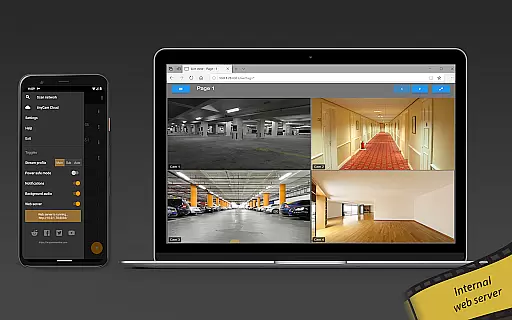
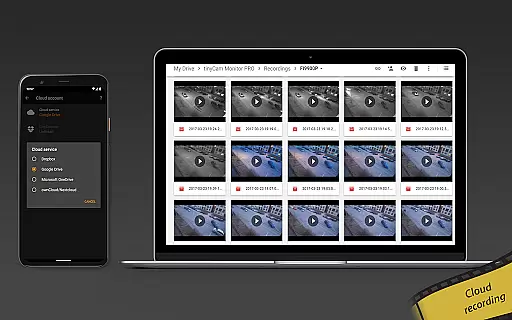
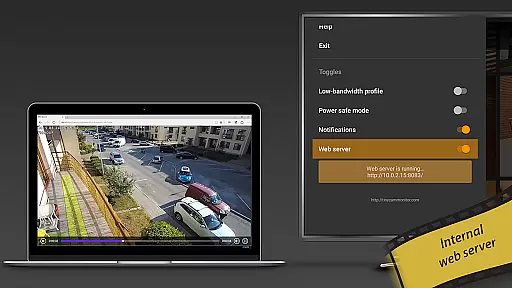
Advanced functionalities include 24/7 MP4 video recording with local and cloud storage options, automatic camera switching in sequence mode, and grouping by tags for easy management. Unique features such as background recording, time-lapse capabilities, and an internal web server for remote access make this app exceptionally versatile. Furthermore, AI-powered object and face detection enhance security measures, providing users with cutting-edge monitoring technology.
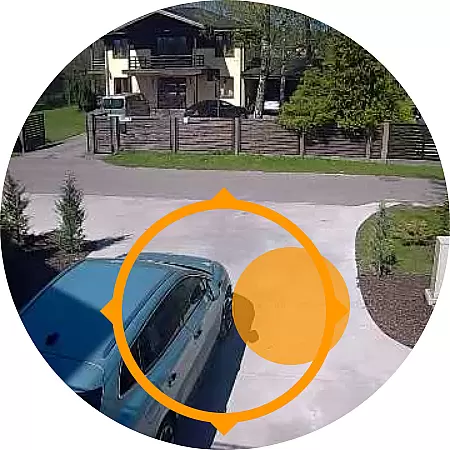
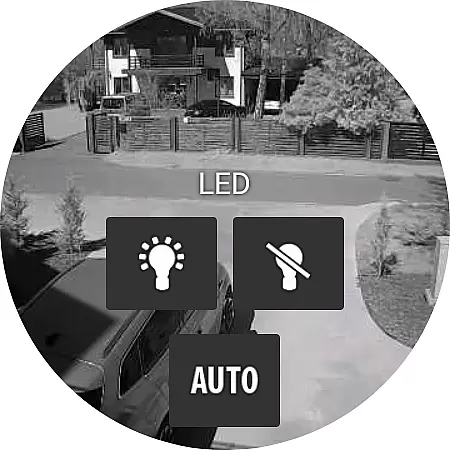
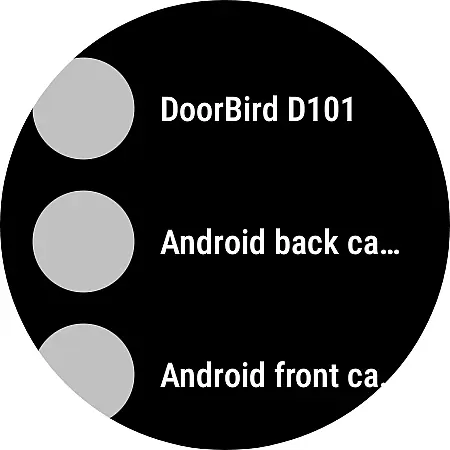
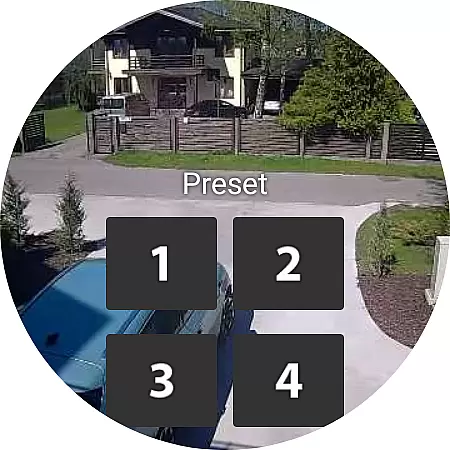
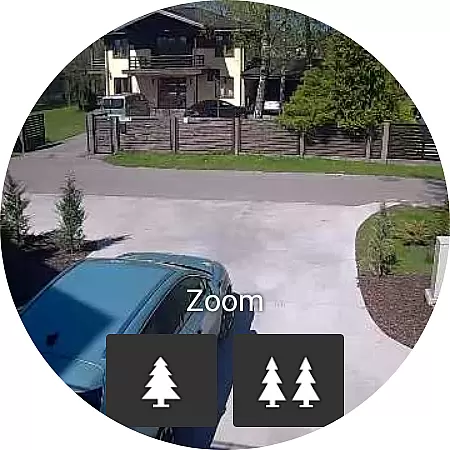
Companion app integration is essential for users who want seamless connectivity between their mobile devices and wearable technology. tinyCam Monitor PRO excels in this area by offering robust support for Android Wear, ensuring that users can monitor their IP cameras directly from their smartwatches.
The application provides timely notifications and live video feeds to keep you informed about the happenings at your monitored locations without needing to take out your phone. This feature enhances convenience and allows for discreet monitoring on the go.
Furthermore, tinyCam Monitor PRO ensures that all data shared between the mobile app and its wearable counterpart remains secure, employing advanced encryption protocols. This security measure guarantees that your surveillance data stays private and protected from unauthorized access.
By integrating with Android Wear, tinyCam Monitor PRO not only extends the functionality of your smartwatch but also empowers you with real-time information, making it an indispensable tool for both personal safety and business security.
Ensuring broad device compatibility is crucial for any application targeting the wearable technology market. tinyCam Monitor PRO stands out by supporting a wide range of Wear OS devices, allowing users to leverage their existing smartwatches for remote surveillance tasks.
This compatibility spans various manufacturers and models, meaning whether you own a Samsung, Huawei, or Fossil smartwatch, you can likely use tinyCam Monitor PRO to keep tabs on your property. The app's developers have worked diligently to ensure smooth performance across different hardware specifications.
In addition to supporting numerous Wear OS devices, tinyCam Monitor PRO also optimizes battery usage, a critical consideration for wearable tech. By efficiently managing power consumption, the app ensures that your smartwatch remains functional throughout the day while still providing valuable monitoring capabilities.
With such comprehensive Wear OS/device compatibility, tinyCam Monitor PRO delivers a versatile solution for individuals seeking to enhance their security infrastructure using the latest wearable technology.
User-friendly interface
Wide camera compatibility
Advanced security features
AI-powered detection
Comprehensive recording options
Premium features require purchase
Complex setup for beginners
Some features need specific hardware
Cloud storage comes at extra cost
High system resource usage

Simple Analog-Digital Watchface For Wear OS 3.0 and Up Smartwatches
 4.1
4.1
Watch face designed for Thanksgiving Day. 7 Background Styles included.
3.20
Let's celebrate Thanksgiving - Wear Os watch face
4.20
Authentic military-tactical design with ZULU time! Realistic and functional!
3.80
Stylish digital watch face for Wear OS devices with customizable features
4.1
Kia Access makes getting your vehicle information easier than ever
4.60
Find EV charging stations
4.30
A digital watch face that celebrates Christmas.
4.00
Download full tracks, listen to music offline, make unlimited playlists.
4.80
Hyperlocal rain alerts by MyRadar using patent-pending technology, radar & more
4.80
The most customizable minimal watch face. For Wear OS 5.0, API 34+ and later
4.70
To-Do List: daily schedule planner, task organizer, to do reminder app, calendar
4.60
Stylish, Energizing and Modern Watch Face crafted by Dominus Mathias.
4.50
A customizable Christmas watch face for Wear OS with a countdown.
4.20
Daily Weather forecast with 15 weather images for Day & Night plus Big Bold time
4.10
Hyper-Realistic Airplane Dashboard Watch Face With 10 Skins and Custom AOD
4.00
Watch the sharpness of the sky on your wrist..
3.70
Wear Os Watch Face - Animated Snow Effect & Christmas Lights
4.5
Wear Os Watch Face - Animated Snow - Sesonal for Christmas & Winter
4.3


User Reviews