
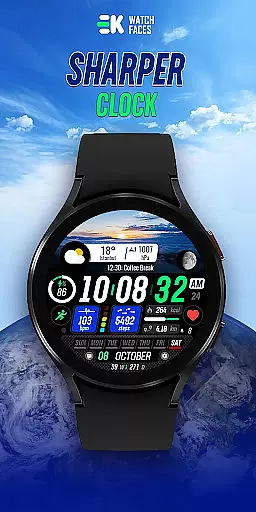
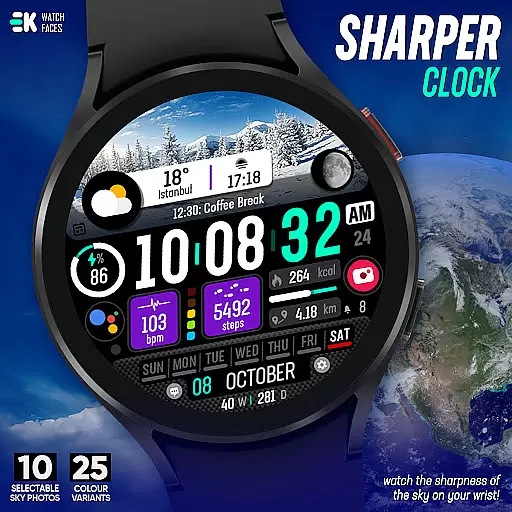
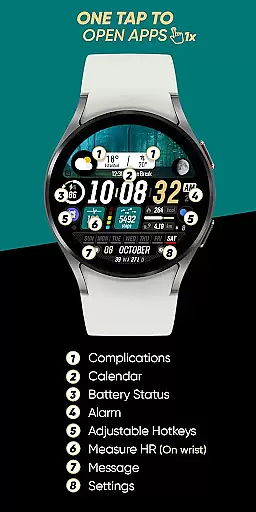
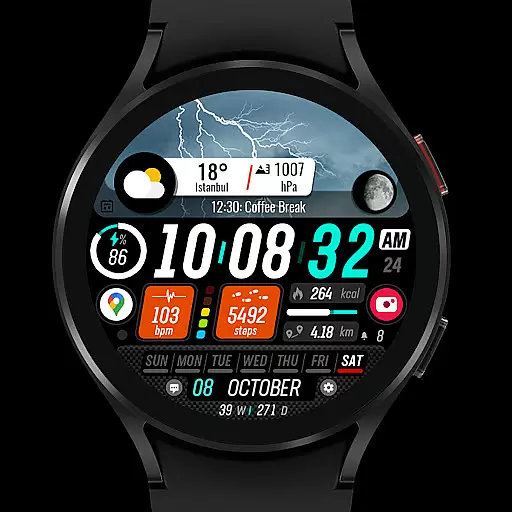
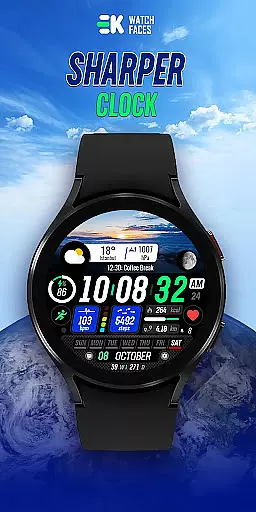
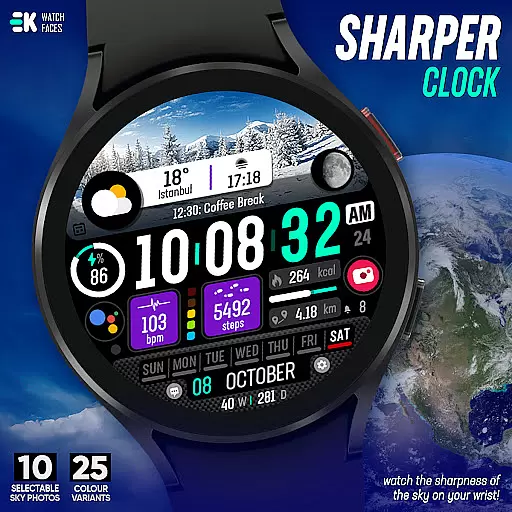
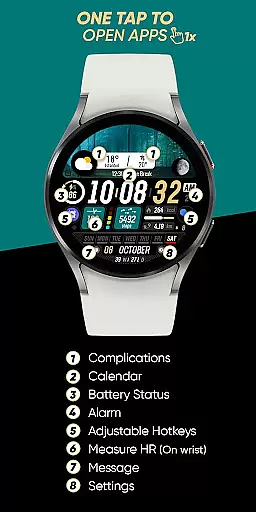
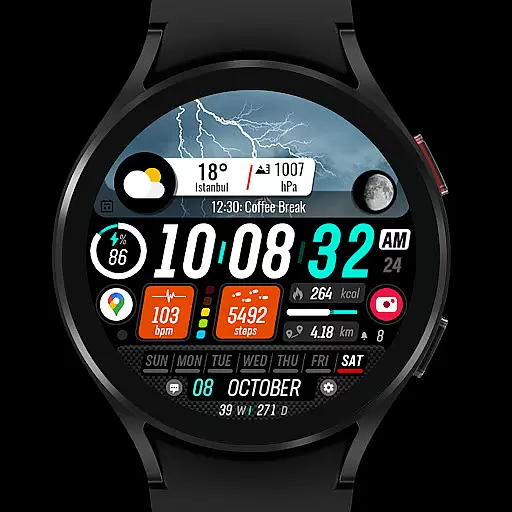
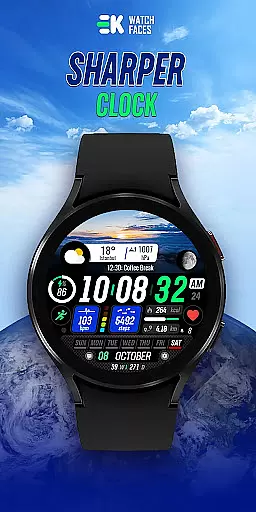
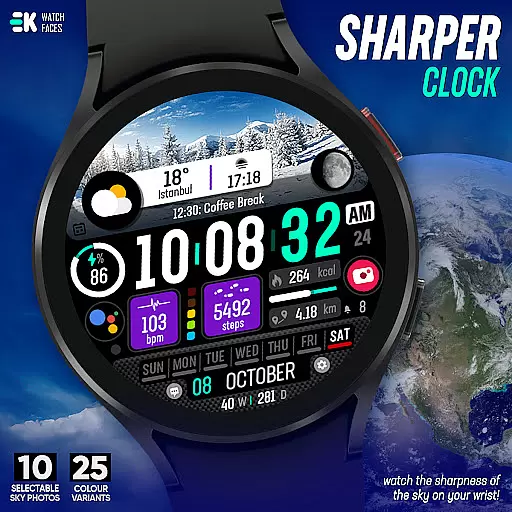
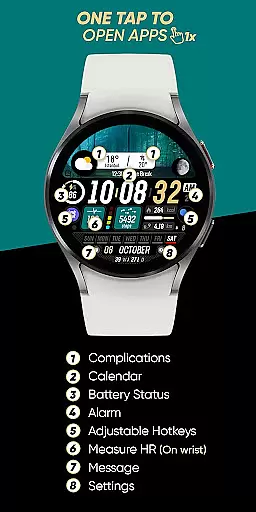
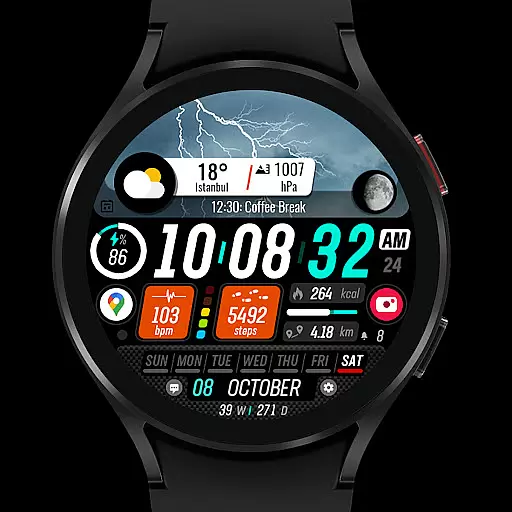
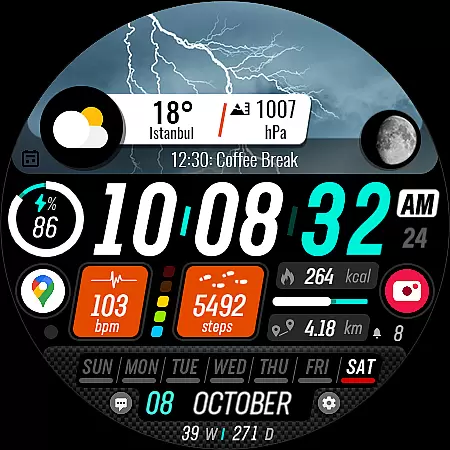
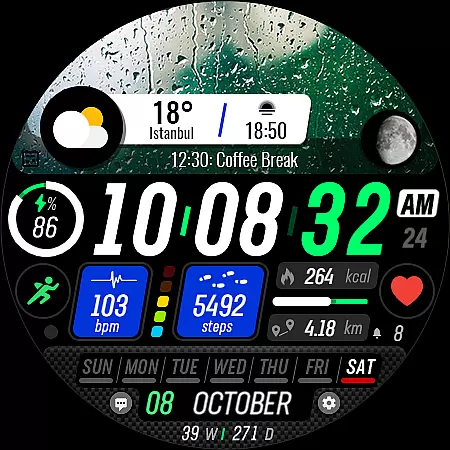
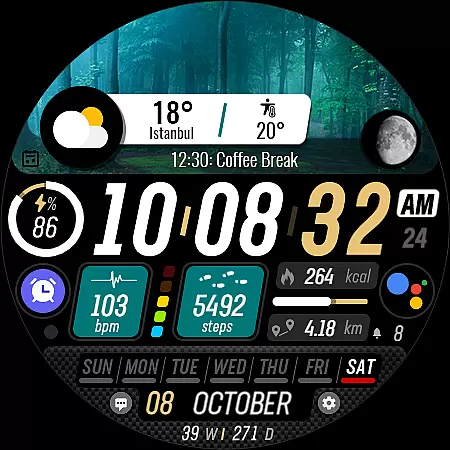
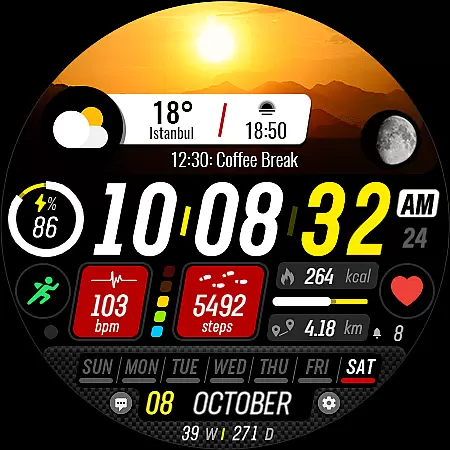
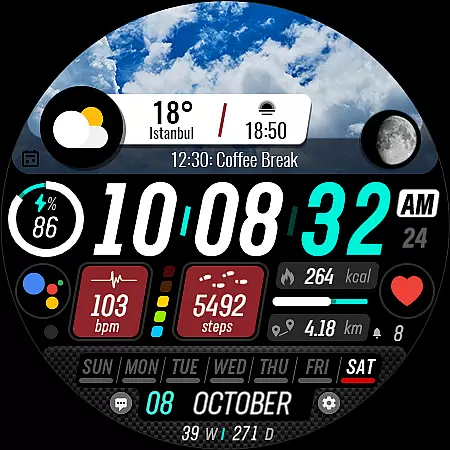
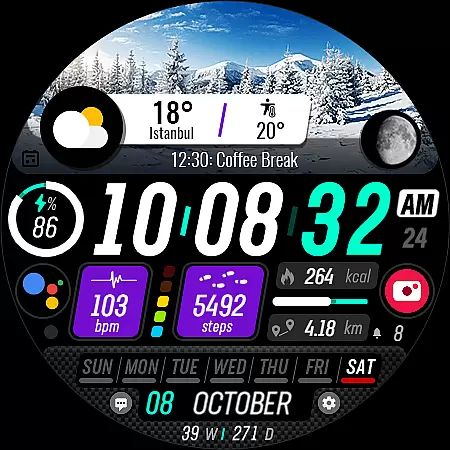
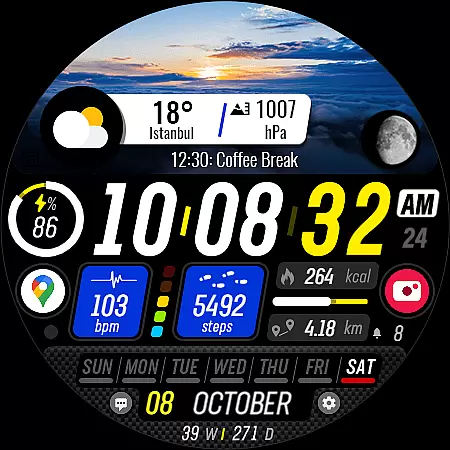
Sharper Clock is a feature-rich watch face designed exclusively for Wear OS devices, offering users a unique way to experience timekeeping on their smartwatches. With compatibility limited to API 33+, this app brings the beauty of the sky directly to your wrist.
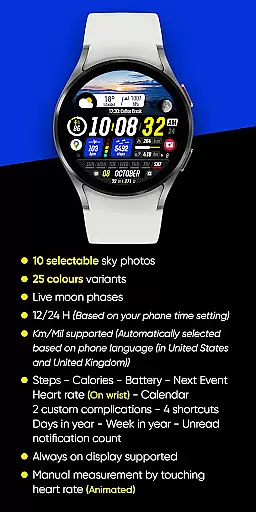
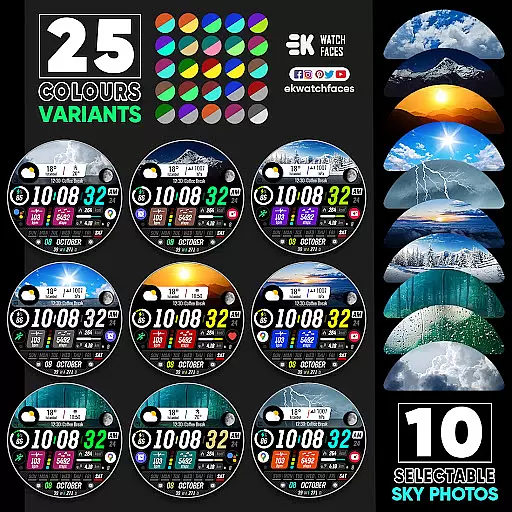
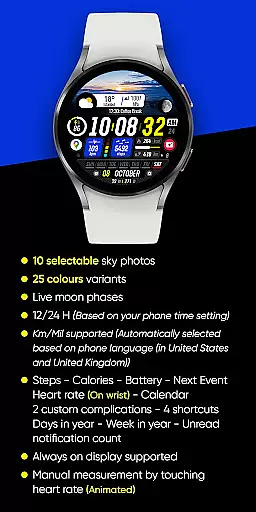
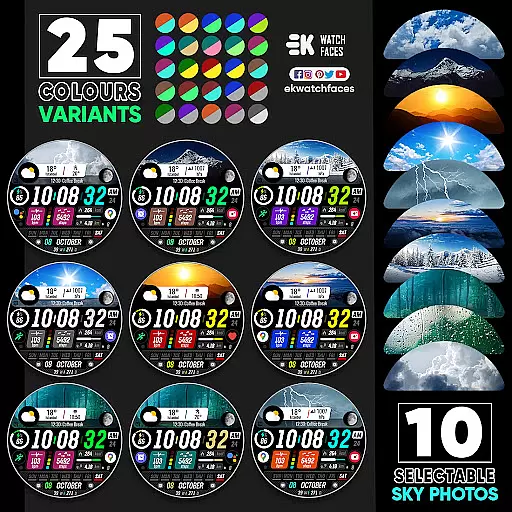
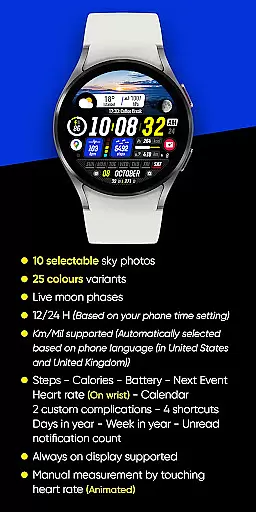
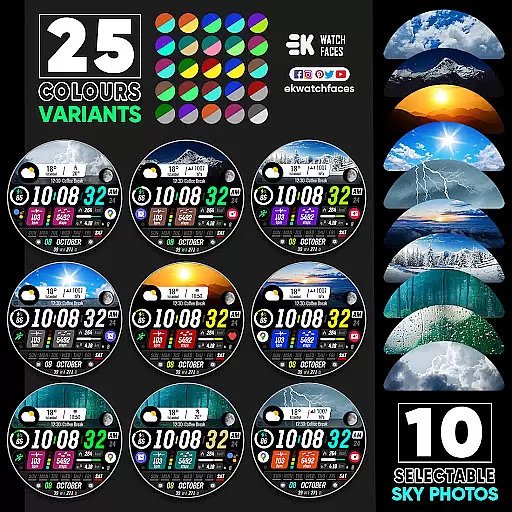
The watch face includes 10 selectable sky photos with 25 color variants, live moon phases, and supports both 12/24-hour formats based on phone settings. It also automatically adjusts units between Km/Mil depending on the user's location. The design incorporates essential features like step tracking, calorie counting, battery status, next event reminders, heart rate monitoring, calendar integration, custom complications, shortcuts, and more.
Sharper Clock enhances the wearable experience by combining aesthetics with functionality, making it an ideal choice for users seeking both style and utility in their Wear OS devices.
Sharper Clock stands out with its diverse range of customization options and advanced features tailored for Wear OS users. The app offers 10 stunning sky photos with 25 color variations, allowing users to personalize their watch faces according to their preferences.
In addition to aesthetic appeal, Sharper Clock provides practical functionalities such as live moon phases, automatic time format adjustment (12/24H), and unit selection based on phone language (Km/Mil). Users can access vital information at a glance, including steps taken, calories burned, battery level, upcoming events, heart rate, and unread notifications.
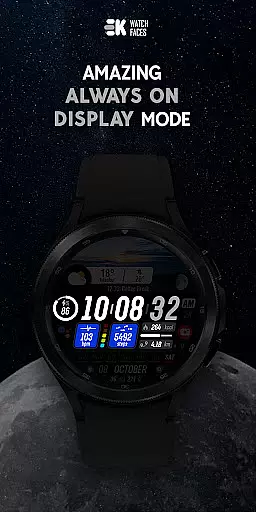
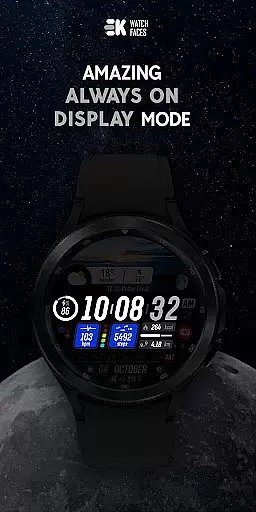
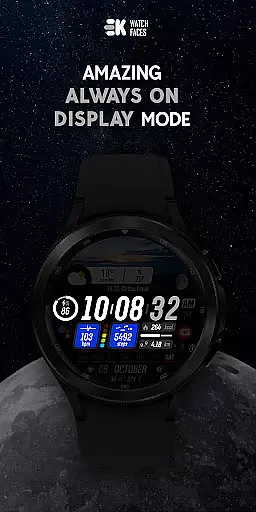
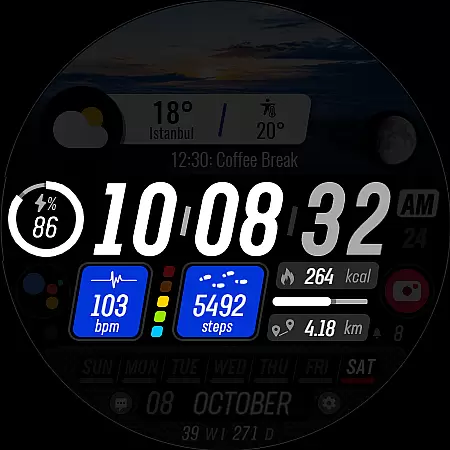
For seamless operation, the app supports always-on display and integrates with sensors and complications when permissions are enabled. This ensures that users enjoy full functionality while maintaining an elegant appearance on their smartwatches.
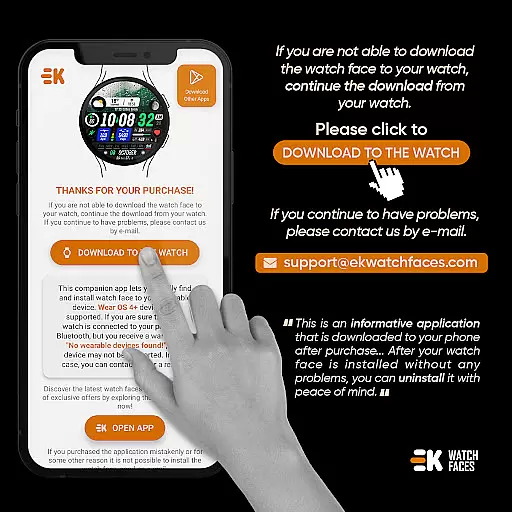
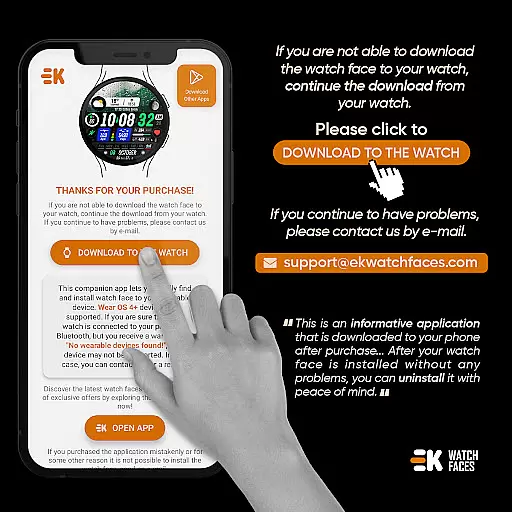
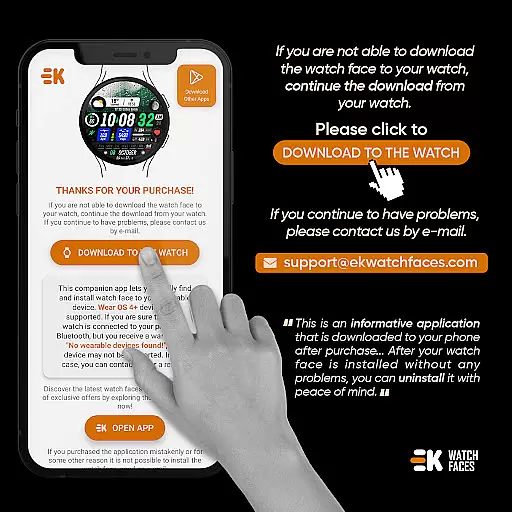
Sharper Clock - Watch Face offers seamless companion app integration, ensuring that your phone and Wear OS device work in harmony. The phone app acts as a placeholder to simplify the installation process and helps you locate the watch face on your wearable device effortlessly.
By connecting your watch to your phone properly and using the dedicated Phone App, users can tap on the 'DOWNLOAD TO THE WATCH' option to initiate installation. This straightforward method ensures that even those new to Wear OS can navigate the setup with ease.
In addition to simplifying installation, this app provides essential features such as live moon phases, steps tracking, calories burned, battery status, next event reminders, heart rate monitoring, calendar integration, custom complications, shortcuts, and more. These functionalities are enriched by enabling sensors and complication data permissions manually for full utility.
Designed exclusively for Wear OS devices running API 33+, Sharper Clock - Watch Face guarantees optimal compatibility and performance. Users need to ensure their devices meet these requirements before proceeding with installation.
The application supports both 12/24-hour time formats based on phone settings and automatically selects units (Km/Mil) according to the phone's language preferences, particularly catering to users in the United States and United Kingdom.
For those encountering issues like payment loops during installation, it is advised to wait a few minutes or restart the watch. Such problems typically stem from synchronization glitches between the device and Google servers rather than developer-related faults. Additionally, always-on display support enhances user experience by keeping vital information accessible at a glance.
Visually appealing designs
Customizable features
Live moon phase display
Comprehensive health tracking
Always-on display support
Limited to Wear OS
Installation complexity
API 33+ required
Potential payment issues
Dependent on phone settings

an Analog Watch Face for winter season with freeze winter background for Wear OS
 4.4
4.4
A Wintery Snow Globe on Your Wrist; now celebrating Christmas!
4.5
A watch face that fuses motorsport precision with contemporary smartwatch design
4.4
Artistic Digital Watchface
4.3
Structured watch face with seven complications and modular UI elements
3.90
Gym & home workout plans with strength training, exercise tracking, HIIT & more.
4.60
Bold weather Digital watchface with forecast & optional animated background
4.40
The most customizable hybrid watch face. For Wear OS 5.0, API 34+ and later
4.70
Start and succeed with PAP
4.10
WTW M17 is a premium and luxurious hybrid watch face
4.70
Fast and smart typing with Emojis, GIFs, and more
4.50
Embrace the holiday spirit with this magical animated watch face!
4.40
Digital watch face with big numbers and many customization for Wear OS devices
4.40
Digital watch face. For Wear OS devices.
4.40
The ultimate destination for kids ages 3-8 to explore the Marvel Universe!
4.30
Let's celebrate Thanksgiving - Wear Os watch face
4.20
Stunning modern digital watch face with 7 complications and strong contrast
4.1
Fitness interactive virtual pet super fighter boy watch face
4.4
Funny animated watch face for Thanksgiving
4.2


User Reviews