
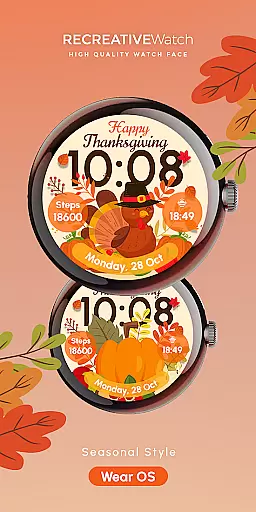


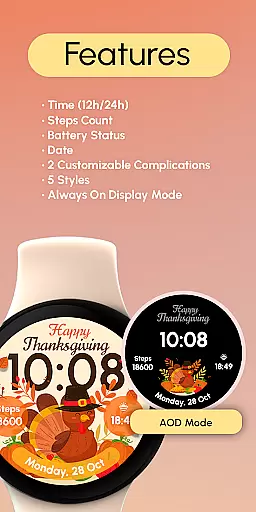
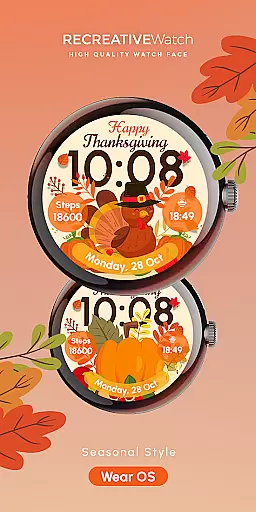


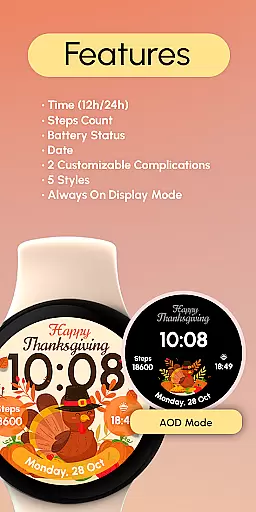
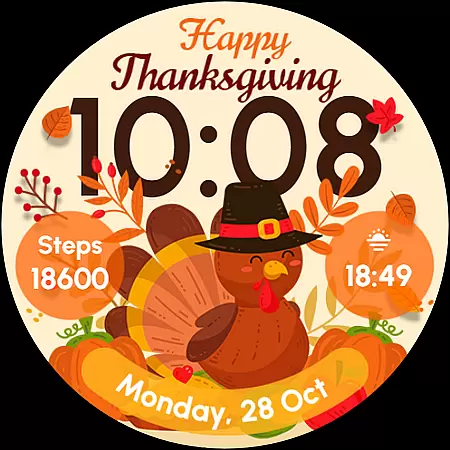
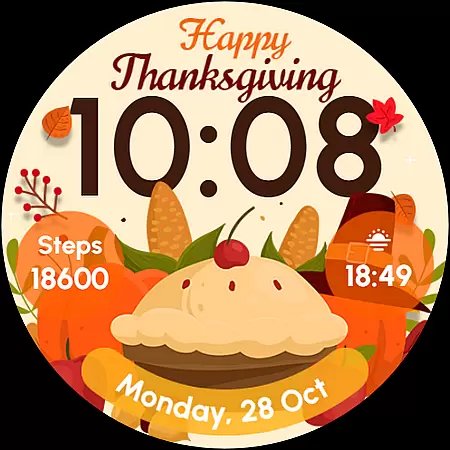
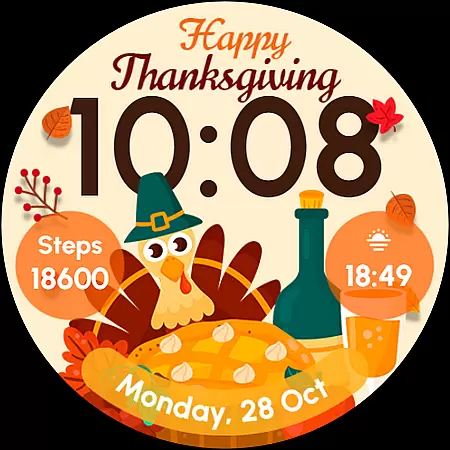
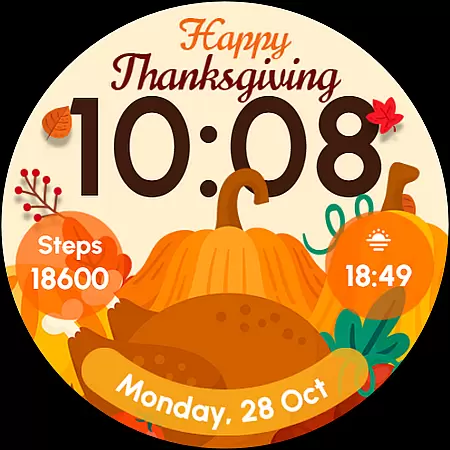
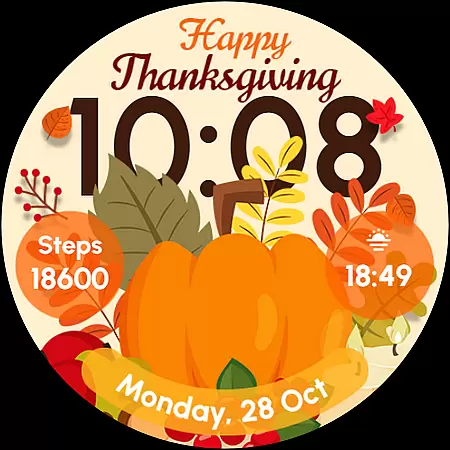
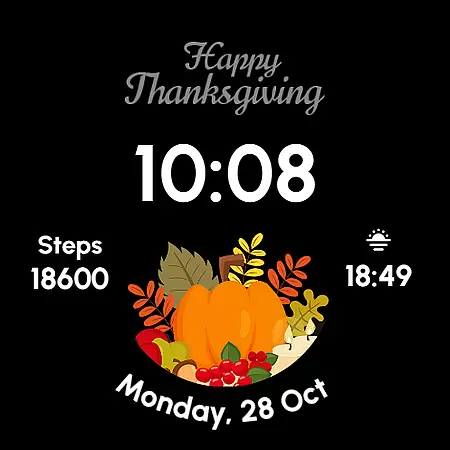
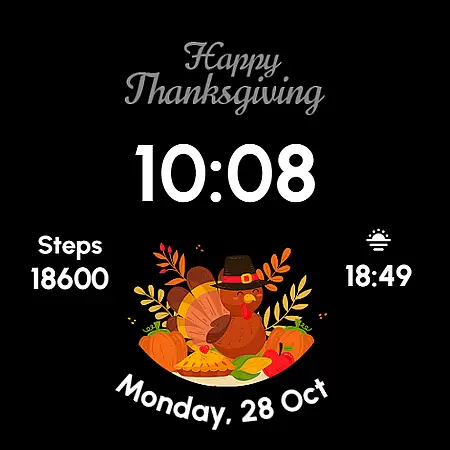
ReS54 is a festive Wear OS watch face that brings Thanksgiving vibes to your smartwatch. Featuring a cute turkey, vibrant pumpkins, and a festive feast design, it adds autumn warmth to your wrist. The watch face displays 12/24hr digital time, date, battery status, and step count while offering two customizable complications and five style options.
This watch face supports Always ON Display functionality for continuous visibility. Compatible with API level 33+ devices including Google Pixel and Galaxy Watch series, ReS54 combines seasonal aesthetics with essential timekeeping features in a single package.
ReS54 offers a rich set of features designed specifically for Wear OS devices. The watch face displays digital time in both 12hr and 24hr formats, along with the current date and battery level. It also tracks your daily steps, helping you maintain an active lifestyle during the holiday season.
Two customizable complications allow users to personalize their watch face with preferred data fields. With five distinct styles to choose from, you can match your watch face to your outfit or mood. The Always ON Display feature ensures you can check the time without lifting your wrist, though we recommend disabling this for better battery performance.
Companion app integration is essential for Wear OS applications as it ensures seamless synchronization between the watch face and a user's mobile device. ReS54 offers an interconnected experience by allowing users to customize their watch face directly from their smartphone.
This application provides a streamlined process where users can touch and hold the display, tap on the Customize option, and modify complications with preferred data fields. This level of integration enhances user engagement by offering convenience and personalization options that are easily accessible.
By supporting features such as 12/24hr digital time, date, battery status, step count, and two customizable complications, ReS54 ensures that all necessary information is available at a glance. The ability to disable Always ON Display mode also contributes to better battery performance, showcasing the app's commitment to practicality.
Ultimately, companion app integration in ReS54 not only simplifies customization but also optimizes the overall functionality of the smartwatch, making it a reliable tool for daily use.
Compatibility with various devices is a cornerstone of any successful Wear OS application. ReS54 excels in this area by ensuring its watch face works seamlessly across multiple models including API level 33+ Google Pixel, Galaxy Watch series, and other Wear OS-supported devices.
The wide range of compatible devices means that more users can enjoy the cozy Thanksgiving theme regardless of their hardware choice. With support for five different styles and Always ON Display, ReS54 caters to diverse aesthetic preferences while maintaining optimal performance.
Installation guidance and troubleshooting tips further enhance device compatibility by providing clear instructions for setup. Users can follow detailed help links or reach out to support for assistance, ensuring they have access to resources needed for smooth operation.
By prioritizing broad device compatibility and offering comprehensive support options, ReS54 guarantees an inclusive experience that brings festive charm to every compatible smartwatch on the market.
Perfect for holidays
Festive design elements
Customizable complications
Five style options
Always ON Display
Battery consumption
Limited compatibility
No analog option
Seasonal only
Basic features

Diet tracker for weight loss - track calories, food and macros. Simple and easy!
 4.70
4.70
Christmas Theme Watch Face for Wear Os
5.00
Gym & home workout plans with strength training, exercise tracking, HIIT & more.
4.60
Get helpful reminders, take progress photos and find answers to your questions.
3.90
Hyper-Realistic Airplane Dashboard Watch Face With 10 Skins and Custom AOD
4.00
A digital watch face that celebrates Christmas.
4.00
Track your active life in one place and share the journey with friends.
4.40
Spam call blocker and caller ID for automatic call protection!
4.40
Download full tracks, listen to music offline, make unlimited playlists.
4.80
The Chevron App allows you to pay for fuel from the comfort of your car!
4.80
WTW M17 is a premium and luxurious hybrid watch face
4.70
Rose gold watch face with festive lights & customizable features.
4.60
MyNISSAN® lets you remotely control your car from your phone.*
4.50
Watch face for Wear OS.
4.20
Animated video-game inspired “secret agent” simulation, right on your wrist!
4.20
Your music, your playlists, and more—offline and unlimited.
4.20
The #1 source of faces for your smartwatch!
4.00
Want to take charge of your health? Let Google Fit help you reach your goals.
3.50
Artistic Digital Watchface
4.4


User Reviews