
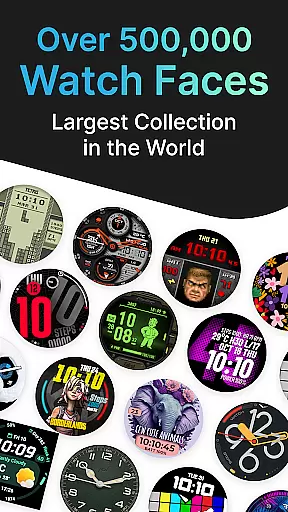
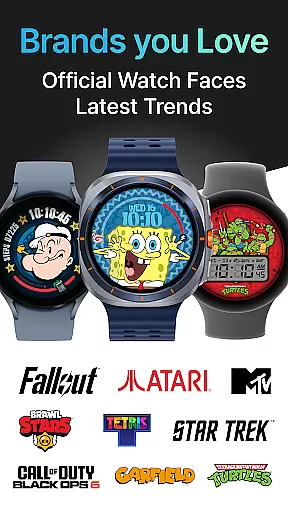
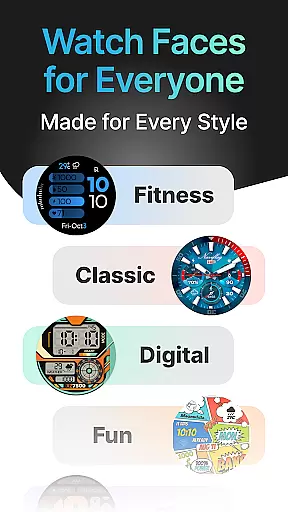
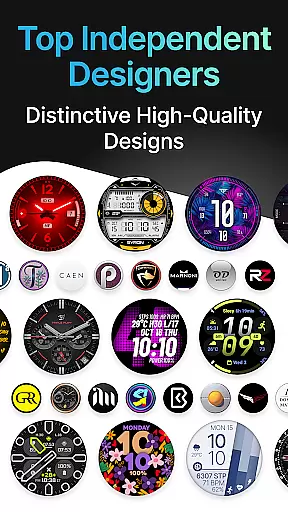
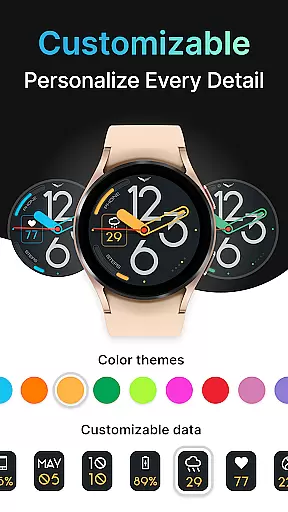
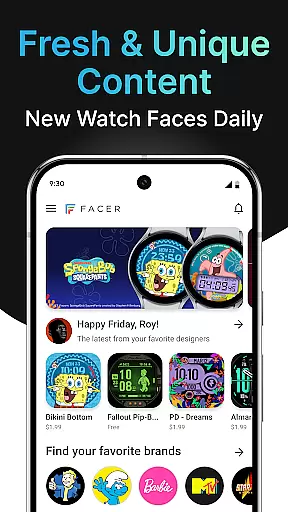
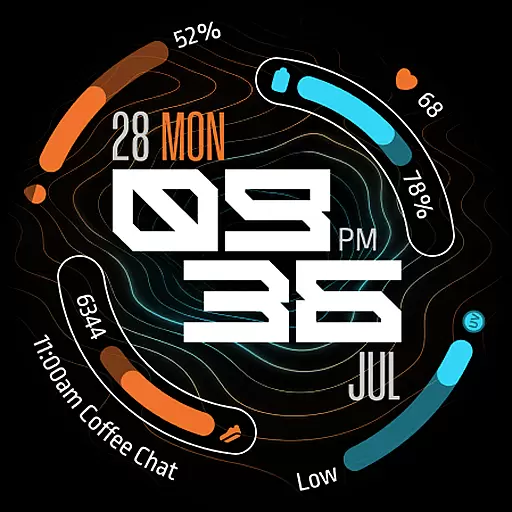
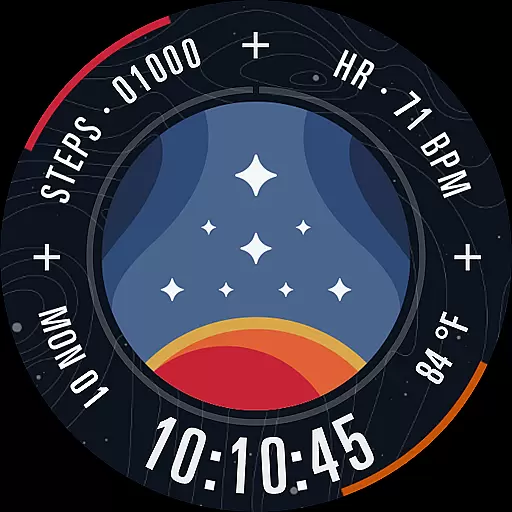
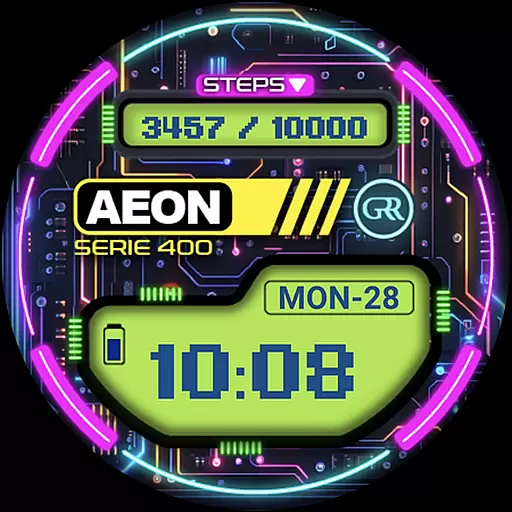
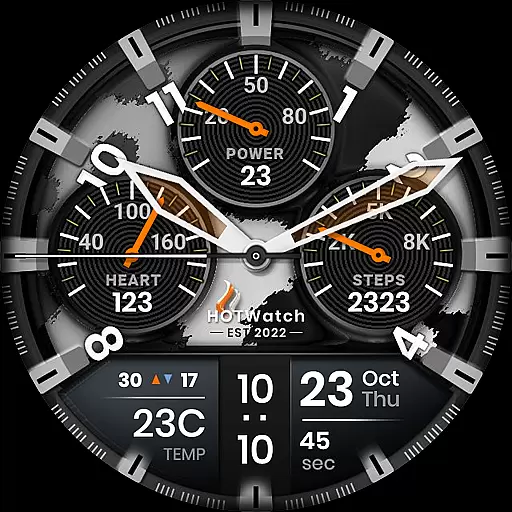
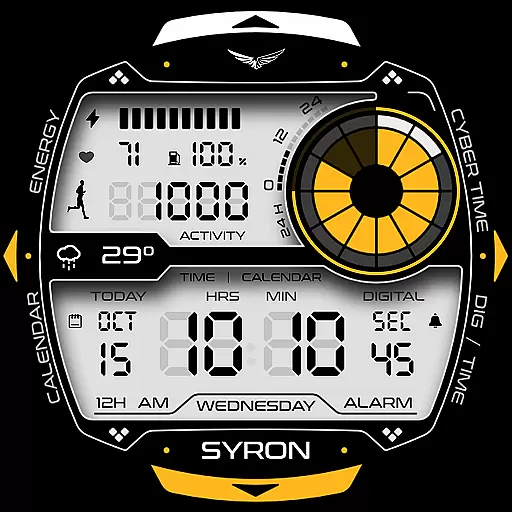
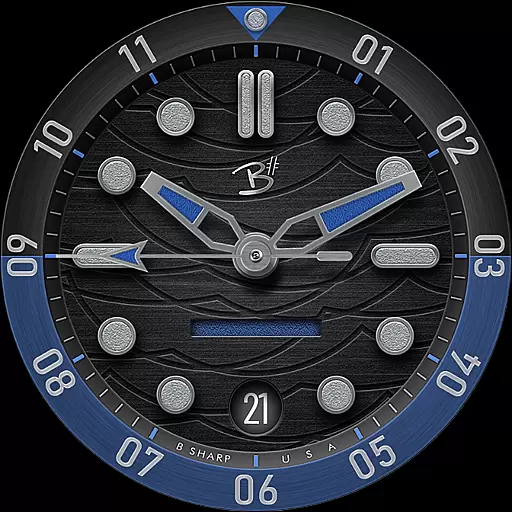
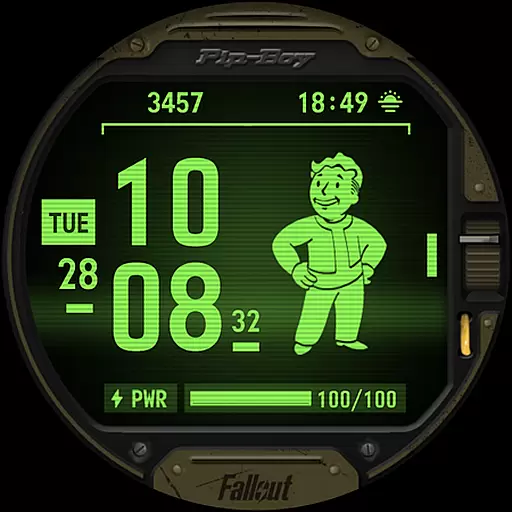
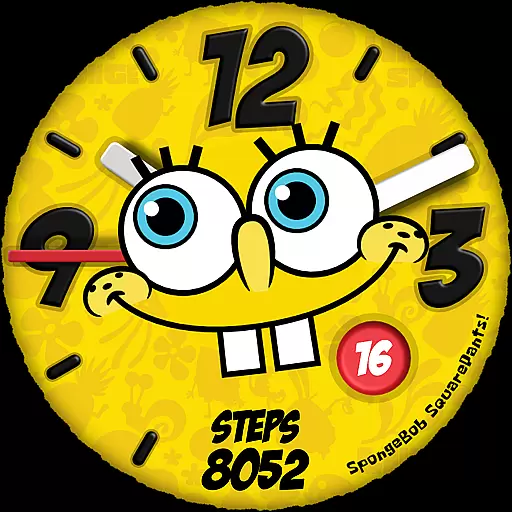
Facer Watch Faces is the ultimate customization tool for your smartwatch, offering over 500,000 free and premium watch faces from leading brands and independent artists. Compatible with Wear OS, Tizen, Apple Watch, and more, it allows users to personalize their smartwatches like never before. Whether you're looking for iconic branded designs or unique creations from talented designers, Facer has something for everyone.
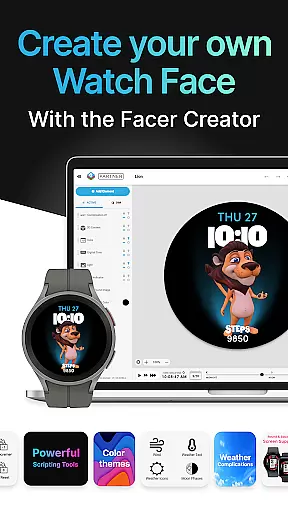
The app also features Facer Creator, a powerful web-based editor that lets users design and publish their own watch faces. With support for various smartwatch models including Samsung Galaxy Watches, Google Pixel Watches, and many others, Facer ensures your customized style travels with you across devices. The ability to sync faces seamlessly between phone and watch makes personalization both easy and efficient.
Facer stands out with its massive selection of watch faces, catering to diverse tastes and styles. Users can choose from hundreds of premium faces featuring popular brands like Tetris™, Star Trek, and Garfield, as well as original designs curated by talented artists. This extensive library ensures you'll always find something that matches your mood or occasion.
Beyond just offering pre-made options, Facer empowers users to create their own watch faces using the Facer Creator platform. This innovative feature provides a web-based editor accessible on laptops or desktops, enabling anyone to design unique watch faces and share them with a global community of smartwatch enthusiasts. Additionally, the app supports key permissions such as location and fitness data, allowing for dynamic watch faces that display weather information and health metrics in real-time.
Companion app integration is essential for a seamless smartwatch experience. Facer ensures that its mobile and wearable applications work in perfect harmony, allowing users to effortlessly sync watch faces between devices.
The Facer app simplifies the setup process by providing clear instructions for installing the app on both phone and watch. Once installed, users can browse and select from over 500,000 watch faces directly from their phone, knowing that their chosen design will appear instantly on their smartwatch.
This synchronization capability extends across multiple platforms including Wear OS, Tizen, and Apple Watch, ensuring that regardless of the device, users maintain access to their personalized watch faces. This cross-platform support demonstrates Facer's commitment to delivering a consistent user experience.
By maintaining compatibility with legacy versions like Wear OS 3 and 4 while supporting newer updates such as Wear OS 6, Facer guarantees uninterrupted service. Users can continue enjoying their favorite watch faces even when transitioning between different operating system versions.
Facer boasts extensive compatibility with a wide range of Wear OS devices, making it an ideal choice for users seeking versatile customization options. The app supports popular models from leading manufacturers, ensuring broad accessibility for smartwatch enthusiasts.
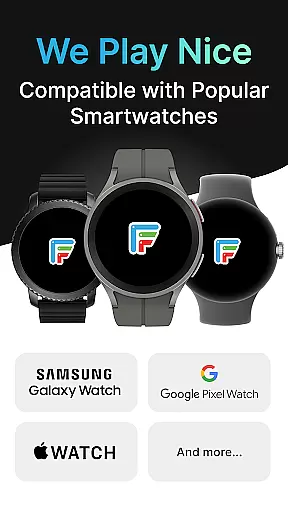
Whether you own a Samsung Galaxy Watch series, Google Pixel Watch, or devices from brands like OnePlus, Oppo, and Mobvoi, Facer has you covered. This comprehensive device support allows users to personalize their smartwatches regardless of brand preference or model specifications.
In addition to Wear OS, Facer maintains backward compatibility with Samsung's Tizen-based smartwatches and other past Wear OS models. This inclusive approach enables owners of older devices to enjoy the same level of customization as those with the latest smartwatch technology.
The application's ability to adapt to various operating system versions, including Wear OS 5 and 6, demonstrates its technical sophistication. By offering both legacy and updated experiences, Facer ensures that all compatible devices receive optimal performance and access to its vast library of watch faces.
User-friendly interface
Extensive face library
Cross-platform support
Custom creation tools
Active community engagement
Premium faces cost extra
Some features require subscription
Occasional syncing issues
Limited free options
Advanced tools need learning

Walking app for weight loss: walk & step tracker, pedometer, indoor treadmill
 4.60
4.60
A customizable Christmas watch face for Wear OS with a countdown.
4.20
Embrace the holiday spirit with this magical animated watch face!
4.40
Contemporary digital watch face with five complications
4.5
A modern premium sporty hybrid watch face for Wear OS by Ballozi
4.70
Digital, flexibly customizable watch face. For Wear OS 5.0, API 34+ and later.
5.00
3 Complications. All shadow on/off. 30 Themes color palette...
4.1
Nutrition, Macro tracker: Food, fitness & healthy diet tracking for weight loss
4.60
A white realistic classic analog watch face with many customization options.
4.40
Period, ovulation & pregnancy tracker. Fertility insights & menstrual calendar.
4.90
A modern hybrid informative watch face for Wear OS designed by BALLOZI
4.80
Easy Voice Recorder is your everyday companion to record important moments.
4.70
Be an elegant and classy secret agent, with this carefully detailed watch face
4.70
Retro digital watch face with customizable colors and a unique lighting effect
4.60
Current temperature, weather hourly, weather radar by the weather forecast app
4.40
an Analog Watch Face for winter season with freeze winter background for Wear OS
4.4
A watch face that fuses motorsport precision with contemporary smartwatch design
4.0
Stunning modern digital watch face with 7 complications and strong contrast
4.3
Fitness interactive virtual pet super fighter boy watch face
4.0


User Reviews