
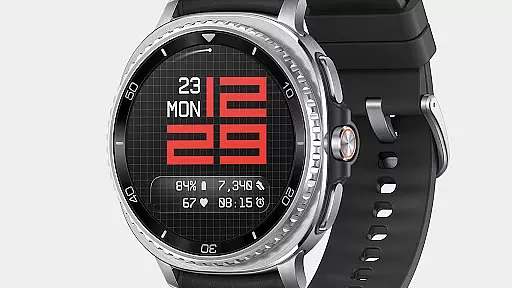
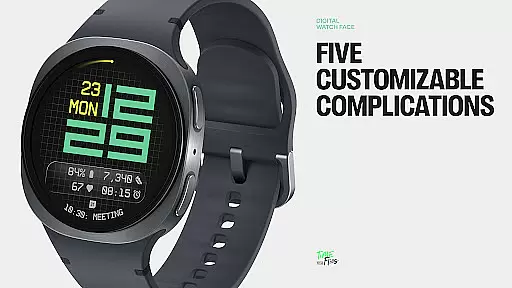
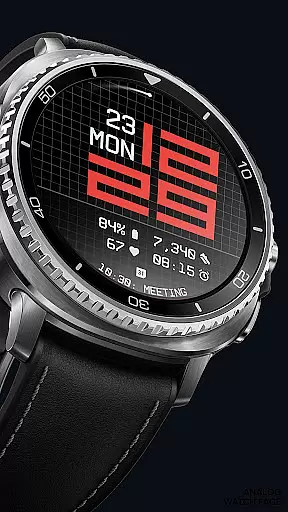
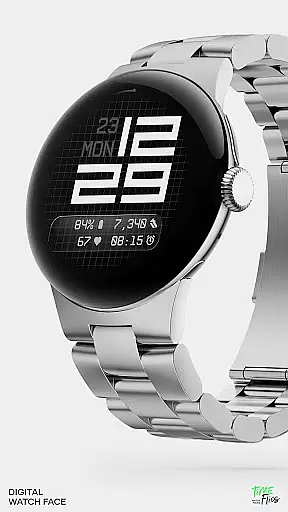
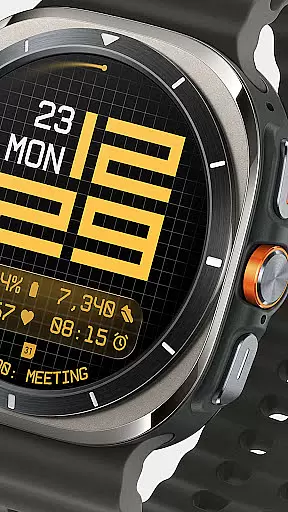
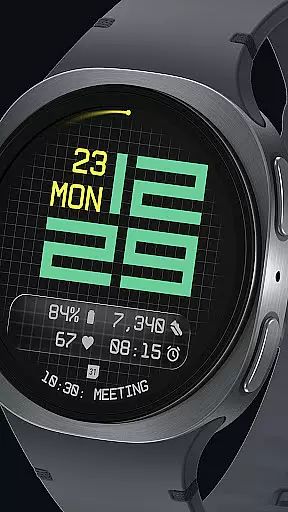
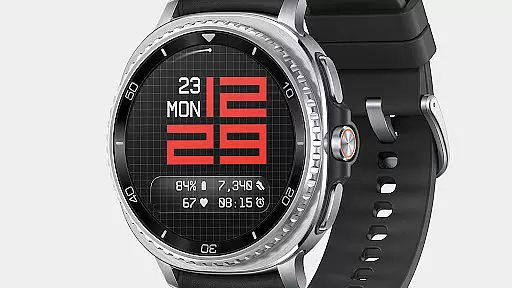
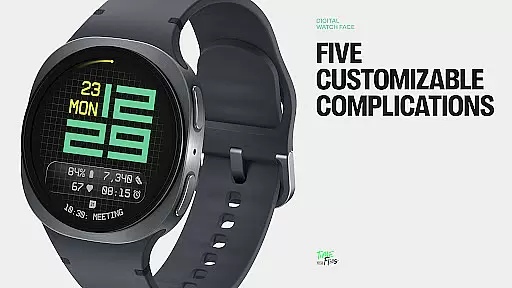
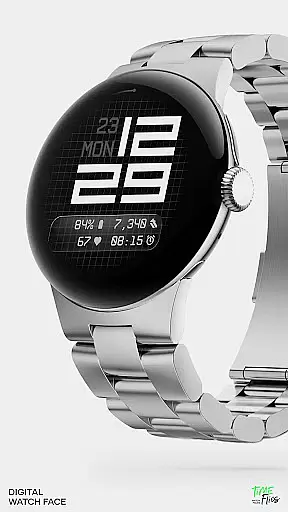
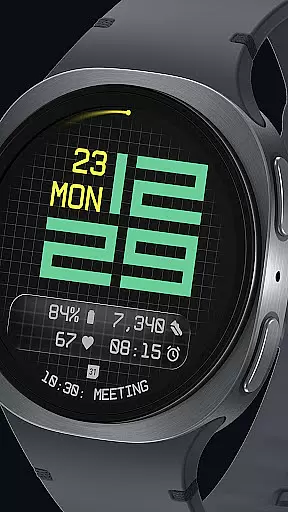
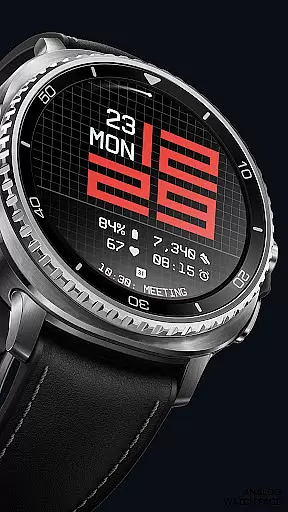
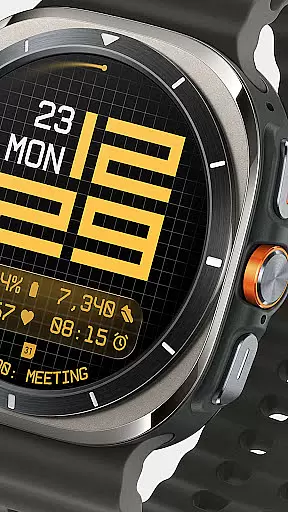
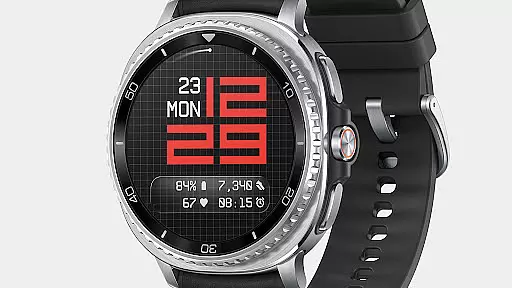
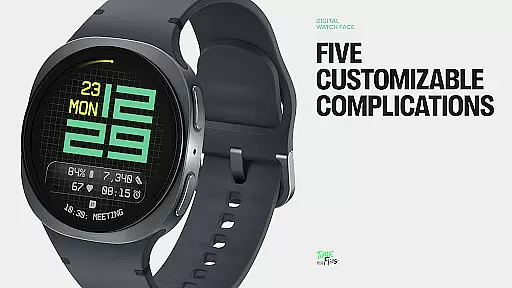
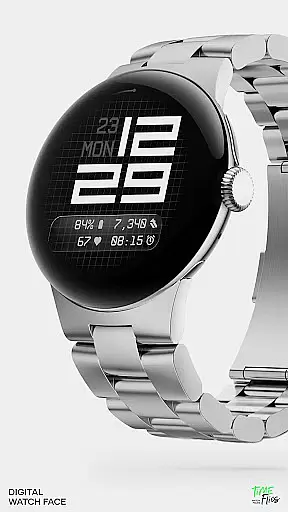
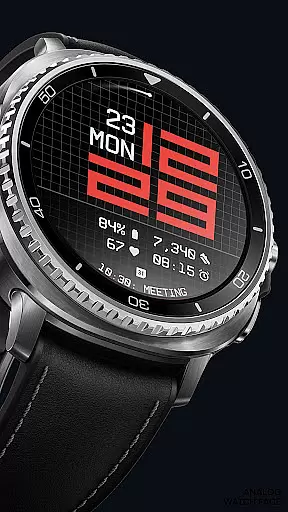
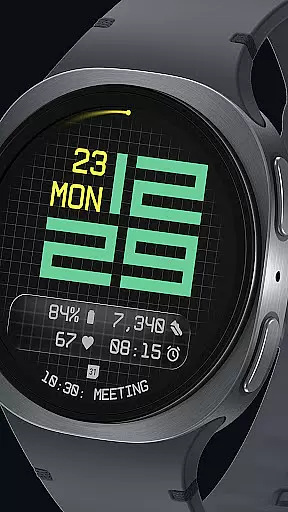

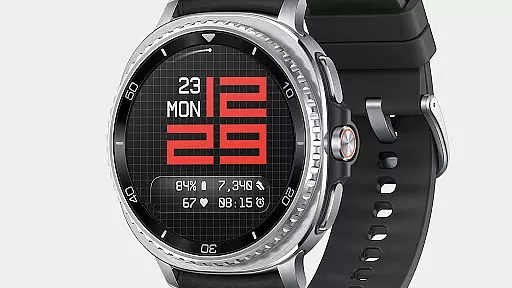
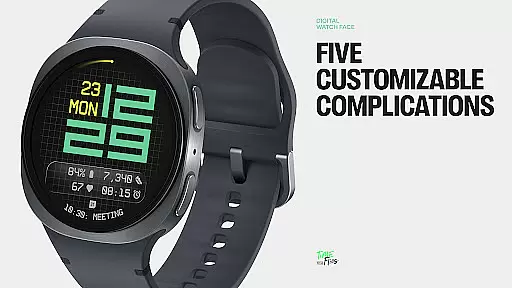
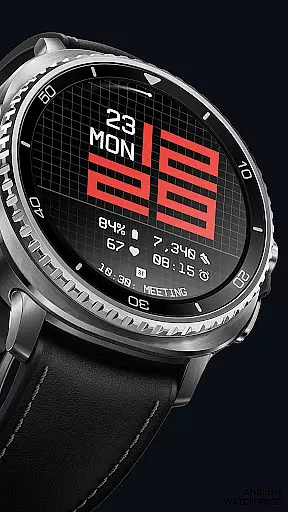
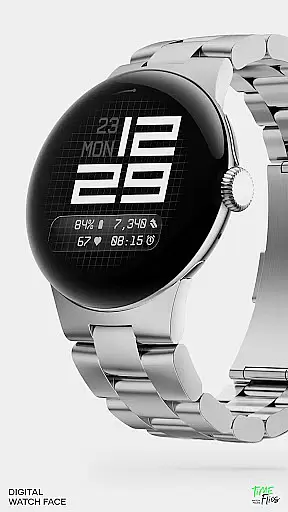
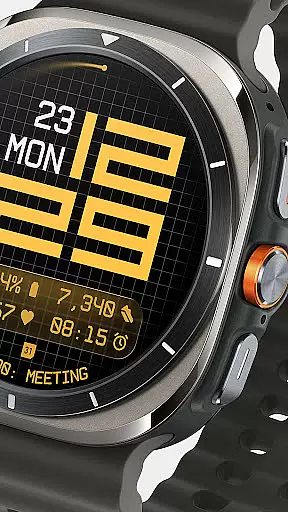
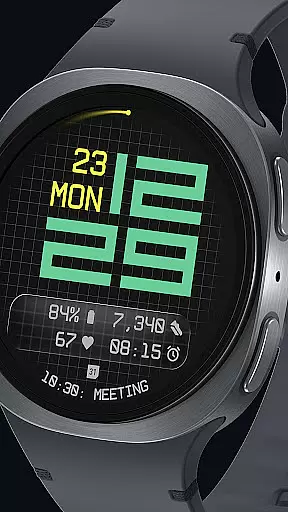
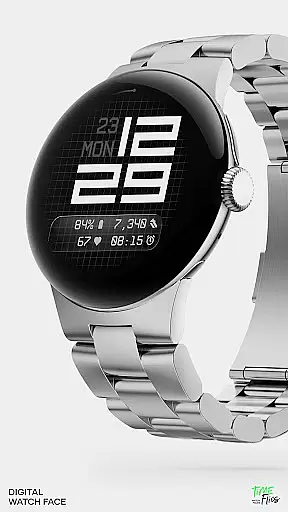
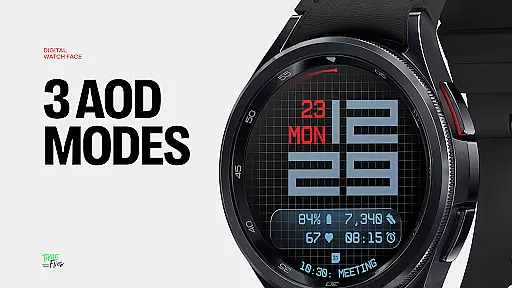
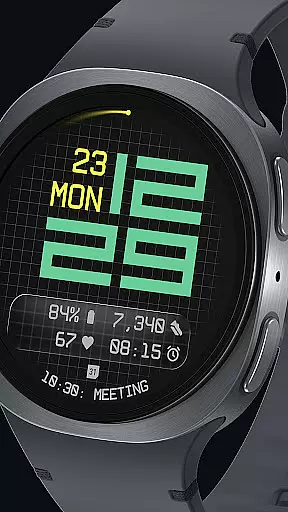
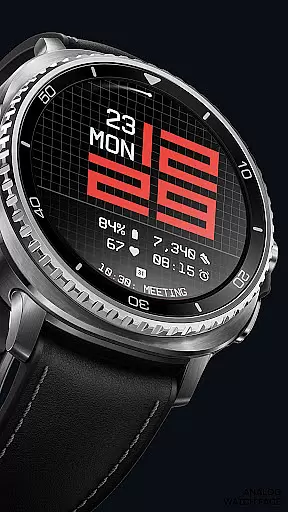
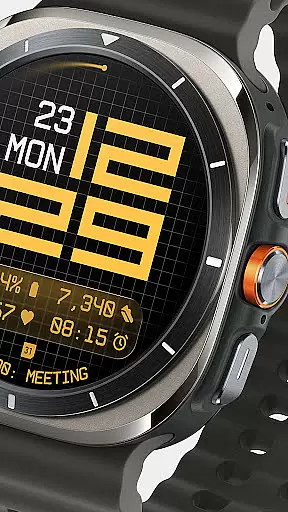
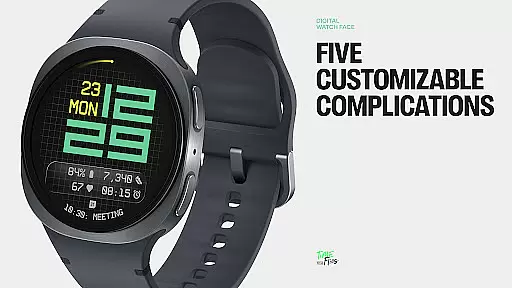
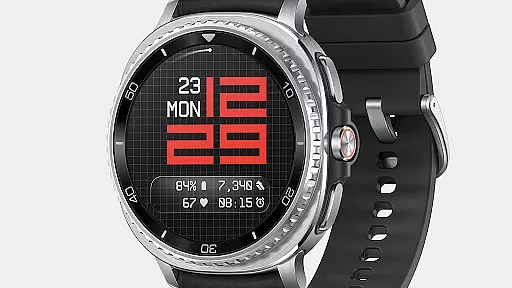
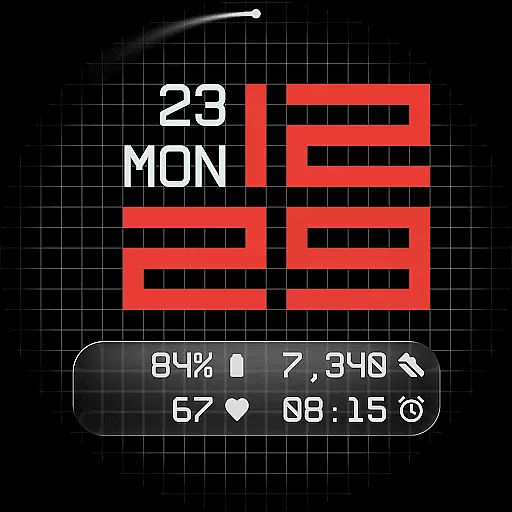
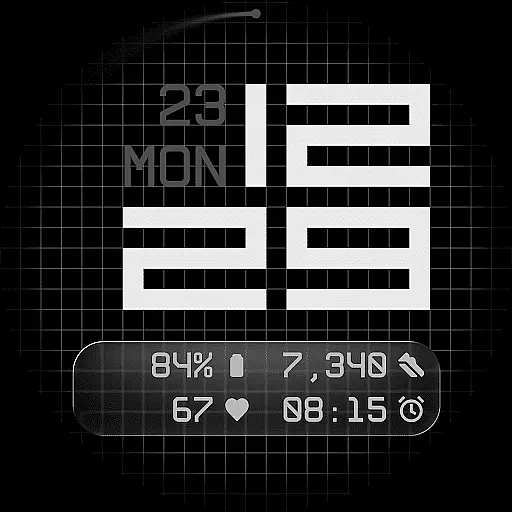
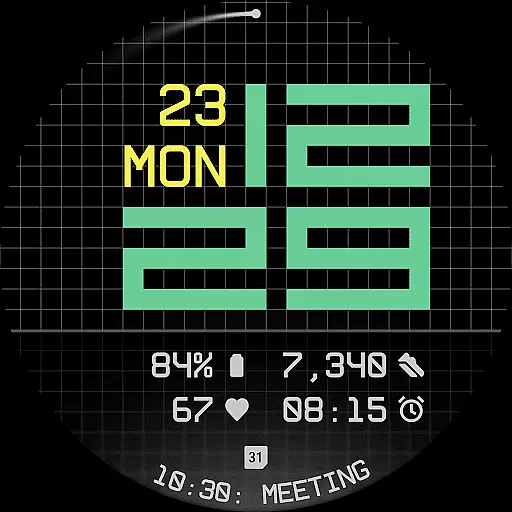
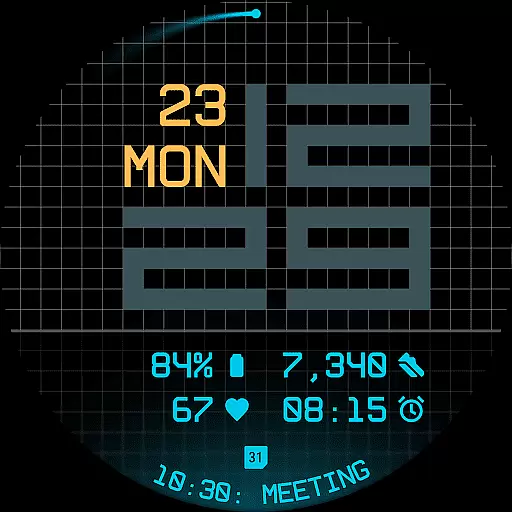
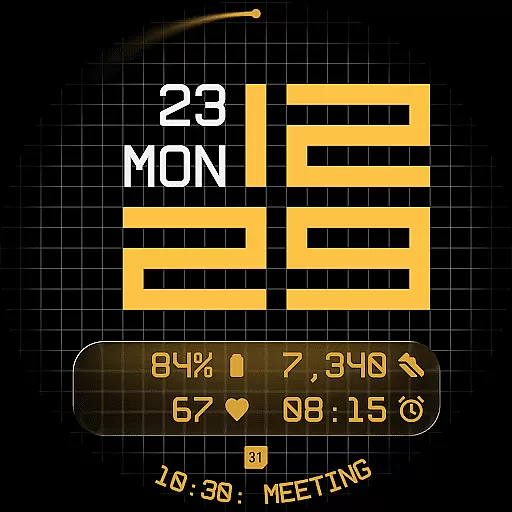
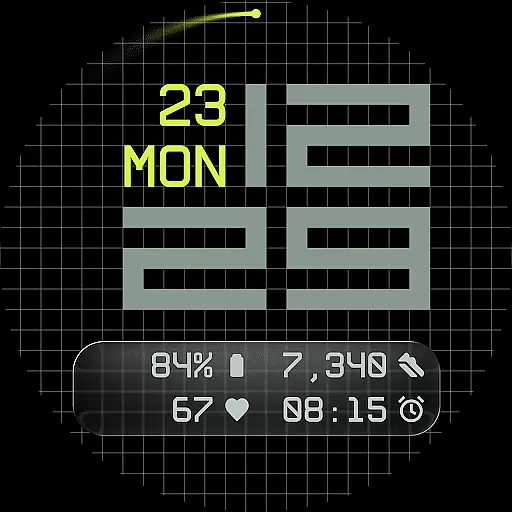
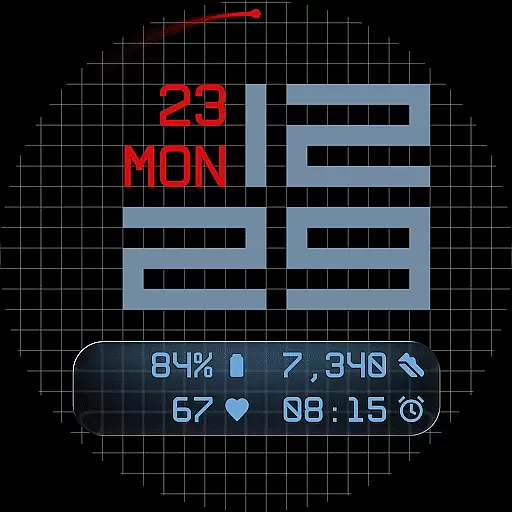
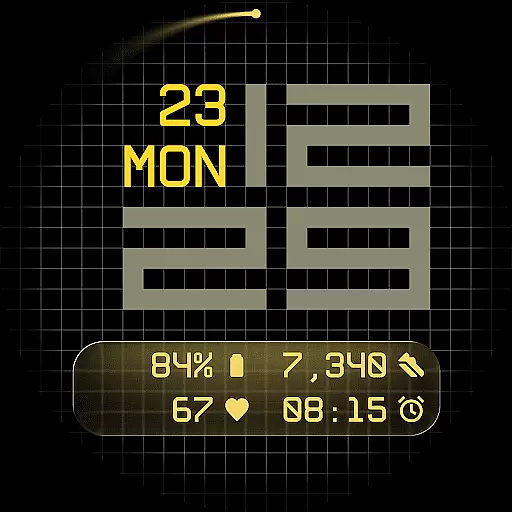
Fast Lane Watch Face is a contemporary Wear OS watch face that combines digital precision with customizable design. It features a modular numerical time display inspired by automotive instrument panels, offering users a sleek and functional experience. The interface includes five complications, allowing for maximum information density while maintaining visual clarity.
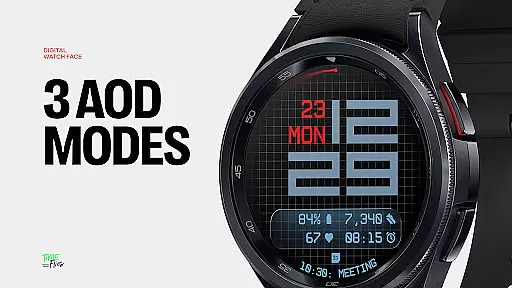
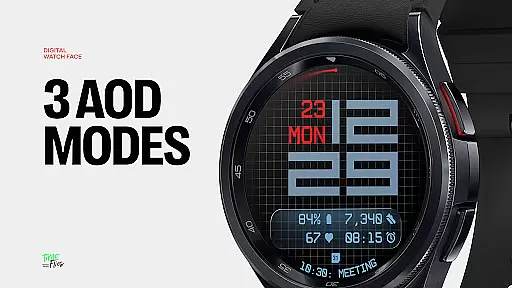
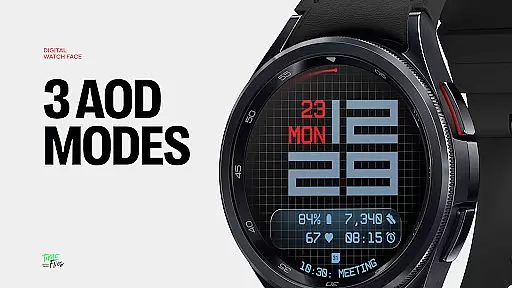
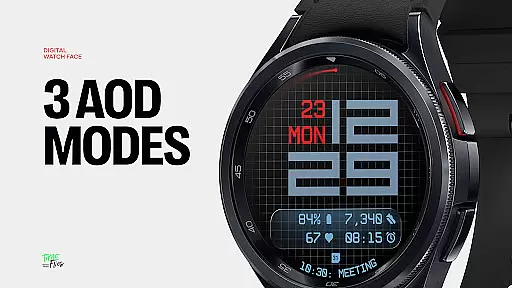
With 30 color themes, three Always-On Display modes, and optional seconds indicators, Fast Lane ensures adaptability to various lighting conditions and user preferences. Its refined grid background and configurable UI layers provide both texture and structure, making it suitable for smartwatch users who value aesthetics and utility in their wearable devices.
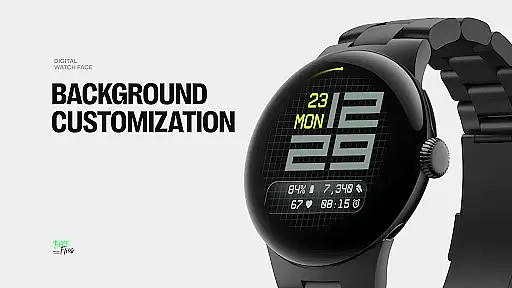
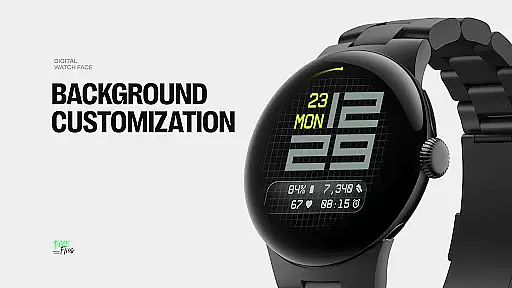
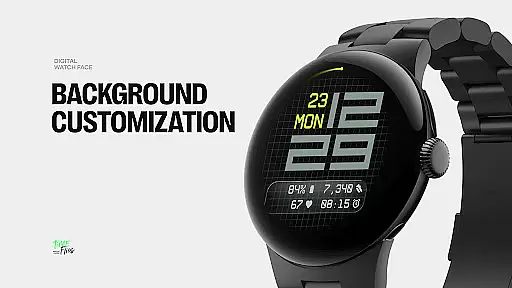
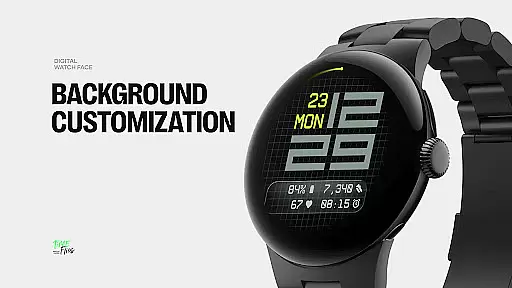
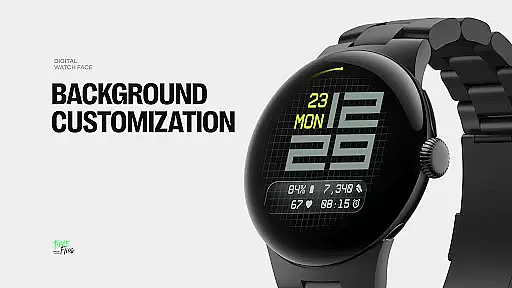
Fast Lane Watch Face stands out with its highly customizable UI layers, including a stylized grid, blurred segment, or translucent UI plate as background options. This flexibility allows users to tailor the appearance of their smartwatch to match personal style while ensuring optimal readability. The inclusion of five complications—four short-text and one long-text slot—enables users to access essential information such as calendar events, moon phases, or Google Assistant directly from the watch face.
The time display uses balanced typography that echoes speed and precision, creating a modern yet functional aesthetic. Additional features like built-in day and date, optional seconds indicators, and three energy-efficient Always-On Display modes enhance usability without compromising battery life. Designed using the Watch Face File Format, Fast Lane guarantees optimized performance across all Wear OS devices, providing a seamless user experience.
Companion app integration is a crucial feature for Android Wear applications, serving as the bridge between the wearable and its smartphone counterpart. For Fast Lane Watch Face, this integration ensures that users can seamlessly manage their watch face settings, receive updates, and explore additional styles through the dedicated Time Flies companion app.
The Time Flies app provides an intuitive interface where users can browse the full collection of watch faces, customize their preferences, and install new designs with ease. This streamlined process enhances user engagement by simplifying personalization and keeping the content fresh.
By leveraging the companion app, Fast Lane Watch Face maintains optimized performance on the wearable device while offloading more complex management tasks to the smartphone. This approach not only improves energy efficiency but also ensures that users have access to the latest features and styles without compromising their smartwatch's battery life.
Ensuring broad Wear OS and device compatibility is essential for any Android Wear application. Fast Lane Watch Face excels in this area by supporting a wide range of Wear OS smartwatches, providing users with a consistent experience regardless of their device choice.
The watch face employs the Watch Face File Format, which guarantees optimal performance and energy efficiency across all compatible devices. This standardized format allows Fast Lane to deliver a visually appealing design while minimizing battery consumption, a critical consideration for wearable technology.
With thirty color themes available, Fast Lane Watch Face caters to various device models and lighting conditions, ensuring readability and aesthetic satisfaction in any scenario. The inclusion of multiple Always-On Display modes further enhances device compatibility by allowing users to choose the best setting for their specific hardware.
Highly customizable
Modern design
Optimized performance
Multiple color themes
Energy efficient
Complex setup
Limited analog feel
Premium cost
Few animations
Requires companion app

Christmas watch face. For Wear OS devices.
 4.30
4.30
Animated Watch Face and Customizable with 24 Backgrounds. Perfect for Christmas!
3.90
Sleek, highly customizable watch face inspired by Galaxy Watch Circle Dashboard.
4.3
Reliable phone calls with spam protection, caller ID and more helpful features
4.40
Minimalistic design modern digital watch face.
4.3
A digital watch face that celebrates Christmas.
4.00
Simple, helpful messaging by Google
4.60
Toyota app currently supports 2010 or newer vehicles (2018 or newer for Hawaii).
4.50
Download full tracks, listen to music offline, make unlimited playlists.
4.80
Real-time weather radar with temperatures, warnings, hurricanes, and widgets
4.80
Diet tracker for weight loss - track calories, food and macros. Simple and easy!
4.70
Highly customizable hybrid watch face for Wear OS, perfect for everyday use.
4.60
Current temperature, weather hourly, weather radar by the weather forecast app
4.40
Digital watch face. For Wear OS devices.
4.40
Bold, Modern Hybrid Watch Face for Wear OS. 10 Colors, Rich Info Display.
4.30
Locate your family members by GPS phone location tracker everywhere and anytime
4.30
Daily Weather forecast with 15 weather images for Day & Night plus Big Bold time
4.10
Hyper-Realistic Airplane Dashboard Watch Face With 10 Skins and Custom AOD
4.00
Authentic military-tactical design with ZULU time! Realistic and functional!
3.80


User Reviews