
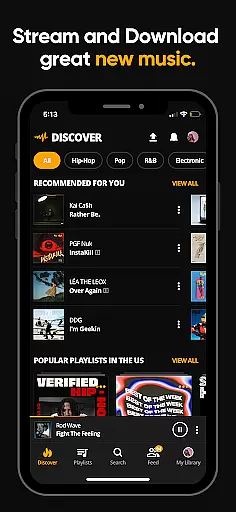
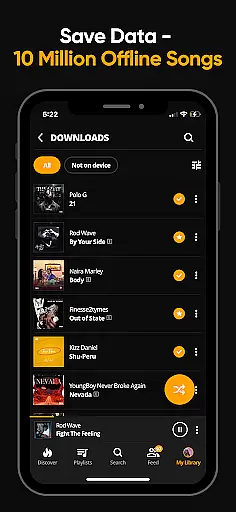
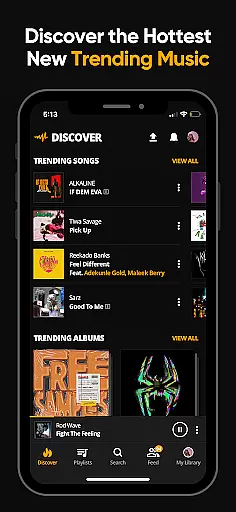

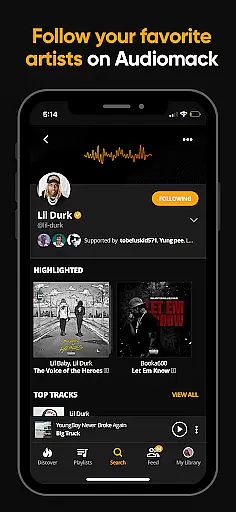
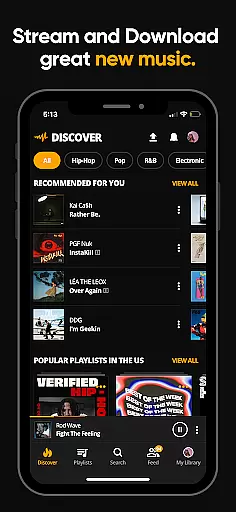
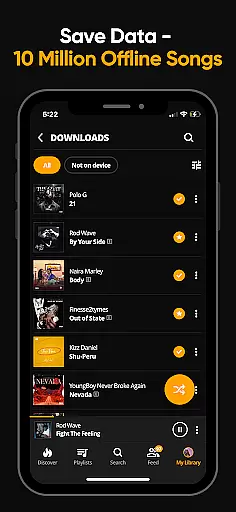
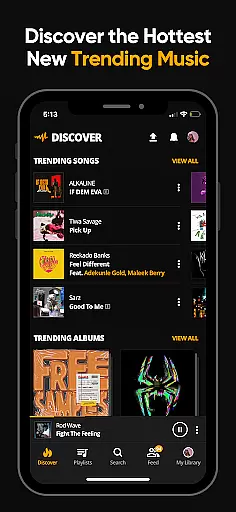

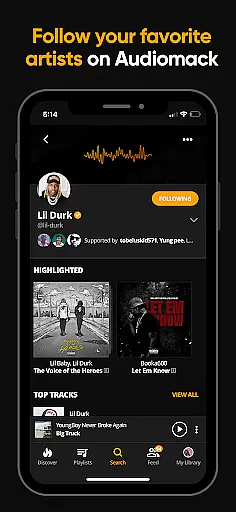
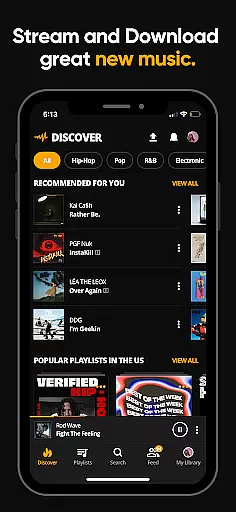
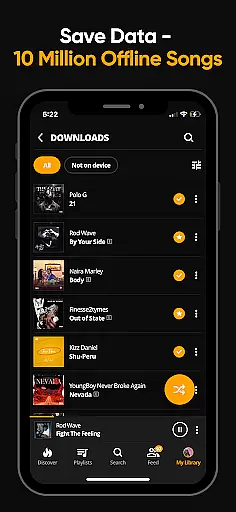
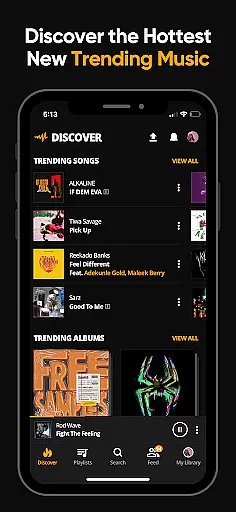

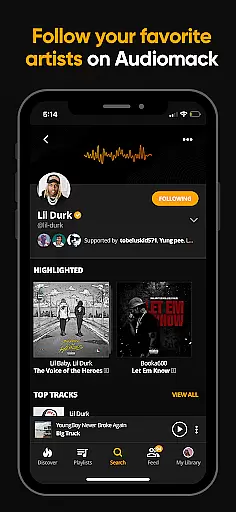
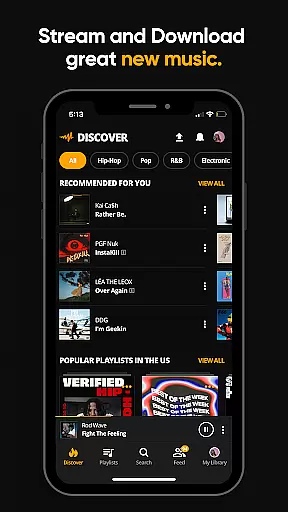
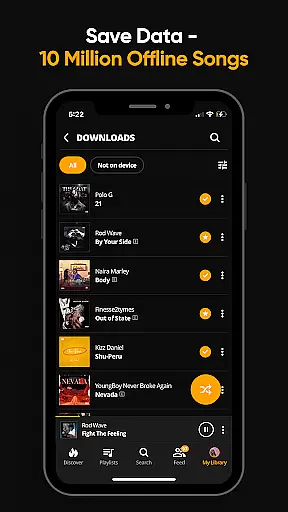
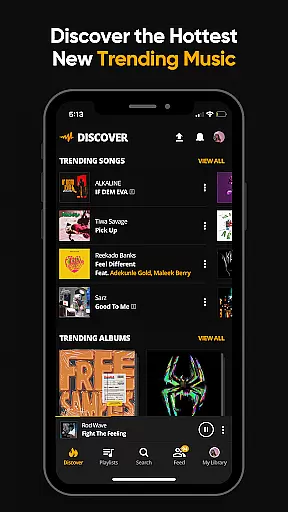
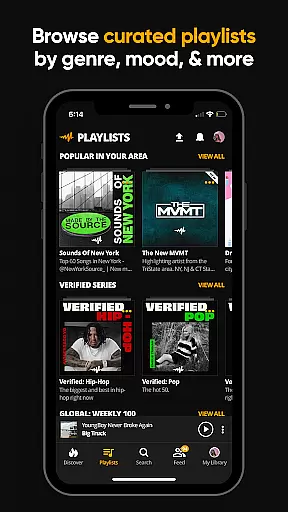
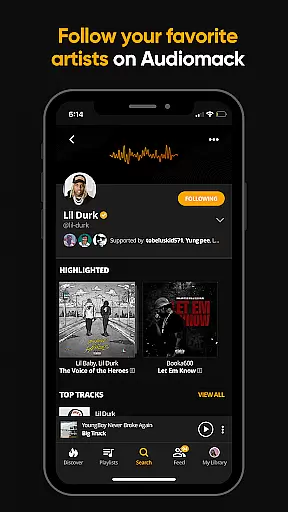
Audiomack is a premier music streaming and downloading app tailored for Android Wear users. It offers unlimited access to trending full tracks across various genres like Hip-Hop, Rap, R&B, EDM, Afropop, and Reggae. The app stands out with its offline data-free listening feature, allowing users to download songs and albums without needing Wi-Fi. Additionally, Audiomack supports local file playback of MP3s, WAV, M4A, AAC formats, making it versatile for personal music libraries.
With curated playlists by mood and genre, Audiomack ensures personalized music discovery. Users can create unlimited playlists, follow top artists such as 21 Savage and Young Thug, and enjoy seamless integration across platforms including Wear OS and Android Auto. For an ad-free experience, users can subscribe for $4.99 monthly, enhancing uninterrupted music enjoyment.
Audiomack boasts a rich array of features designed to elevate the music streaming experience on Android Wear. One standout feature is the ability to stream unlimited full tracks and mixtapes that are trending or newly released, ensuring users stay ahead in music trends. The app's offline mode allows downloads of entire albums for data-free listening, perfect for commutes or areas with poor connectivity.
Users can favorite tracks, albums, and playlists, creating a personalized library easily accessible on demand. Integration capabilities extend to playing music while using other apps, supporting multitasking without interrupting the audio experience. Furthermore, Audiomack's support for local music files enhances user flexibility, allowing playback of various formats directly within the app, thus consolidating all music needs into one platform.
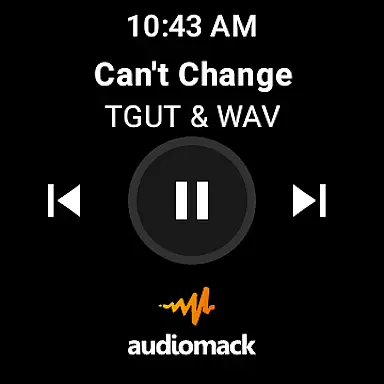
For Audiomack users, the seamless integration with Wear OS enhances the overall music streaming experience. This feature allows you to control your music directly from your smartwatch, providing unparalleled convenience.
The app ensures that your playlists, downloaded tracks, and favorite songs are synchronized across all devices. Whether you're at the gym or commuting, you can easily manage your music without needing to reach for your phone.
This synchronization extends to playback controls, making it possible to play, pause, skip, or adjust volume right from your wrist. Such functionality is crucial for maintaining an uninterrupted music experience in any situation.
By leveraging the capabilities of Wear OS, Audiomack offers a cohesive ecosystem where music management becomes second nature. This level of integration highlights Audiomack's commitment to delivering a versatile and user-friendly platform.
Audiomack's compatibility with Wear OS devices ensures that you can enjoy your favorite tracks on a variety of smartwatches. This broad device support makes it accessible for users with different preferences and styles.
The application is optimized to perform efficiently across various hardware configurations. Regardless of whether your device is a newer model or slightly older, Audiomack delivers consistent performance and reliability.
Moreover, the app's design takes into account the unique aspects of Wear OS, ensuring that the interface remains intuitive and responsive. Users can navigate through their music libraries effortlessly, thanks to this tailored approach.
With Audiomack's focus on compatibility, users can be confident that their music streaming experience will be smooth and enjoyable, regardless of their specific Wear OS device. This dedication to inclusivity underscores the app's versatility and broad appeal.
User-friendly interface
Offline listening mode
Versatile music library
Curated playlists
Cross-platform integration
Limited free version
Occasional ads
Premium subscription cost
Dependent on internet for updates
Storage space for downloads

Diet tracker for weight loss - track calories, food and macros. Simple and easy!
 4.70
4.70
Christmas and New Year - Themed Watchface
4.4
A Wintery Snow Globe on Your Wrist; now celebrating Christmas!
4.1
Ideal for surviving in the wasteland left after nuclear fallout
4.50
To-Do List: daily schedule planner, task organizer, to do reminder app, calendar
4.60
Retro digital watch face with customizable colors and a unique lighting effect
4.60
A modern hybrid informative watch face for Wear OS designed by BALLOZI
4.80
A digital watch face that celebrates Christmas.
4.00
Viewer for Wyze/Yi/Eufy/Arlo/ONVIF/RTSP/P2P IP cams w/ adv. features & DIY DVR
4.00
Fast and smart typing with Emojis, GIFs, and more
4.50
Reliable phone calls with spam protection, caller ID and more helpful features
4.40
Premium hybrid watch face with many customizations for Wear OS devices.
4.40
Snowflake Rose Gold Watch Face - Digital, modern, & sleek with GYRO effect.
4.10
Wear Os Watch Face - Animated Snow Effect & Magic Spark - 6 Scenes
4.10
Daily Weather forecast with 15 weather images for Day & Night plus Big Bold time
4.10
Animated Watch Face and Customizable with 24 Backgrounds. Perfect for Christmas!
3.90
Wear Os Watch Face - Animated Snow - Sesonal for Christmas & Winter
4.3
Fitness interactive virtual pet super fighter boy watch face
4.1
Funny animated watch face for Thanksgiving
4.0


User Reviews