
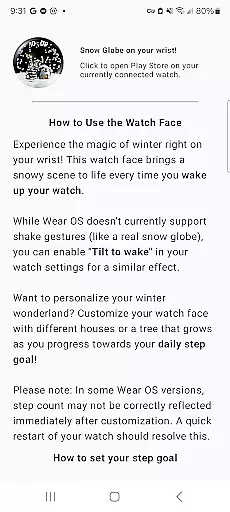
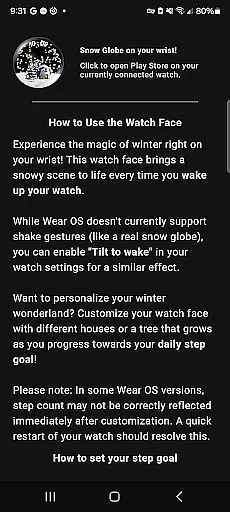
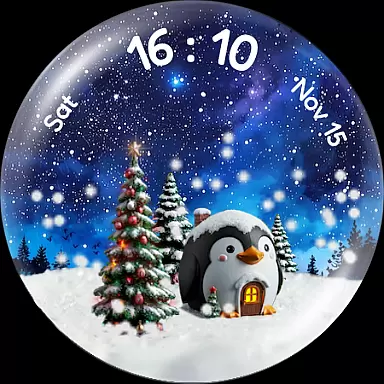
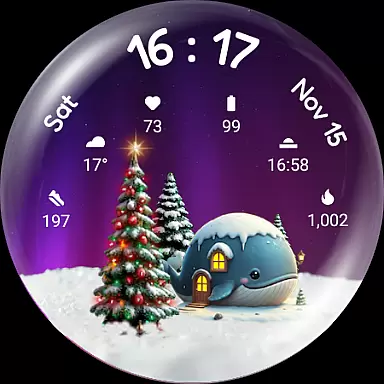
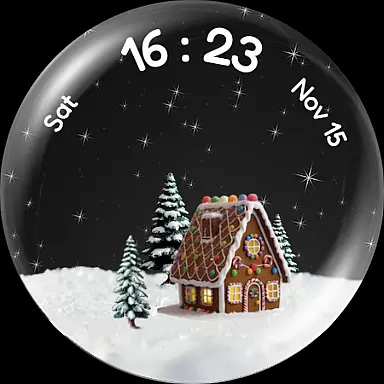
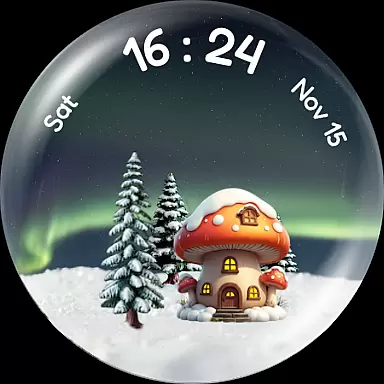
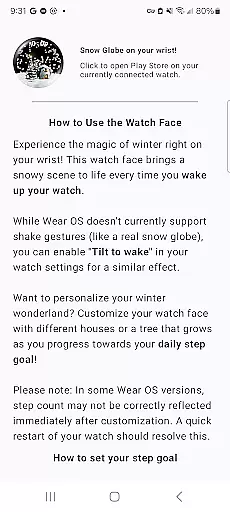
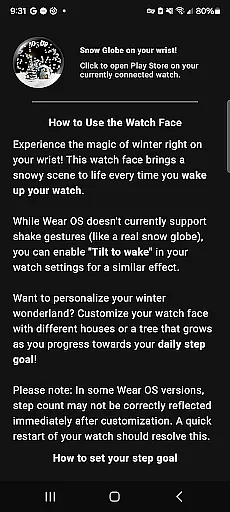
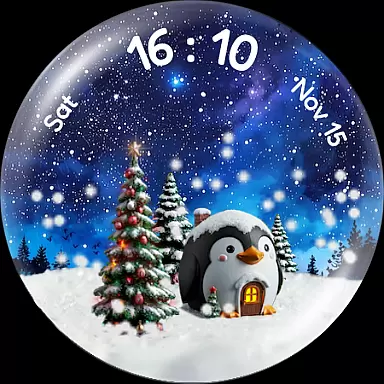
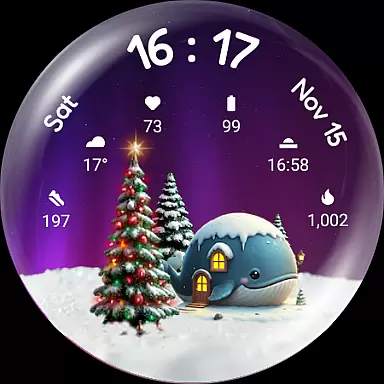

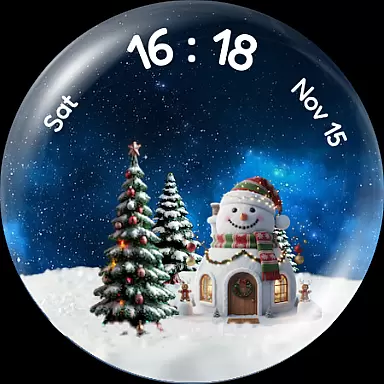
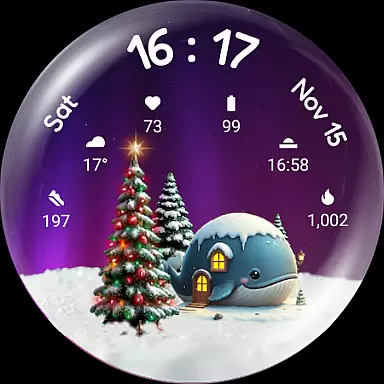
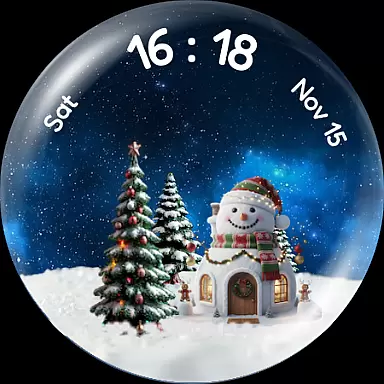

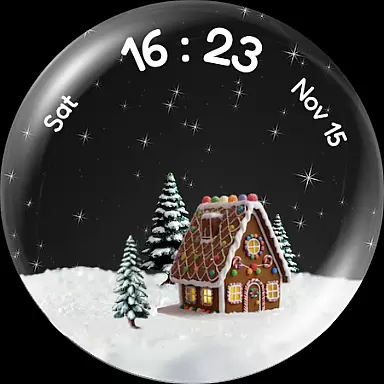
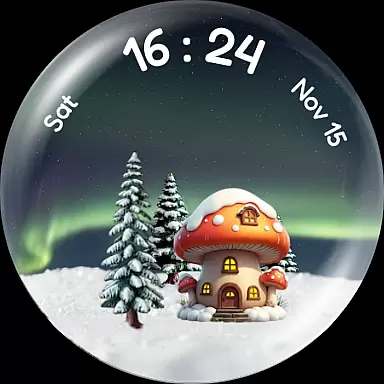
Experience the enchantment of winter with Christmas Snow Globe WatchFace, a festive watch face designed for Wear OS 4+ users. This app brings a magical snow globe animation to your wrist, complete with customizable features that let you tailor the experience to your liking.
At its core, this application offers mesmerizing snowfall effects and charming holiday-themed visuals. Users can enjoy delightful animations every time they wake their smartwatch, while also personalizing elements such as houses and night sky backgrounds. The interactive step-tracking feature encourages an active lifestyle by growing a Christmas tree based on daily activity goals.
Perfect for those who love the holiday spirit, this watch face combines functionality with seasonal cheer, making it an ideal accessory during the winter season or year-round for those who adore the magic of Christmas.
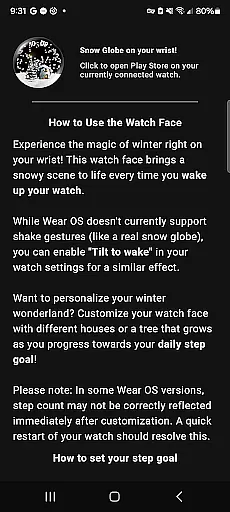
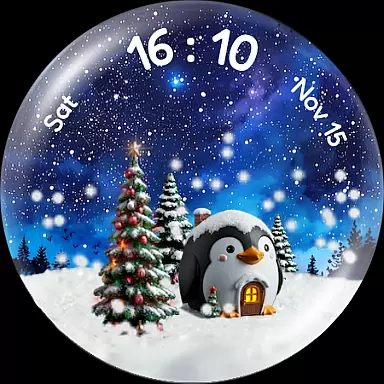
Christmas Snow Globe WatchFace stands out with its rich set of features tailored for customization enthusiasts. One of the main highlights is the captivating snow globe animation, which creates a gentle snowfall effect across the watch face, activated each time you wake your device.
Beyond the stunning visuals, users can personalize their experience with various options like northern lights backgrounds, charming animal-themed houses, and even a motivating step tracker that grows a Christmas tree as you achieve your fitness goals. Each feature is thoughtfully designed to provide both aesthetic appeal and practical utility, ensuring that your watch face is not only beautiful but also functional.
The inclusion of six custom complication slots adds another layer of versatility, allowing quick access to essential information such as heart rate and weather updates. Compatible with Wear OS 4+, this app ensures a seamless integration into your digital life while keeping the festive spirit alive.
Companion app integration is essential for a seamless wearable experience. The Christmas Snow Globe Watch Face excels in this area by offering a dedicated mobile application.
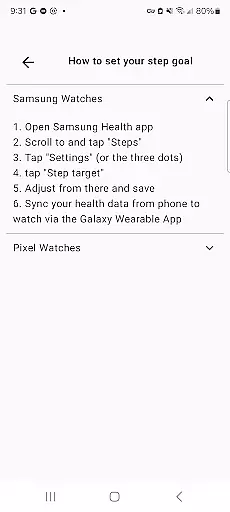
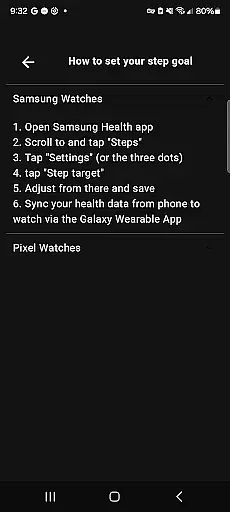
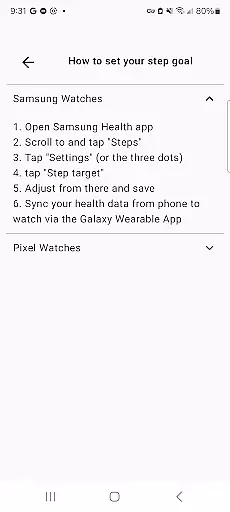
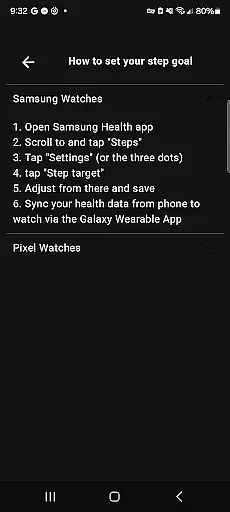
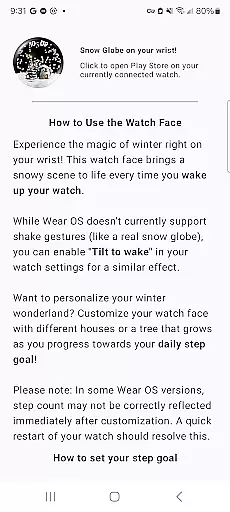
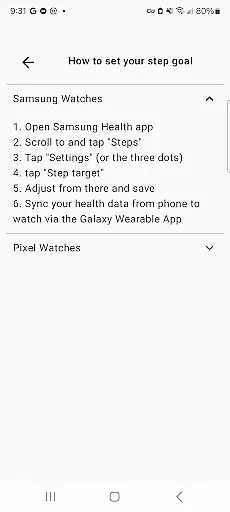
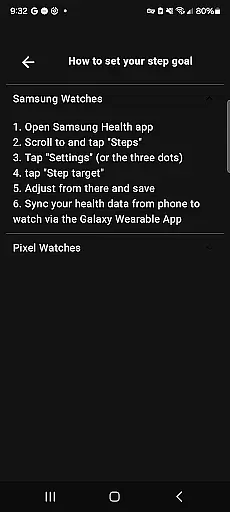
This companion app serves as the control center for your watch face, allowing you to easily configure settings and personalize features. You can set up your daily step goals to activate the unique tree growth feature directly from your phone.
The integration ensures that all personalization options are easily accessible, making it simple to switch between different house designs or night sky backgrounds without needing to interact with the watch interface directly.
By providing clear instructions and an intuitive setup process, the companion app enhances the overall user experience, ensuring that wearers can enjoy the full potential of their Snow Globe Watch Face effortlessly.
Device compatibility is crucial for ensuring optimal performance across various Wear OS devices. The Christmas Snow Globe Watch Face is specifically designed for Wear OS 4 and above, guaranteeing a smooth user experience.
This compatibility range ensures access to the latest system features and optimizations available on newer Wear OS versions. Users can take advantage of enhanced graphics rendering for the mesmerizing snow animation and improved battery efficiency.
The watch face utilizes six custom complication slots, which are compatible with the most recent Wear OS functionality. This allows users to display vital information like heart rate, weather, and step counts directly on their festive watch face.
By focusing on modern Wear OS versions, the developers have created a stable and responsive application that takes full advantage of contemporary smartwatch capabilities while maintaining reliable performance.
Beautiful Animations
Highly Customizable
Fitness Motivation
Versatile Complications
Holiday Spirit
Limited Compatibility
Premium Features
Battery Usage
Complex Setup
Occasional Bugs

Wear Os Watch Face - Animated Snow Effect & Christmas Lights
 4.4
4.4
WTW M17 is a premium and luxurious hybrid watch face
4.70
Watch the sharpness of the sky on your wrist..
3.70
Beautiful artistic animated digital watch face, with a customizable layout!
4.40
Watch face for Wear OS.
4.20
Bold, Modern Hybrid Watch Face for Wear OS. 10 Colors, Rich Info Display.
4.30
sleep, alarm, snoring, stress, healing, focus, sound therapy, circadian rhythm
4.10
Monitor health with the stress test and pulse checker in the heart rate app.
4.60
Animated video-game inspired “secret agent” simulation, right on your wrist!
4.20
A realistic hybrid watch face with many customization options.
4.60
Fast and smart typing with Emojis, GIFs, and more
4.50
Reliable phone calls with spam protection, caller ID and more helpful features
4.40
Christmas watch face. For Wear OS devices.
4.30
Your music, your playlists, and more—offline and unlimited.
4.20
A full-featured Amazon Alexa voice assistant that can show you things.
3.70
Stay in touch with your friends and family using LINE!
3.40
Analog watch face with 8 complications and expedition styling
4.0
Artistic Digital Watchface
4.1
Simple Analog-Digital Watchface For Wear OS 3.0 and Up Smartwatches
4.1


User Reviews