
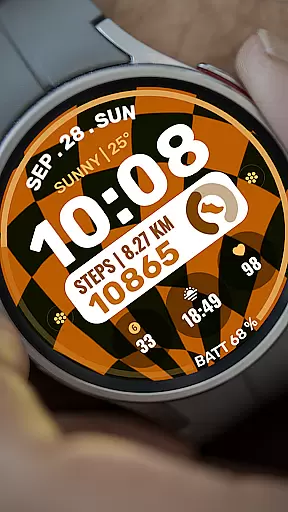
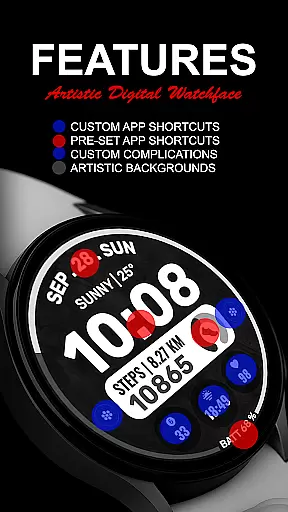
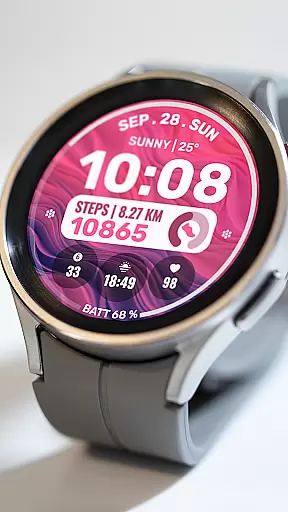
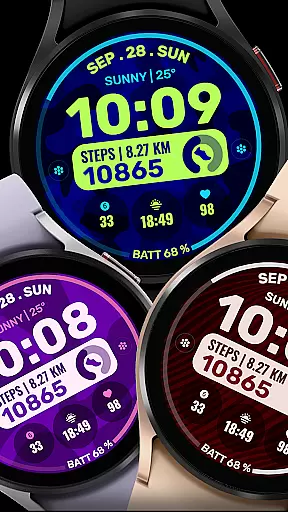
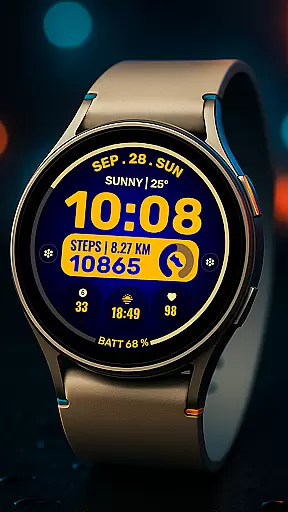
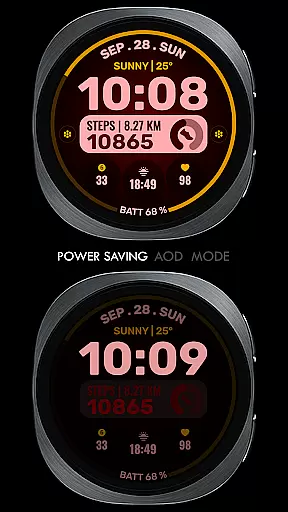
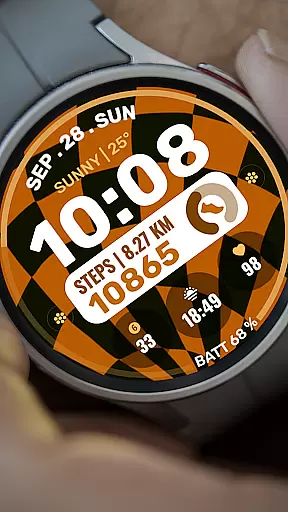
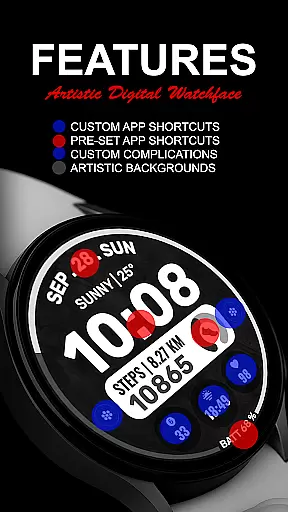
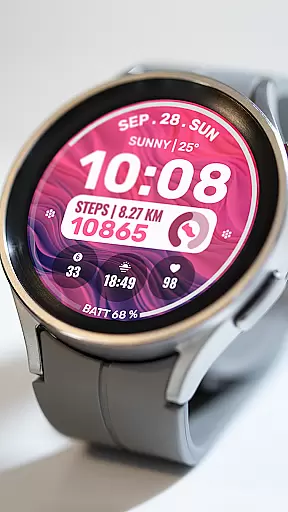
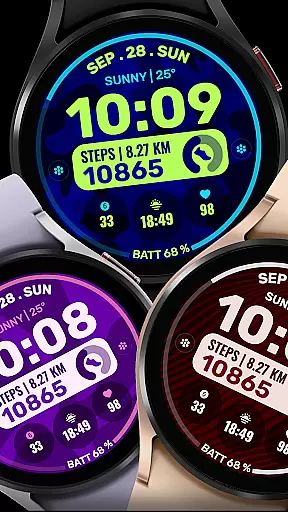
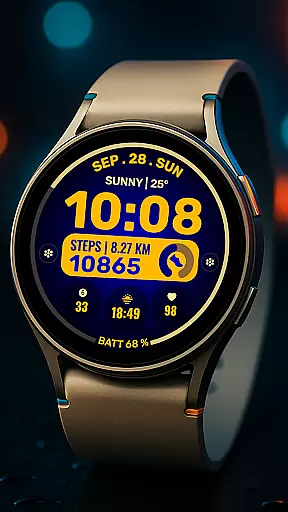
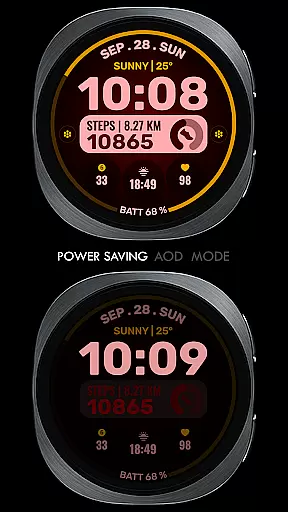
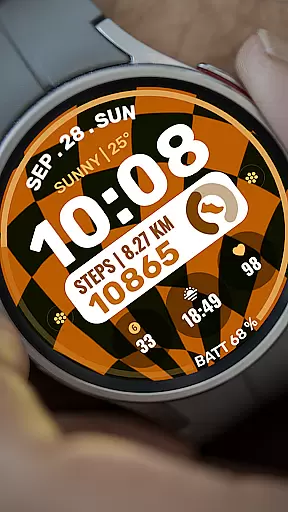
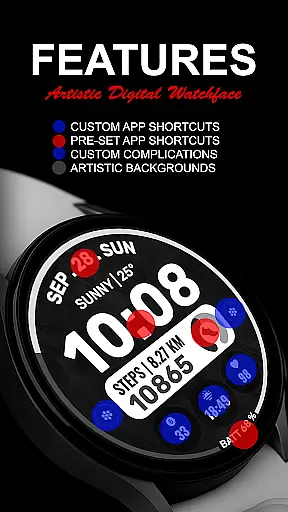
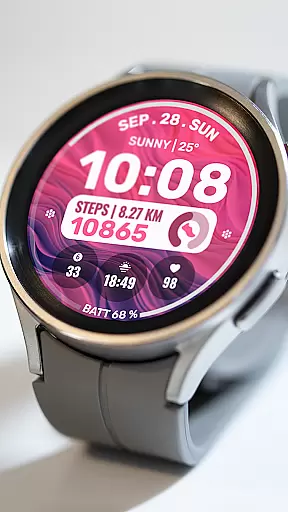
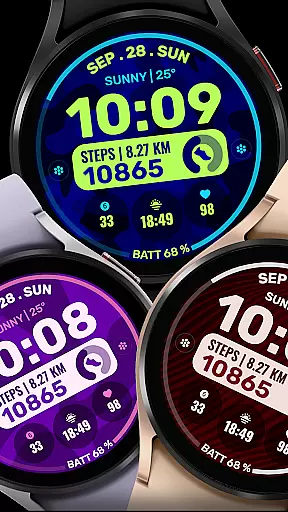
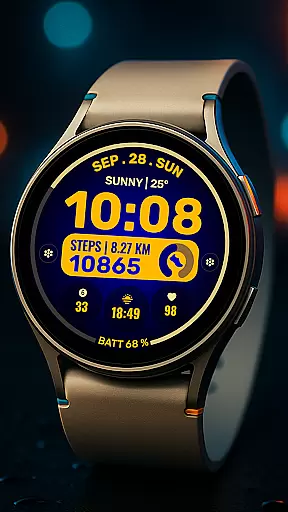
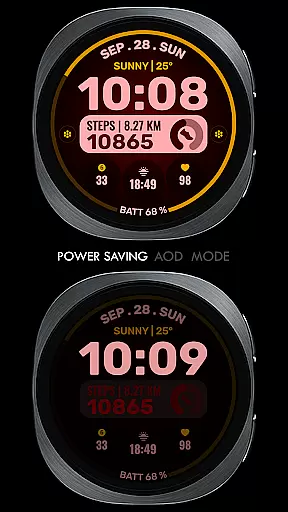
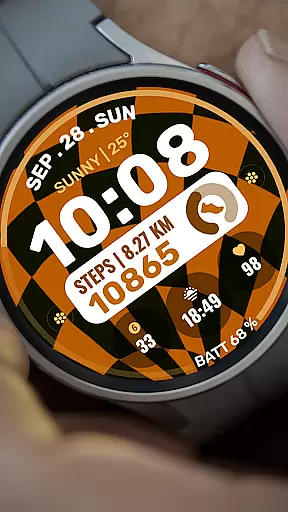
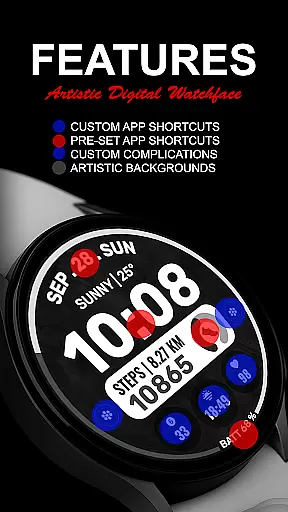
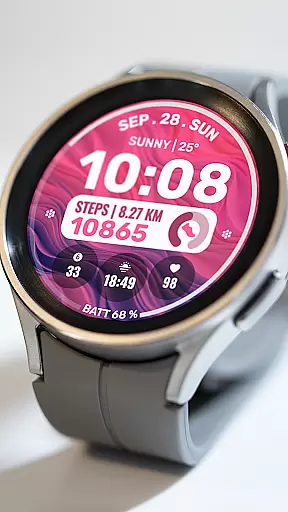
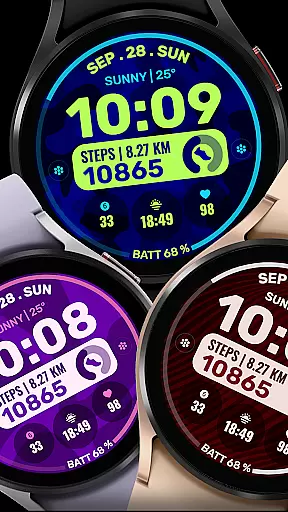
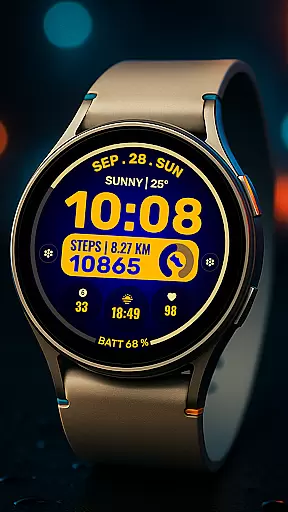
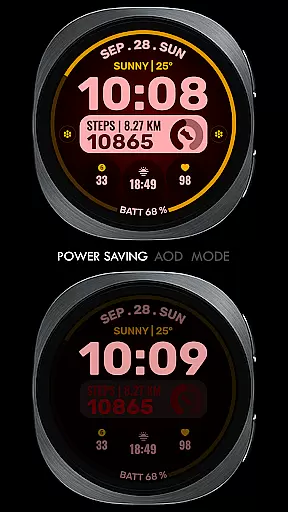
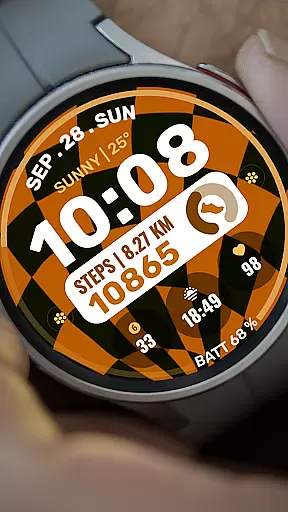
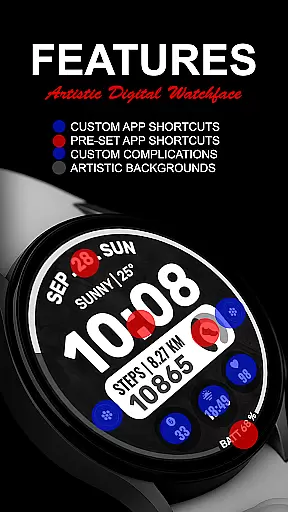
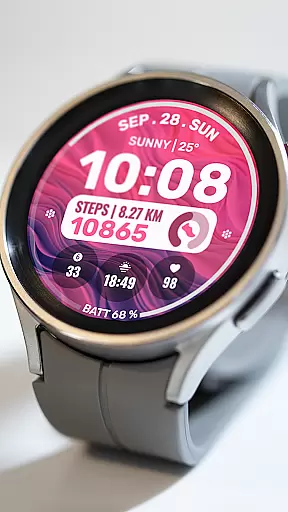
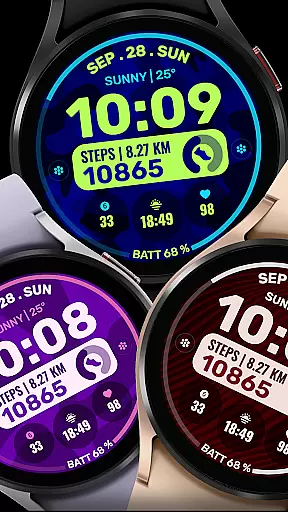
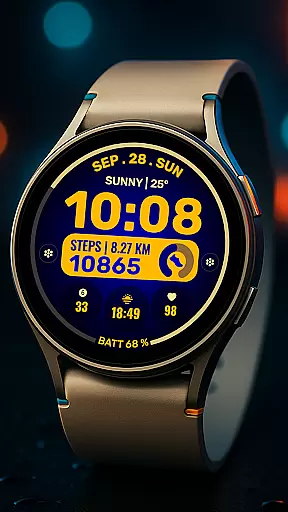
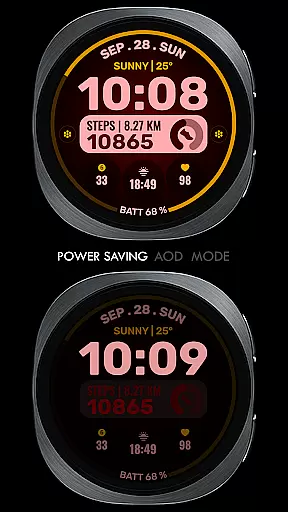
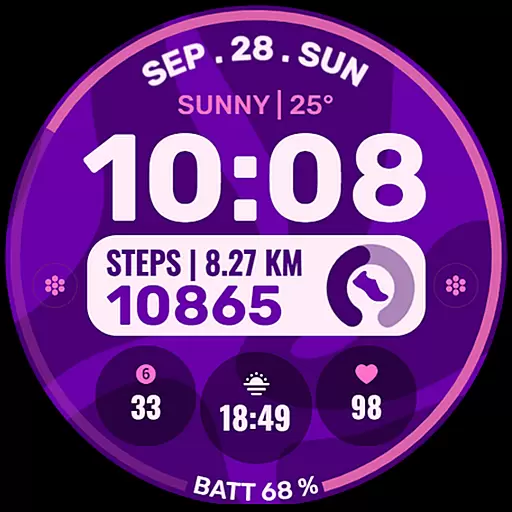
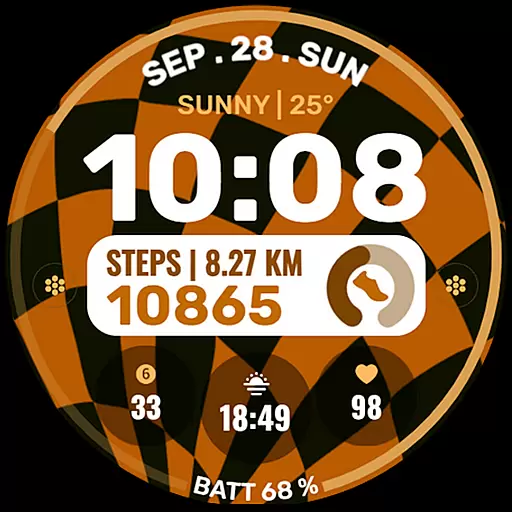
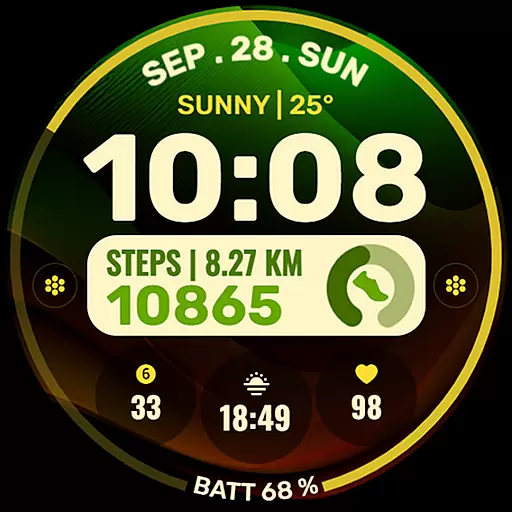
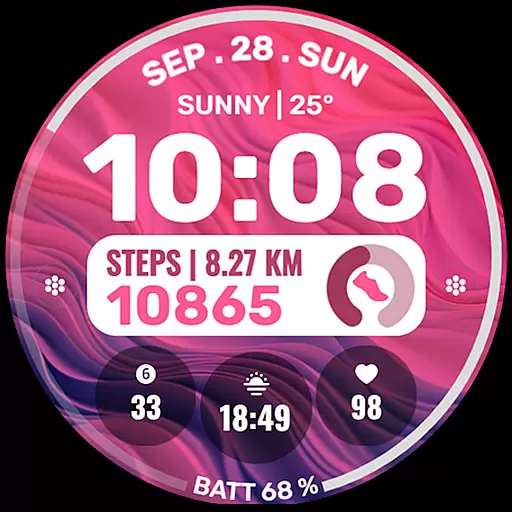
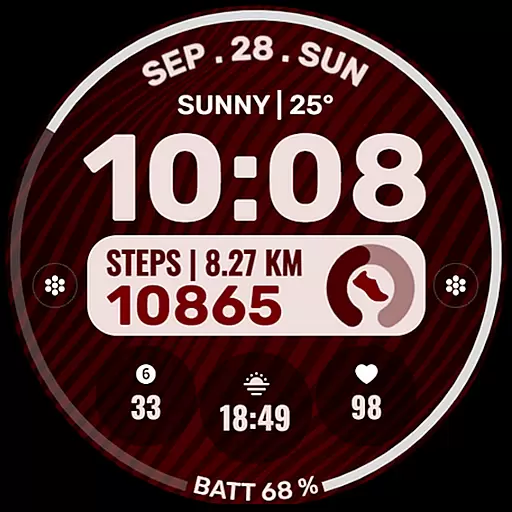
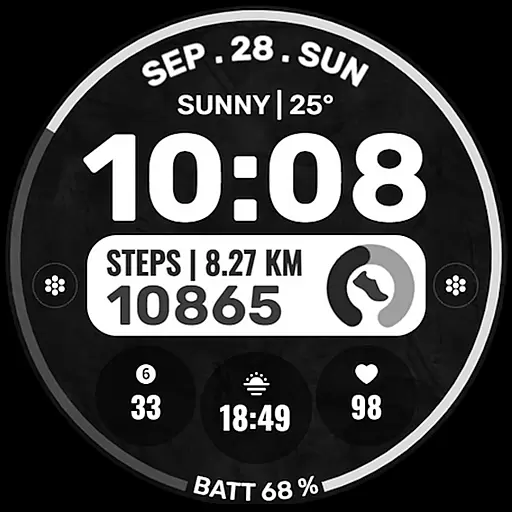
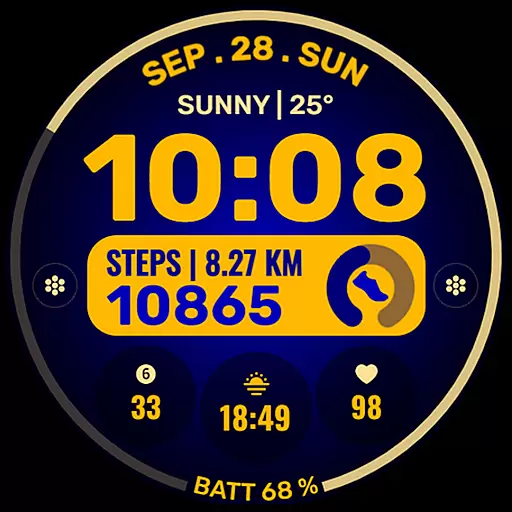
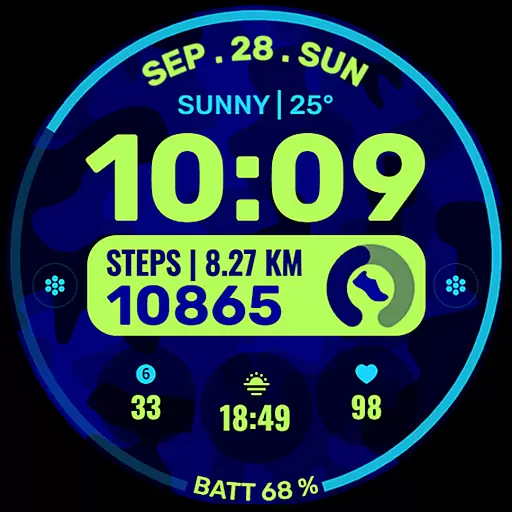
Data Dash is a feature-rich watch face designed for Wear OS devices, offering users an artistic digital clock display along with customizable app shortcuts and complications. The watch face supports all Wear OS devices with API Level 34+ and Wear OS 4 or later versions, ensuring compatibility with a wide range of smartwatches.
With pre-set app shortcuts for Alarm, Calendar, Battery, and Steps, as well as options for two custom app shortcuts and three custom complications, Data Dash allows users to tailor their watch face to display the information most relevant to them. Users can choose from various data types such as Date, weather, steps, world clock, sunset/sunrise times, next appointments, and distance walked. Custom background and color themes further enhance personalization options.
This versatile watch face is ideal for users looking to maximize their smartwatch's utility while enjoying a visually appealing interface. By following simple installation steps and syncing their watch with their phone, users can seamlessly integrate Data Dash into their daily routine.
Data Dash stands out with its array of features tailored for Wear OS users. One of the key highlights is the artistic digital clock that provides a unique visual experience on the wrist. The pre-set app shortcuts for essential functions like Alarm, Calendar, Battery, and Steps ensure quick access to frequently used applications without cluttering the watch face.
For those seeking more customization, Data Dash offers two custom app shortcuts and three custom complication slots. These allow users to select from a variety of data sources including Date, weather updates, step counts, world clocks, sunrise/sunset times, upcoming appointments, and walking distances. To fully utilize these features, users might need to install additional third-party complications.
The ability to customize backgrounds and color themes adds another layer of personalization. By adjusting settings within the Samsung Wearable app or directly on the watch, users can create a look that suits their style while maintaining functionality. This combination of aesthetics and practicality makes Data Dash a standout choice among Wear OS watch faces.
Companion app integration is essential for a seamless smartwatch experience. Data Dash ensures that your watch face settings and customizations are perfectly synced with your smartphone. This synchronization allows for effortless management of your watch face directly from your phone.
The Samsung Wearable app provides a dedicated watch face editor, enabling users to customize their Data Dash watch face with ease. Although some Galaxy Watch users may experience syncing issues with complex designs, the recommended workaround is to make adjustments directly on the watch. This approach guarantees that all personalization choices are accurately applied and readily available.
Users benefit from the convenience of managing app shortcuts, complications, and color themes through the companion app. The ability to fine-tune these elements from a single interface streamlines the customization process. Such integration not only saves time but also enhances the overall user experience by maintaining consistency across devices.
Device compatibility is a crucial aspect of any Wear OS application. Data Dash is designed to support all Wear OS devices operating on API Level 34+ and Wear OS 4 or later versions. This ensures that the majority of smartwatch users can enjoy the artistic digital clock and other advanced features without compatibility concerns.
While some features may not be available on certain watches, the core functionality remains consistent across supported devices. Users can expect reliable performance whether they're accessing pre-set app shortcuts or customizing complications with various data points. The watch face's adaptability to different screen sizes and resolutions further demonstrates its broad compatibility.
This wide-ranging compatibility offers significant value to users by providing flexibility in device choice. Regardless of whether they own a Galaxy Watch or another Wear OS device, customers can confidently install Data Dash knowing it will function as intended. The assurance of compatibility enhances user satisfaction and extends the product's reach within the smartwatch ecosystem.
Highly customizable
Artistic design
Wide compatibility
User-friendly interface
Regular updates
Complex setup process
Limited initial features
Third-party dependencies
Potential sync issues
Restricted refund policy

"PER27 Galaxy Digital" is a digital Wear OS watch face designed by PERSONA
 4.10
4.10
Snowflake Rose Gold Watch Face - Digital, modern, & sleek with GYRO effect.
4.10
Beautiful artistic animated digital watch face, with a customizable layout!
4.40
Let's celebrate Thanksgiving - Wear Os watch face
4.20
Digital watch face. For Wear OS devices.
4.40
Nutrition, Macro tracker: Food, fitness & healthy diet tracking for weight loss
4.60
Hybrid Vibrant Health Watch Face for Wear OS
4.4
Fitbit is dedicated to helping people lead healthier, more active lives.
4.10
Download full tracks, listen to music offline, make unlimited playlists.
4.80
Period, ovulation & pregnancy tracker. Fertility insights & menstrual calendar.
4.90
A modern hybrid informative watch face for Wear OS designed by BALLOZI
4.80
Easy Voice Recorder is your everyday companion to record important moments.
4.70
Stylish, Energizing and Modern Watch Face crafted by Dominus Mathias.
4.50
Premium hybrid watch face with many customizations for Wear OS devices.
4.40
Your music, your playlists, and more—offline and unlimited.
4.20
Connect, create, and collaborate with Gmail, part of Google Workspace.
4.10
Watch face designed for Thanksgiving Day. 7 Background Styles included.
3.20
Wear Os Watch Face - Animated Snow - Sesonal for Christmas & Winter
4.0
Minimalistic design modern digital watch face.
4.5


User Reviews