
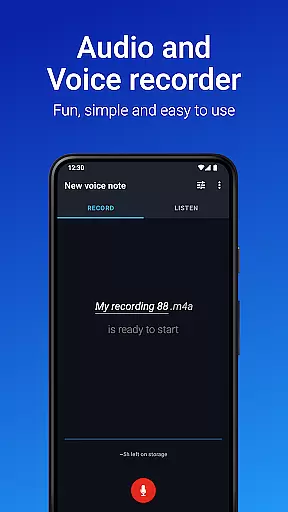
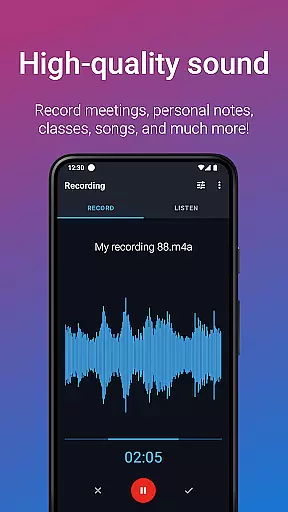
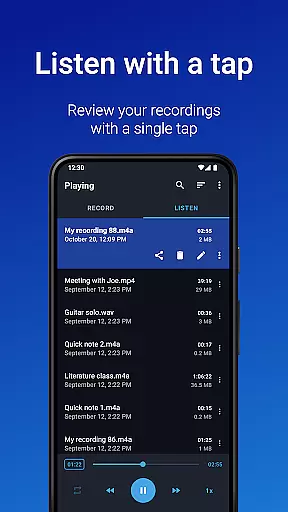
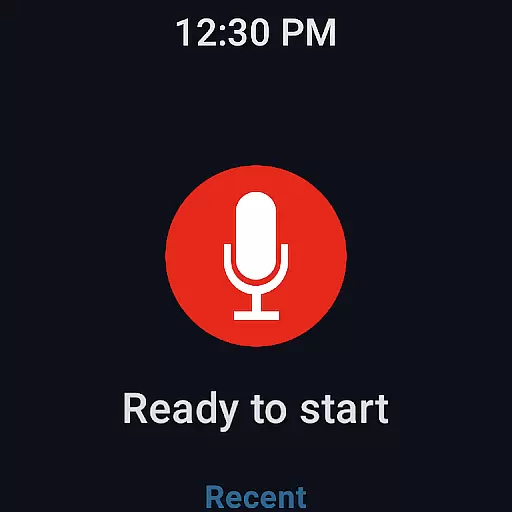
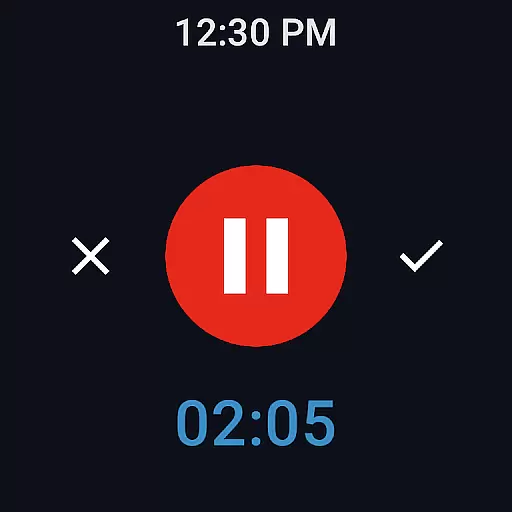
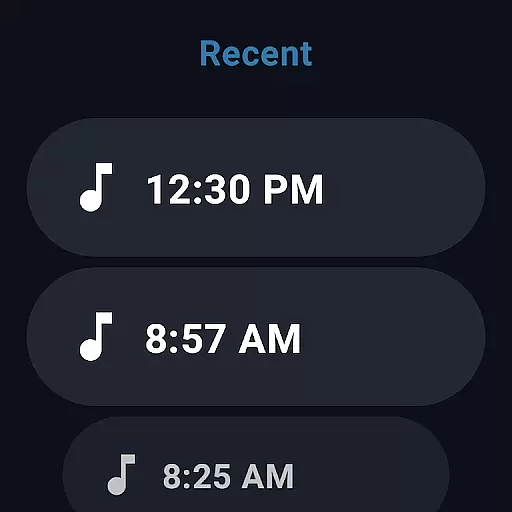
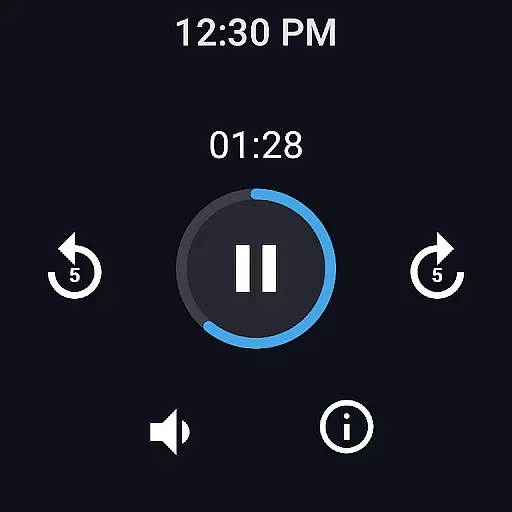
Easy Voice Recorder is a versatile audio recording application designed for Android devices, including smartwatches. It allows users to capture high-quality recordings of meetings, lectures, personal notes, and even music without any time restrictions. The app offers multiple formats such as PCM, MP4, and AMR, ensuring flexibility in storage and quality.
Designed with user convenience in mind, Easy Voice Recorder provides intuitive features like widgets and shortcuts for quick access. Whether you're a student wanting to revisit lecture content or a business professional needing to document meetings, this app caters to various needs. Its ability to adjust playback speed and switch between different recording settings makes it adaptable for different scenarios.
The app also supports Wear OS, allowing users to record directly from their smartwatches. With additional functionalities available in the Pro version, such as cloud uploads and advanced editing tools, Easy Voice Recorder proves to be an essential tool for anyone needing reliable and flexible audio recording capabilities.
Easy Voice Recorder stands out with its comprehensive feature set tailored for both casual and professional use. One of its key features is the ability to record in various formats, including high-quality PCM and space-saving AMR. This ensures that users can choose the best format based on their specific needs, whether it's for clarity or storage efficiency.
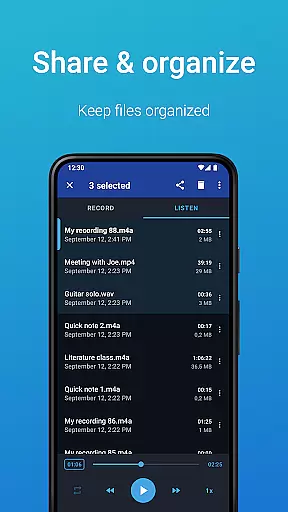
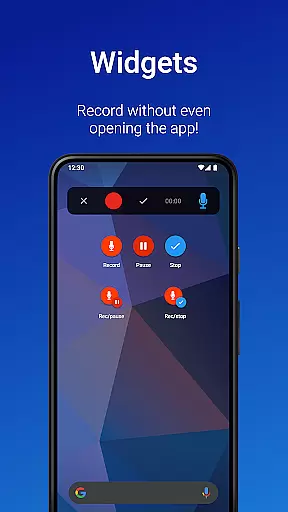
Another notable feature is its seamless integration with Wear OS, enabling users to start recordings directly from their smartwatches. The app also includes powerful widgets and shortcuts that allow for quick access and background recording, making it incredibly convenient for users who need to capture audio on the go. Additionally, sharing options are diverse, supporting email and other messaging apps, which enhances collaboration and accessibility.
For those seeking more advanced capabilities, the Pro version offers enhanced features like automatic cloud uploads to Google Drive or Dropbox, support for additional formats like MP3 and FLAC, and editing tools to trim unwanted sections. These features collectively make Easy Voice Recorder a robust solution for all types of audio recording needs.
Easy Voice Recorder offers seamless companion app integration, ensuring that users can easily synchronize and manage their recordings across multiple devices. This feature is particularly beneficial for those who utilize a combination of smartphones, tablets, and smartwatches in their daily routines.
The app supports Wear OS, allowing users to record directly from their smartwatches and sync these recordings with their mobile devices. This creates a cohesive ecosystem where all recorded content is accessible no matter which device you choose to use at any given moment.
With the ability to start a new recording using widgets and shortcuts right from the home screen, users experience an uninterrupted workflow. This streamlined process enhances productivity by reducing the time needed to access and manage recordings.
Sharing options are also optimized through companion app integration. Users can effortlessly share their recordings via email or their favorite messaging apps, making collaboration and communication more efficient. This interconnected functionality ensures that Easy Voice Recorder adapts to various user needs and environments.
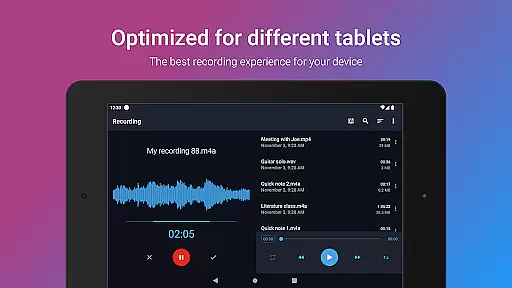
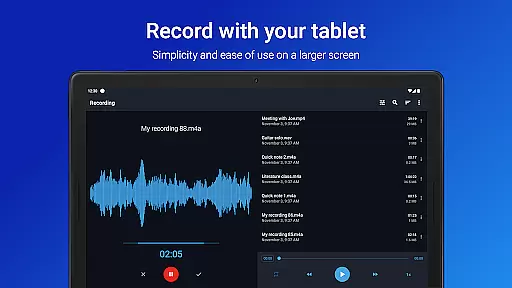
Compatibility with Wear OS and a wide range of devices is a standout feature of Easy Voice Recorder. This ensures that whether you're using a smartphone, tablet, or smartwatch, you'll have a consistent and reliable recording experience. The app's design takes full advantage of Wear OS capabilities, providing users with the flexibility to record on the go.
For smartwatch users, the app includes a watch tile that allows for quick initiation of new recordings. This feature is invaluable for capturing spontaneous moments or important information without needing to reach for your phone. The convenience of having a fully functional recorder on your wrist cannot be overstated.
Easy Voice Recorder maintains high-quality PCM and MP4 recording formats across all compatible devices, ensuring clarity and precision in every recording. Whether you're capturing a lecture, meeting, or musical idea, the app delivers professional-grade audio quality regardless of the device used.
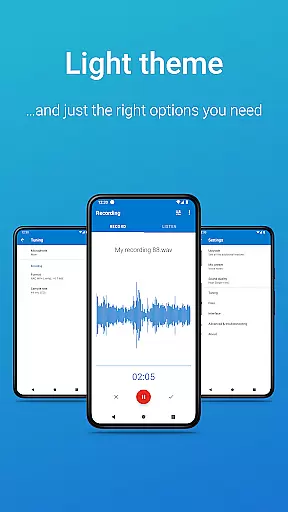
In addition to supporting various Android devices, the app offers light and dark themes, catering to user preferences and enhancing usability. This attention to detail in terms of both functionality and aesthetics underscores Easy Voice Recorder's commitment to providing a versatile and user-friendly experience across all supported platforms.
User-friendly interface
Multiple recording formats
Wear OS compatibility
Quick-access widgets
Flexible sharing options
Limited free features
No call recording
Pro version costs extra
Interface may feel dated
Heavy files in high quality

Walking app for weight loss: walk & step tracker, pedometer, indoor treadmill
 4.60
4.60
Precision analog watch face with 7 complications and style options
4.0
Artistic Digital Watchface
4.4
Digital, flexibly customizable watch face. For Wear OS 5.0, API 34+ and later.
5.00
Nutrition, Macro tracker: Food, fitness & healthy diet tracking for weight loss
4.60
Connect to your Bluelink equipped Hyundai vehicle from your smartphone.
4.50
Real-time results, stats, schedules and player profiles for all leagues
4.60
Hyper-Realistic Airplane Dashboard Watch Face With 10 Skins and Custom AOD
4.00
Connect, create, and collaborate with Gmail, part of Google Workspace.
4.10
Hyperlocal rain alerts by MyRadar using patent-pending technology, radar & more
4.80
Christmas watch face. For Wear OS devices.
4.30
Locate your family members by GPS phone location tracker everywhere and anytime
4.30
Calming & relaxing sounds for sleeping and stress relief. Stay focused all day!
4.20
Stay in touch with your friends and family using LINE!
3.40
an Analog Watch Face for winter season with freeze winter background for Wear OS
4.0
Wear Os Watch Face - Animated Snow - Sesonal for Christmas & Winter
4.3
Stylish digital watch face for Wear OS devices with customizable features
4.1
Funny animated watch face for Thanksgiving
4.5
Minimalistic design modern digital watch face.
4.3


User Reviews