
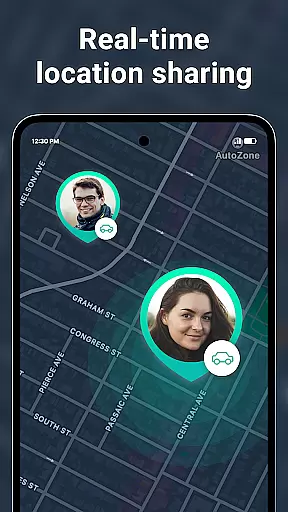
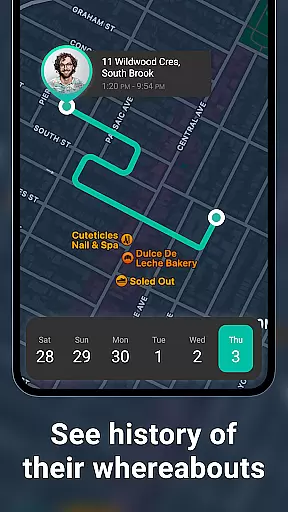
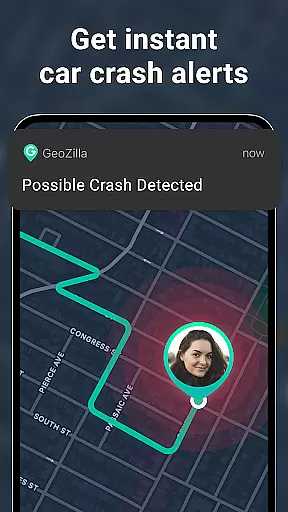
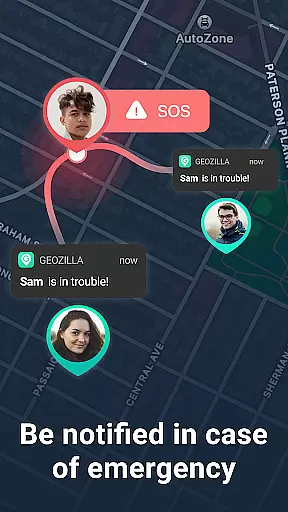

Geozilla is a comprehensive family safety app designed specifically for Android Wear devices, enabling real-time location sharing and emergency monitoring among trusted family circles. The app's core functionality revolves around creating a secure network where family members can actively consent to share their locations, receive important alerts, and access driving reports. With features like geofencing notifications, battery status updates, and crash detection with SOS alerts, Geozilla ensures peace of mind for families who prioritize safety and transparency.
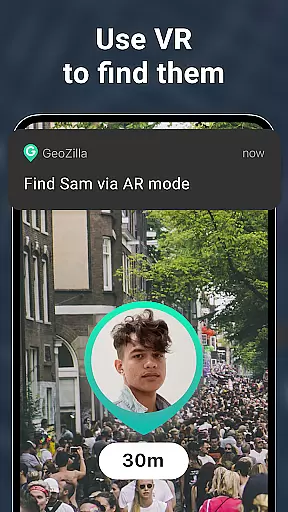
Beyond basic location tracking, Geozilla offers advanced tools such as location history timelines, AR Finder for device recovery, and driving habit analysis. These features are particularly valuable for parents monitoring their children's whereabouts or caregivers assisting dependents. The app's compatibility with Wear OS allows users to track locations directly from smartwatches, making it an essential tool for modern family safety. By emphasizing mutual consent and transparent usage, Geozilla sets a new standard in responsible location sharing.
Geozilla stands out through its innovative approach to family safety, offering unique features tailored for both smartphone and Wear OS users. One of the app's most notable capabilities is its real-time GPS tracking system, which works seamlessly across mobile devices and smartwatches. The geofencing feature allows users to set up multiple safe zones, triggering instant notifications when family members arrive at or leave designated locations such as home, school, or work.
The app's safety features extend beyond basic location sharing. Geozilla's crash detection system automatically sends emergency alerts during accidents, while the driving insights module provides detailed reports on driving behavior. The battery monitoring function warns users about low power situations, ensuring continuous tracking. Additionally, the AR Finder helps locate misplaced devices, and the comprehensive permission management system gives users complete control over their data sharing preferences. These features collectively create a robust safety net for families, particularly those with young children or elderly members who may require additional care and monitoring.
Companion app integration is essential for wearable devices to function seamlessly with smartphones. Geozilla excels in this area by ensuring that its Android Wear application works in harmony with its mobile counterpart.
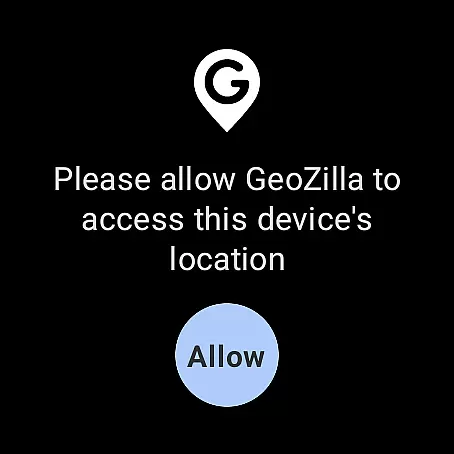
Through the companion app, users can access all of Geozilla's core features directly from their smartwatch. This includes real-time location sharing, receiving emergency alerts, and monitoring driving reports. The synchronization between the phone app and the wearable ensures that families stay connected and informed, regardless of where they are.
The benefit of such tight integration is the convenience it offers to users. Whether it's setting up geofenced locations or checking the battery status of a family member's device, all functionalities are easily manageable from the wrist. This empowers users to maintain safety and peace of mind without needing to have their phone at hand constantly.
Ultimately, Geozilla's commitment to seamless companion app integration means that smartwatch users can enjoy the full suite of safety features on their wearable devices, thus enhancing the overall user experience while prioritizing family security and connectivity.
Compatibility with Wear OS and various devices is crucial for apps targeting the smartwatch market. Geozilla has been optimized to work across a wide range of Wear OS devices, ensuring broad accessibility for its users.
By supporting multiple devices, Geozilla allows families to choose the wearables that best fit their needs without worrying about whether the app will function correctly. This flexibility is important as it accommodates different preferences and budgets while maintaining the app's core functionalities like live location sharing and arrival alerts.
For users, this means that no matter which Wear OS device they own, they can rely on Geozilla to keep them connected with their loved ones. The assurance of cross-device functionality adds significant value, as it simplifies the decision-making process when purchasing new devices.
In summary, Geozilla's dedication to Wear OS and device compatibility not only expands its reach but also reinforces its position as a versatile and reliable choice for family safety, making it easier for families to stay secure and connected through their preferred wearable technology.
User-friendly interface
Real-time tracking
Emergency alerts
Driving insights
Wear OS support
Requires constant internet
Battery consumption
Limited free features
Complex setup
Privacy concerns

Highly customizable hybrid watch face for Wear OS, perfect for everyday use.
 4.60
4.60
Animated Watch Face and Customizable with 24 Backgrounds. Perfect for Christmas!
3.90
Embrace the festive spirit with our Christmas Countdown watchface for Wear OS
4.10
Beautiful, colorful and practical watch face. For Wear OS devices.
5.00
Be an elegant and classy secret agent, with this carefully detailed watch face
4.70
To-Do List: daily schedule planner, task organizer, to do reminder app, calendar
4.60
Reliable phone calls with spam protection, caller ID and more helpful features
4.40
Hyper-Realistic Airplane Dashboard Watch Face With 10 Skins and Custom AOD
4.00
Daily Weather forecast with 15 weather images for Day & Night plus Big Bold time
4.10
Retro digital watch face with customizable colors and a unique lighting effect
4.60
Beautiful artistic animated digital watch face, with a customizable layout!
4.40
Elegant animated Christmas tree with multiple customization options
4.20
Connect, create, and collaborate with Gmail, part of Google Workspace.
4.10
A digital watch face that celebrates Christmas.
4.00
Authentic military-tactical design with ZULU time! Realistic and functional!
3.80
Watch face designed for Thanksgiving Day. 7 Background Styles included.
3.20
Precision analog watch face with 7 complications and style options
4.4
Stylish digital watch face for Wear OS devices with customizable features
4.3
Hybrid Vibrant Health Watch Face for Wear OS
4.1


User Reviews