
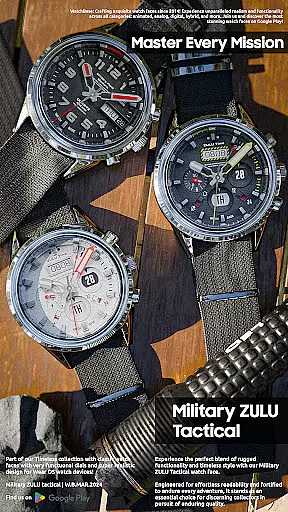
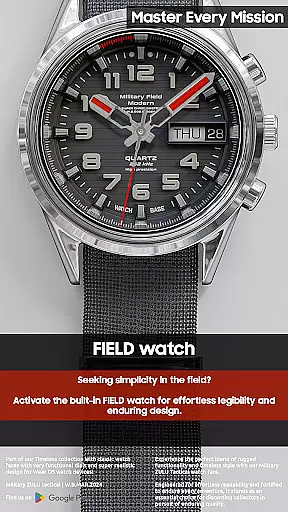
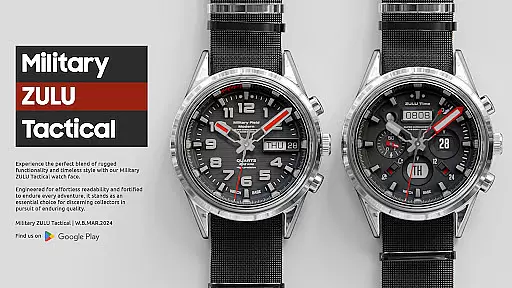
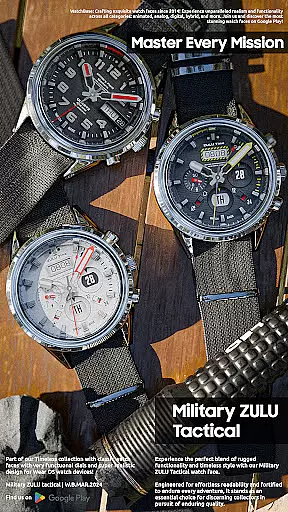
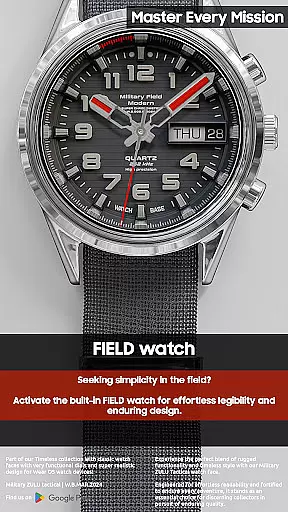
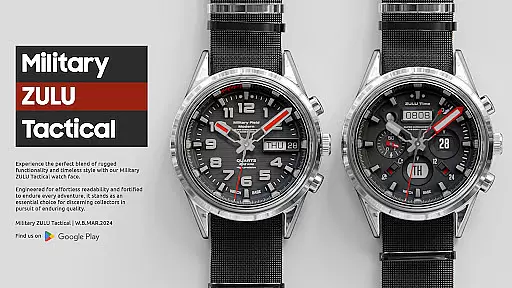
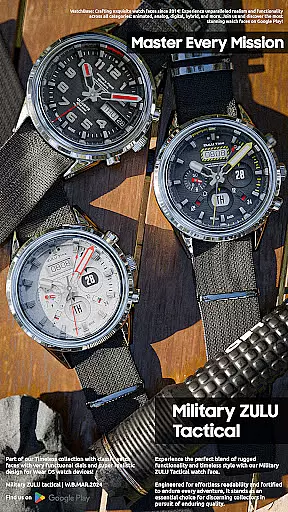
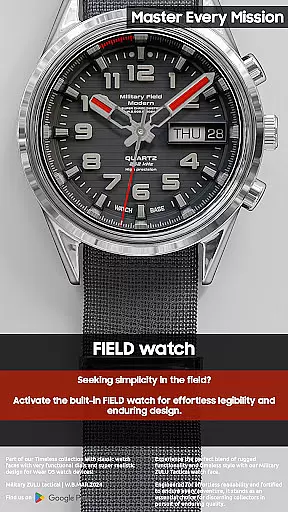
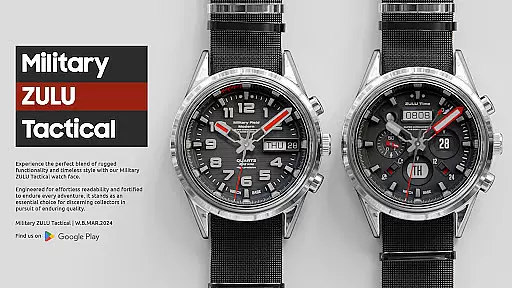
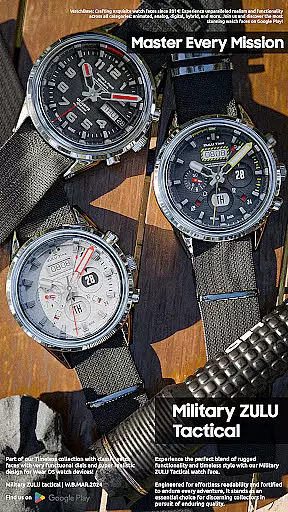
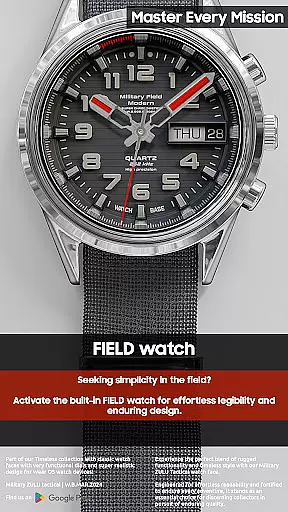
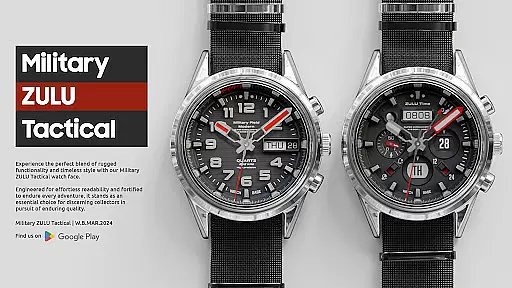
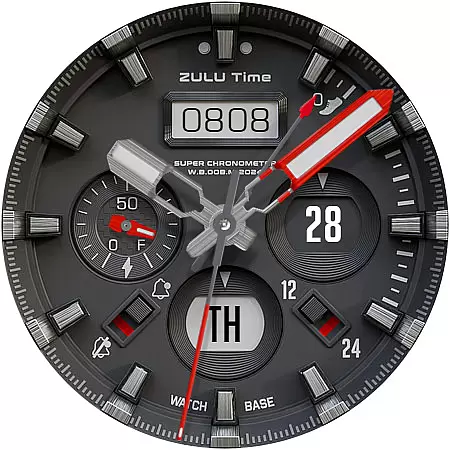
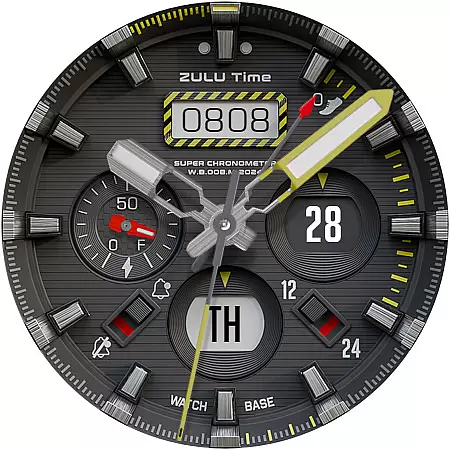
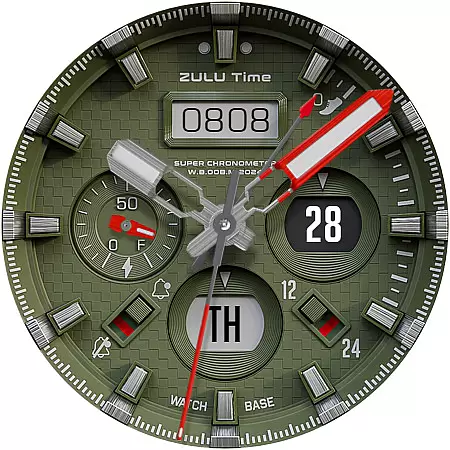
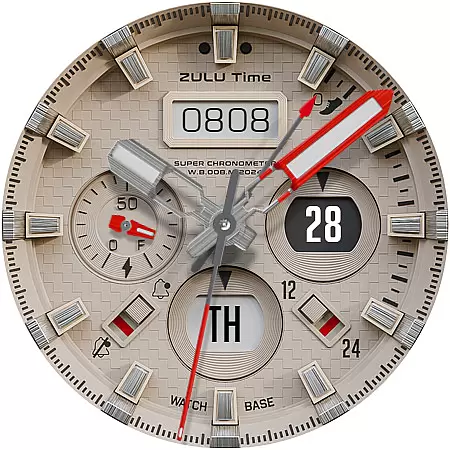
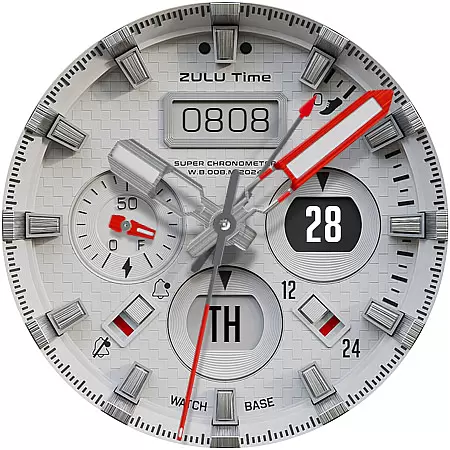
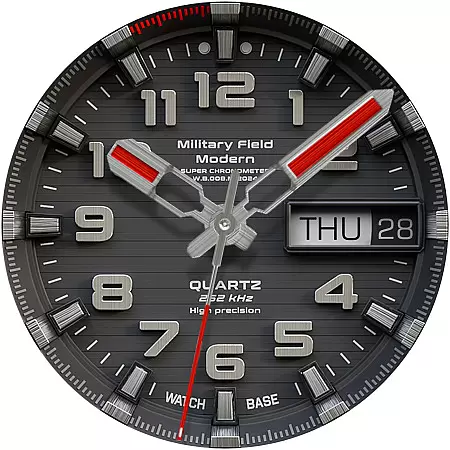
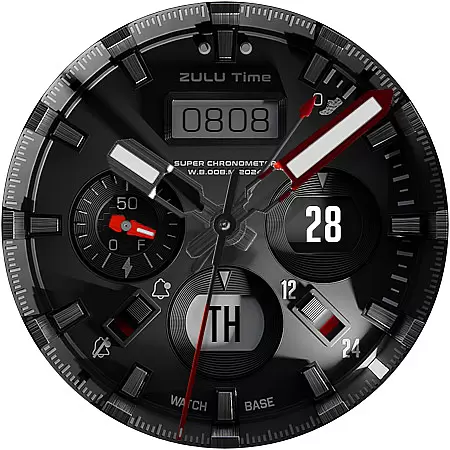
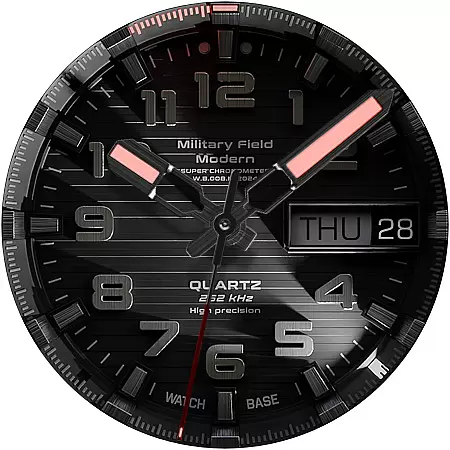
Military ZULU Tactical watch is a premium Wear OS application designed for users seeking a functional yet stylish smartwatch experience. This tactical watch face combines military-grade aesthetics with practical digital features.
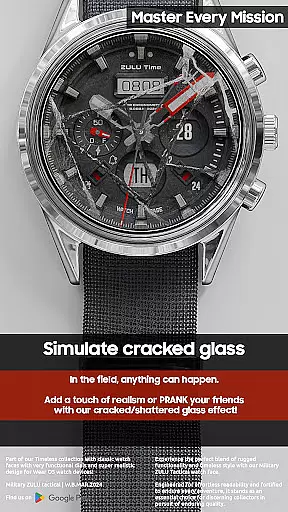
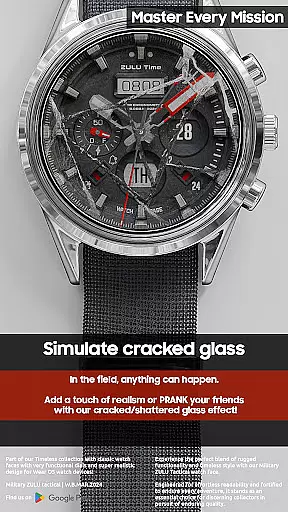
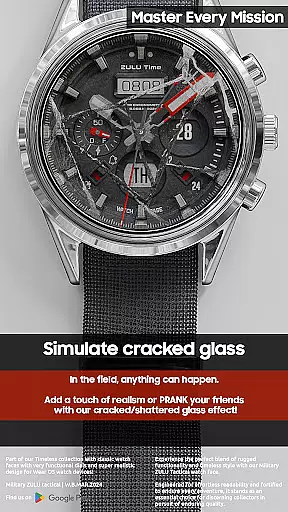
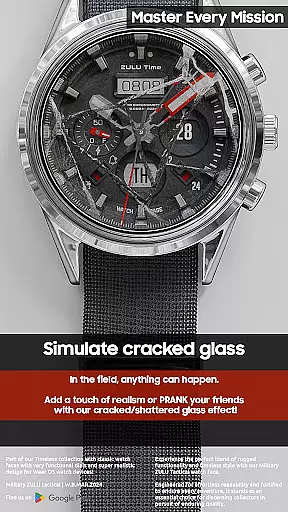
The application offers a comprehensive set of tools including ZULU time display customizable dial options and a Multi-Function Display (MFD). Its standout feature is the realistic cracked glass prank function which adds an element of fun to its otherwise serious military design. The watch face supports various display modes battery indicators step tracking and moon-phase monitoring.
Designed for both everyday use and tactical situations Military ZULU enhances wearable technology by providing essential information in a clear readable format. Its value lies in combining professional-grade functionality with personalization options making it suitable for both military enthusiasts and general smartwatch users.
The Military ZULU Tactical watch face stands out with its specialized military-tactical design and advanced functionality. This Wear OS application offers users a unique combination of practical utility and realistic aesthetics.
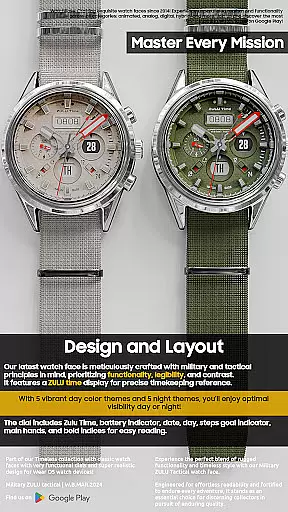
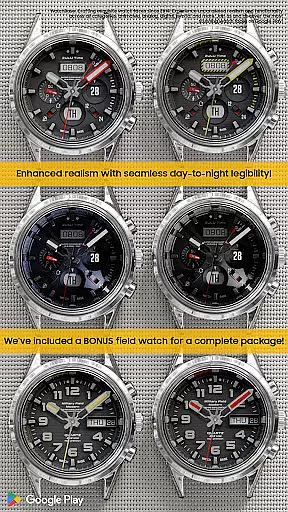
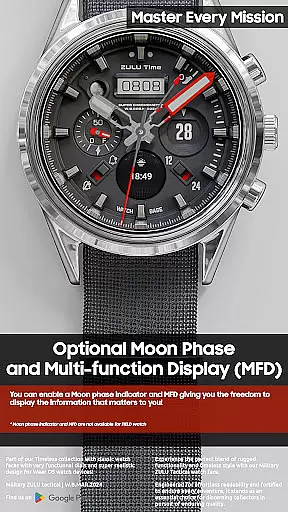
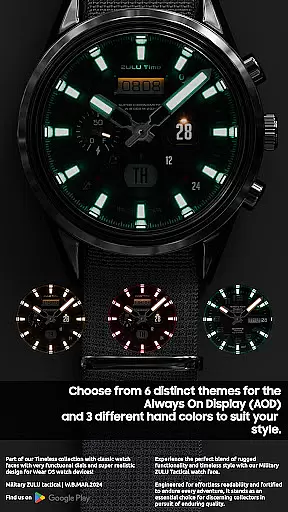
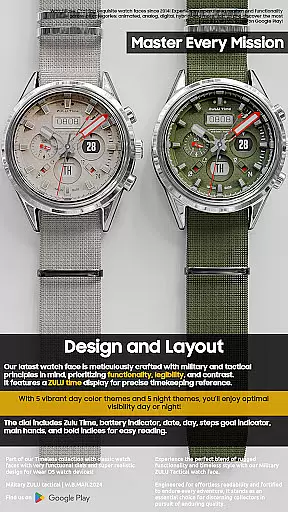
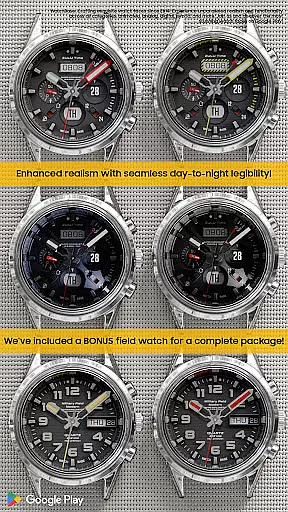
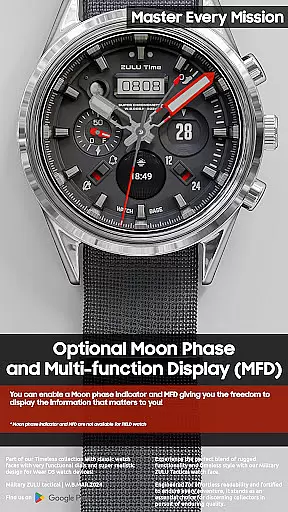
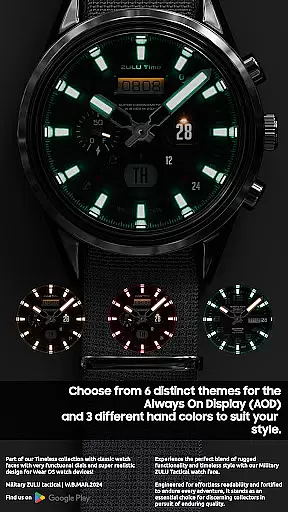
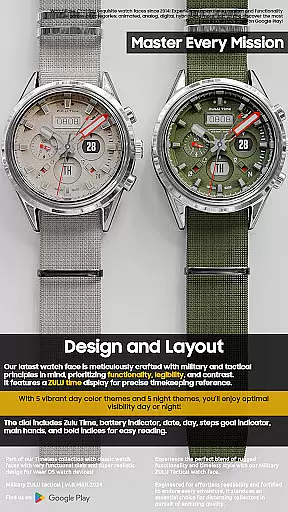
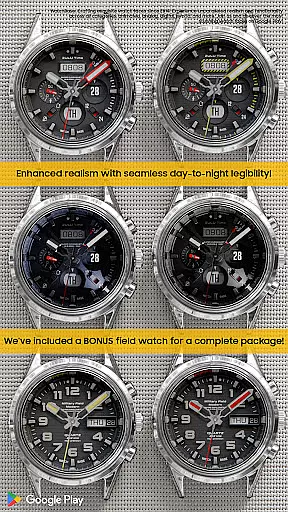
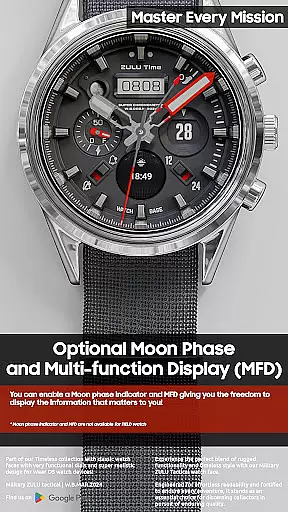
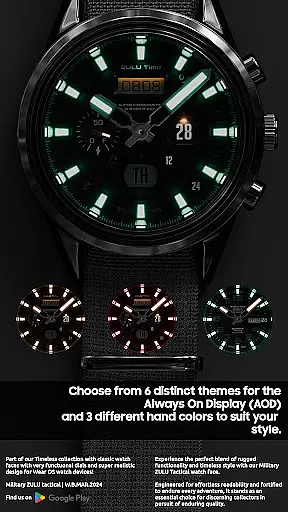
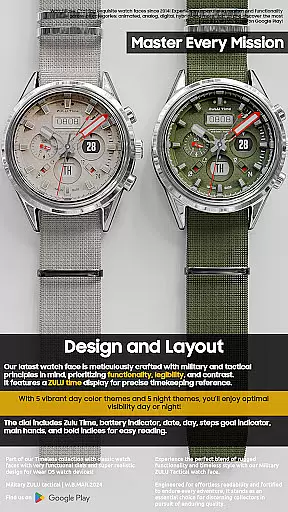
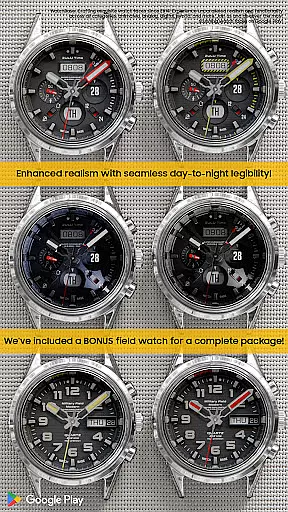
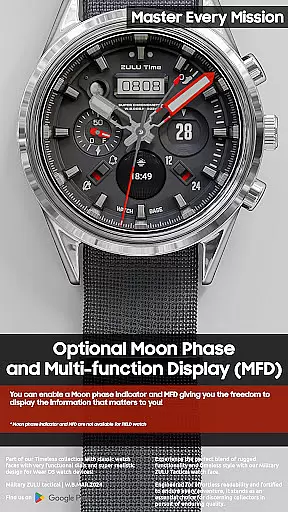
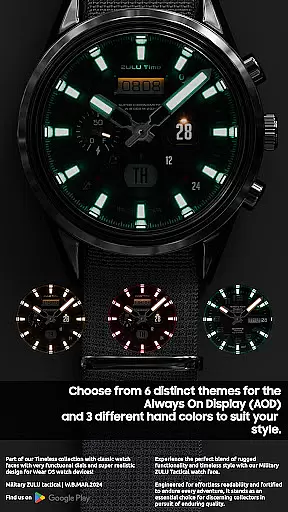
Key features include ZULU time display multiple FIELD watch options and a prank function that simulates cracked glass. The SUPER Realistic design incorporates a Multi-Function Display (MFD) showing day date battery level steps goal moon-phase and notifications. Users can choose from 10 main dial colors and 6 Always On Display modes.
The MFD requires proper configuration to avoid display conflicts while the moon-phase indicator isn't available in FIELD watch mode. With LED night modes and 12/24 hour settings this tactical watch face provides versatile customization options for various user preferences.
Companion app integration is a crucial feature for Android Wear applications like Military ZULU Tactical watch. This functionality allows users to seamlessly manage and customize their watch faces through a paired smartphone application.
The companion app simplifies the installation process by providing direct access to the watch face options. After purchasing, users can tap the install button within the phone app, which triggers the watch to display the selected face for installation.
This integration ensures synchronization between devices, resolving common issues where users might be prompted to repurchase the watch face on their wearable. Although this may occur, rest assured that double charges are prevented, and a simple restart often fixes the synchronization hiccup.
By streamlining both setup and customization features, companion app integration enhances user experience, making it easier to enjoy the full potential of sophisticated watch faces with minimal hassle.
For an Android Wear application such as Military ZULU Tactical watch, ensuring broad Wear OS/device compatibility is essential. This means the app must operate smoothly across various devices running on Wear OS, accommodating different screen sizes and hardware capabilities.
Military ZULU Tactical watch offers extensive customization options while maintaining performance consistency. With 10 main dial color combinations and 6 Always On Display modes, it caters to diverse user preferences without compromising device stability or speed.
Compatibility extends to functionalities like MFD (Multi-Function Display) and specific indicators including battery life, steps goal, and moon-phase. These features adapt effectively regardless of whether they're viewed on round or square-faced watches.
By focusing on universal design principles and rigorous testing protocols, Military ZULU Tactical watch guarantees reliable operation across all supported Wear OS devices, enhancing accessibility and user satisfaction.
Realistic design
Customizable options
Unique prank feature
Versatile display modes
Comprehensive indicators
Complex setup
Paid features
Limited support
Battery usage
Compatibility issues

Diet tracker for weight loss - track calories, food and macros. Simple and easy!
 4.70
4.70
Christmas Theme Watch Face for Wear Os
5.00
Wear Os Watch Face - Animated Snow - Sesonal for Christmas & Winter
4.2
A heartwarming Christmas scene featuring a cute image of Santa and Rudolf
4.5
Gym & home workout plans with strength training, exercise tracking, HIIT & more.
4.60
The Chevron App allows you to pay for fuel from the comfort of your car!
4.80
Hybrid Vibrant Health Watch Face for Wear OS
4.0
Hybrid watch face for Wear OS with customizable complications by Matteo Dini MD
4.70
From periods to pregnancy & perimenopause, Flo helps you track it all. Try now.
4.70
Period, ovulation & pregnancy tracker. Fertility insights & menstrual calendar.
4.90
To-Do List: daily schedule planner, task organizer, to do reminder app, calendar
4.60
MyNISSAN® lets you remotely control your car from your phone.*
4.50
Bold weather Digital watchface with forecast & optional animated background
4.40
The ultimate destination for kids ages 3-8 to explore the Marvel Universe!
4.30
Daily Weather forecast with 15 weather images for Day & Night plus Big Bold time
4.10
The #1 source of faces for your smartwatch!
4.00
Want to take charge of your health? Let Google Fit help you reach your goals.
3.50
Precision analog watch face with 7 complications and style options
4.5
A watch face that fuses motorsport precision with contemporary smartwatch design
4.1


User Reviews