
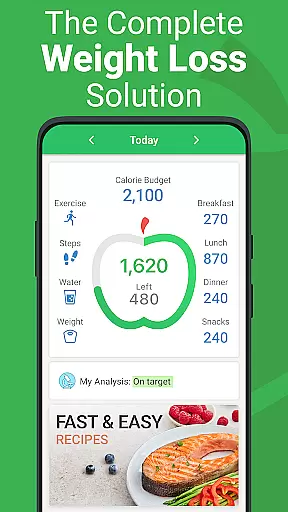


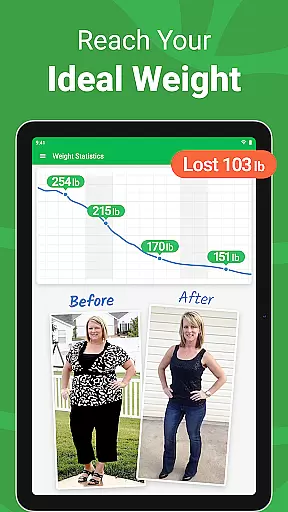
Calorie Counter - MyNetDiary is a leading health and fitness application designed to help users track their caloric intake, monitor nutritional values, and achieve personal wellness goals. Ranked #1 by Forbes Health in Best Weight Loss Apps of 2025, this app combines cutting-edge technology with evidence-based methodologies to deliver an unparalleled user experience.
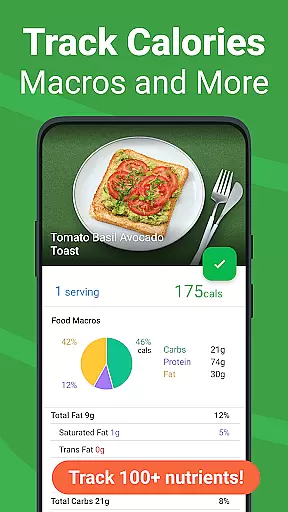
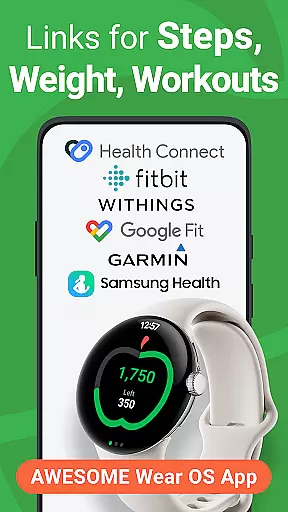
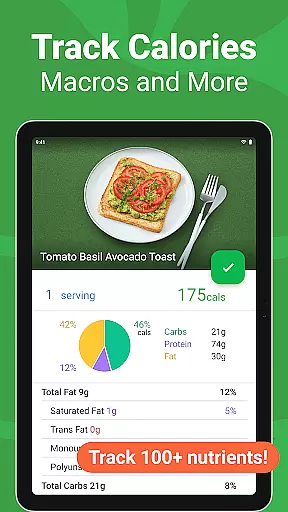
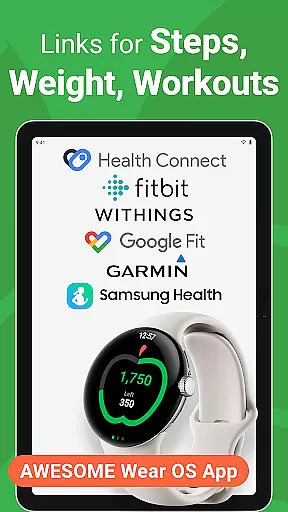
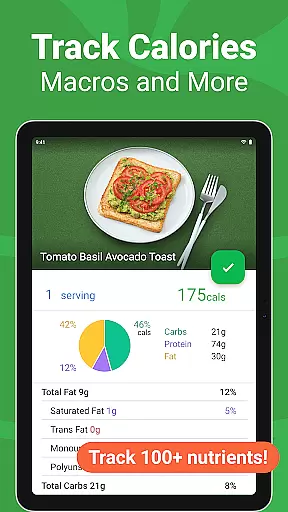
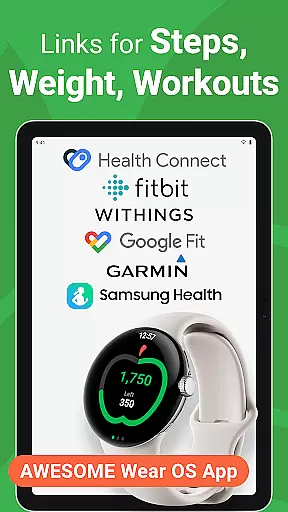
The platform boasts an extensive verified food database containing over 1.7 million items, ensuring precise tracking of macronutrients, vitamins, and minerals. Its standout features include AI-powered meal scanning, personalized diet plans, and seamless integration with popular health platforms like Google Fit and Samsung Health. Whether you're looking to lose weight, maintain a balanced diet, or simply stay informed about your eating habits, MyNetDiary provides all the necessary tools within a single, intuitive interface.
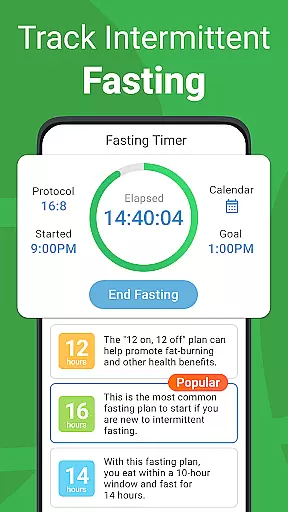
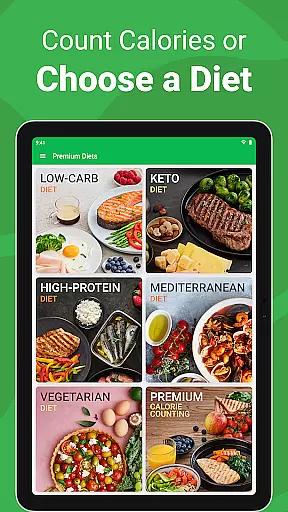
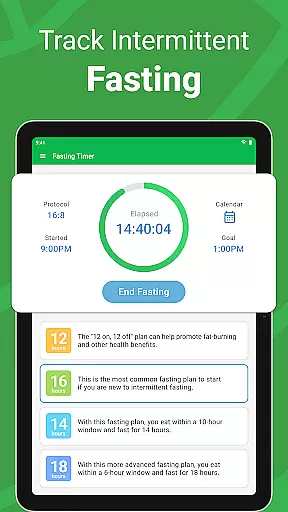
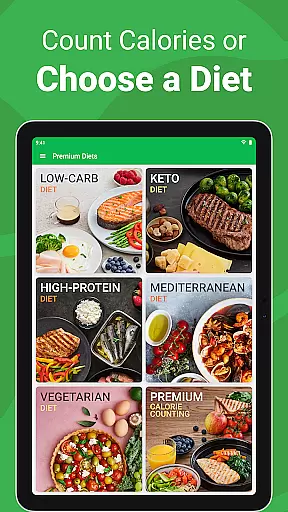
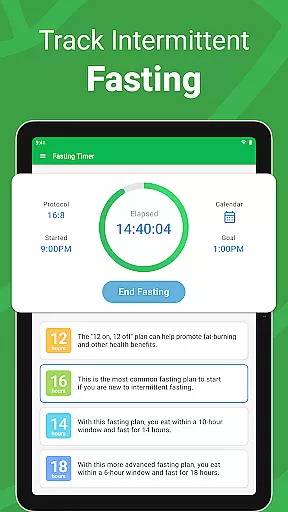
For those seeking premium guidance, MyNetDiary offers advanced options such as specialized diet protocols, intermittent fasting trackers, and detailed health metrics monitoring. This makes it not only a powerful calorie counter but also a holistic lifestyle companion suitable for various dietary preferences and fitness levels.
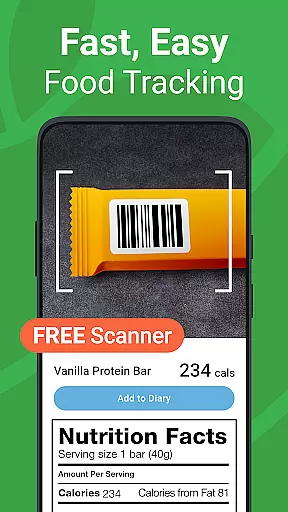
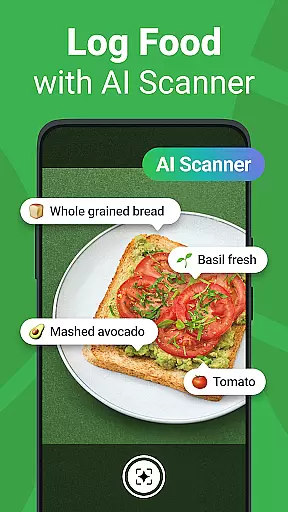
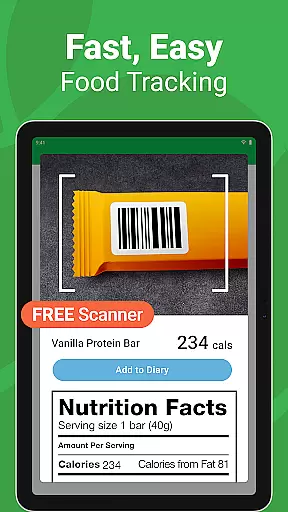
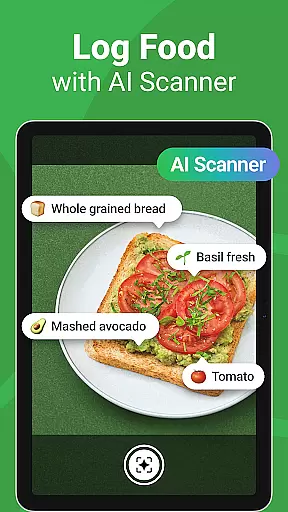
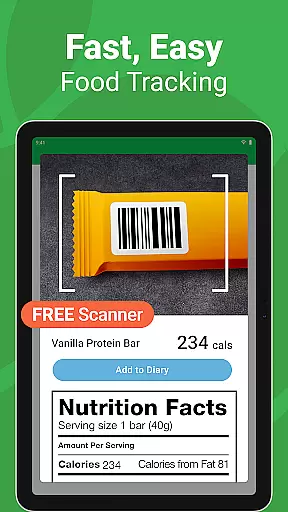
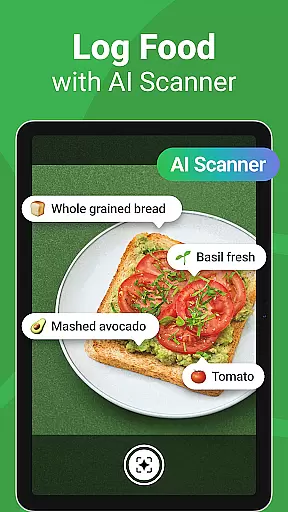
MyNetDiary offers a robust set of features designed to make tracking calories and managing personal health straightforward and efficient. The app includes a free barcode scanner for easy food logging, personal diet plans tailored to individual goals, and an AI Meal Scan feature that allows for instant logging of meals.
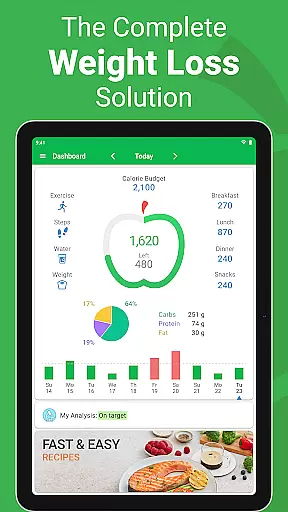
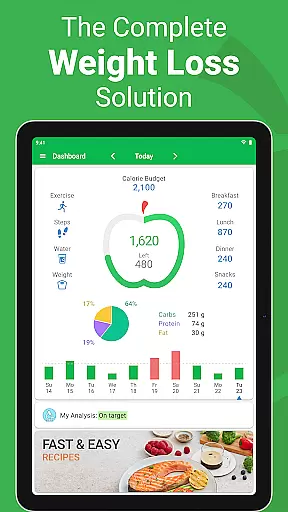
In addition to its core functionalities, MyNetDiary provides users with advanced tools such as a comprehensive nutrient database, integration with wearables like Google Fit, and customizable dashboards. These features collectively ensure that users can accurately monitor their nutritional intake while enjoying a personalized experience that adapts to their unique dietary requirements.
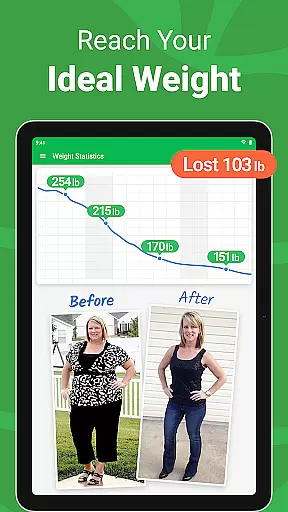
The app stands out due to its user-friendly interface and scientifically-backed approach to weight management. With proven success rates among active members and endorsements from reputable health organizations, MyNetDiary delivers both reliability and effectiveness in achieving fitness objectives.
Companion app integration is essential for wearable devices to function seamlessly with smartphones. MyNetDiary excels in this area by offering a robust connection between its mobile and Wear OS applications.
The app ensures that all data logged on the smartphone, such as food intake, exercise, and health metrics, are instantly synchronized with the wearable device. This allows users to view their progress, log new entries, and receive notifications directly on their smartwatch.
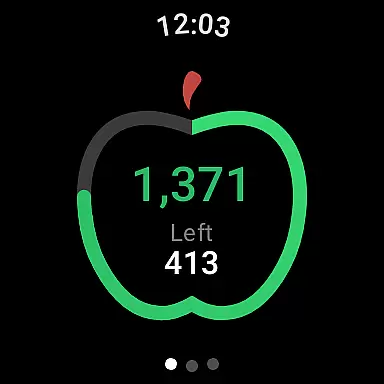
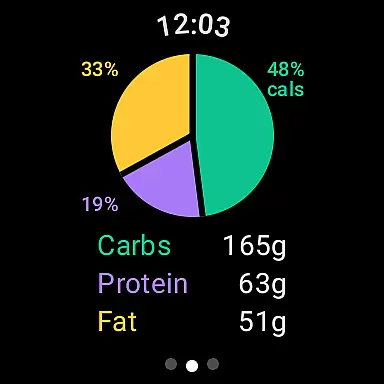
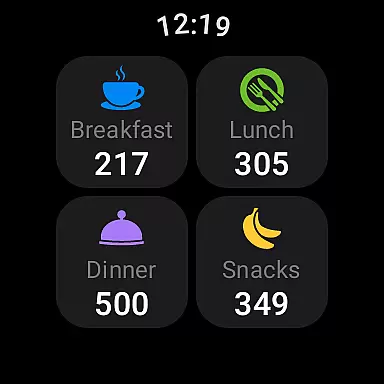
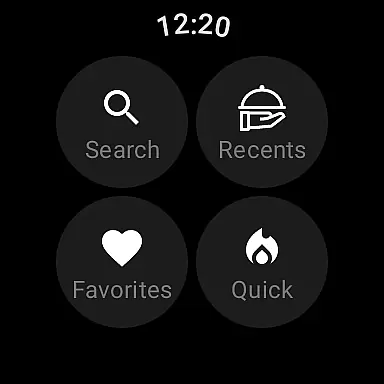
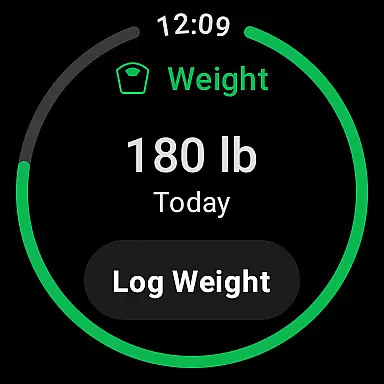
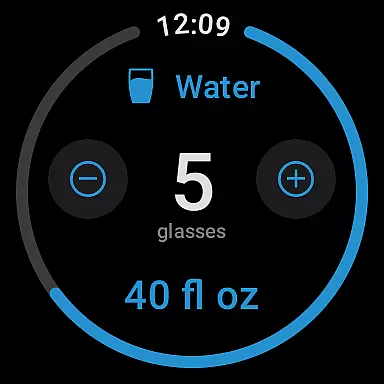
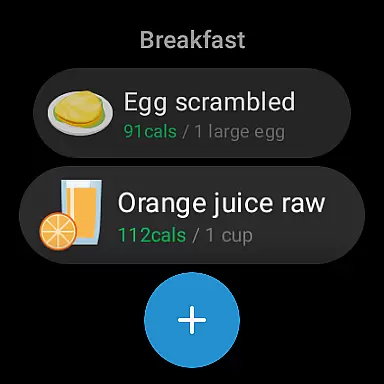
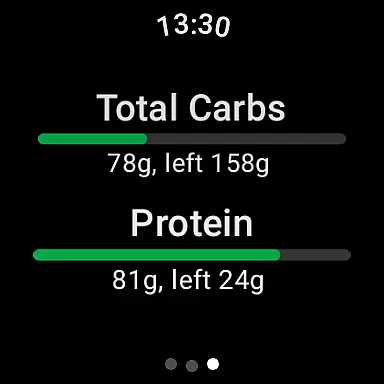
MyNetDiary's Wear OS app includes features like tiles and complications, enabling users to log foods by voice, track water consumption, and monitor body weight effortlessly. The quick daily summary and breakdown of carbs, fats, and proteins provide users with real-time insights without needing to reach for their phone.
This seamless companion app integration enhances user convenience, making health tracking more accessible and efficient. By ensuring that all features are readily available on both platforms, MyNetDiary supports continuous and effortless health management.
Device compatibility is crucial for apps designed to work across multiple platforms, especially for wearables like Wear OS devices. MyNetDiary offers extensive compatibility, ensuring that its app functions optimally on various smartwatches.
The app is meticulously designed to support different Wear OS devices, providing a consistent and reliable experience regardless of the hardware. This compatibility extends to integrating with Health Connect, Google Fit, and Samsung Health, allowing users to consolidate their health data in one place.
MyNetDiary's attention to detail ensures that its sophisticated features, such as the barcode scanner and AI-powered meal logging, work flawlessly on Wear OS. Users can enjoy the same high-quality experience on their smartwatch as they do on their smartphone.
By prioritizing Wear OS and device compatibility, MyNetDiary guarantees that users can take full advantage of their wearable technology. This commitment to compatibility enhances the overall user experience, making health tracking more versatile and convenient.
Comprehensive food database
User-friendly interface
AI meal scanning
Personalized diet plans
Proven weight loss results
Subscription fees
Premium features locked
Occasional syncing issues
Limited offline functionality
Interface complexity

Highly customizable hybrid watch face for Wear OS, perfect for everyday use.
 4.60
4.60
Precision analog watch face with 7 complications and style options
4.1
Snowflake Rose Gold Watch Face - Digital, modern, & sleek with GYRO effect.
4.10
A Wintery Snow Globe on Your Wrist; now celebrating Christmas!
4.0
Beautiful artistic animated digital watch face, with a customizable layout!
4.40
Deck out your Wear OS Watch face with a beautifully decorated pine wreath!
4.50
Sleek, highly customizable watch face inspired by Galaxy Watch Circle Dashboard.
4.4
Digital, flexibly customizable watch face. For Wear OS 5.0, API 34+ and later.
5.00
A white realistic classic analog watch face with many customization options.
4.40
Simple, helpful messaging by Google
4.60
Fast and smart typing with Emojis, GIFs, and more
4.50
Reliable phone calls with spam protection, caller ID and more helpful features
4.40
Calming & relaxing sounds for sleeping and stress relief. Stay focused all day!
4.20
Elegant animated Christmas tree with multiple customization options
4.20
The #1 source of faces for your smartwatch!
4.00
A full-featured Amazon Alexa voice assistant that can show you things.
3.70
Want to take charge of your health? Let Google Fit help you reach your goals.
3.50
Stay in touch with your friends and family using LINE!
3.40
Stunning modern digital watch face with 7 complications and strong contrast
4.3


User Reviews