
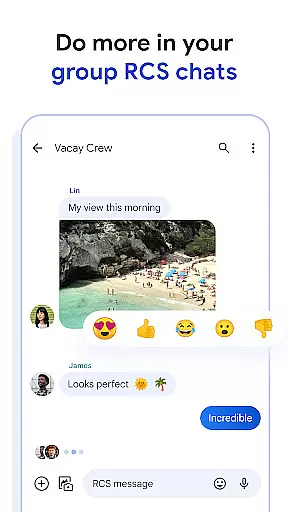
Google Messages is the official messaging app from Google, designed to enhance communication for Android users through Rich Communication Services (RCS). This protocol elevates traditional SMS and MMS experiences by enabling high-quality media sharing, real-time typing indicators, and seamless group conversations that bridge Android and iPhone users. The app also incorporates personalized features like custom chat themes and AI-driven suggestions, making each conversation uniquely engaging.
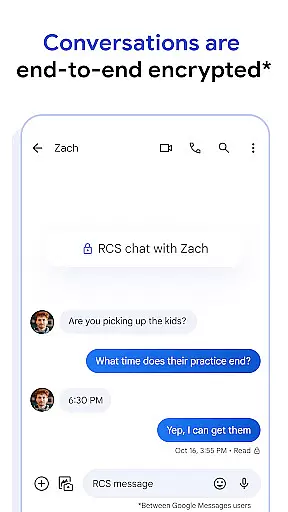
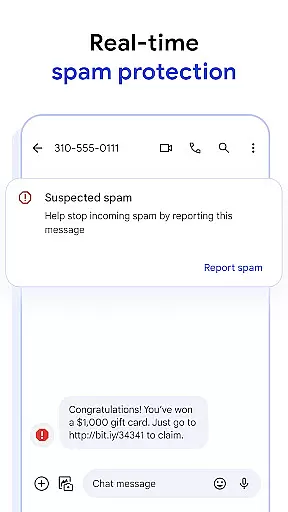
Beyond basic messaging, Google Messages offers robust privacy protections with end-to-end encryption for RCS chats, ensuring your personal conversations remain secure. Additionally, advanced spam protection helps filter unwanted messages. Available across multiple platforms including Wear OS, this app allows you to transition effortlessly between devices while maintaining continuity in your conversations.
Whether you're coordinating plans with friends or managing important communications, Google Messages provides a richer, safer, and more versatile messaging experience tailored to modern needs.
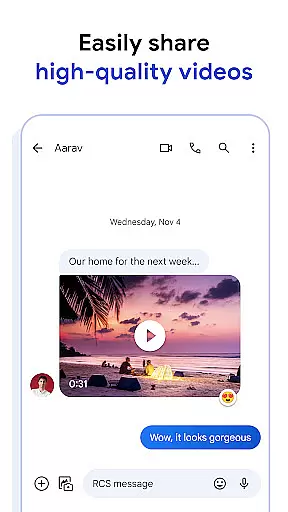
Google Messages stands out with its innovative use of RCS technology, which transforms traditional texting into an interactive and visually appealing experience. Users can share high-resolution photos and videos without worrying about file size limitations, thanks to RCS support. Real-time typing indicators add dynamism to conversations, allowing participants to see when others are responding.
The app's customization options let users personalize their chats with unique features such as custom chat bubble colors and fun selfie GIFs. Privacy-conscious individuals will appreciate the end-to-end encryption available for RCS conversations, safeguarding messages and attachments from unauthorized access. Advanced spam filtering further enhances security by identifying and blocking potential threats.
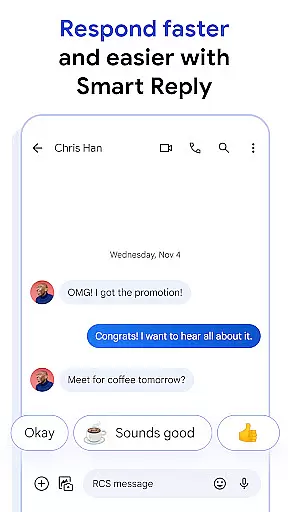
AI-powered tools like Magic Compose provide intelligent suggestions to craft perfect responses quickly. Cross-device compatibility ensures that whether you're using a phone, tablet, computer, or even a Wear OS smartwatch, your conversations remain synchronized and accessible at all times.
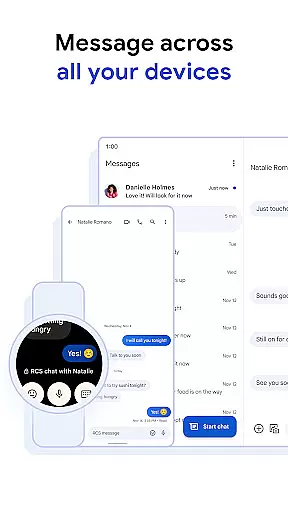
Companion app integration is essential for a seamless messaging experience across multiple devices. Google Messages excels in this area by ensuring that your conversations are synchronized between your smartphone, tablet, and computer.
The app achieves this through its robust cloud-based architecture, which updates messages in real-time. Whether you start a conversation on your phone during your commute or continue it on your tablet at home, the transition is smooth and uninterrupted.
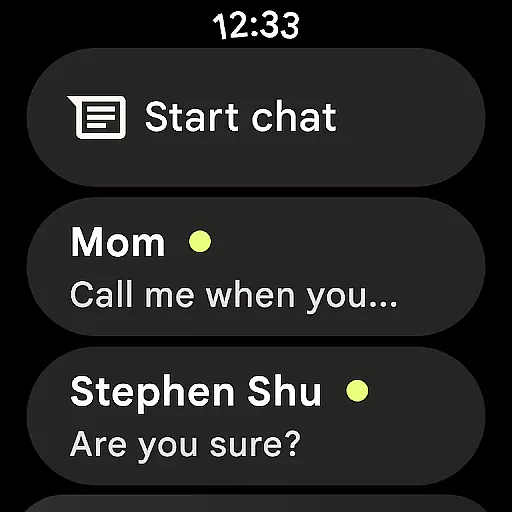
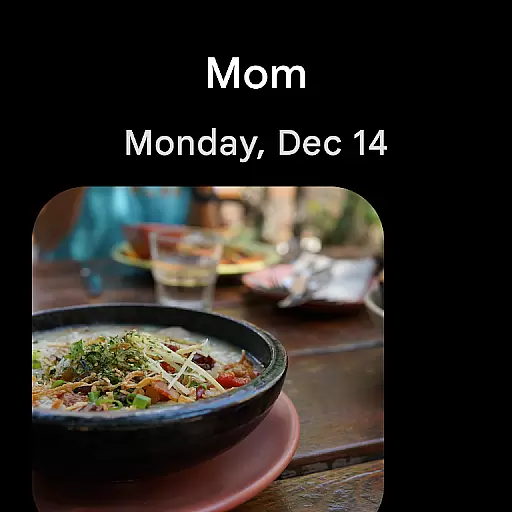
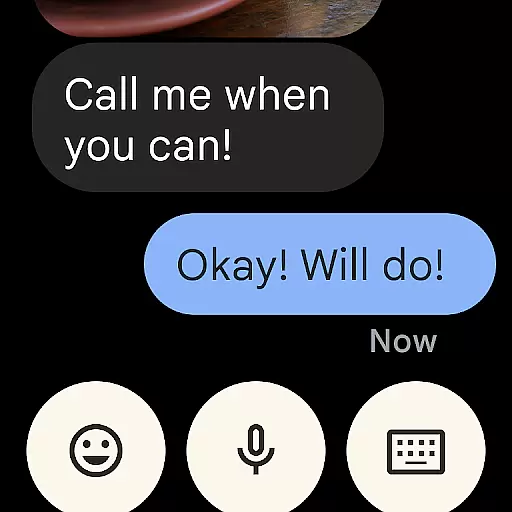
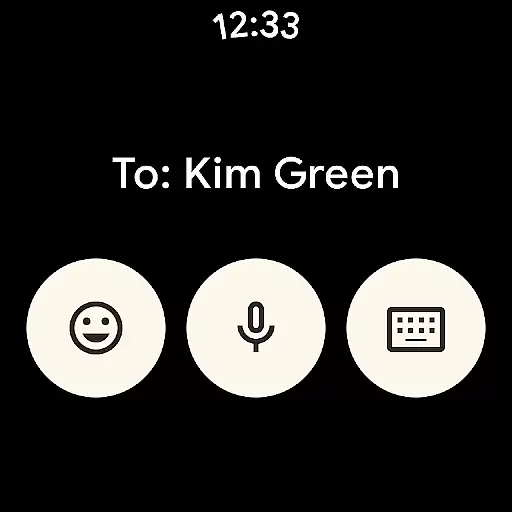
For users of Wear OS, Google Messages offers an optimized interface that allows quick responses directly from your smartwatch. This ensures you're always connected, even when your phone isn't readily accessible.
This level of integration provides significant value to users who rely on multiple devices throughout their day. It streamlines communication and ensures important messages are never missed, regardless of which device you're using.
Device compatibility is crucial for apps designed to work across different platforms, especially for wearable technology like Wear OS. Google Messages has been meticulously developed to ensure full functionality on Wear OS devices.
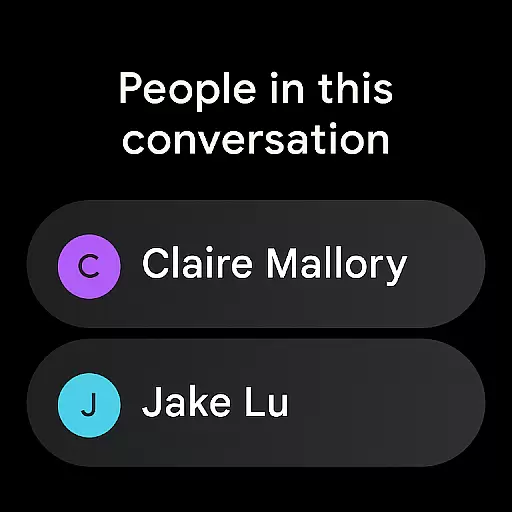
The app supports a wide range of Wear OS smartwatches, providing users with notifications and the ability to send quick replies without needing to take out their phones. The interface is specifically optimized for smaller screens, making it easy to read and respond to messages.
Compatibility extends beyond just Wear OS. Google Messages works seamlessly across various Android devices and even integrates with iPhone users through RCS, creating a unified messaging experience regardless of the platform.
This comprehensive device support demonstrates Google's commitment to accessibility and convenience. Users can enjoy consistent performance and features across all their devices, making communication more flexible and reliable than ever before.
User-friendly interface
End-to-end encryption
Rich Communication Services
AI-powered suggestions
Cross-device syncing
Limited RCS availability
Requires data plan
Beta testing needed
Feature restrictions
Device compatibility

Contemporary digital watch face with five complications
 4.1
4.1
Stunning modern digital watch face with 7 complications and strong contrast
4.2
Artistic Digital Watchface
4.2
3 Complications. All shadow on/off. 30 Themes color palette...
4.5
Your second brain for organizing your life: to-do, calendar, reminder.
4.70
Hyper-Realistic Airplane Dashboard Watch Face With 10 Skins and Custom AOD
4.00
Viewer for Wyze/Yi/Eufy/Arlo/ONVIF/RTSP/P2P IP cams w/ adv. features & DIY DVR
4.00
Back up your contacts & access them anywhere
4.30
Download full tracks, listen to music offline, make unlimited playlists.
4.80
Retro digital watch face with customizable colors and a unique lighting effect
4.60
Real-time results, stats, schedules and player profiles for all leagues
4.60
Locate your family members by GPS phone location tracker everywhere and anytime
4.30
Calming & relaxing sounds for sleeping and stress relief. Stay focused all day!
4.20
Elegant animated Christmas tree with multiple customization options
4.20
Professional weather radar and more
3.90
Authentic military-tactical design with ZULU time! Realistic and functional!
3.80
Want to take charge of your health? Let Google Fit help you reach your goals.
3.50
Stay in touch with your friends and family using LINE!
3.40
Funny animated watch face for Thanksgiving
4.5


User Reviews