
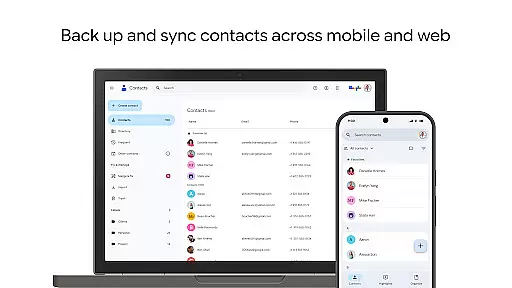
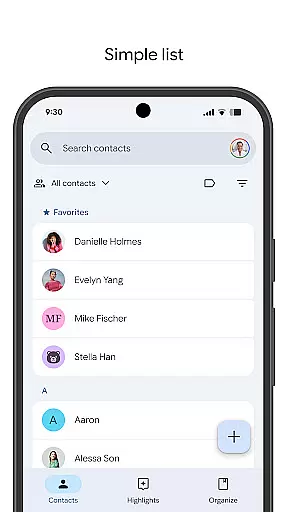
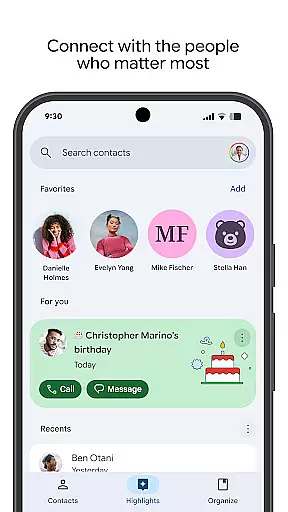
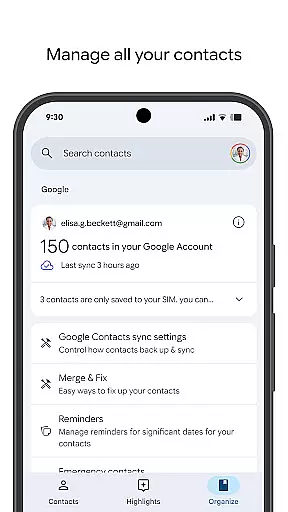
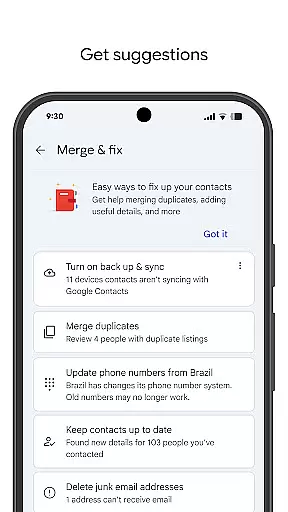
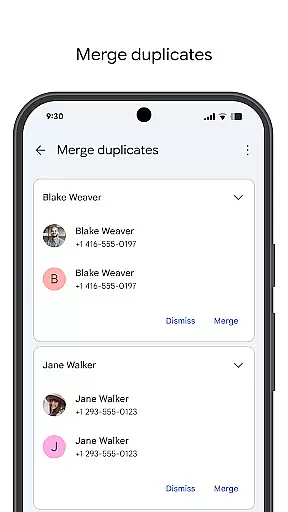
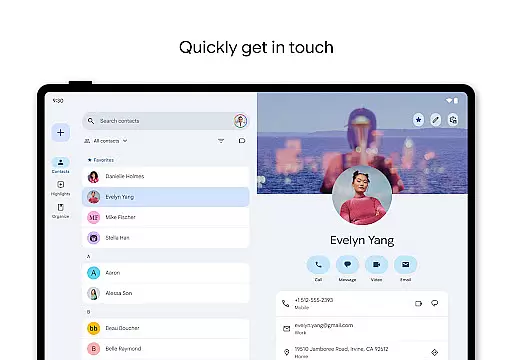
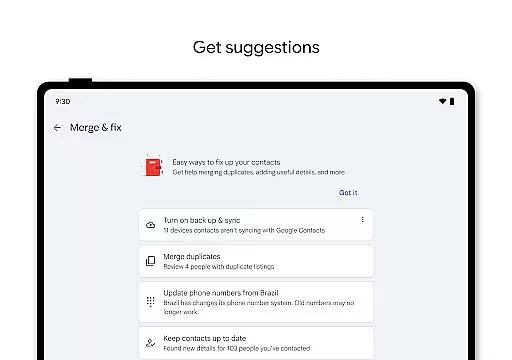
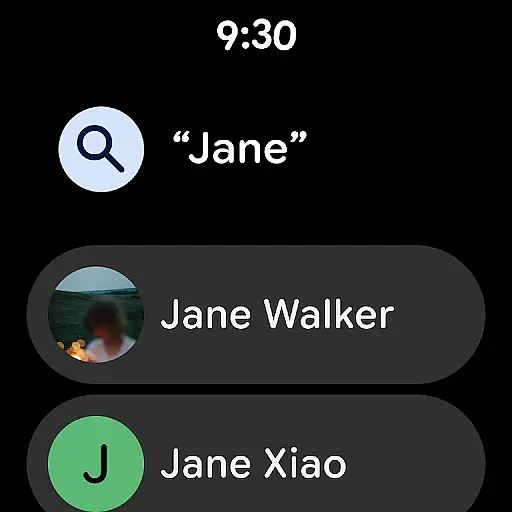
Contacts is a powerful Android Wear application designed to seamlessly manage and organize your contact information across all devices. The app allows users to back up their contacts directly to their Google Account, ensuring data safety and accessibility from any signed-in device. With advanced organizational tools, it helps maintain accurate contact details while offering helpful features like duplicate merging and detailed information management.
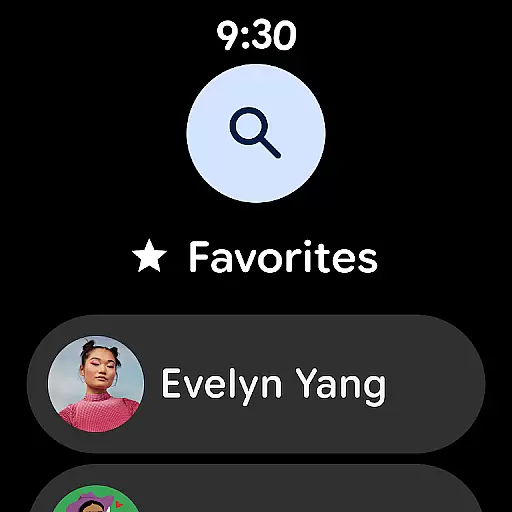
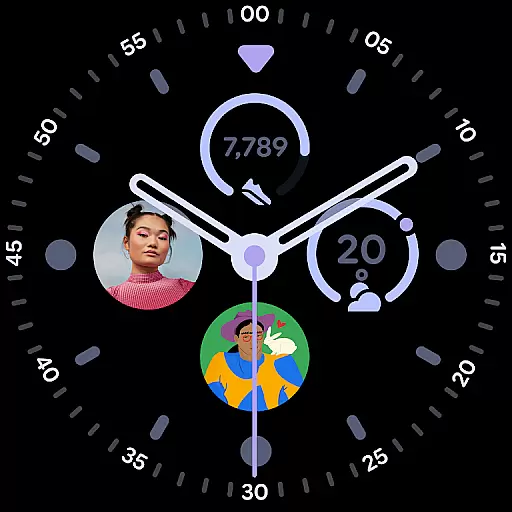
Beyond basic contact management, the app provides intelligent features that enhance user engagement. Users can view important highlights such as upcoming birthdays and anniversaries, set reminders for special occasions, and easily access frequently contacted individuals. Its integration with Wear OS brings additional convenience through favorite contact tiles and complications, making it an essential tool for staying connected with the people who matter most in both personal and professional contexts.
Contacts offers a comprehensive suite of features tailored for efficient contact management on Android Wear devices. One of its standout capabilities is automatic backup and synchronization of contacts to the user's Google Account, which ensures that contact information is always up-to-date and recoverable even if accidentally deleted within 30 days. This feature alone significantly reduces the risk of losing valuable connections due to device malfunctions or accidental deletions.
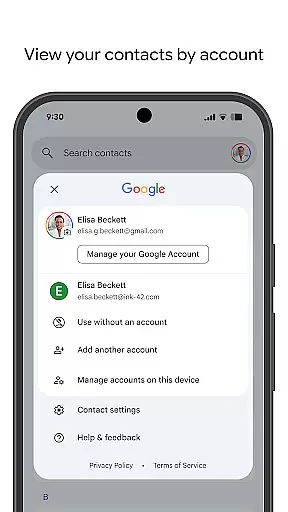
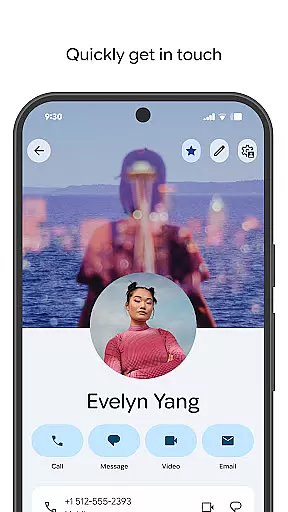
In addition to backup functionality, the app excels at keeping contacts organized. Users can categorize contacts by accounts (e.g., work or personal), edit detailed information such as phone numbers, emails, and photos, and utilize smart suggestions for merging duplicates or adding missing details. The app also enhances interpersonal relationships by highlighting key events like birthdays and anniversaries, allowing users to set notifications so they never miss an important date. These thoughtful features make Contacts not just a utility but a proactive assistant in maintaining meaningful connections.
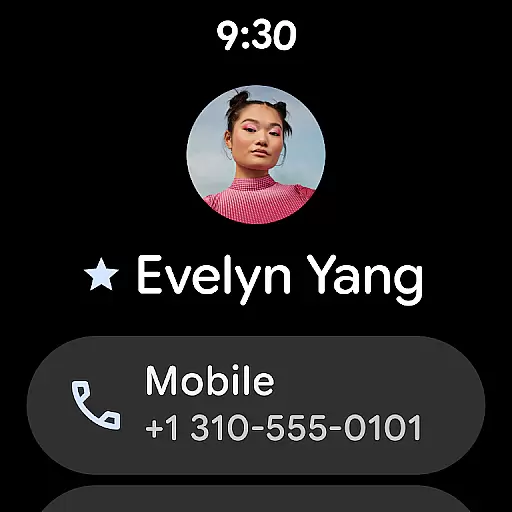
For Android Wear users, the Contacts app offers seamless companion app integration that enhances accessibility and convenience. This feature ensures that your contacts are not only available on your mobile device but also accessible directly from your Wear OS smartwatch.
The synchronization between the mobile app and its Wear OS counterpart is automatic and real-time. Once you've set up the Contacts app on your phone, it extends its functionality to your smartwatch, allowing you to access key contact information without needing to take out your phone.
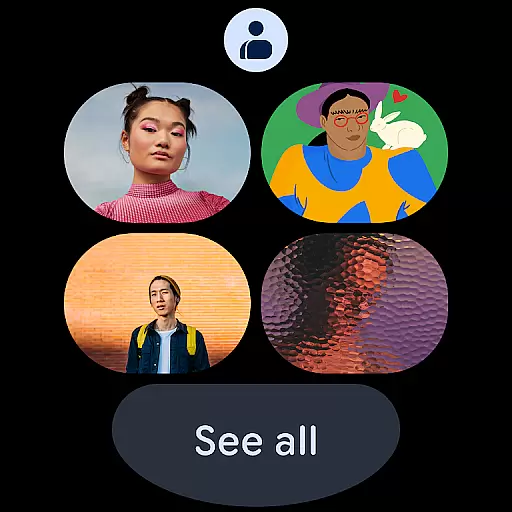
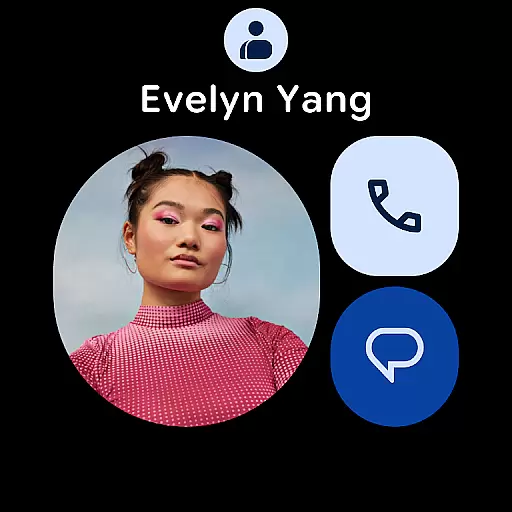
This integration provides a streamlined user experience by offering features such as favorite contacts tiles and individual contact tiles. These allow for quick access to frequently contacted individuals or specific persons of interest right from your wrist.
By maintaining consistent data across devices, users can enjoy uninterrupted connectivity whether they're in a meeting, exercising, or otherwiseu4e0du4fbfu62ffu51fau624bu673au7684u573au5408u3002u901au8fc7u5728Wear OSu8bbeu5907u4e0au63d0u4f9bu7cbeu9009u8054u7cfbu4ebau548cu5febu901fu62e8u53f7u9009u9879uff0cu8be5u5e94u7528u786eu4fddu7528u6237u59cbu7ec8u4fddu6301u8fdeu63a5uff0cu4e0du9519u8fc7u4efbu4f55u91cdu8981u8054u7cfbu3002
The Contacts app is designed with broad compatibility in mind, ensuring it works seamlessly across various Wear OS devices. Whether you have a smartwatch from a major manufacturer or a lesser-known brand, this app supports a wide range of devices running Wear OS.
Device compatibility extends beyond just being able to install the app. It includes optimized performance tailored for different screen sizes and hardware capabilities. This means that regardless of your smartwatch model, you will experience smooth navigation and responsive interactions within the Contacts app.
In addition to supporting multiple devices, the app also integrates well with other Google services. For instance, if you use Gmail or Google Calendar, these services can work together with the Contacts app to provide a unified ecosystem where all your personal information is interconnected.
Ensuring high-quality performance on every compatible device, the Contacts app undergoes rigorous testing and regular updates. This commitment to quality guarantees that users receive an optimal experience, benefiting from the latest features and security enhancements available for their Wear OS devices.
User-friendly interface
Automatic backup system
Smart organization tools
Event reminder notifications
Cross-device compatibility
Limited offline functionality
Requires Google Account
Occasional sync delays
No standalone desktop version
Basic design aesthetics

A full-featured Amazon Alexa voice assistant that can show you things.
 3.70
3.70
Elegant animated Christmas tree with multiple customization options
4.20
Watch face designed for Thanksgiving Day. 7 Background Styles included.
3.20
A modern premium sporty hybrid watch face for Wear OS by Ballozi
4.70
Watch face for Wear OS.
4.20
Nutrition, Macro tracker: Food, fitness & healthy diet tracking for weight loss
4.60
Locate your family members by GPS phone location tracker everywhere and anytime
4.30
Fitbit is dedicated to helping people lead healthier, more active lives.
4.10
From periods to pregnancy & perimenopause, Flo helps you track it all. Try now.
4.70
Diet tracker for weight loss - track calories, food and macros. Simple and easy!
4.70
Be an elegant and classy secret agent, with this carefully detailed watch face
4.70
Rose gold watch face with festive lights & customizable features.
4.60
Retro digital watch face with customizable colors and a unique lighting effect
4.60
Stylish, Energizing and Modern Watch Face crafted by Dominus Mathias.
4.50
A white realistic classic analog watch face with many customization options.
4.40
Calming & relaxing sounds for sleeping and stress relief. Stay focused all day!
4.20
Get helpful reminders, take progress photos and find answers to your questions.
3.90
Precision analog watch face with 7 complications and style options
4.3
Artistic Digital Watchface
4.4


User Reviews