
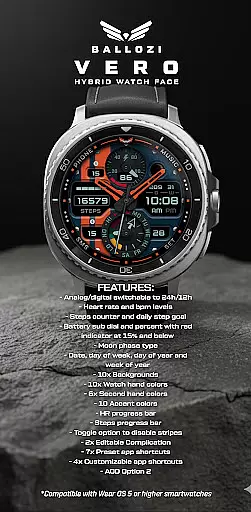
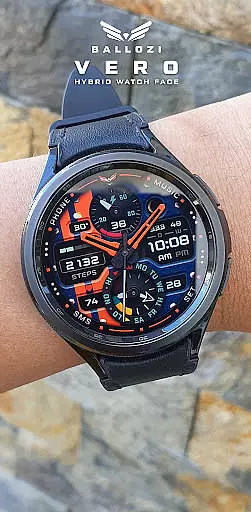
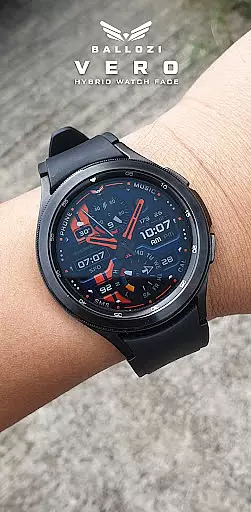
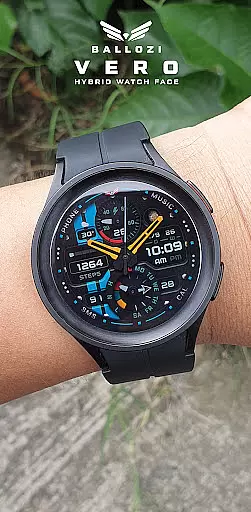
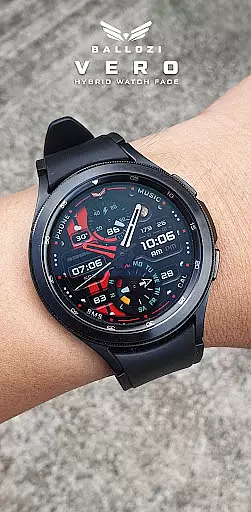
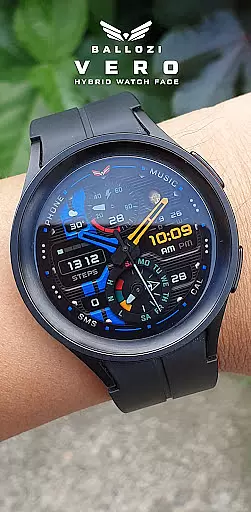
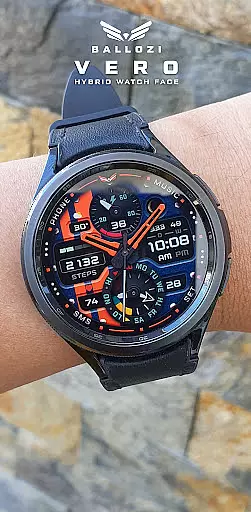
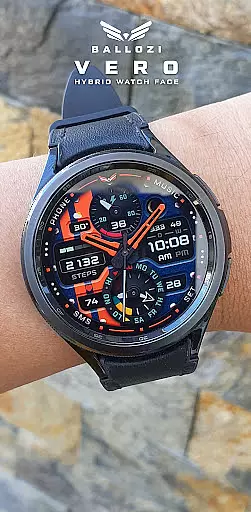
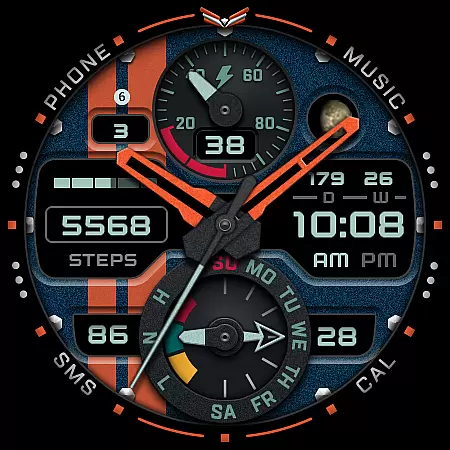
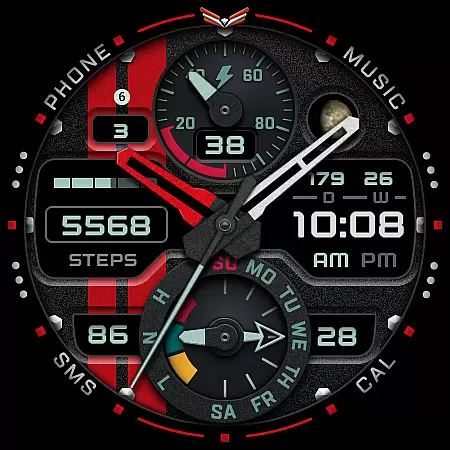
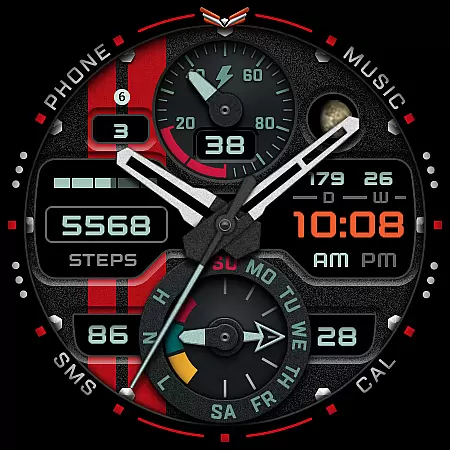
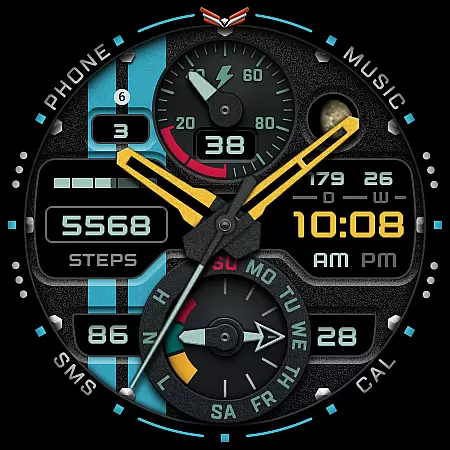
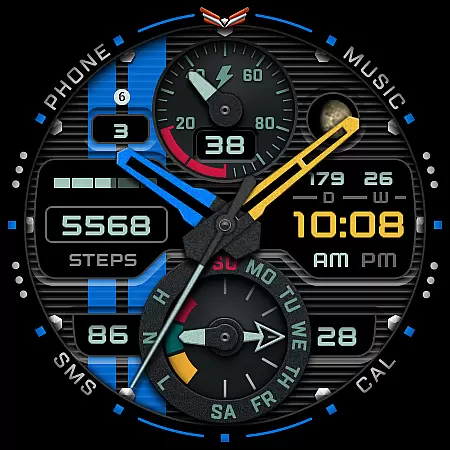
Ballozi VERO is a versatile hybrid watch face designed for Wear OS devices, offering both analog and digital display options. This military-style watch face is optimized for round watches and provides comprehensive fitness tracking features.
Key functionalities include heart rate monitoring, step counting with daily goals, and battery status indicators. With 10 background options, multiple color choices for watch hands and accents, the application allows extensive customization while maintaining optimal performance on compatible devices.
The Ballozi VERO watch face stands out with its extensive customization options and practical features. Users can switch between analog and digital displays in 12h or 24h formats while accessing vital fitness metrics including heart rate and step counters.
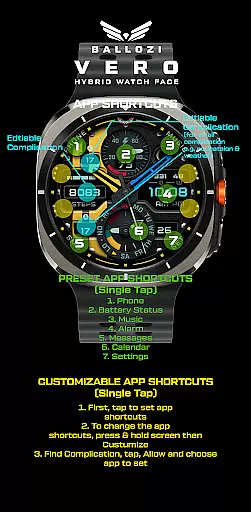
Advanced features include moon phase tracking, multiple date formats, and progress bars for health metrics. The application supports 2 editable complications, 7 preset app shortcuts, and 4 customizable shortcuts, allowing users to personalize their watch experience. The AOD Option 2 ensures essential information remains visible even in low-power mode.
Companion app integration is crucial for Android Wear applications as it ensures seamless synchronization between the smartwatch and its paired mobile device. BALLOZI VERO excels in this area by providing users with multiple installation options tailored to different devices.
The application offers clear, step-by-step guidance for installation on both Samsung and other Wear OS devices. For Samsung watches, users can access the newly installed watch face through the Galaxy Wearable app under Watch faces > Downloaded. Meanwhile, users of other Wear OS devices can find the watch face in their respective companion apps.
This streamlined integration allows users to customize their watch faces easily. By pressing and holding the display, users can access customization options directly from their watch. This feature enhances user experience by offering flexibility and control over the appearance and functionality of the watch face.
Device compatibility is a critical aspect of any Android Wear application, ensuring that the app functions optimally across various Wear OS devices. BALLOZI VERO is designed specifically for Wear OS 5.0 or higher (API level 34+), making it compatible with a wide range of modern smartwatches.
This compatibility ensures that users benefit from the latest features and optimizations available on their devices. The application leverages advanced capabilities such as heart rate monitoring, step counting, and battery status indicators, which are essential for a comprehensive wearable experience.
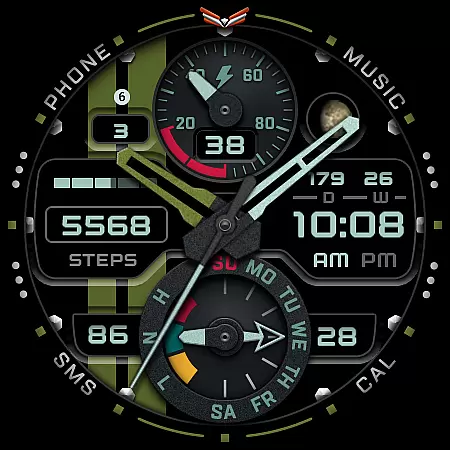
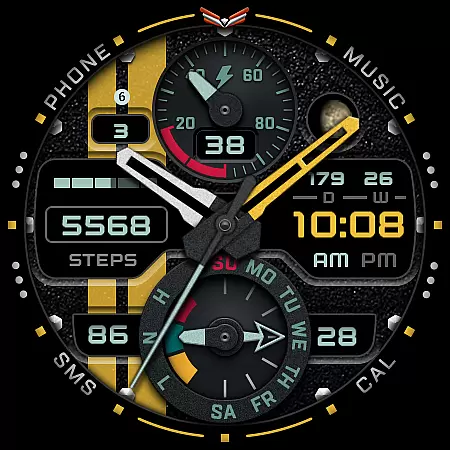
BALLOZI VERO also supports round watches exclusively, optimizing the design for this form factor. With ten background options, ten watch hand colors, and six second-hand colors, users can personalize their watch faces extensively. This attention to detail highlights the app's commitment to delivering a visually appealing and highly functional experience tailored to Wear OS devices.
Highly customizable
Comprehensive fitness tracking
Versatile display options
Extensive color choices
Multiple app shortcuts
Not suitable for square watches
Limited Wear OS compatibility
No built-in social features
Requires separate app management
Complex installation process

Wear Os Watch Face - Animated Snow Effect & Christmas Lights
 4.5
4.5
Highly customizable hybrid watch face for Wear OS, perfect for everyday use.
4.60
Christmas - Festive - Christmas Village - Winter - Christmas lights
5.00
Be an elegant and classy secret agent, with this carefully detailed watch face
4.70
sleep, alarm, snoring, stress, healing, focus, sound therapy, circadian rhythm
4.10
Monitor health with the stress test and pulse checker in the heart rate app.
4.60
Funny animated watch face for Thanksgiving
4.1
Viewer for Wyze/Yi/Eufy/Arlo/ONVIF/RTSP/P2P IP cams w/ adv. features & DIY DVR
4.00
Daily Weather forecast with 15 weather images for Day & Night plus Big Bold time
4.10
The Chevron App allows you to pay for fuel from the comfort of your car!
4.80
Nutrition, Macro tracker: Food, fitness & healthy diet tracking for weight loss
4.60
MyNISSAN® lets you remotely control your car from your phone.*
4.50
Deck out your Wear OS Watch face with a beautifully decorated pine wreath!
4.50
Embrace the holiday spirit with this magical animated watch face!
4.40
Bold weather Digital watchface with forecast & optional animated background
4.40
Find EV charging stations
4.30
Precision analog watch face with 7 complications and style options
4.0
A watch face that fuses motorsport precision with contemporary smartwatch design
4.3
Sleek, highly customizable watch face inspired by Galaxy Watch Circle Dashboard.
4.2


User Reviews