
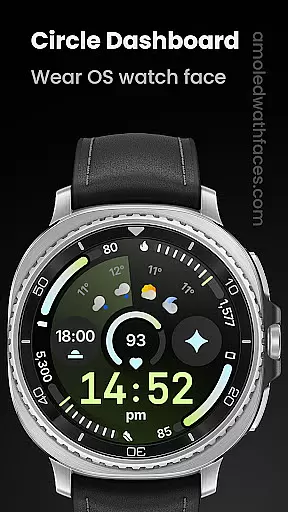
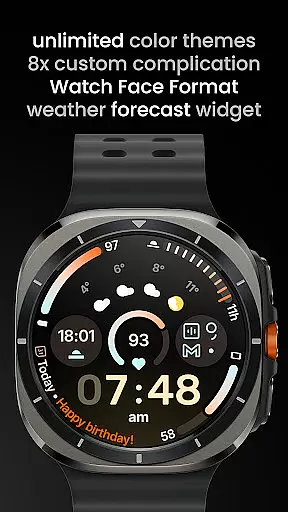
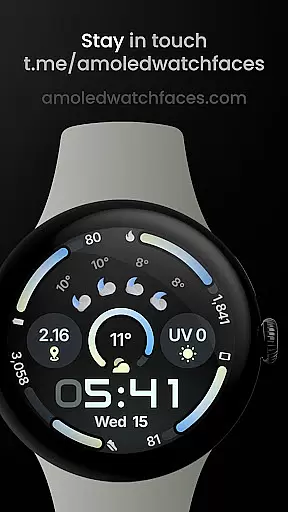
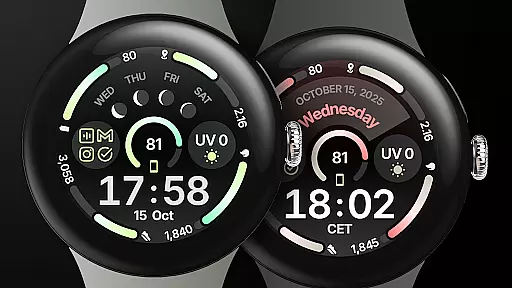
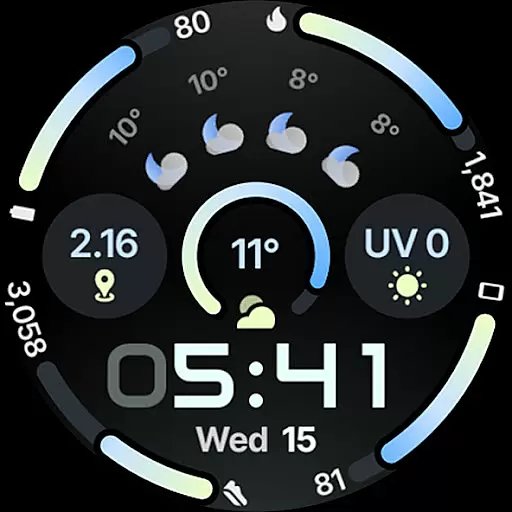
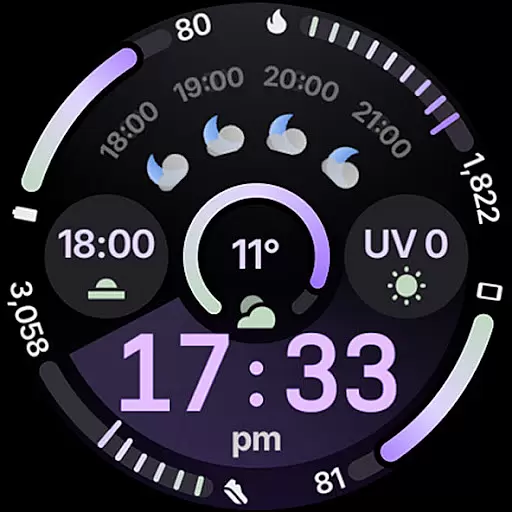
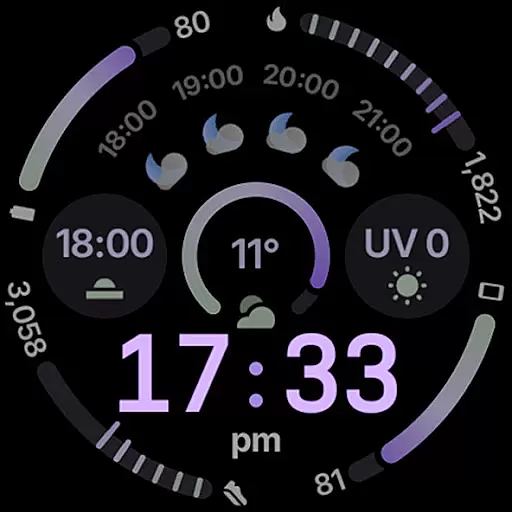
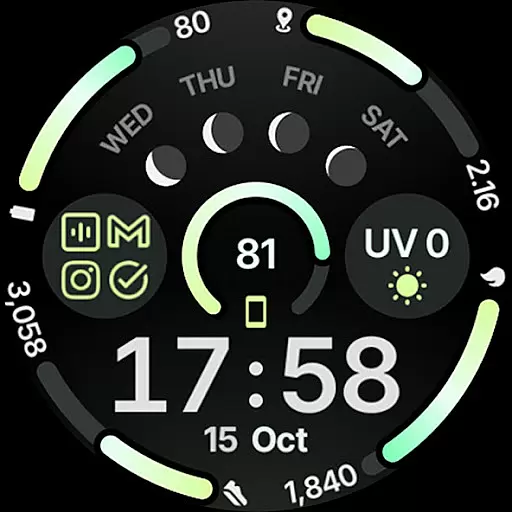
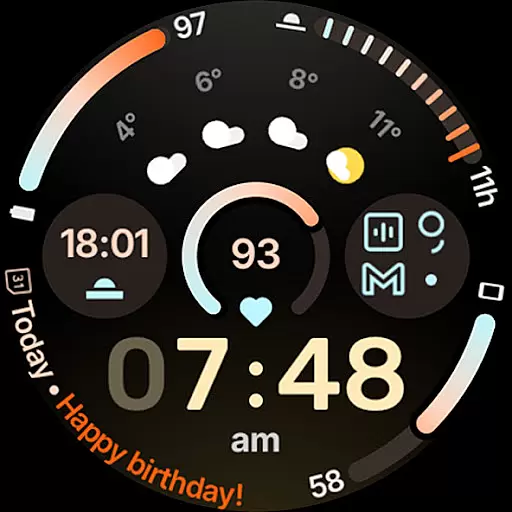
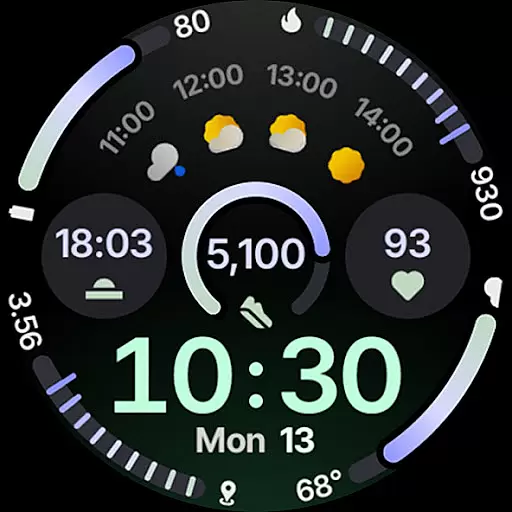
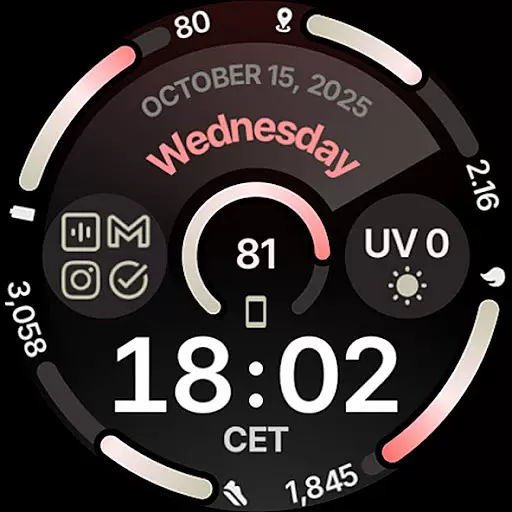
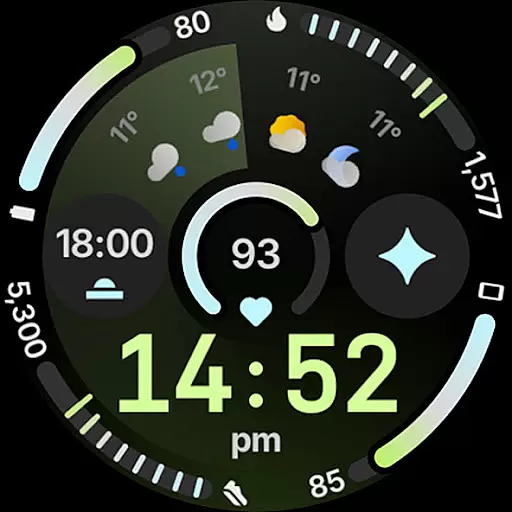
Circle Dashboard Watch Face is a feature-rich watch face designed exclusively for Wear OS 4+ devices. Inspired by the Galaxy Watch 8 series, it offers advanced customization options and supports multiple complications. The watch face provides users with an interactive and visually appealing interface that enhances their smartwatch experience.
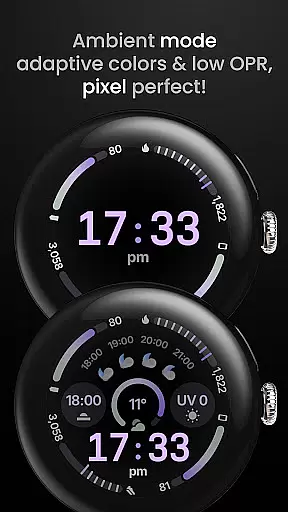
With support for various complication types, adaptive text sizing, and multiple always-on display styles, this watch face ensures both functionality and aesthetics. Its true black background and battery-friendly design make it ideal for AMOLED displays. Users can personalize their watch faces with different themes, fonts, and widgets to suit their preferences.
Circle Dashboard Watch Face stands out with its comprehensive feature set tailored for power users. It supports up to eight custom complication slots, allowing integration of essential information like weather forecasts and moon phases directly on the watch face. The implementation of Watch Face Format 4 ensures optimal performance and compatibility with future Wear OS versions.
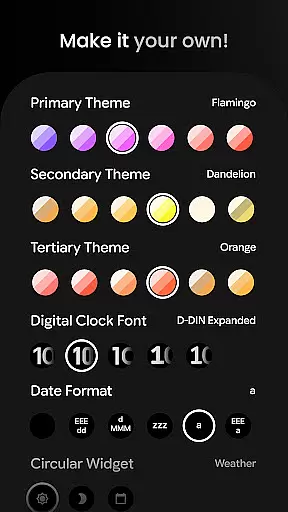
Unique capabilities include animated AOD transitions, material 3 progress bars, and customizable digital clock effects. Users can choose from over 60 theme combinations, multiple date formats, and various widget options. The inclusion of multilingual support and adaptive complication text size demonstrates the developer's attention to global accessibility and usability.
The application's configurability extends to secondary features such as weather provider selection, percentage type arcs, and vivid digital clock options. These features collectively create a personalized and functional wearable experience that adapts to various user needs and preferences.
Companion app integration is essential for wearable devices to synchronize data and settings with a smartphone. Circle Dashboard Watch Face offers seamless companion app integration, ensuring that users can easily manage their watch face settings directly from their mobile device.
This application supports advanced features such as custom complications, which allow users to display personalized information on their watch face. With the companion app, users can configure these complications, select from various data sources, and customize how the information is presented.
The companion app also provides access to over 60 theme options, multiple date formats, and digital clock fonts. This level of customization ensures that each user can tailor their watch face to match their personal style and preferences.
By leveraging the companion app, users benefit from an intuitive interface for setting adjustments, which enhances the overall usability of the watch face. The ability to fine-tune every aspect of the watch face from the convenience of a smartphone app greatly enriches the user experience.
Device compatibility is a critical factor when selecting a watch face for Wear OS devices. Circle Dashboard Watch Face is designed specifically for Wear OS 4+ devices, ensuring optimal performance and access to the latest features available on this platform.
This watch face takes full advantage of the capabilities offered by Wear OS, including support for up to eight custom complication slots and adaptive complication text size. These features are only possible due to the tight integration with Wear OS, providing users with dynamic and informative displays on their smartwatch.
Furthermore, the watch face boasts additional functionalities like animated always-on display entering and vivid digital clock effects, which are exclusive to Wear OS 6+. Such innovations highlight the importance of choosing a watch face that is fully compatible with your specific device version.
With its wide range of supported devices and commitment to staying current with Wear OS advancements, Circle Dashboard Watch Face guarantees a future-proof solution for tech-savvy individuals seeking both functionality and style in their wearable technology.
Highly Customizable
Battery Efficient
Modern Design
Feature Rich
Professional Support
Wear OS 4+ Only
Complex Setup
Premium Features
Weather Complication
Learning Curve

Embrace the holiday spirit with this magical animated watch face!
 4.40
4.40
Be an elegant and classy secret agent, with this carefully detailed watch face
4.70
Find EV charging stations
4.30
The Chevron App allows you to pay for fuel from the comfort of your car!
4.80
Bold weather Digital watchface with forecast & optional animated background
4.40
Daily Weather forecast with 15 weather images for Day & Night plus Big Bold time
4.10
Your local weather forecast, storm tracker, radar maps & live weather news
3.40
Start and succeed with PAP
4.10
Toyota app currently supports 2010 or newer vehicles (2018 or newer for Hawaii).
4.50
Christmas - Festive - Christmas Village - Winter - Christmas lights
5.00
A modern hybrid informative watch face for Wear OS designed by BALLOZI
4.80
Gym & home workout plans with strength training, exercise tracking, HIIT & more.
4.60
To-Do List: daily schedule planner, task organizer, to do reminder app, calendar
4.60
Real-time results, stats, schedules and player profiles for all leagues
4.60
Premium hybrid watch face with many customizations for Wear OS devices.
4.40
Let's celebrate Thanksgiving - Wear Os watch face
4.20
Authentic military-tactical design with ZULU time! Realistic and functional!
3.80
Stay in touch with your friends and family using LINE!
3.40
Simple Analog-Digital Watchface For Wear OS 3.0 and Up Smartwatches
4.3


User Reviews